Mobile Design
Learn mobile UI/UX patterns, workflows, and platform-specific strategies to create exceptional, user-friendly mobile experiences across different devices.
About this course
Mobile devices have become a ubiquitous part of our daily lives, with more than 85% of the world's population using them regularly. As a result, mobile design has become an increasingly important aspect of digital design, requiring designers to understand the unique characteristics and constraints of mobile platforms.
In this comprehensive course on mobile design, you will learn the fundamental skills needed to excel as a mobile designer. The course begins with an introduction to mobile design principles and user interface guidelines for both iOS and Android operating systems. You will then dive into the specifics of designing for mobile devices, including mobile platform nuances, mobile accessibility, and designing for different screen sizes.
Throughout the course, you will explore the essential components of mobile design, such as layouts, typography, colors, and icons. You will also learn about designing for touch, mobile app design patterns, and responsive design. Additionally, the course will cover mobile design deliverables, including wireframes, prototypes, and user testing.
By the end of this course, you will have gained the knowledge and practical skills necessary to create visually compelling, user-friendly, and engaging mobile designs that meet the unique needs and preferences of users. Whether you're starting a career in mobile design or looking to enhance your existing skills, this course is perfect for you.
Details

Prerequisites
Skills you’ll gain with course:
Topics covered
Syllabus
Basics of Mobile Design



Level Test
Mobile UI & UX







Level Test
Mobile Patterns





Level Test
Mobile Design Workflow



Level Test
Platforms & Devices






Level Test
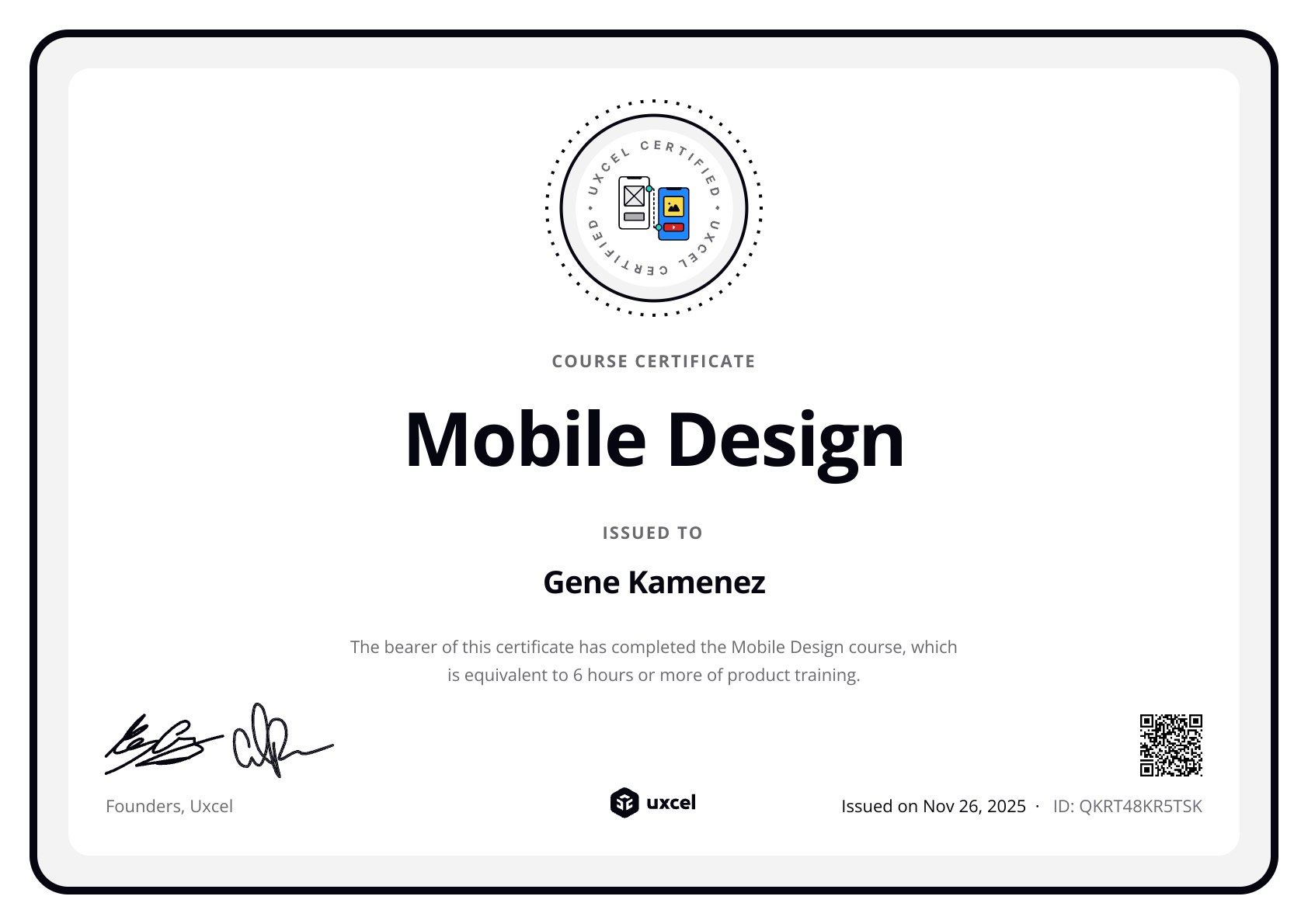
Earn a certificate of completion
Meet your course instructor
Hi, I’m Gene. If bootcamps and scattered tutorials haven’t worked for you, you’re not alone. They promise a lot but often leave you with theory you can’t use and skills that feel outdated before you even start applying them.
I taught myself design by doing. Over 15 years, I freelanced, joined startups, worked in enterprise, made mistakes, and learned what actually matters. That journey led me to co-found Uxcel — an all-in-one platform for designers, product managers, and other product professionals to build their skills effectively, even with busy lives.
Over the past 6 years I’ve watched how over 500K professionals grew their skills and career with Uxcel. Self-paced learning, bite-sized lessons, and a gamified experience help you learn faster. No rigid schedules. Five minutes a day is enough to make real progress. You build a habit of continuous learning — something that’s no longer optional with AI changing how product teams work.
Our courses cover design, product management, and AI. Whether you’re starting out, switching careers, or already working in product, the goal is the same: step beyond your core role, build cross-functional skills, and collaborate more effectively with your team. AI gives you leverage, but you still need strong foundations to use it well.
What you learn here shows up in real work. Let’s start growing your skills.
Loved by learners from world’s top companies





Related courses

UX Design Foundations


Introduction to Figma

Core UI Components

FAQs
In this comprehensive Mobile Design course, you'll learn the fundamental skills needed to excel as a mobile designer. We'll start with an introduction to mobile design principles and user interface guidelines for both iOS and Android operating systems. You'll also learn about designing for touch, mobile app design patterns, and responsive design.
Throughout the course, you'll explore the essential components of mobile design such as layouts, typography, colors, and icons. Additionally, we'll cover mobile design deliverables including wireframes, prototypes, and user testing. By the end of the course, you'll have gained the knowledge and practical skills necessary to create visually compelling, user-friendly, and engaging mobile designs that meet the unique needs and preferences of users.
The average time to complete the course is around 6 hours. However, it's important to note that the duration may vary depending on your availability and pace. You can take your time to explore each topic thoroughly and complete the course at your own pace without feeling rushed. Our aim is to provide you with a comprehensive learning experience that caters to your needs and schedule.
In addition to the theory and practical knowledge provided in the course, you will have the opportunity to put your skills to the test with various design challenges. These challenges, such as Dark Mode Design, Microinteraction Design, Smartwatch Design, Onboarding Flow, and Permission Request Wireflow, will allow you to practice designing for mobile interfaces and refine your skills. By completing these challenges, you will gain valuable hands-on experience in mobile design and be able to apply what you've learned in real-world situations.
For new learners, the first level of each course is available free of charge! This allows you to experience the course without any initial investment.
However, if you're seeking a deeper and more comprehensive learning journey, we recommend our Pro Membership. With this subscription, you gain full access to all our courses, which includes additional lessons, engaging design challenges, and thorough assessments.
Additionally, Pro Membership entitles you to receive a certificate upon completion of a course and personalized feedback from experts for all your challenge submissions. To explore the pricing details and find the best plan for your learning needs, please visit our pricing page.