Introduction to Figma
Learn essential Figma tools like layers, styling, typography, and images. Master the basics to create clean, user-friendly designs
About this course
Figma has revolutionized the design world, becoming the go-to tool for many professionals. It's intuitive, feature-packed, and runs directly in your web browser — making collaboration easier than ever. Whether you're designing, reviewing, or discussing ideas, Figma simplifies teamwork and communication, allowing all stakeholders to contribute seamlessly.
This course is your gateway to mastering Figma, whether you're just starting or looking to sharpen your skills. It’s perfect for beginners, but even if you’ve used Figma before, you’ll pick up valuable tips and techniques to enhance your workflow.
You'll begin with the fundamentals, such as understanding Figma’s main interface, collaborating on projects, and securely sharing your designs. As you progress, you'll learn to efficiently organize layers, align elements, and use grids and typography for more structured, polished designs. We’ll also show you how to make your designs pop with colors, gradients, and shadows, while perfecting font use and text styling to bring your visuals to life.
Whether you're a designer, product manager, or marketer, understanding Figma can significantly improve how you create, review, and collaborate on digital products. By the end of this course, you’ll have the essential skills to navigate Figma with confidence and enhance your team's collaborative design efforts.
Details

Prerequisites



Skills you’ll gain with course:
Topics covered
Syllabus
Figma Basics


Level Test
Creating Layers on Figma


Level Test
Working with Layers on Figma

Level Test
Color, Images, & Styling in Figma



Level Test
Typography on Figma

Level Test
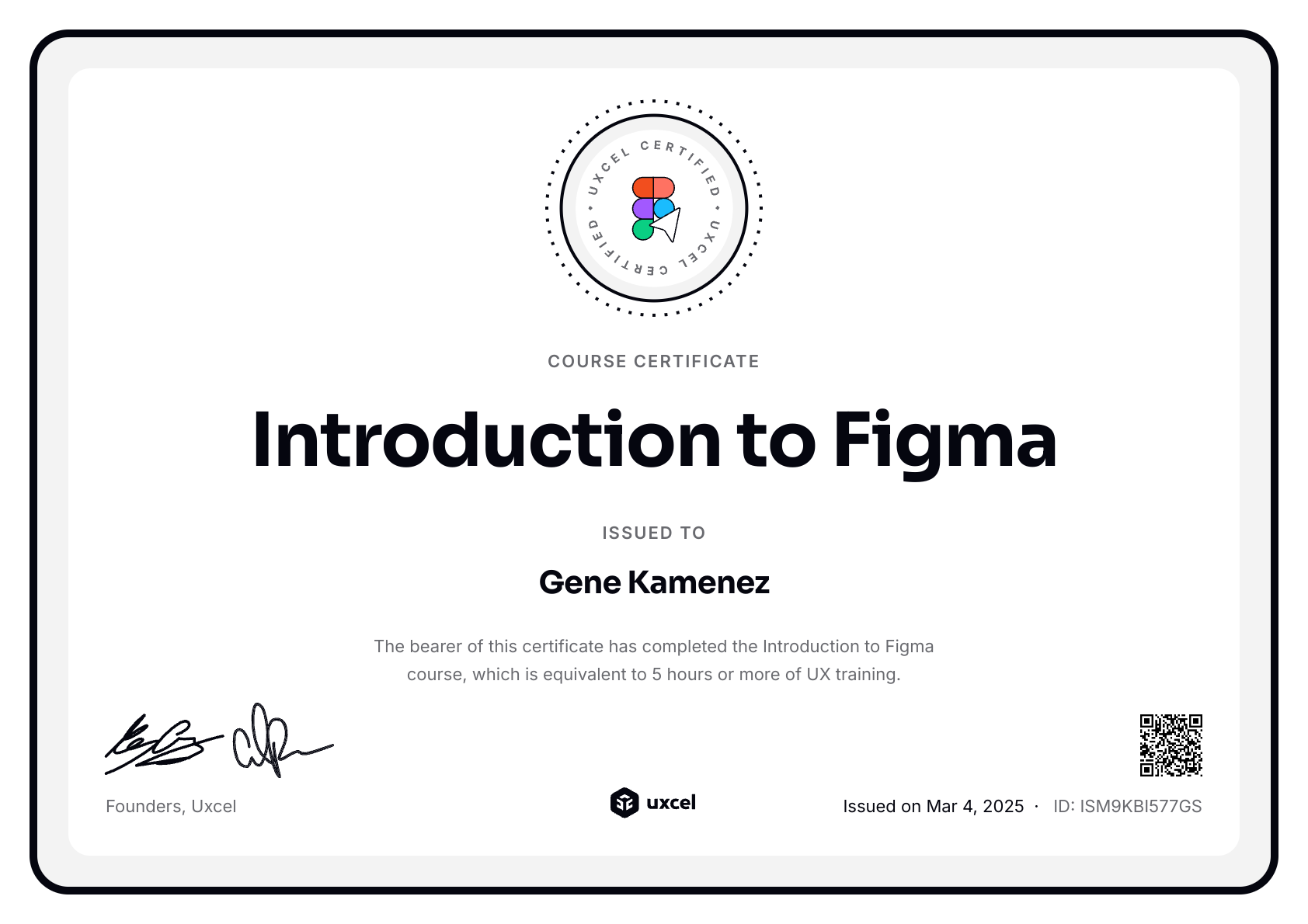
Earn a certificate of completion
Meet your course instructor
Hi, I’m Gene. If bootcamps and scattered tutorials haven’t worked for you, you’re not alone. They promise a lot but often leave you with theory you can’t use and skills that feel outdated before you even start applying them.
I taught myself design by doing. Over 15 years, I freelanced, joined startups, worked in enterprise, made mistakes, and learned what actually matters. That journey led me to co-found Uxcel — an all-in-one platform for designers, product managers, and other product professionals to build their skills effectively, even with busy lives.
Over the past 6 years I’ve watched how over 500K professionals grew their skills and career with Uxcel. Self-paced learning, bite-sized lessons, and a gamified experience help you learn faster. No rigid schedules. Five minutes a day is enough to make real progress. You build a habit of continuous learning — something that’s no longer optional with AI changing how product teams work.
Our courses cover design, product management, and AI. Whether you’re starting out, switching careers, or already working in product, the goal is the same: step beyond your core role, build cross-functional skills, and collaborate more effectively with your team. AI gives you leverage, but you still need strong foundations to use it well.
What you learn here shows up in real work. Let’s start growing your skills.
Loved by learners from world’s top companies





Related courses
Introduction to Design Systems


UX Design Foundations


Design Composition
FAQs
This course is designed to introduce you to Figma, a leading design tool used by professionals around the world. It covers everything from the basics of navigating the Figma interface to more advanced techniques like styling with colors and shadows. By the end of the course, you'll be able to create simple designs, collaborate with team members, and apply fundamental design principles to your projects.
This course is ideal for anyone interested in digital design, whether you're a complete beginner or a professional looking to refresh your skills. It's especially useful for those new to Figma or those who want to solidify their understanding of its features and capabilities.
While beginners can start this course with no prior experience in Figma, it's recommended to have some basic knowledge of design principles. If you're completely new to design, you might find it helpful to first explore courses like UX Design Foundations and UI Components Parts I, and UI Components II. These will give you a good grounding in design basics, making it easier to grasp the concepts taught in the Intro to Figma course.
For new learners, the first level of each course is available free of charge! This allows you to experience the course without any initial investment.
However, if you're seeking a deeper and more comprehensive learning journey, we recommend our Pro Membership. With this subscription, you gain full access to all our courses, which includes additional lessons, engaging design challenges, and thorough assessments.
Additionally, Pro Membership entitles you to receive a certificate upon completion of a course and personalized feedback from experts for all your challenge submissions. To explore the pricing details and find the best plan for your learning needs, please visit our pricing page.