Ghost in the kitchen

Why a Cooking App?
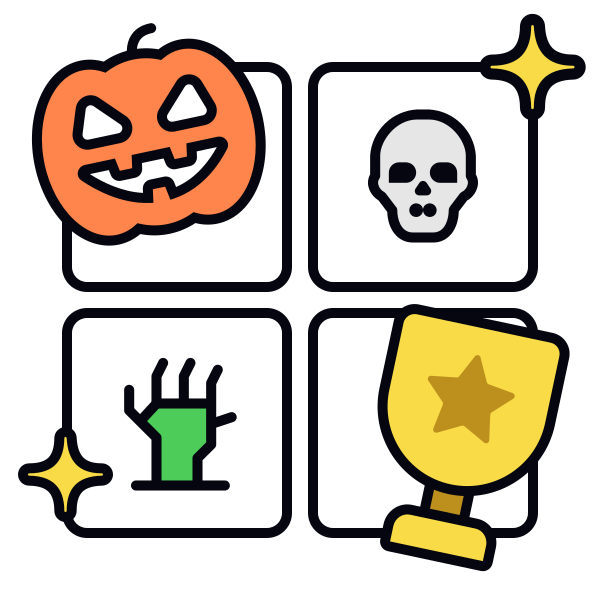
When I first saw the design challenge to create Halloween-themed icons, I knew I wanted to pick a theme that could really embrace the spirit of the season while remaining practical for users. I chose a cooking app because it offered a fun mix of familiar elements (like recipes, ingredients, and kitchen tools) that I could creatively transform into spooky, Halloween-themed icons.
Research
Before starting, I spent time researching both Halloween symbols and the specific needs of cooking apps. I looked at popular Halloween imagery—bats, pumpkins, witches, and haunted houses—and considered how they could be integrated into icons for functions like “Home,” “Search,” or “Favorites.”
I reviewed accessibility guidelines, focusing on color contrast and legibility in different modes (light and dark) to make sure the icons would be clear and usable for all users.
Handling Challenges
The biggest challenge was balancing creativity with clarity. While it was tempting to go all out with the spooky theme, I had to remember that these icons needed to be functional above all else. Ensuring that the icons worked well in different lighting modes and stayed intuitive to users was essential. This process made me focus on accessibility and user experience, rather than just aesthetics.
My Thoughts
This project was a fun yet challenging experience. I loved working with a Halloween theme because it allowed me to push my creativity while also solving practical design problems. The end result was a set of fun, festive icons that made the cooking app feel fresh and engaging during Halloween, without losing its core functionality.
Reviews
7 reviews

Thanks for your sub, Vasi!
You did an amazing job! Your attention to detail is five stars. I love that. The only thing that I can add is that in your pitch, the instruction icon, the smallest icon is an unmodified standard paper icon, and in your prototype is the next level-up icon, which is better, in my opinion.
Great vibes only!

Hi Vasilena! Great work with strong presentation! The icons are well-scaled, high-quality, and the colour choices are accessible. However, the project feels a bit too safe and could benefit from more creative flair. Small enhancements, such as interactive icon animations, bolder colour palette, or an eye-catching interface, could elevate the project further.
A few things to consider:
- In light mode, the yellow switch handle isn’t fully accessible, and it’s the only element where this colour appears. Consider choosing a more visible colour and incorporating it consistently across the design.
- The purpose of some icons isn’t immediately clear. Adding a section to explain their meanings would enhance clarity and user understanding.
You've established a solid and reliable foundation—now it's time to incorporate creative touches to make the project truly stand out! 🧙🏻
Great work overall
/Yuliia

nice work

Hi Vasilena, I've gone through the full case study, the presentation is amazing, loved that!
But I feel, some final UI screens can be added there just for us to see those apart from the video you've added.
Rest, the colors, the typography and the top animation - top notch :)

This Halloween icon set is fantastic.The designs are vibrant, each icon perfectly captures the spirit of Halloween. Great job!

I really love what you have done with your Icon set! They are nice and simple and feel consistent and you have presented everything really well! really great job :)

Great work! Loved your presentation and the full process. The attention to detail is great, the scaling of the icons is a nice touch and really liked how you explained the process.
The only thing I would improve is the thumbnail, it looks a bit boring and the project inside looks amazing. Good job!
I love how the detail level of the icons gradually increases in accordance with icon size.
I believe this project is the closest to the original brief!
Great job!
You might also like

Improving Dating App Onboarding: A/B Test Design

FORM Checkout Flow - Mobile


A/B Test for Hinge's Onboarding Flow


Accessibility Asse


The Fitness Growth Engine


The Relational Workspace

Visual Design Courses

UX Design Foundations


Introduction to Figma

Design Terminology
