Types of UI Buttons
Choose button shapes and styles that match your brand's personality and guide users to act
Button styling isn't decoration. The shape, corners, and formatting you choose affect how users perceive an action and whether they trust it enough to click. Sharp corners feel formal and reliable. Rounded edges feel approachable. Pill shapes feel playful. These aren't arbitrary associations. They're rooted in how people respond to visual shapes, and they influence behavior whether users are aware of it or not.
Beyond shape, there's the practical side: how labels and icons sit inside a button, how much padding they need, where dropdowns make sense, when floating action buttons help versus clutter. Small formatting decisions compound. A well-styled button feels obvious and inviting. A poorly styled one creates hesitation or gets ignored entirely.

Sharp-corner
According to the psychological Bouba/Kiki effect, over 95% of people associate edgy, jagged objects with words like "Kiki" that don't require a large opening of your lips. In contrast, words that people pronounce with widely open, rounded lips, like "Bouba," are associated with curve-outlined shapes.[1] More importantly, sharp shapes feel more rigid and severe, while soft-edged shapes feel more friendly and easy-going.
Sharp-corner buttons may be a good solution for an insurance company website but could appear too harsh for a site selling blankets, clothing, and gifts for babies.
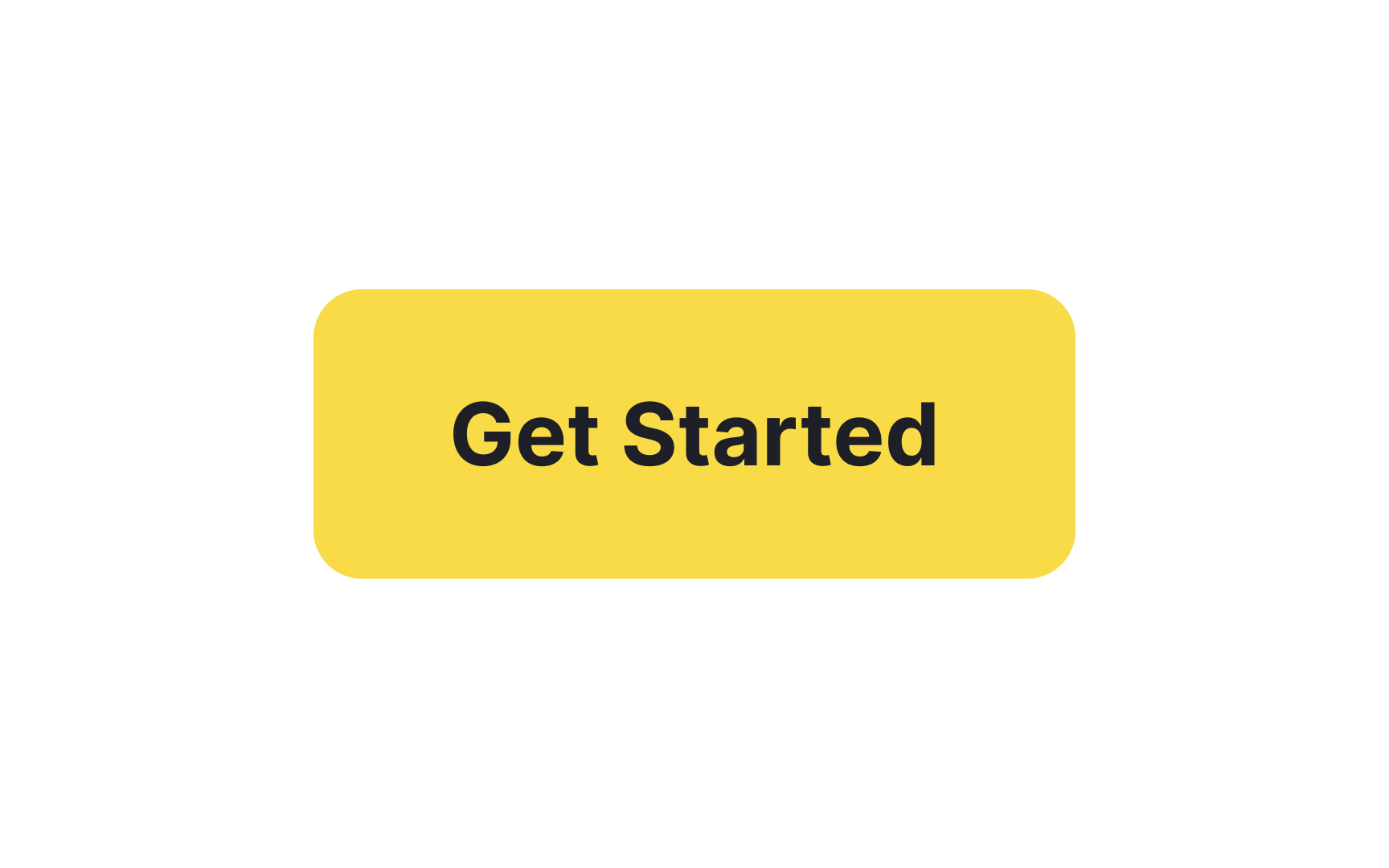
Rounded
During a study conducted by neuroscientists from the Zanvyl Krieger Mind/Brain Institute at Johns Hopkins University, visitors to the Walters Art Museum in Baltimore were presented with a series of abstract images. After that, they were asked to vote for the most preferred and least preferred shape. The majority of visitors chose shapes with gentle curves over those with sharp points.[2]
Rounded buttons will help you introduce the friendly personality of your brand and ensure safety and trust.
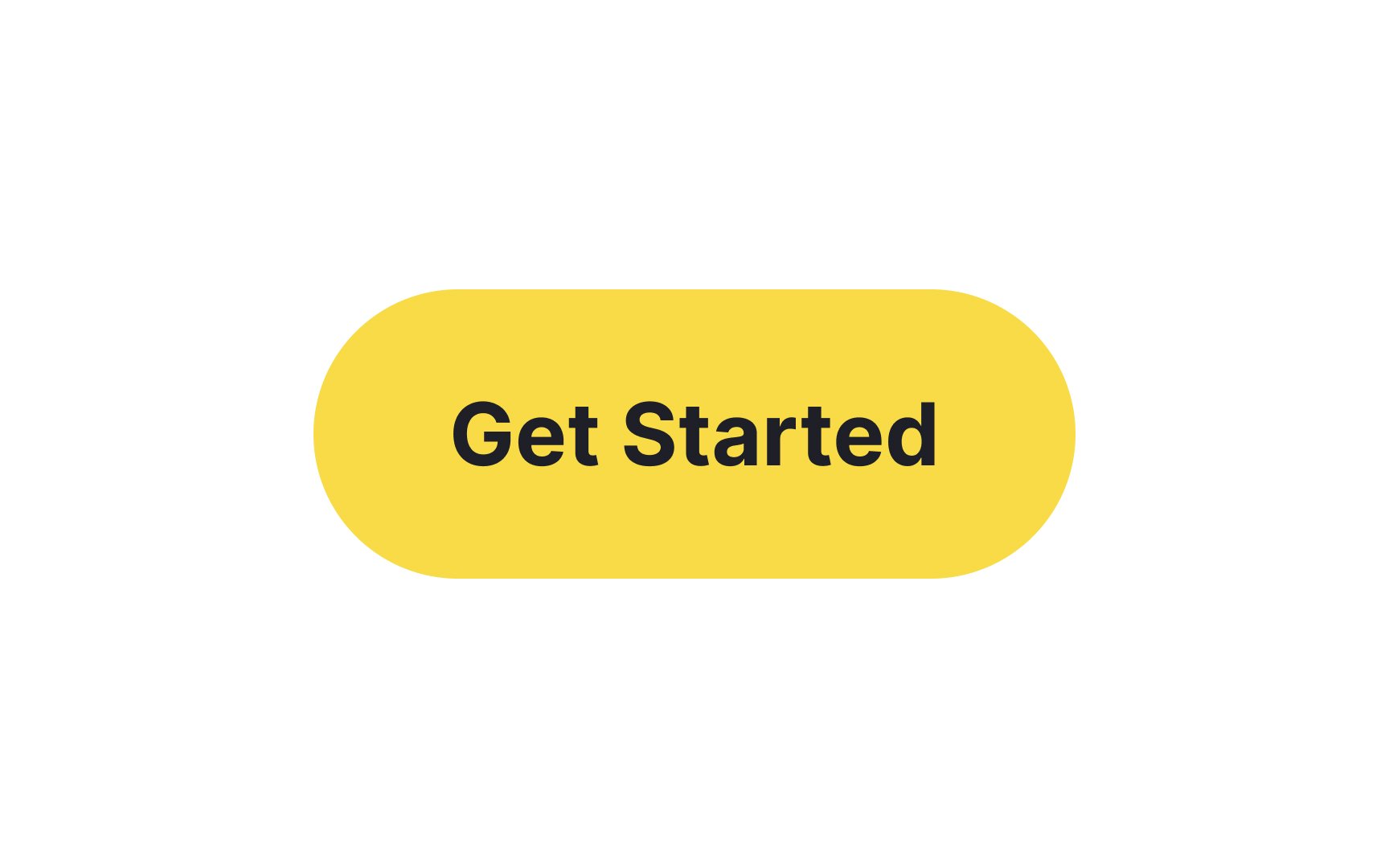
Pill
But crafting a great pill button involves more than just rounding the corners:
- Set your border radius to half the button's height to achieve that signature pill look.
- Don't overlook the
label ; it needs space to breathe. - Increase the button's horizontal
padding to ensure that your text label sits comfortably within the button, enhancing readability and touchability.
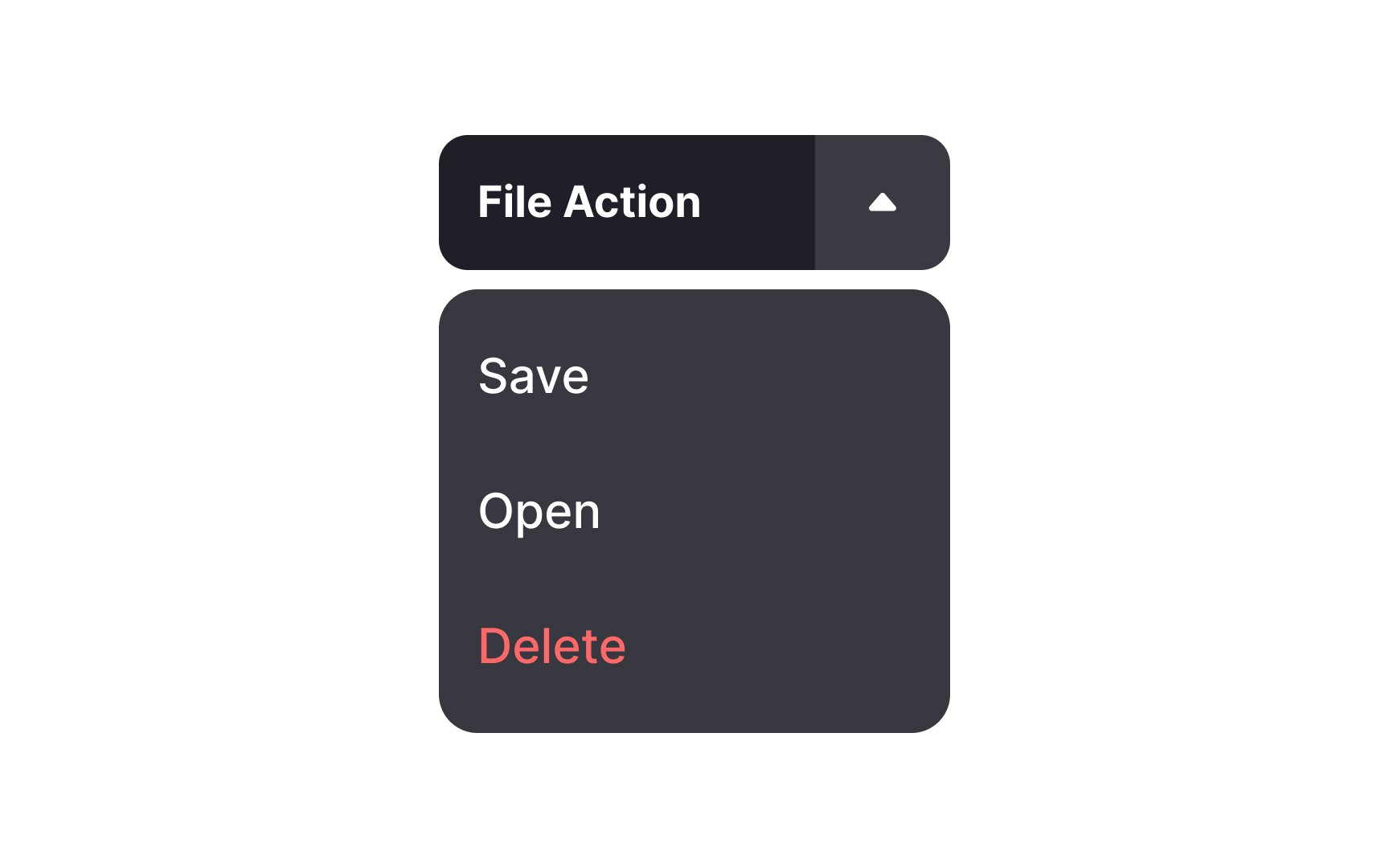
This can be a real advantage when screen real estate is at a premium or when you want to offer secondary actions without overwhelming users. However, it's crucial to ensure the dropdown only contains related actions and doesn't serve as a catch-all bucket. The aim is to make users' decisions easier, not more complicated.
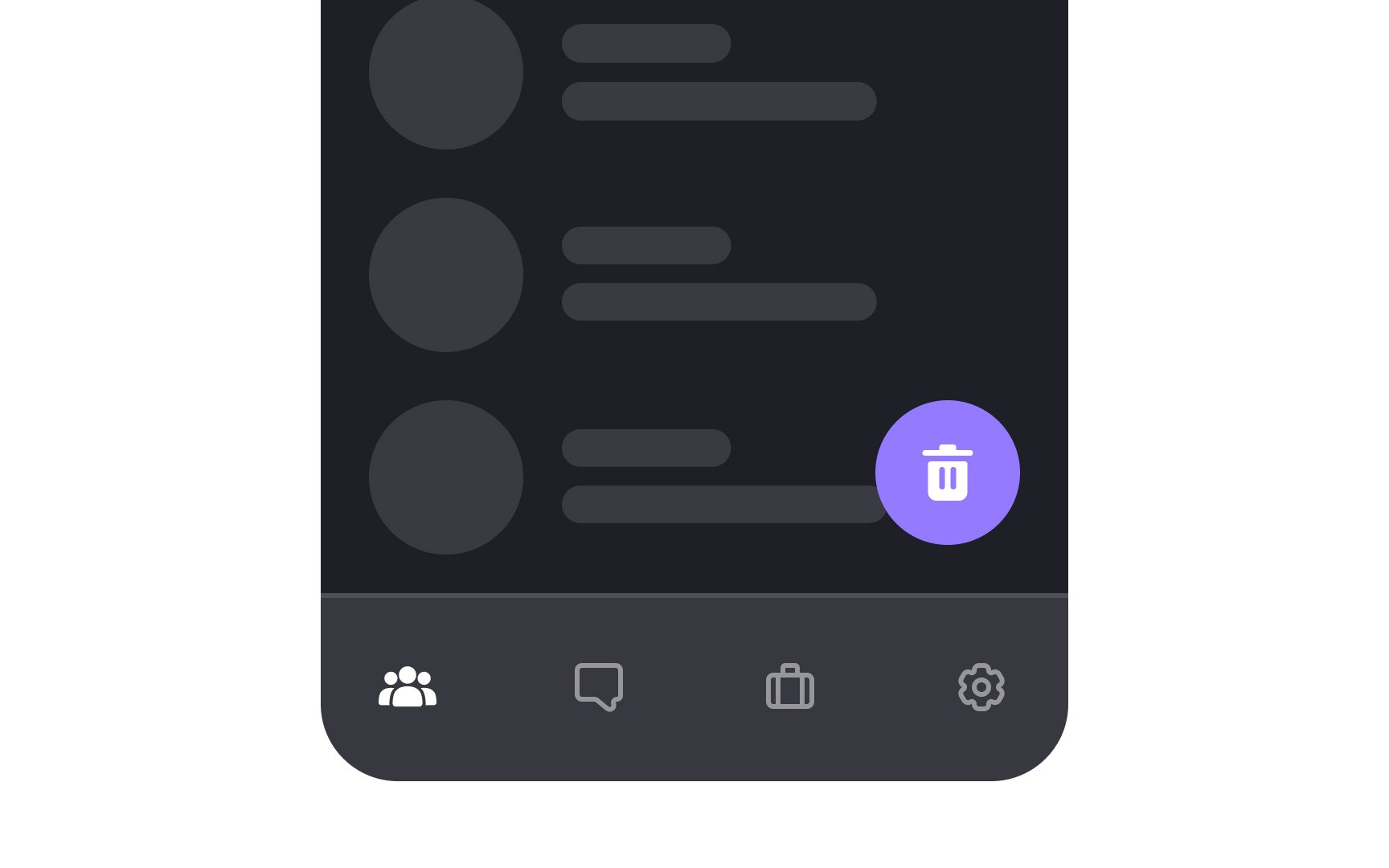
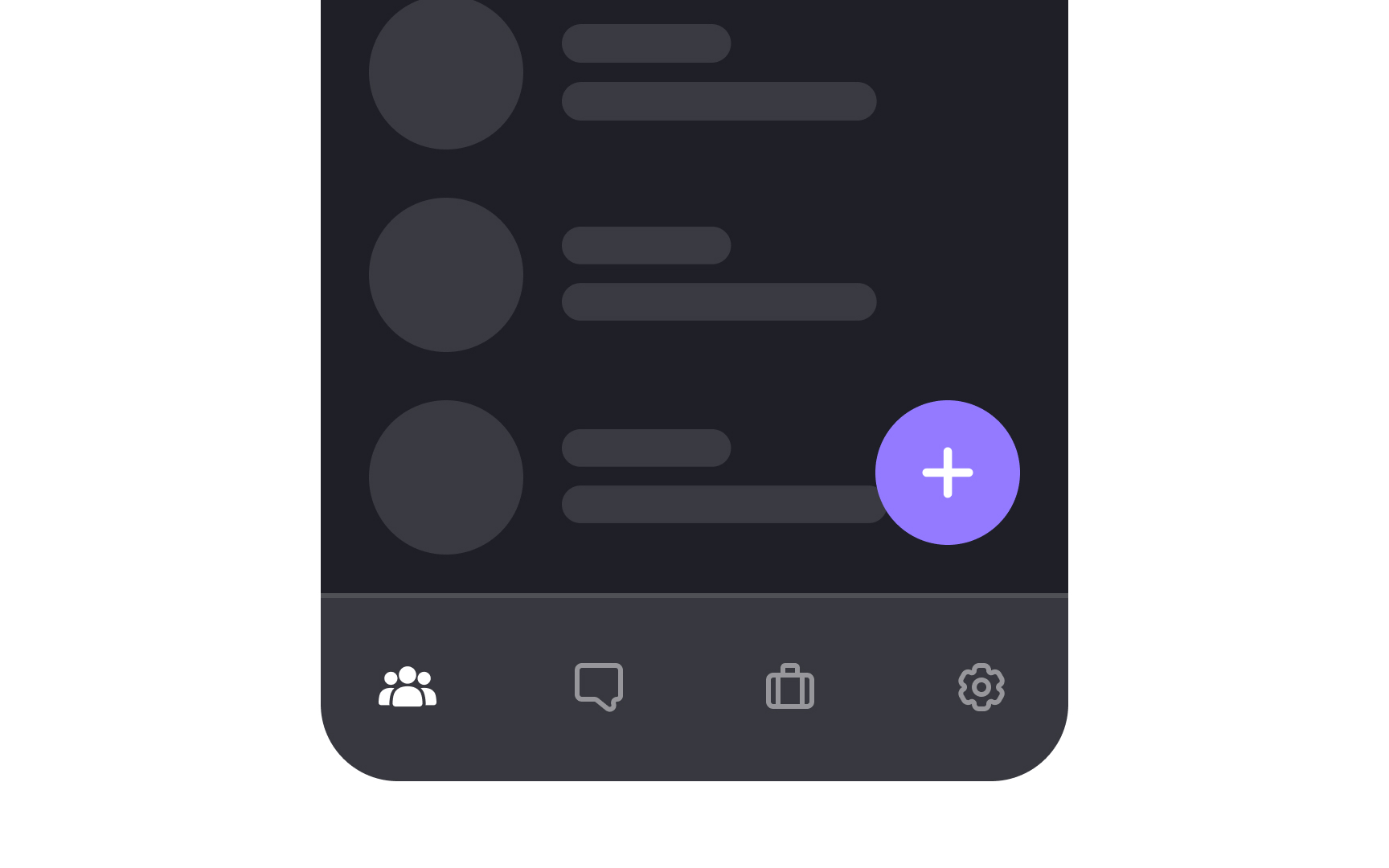
To make FABs as useful as possible, connect them to your app's most popular and needed functionality, such as adding a post or
To incorporate brand buttons in your design:
- Always consult the brand's guidelines: This ensures you're using the correct color, logo, and other assets.
- Place them thoughtfully: Usually, brand buttons go where the related action will take place, such as in a login or checkout section.
It's tempting to tweak these buttons to better match your design, but resist that urge. Deviating from the established look can confuse users and may even violate usage guidelines set by the brand. The primary role of a brand button is to establish trust and prompt action, so keeping their original design intact is crucial for user engagement.
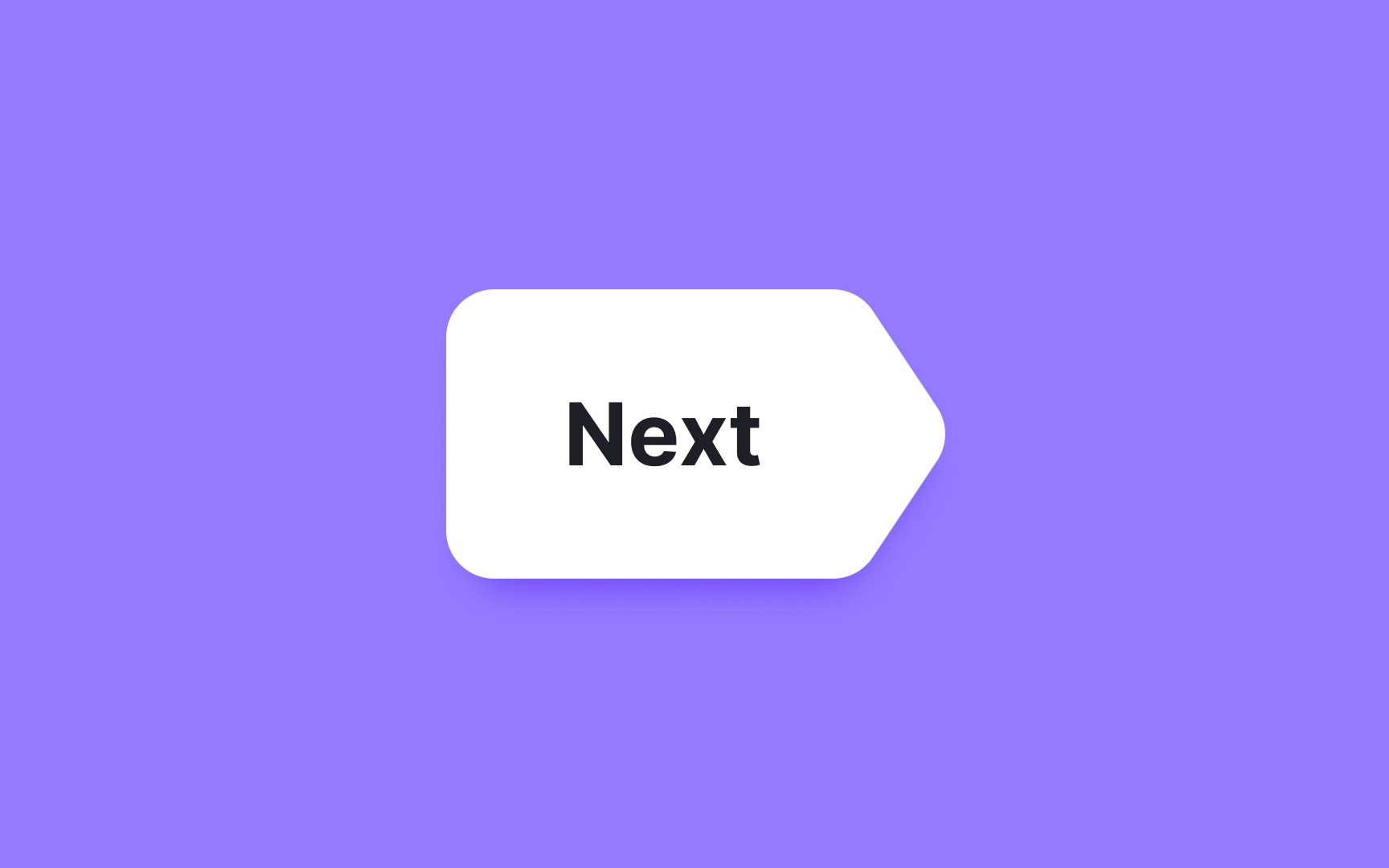
Custom-shaped
The unconventional shape should amplify its purpose, not obscure it. Utilize visual cues like
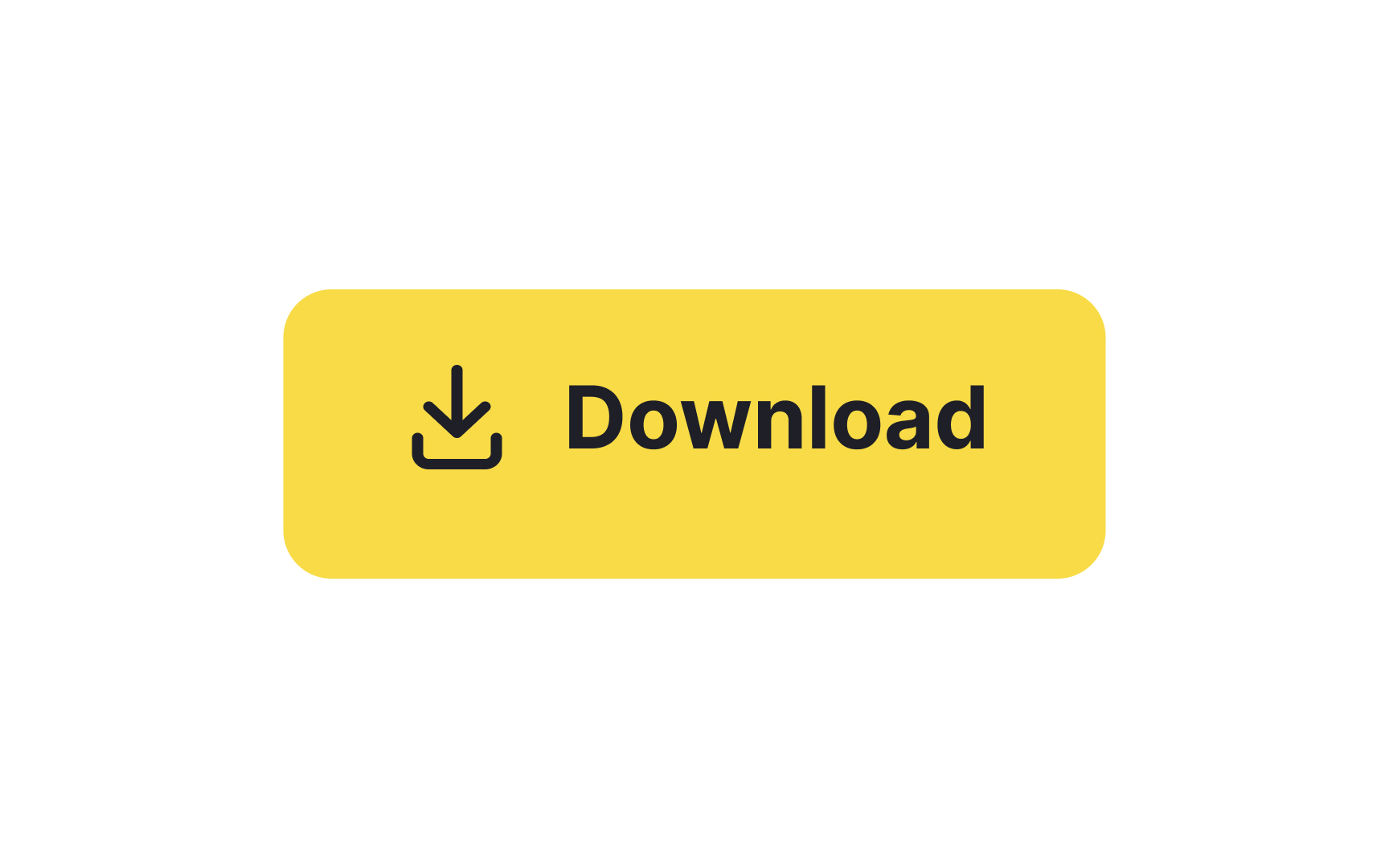
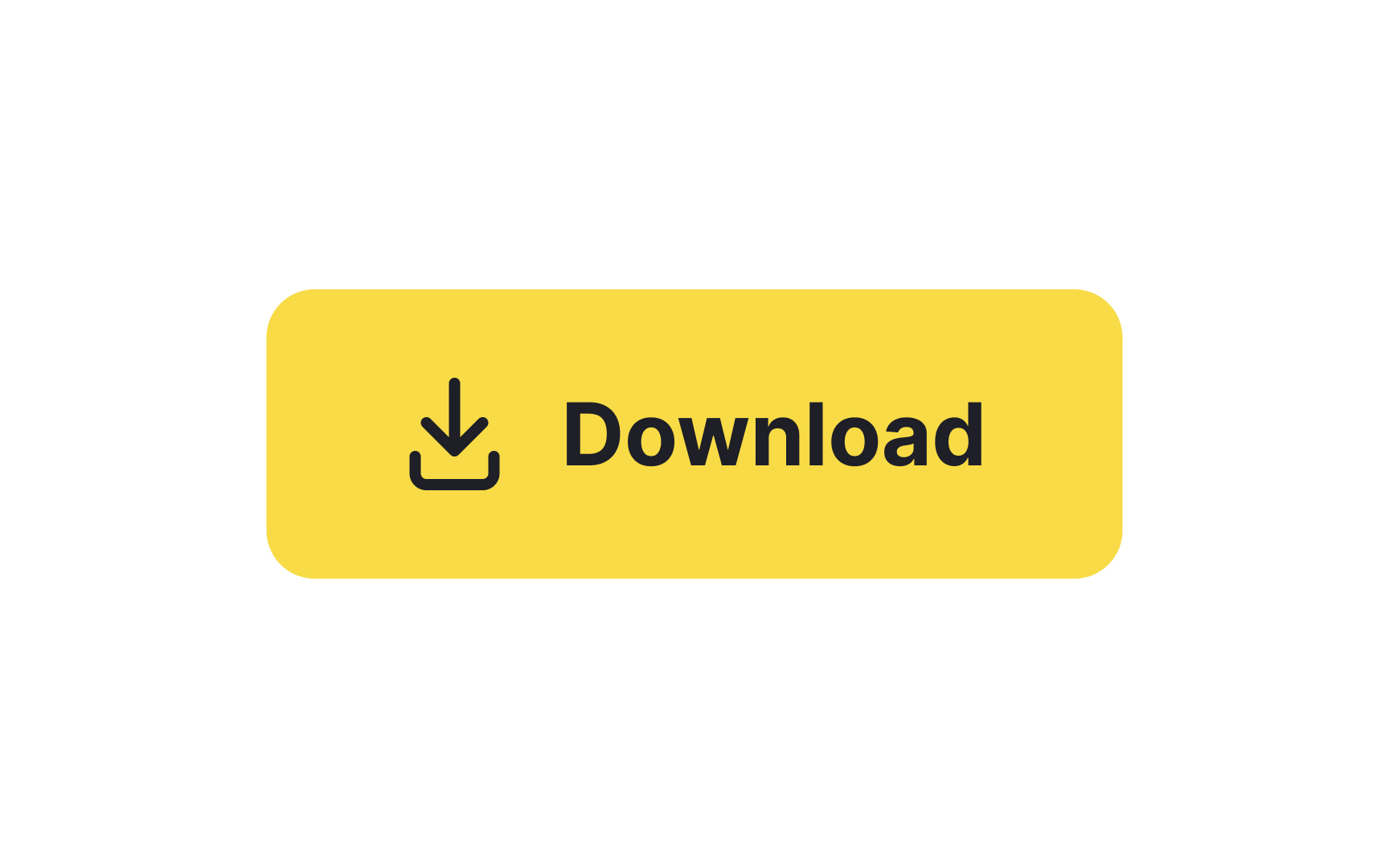
A well-balanced button is more than just a pretty element; it helps users navigate with ease. To achieve this, always center your button
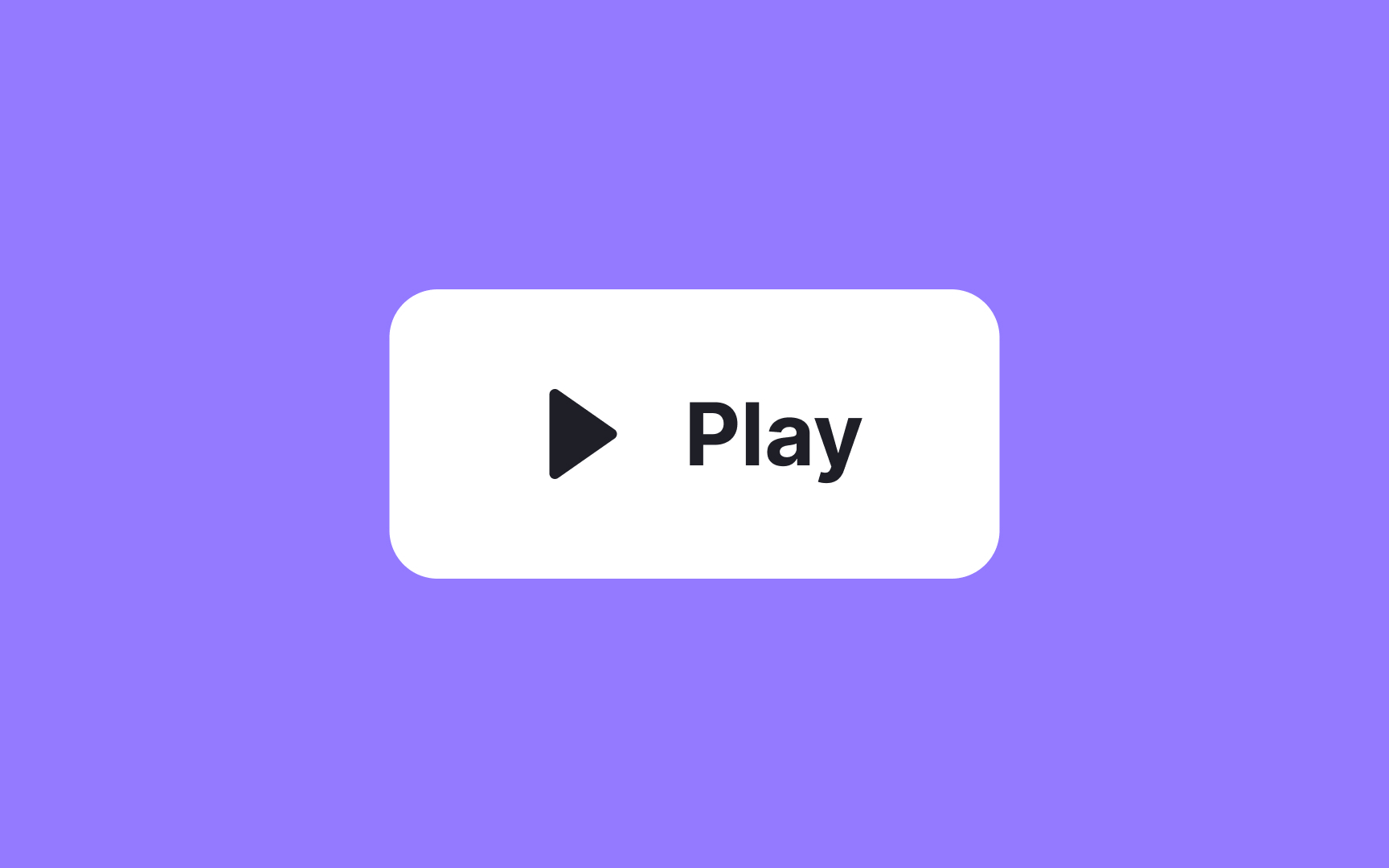
When you're designing
References
- The bouba/kiki effect: how do we link shapes to sounds? | the Guardian
- Do Our Brains Find Certain Shapes More Attractive Than Others? | Smithsonian Magazine
Top contributors


Topics
From Course
Share


Similar lessons
Common UI Components Part I
Image Terminology