Customer-service chats
Chats have several key advantages:
- Less personal than calls with lower emotional investment
- Allow users to compose and edit messages before sending, benefiting non-native speakers
- Enable multitasking while waiting for responses
- Provide time for thorough consideration of information
- Save conversation history for future reference via email
Designers often overlook chat functionality, particularly regarding mobile placement.
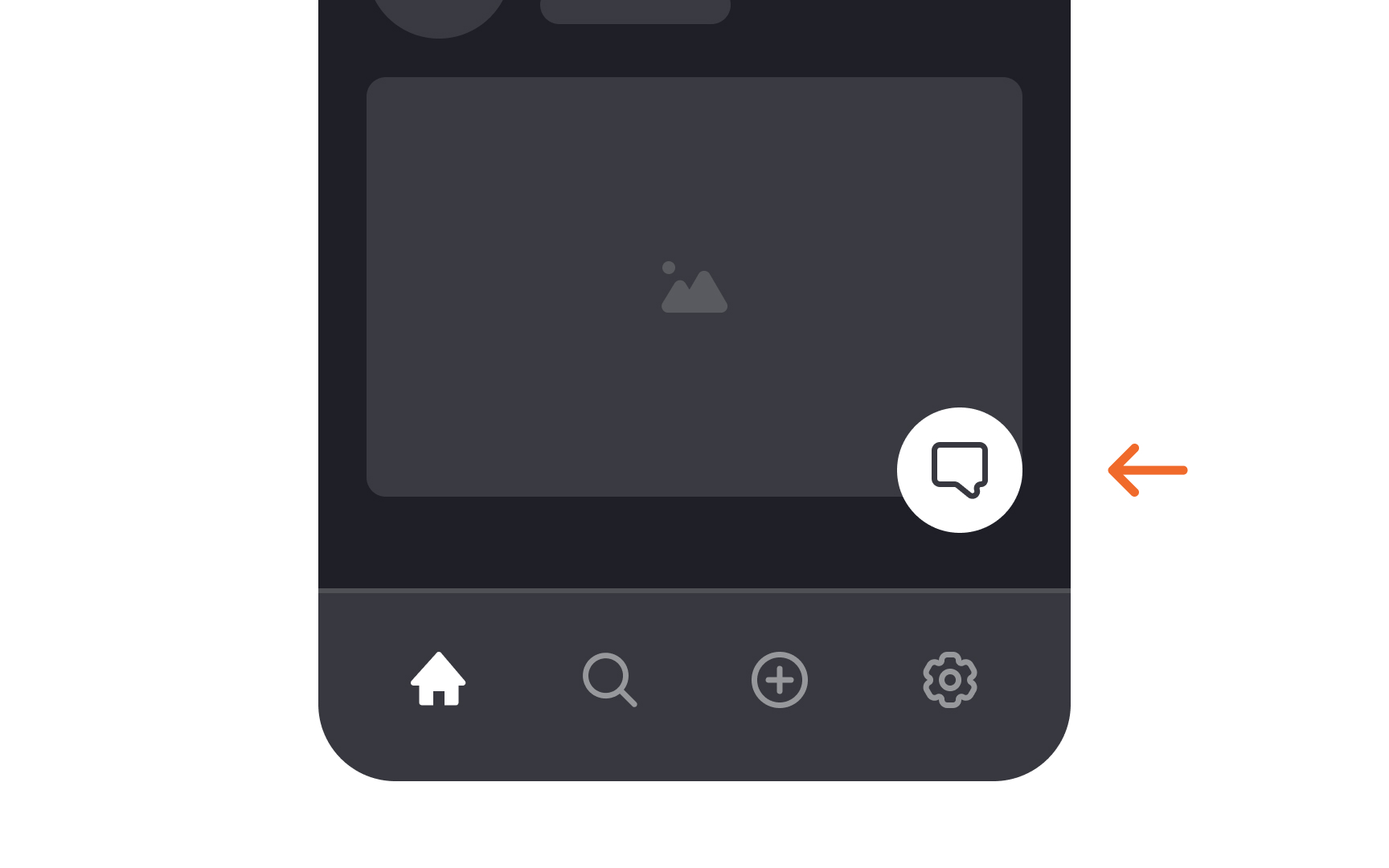
Chat links should be intuitive to find. While floating buttons in the bottom right corner are visible, they can obstruct important elements like search results, filters, or checkout buttons. Therefore, floating chat buttons should be avoided on mobile.[1]
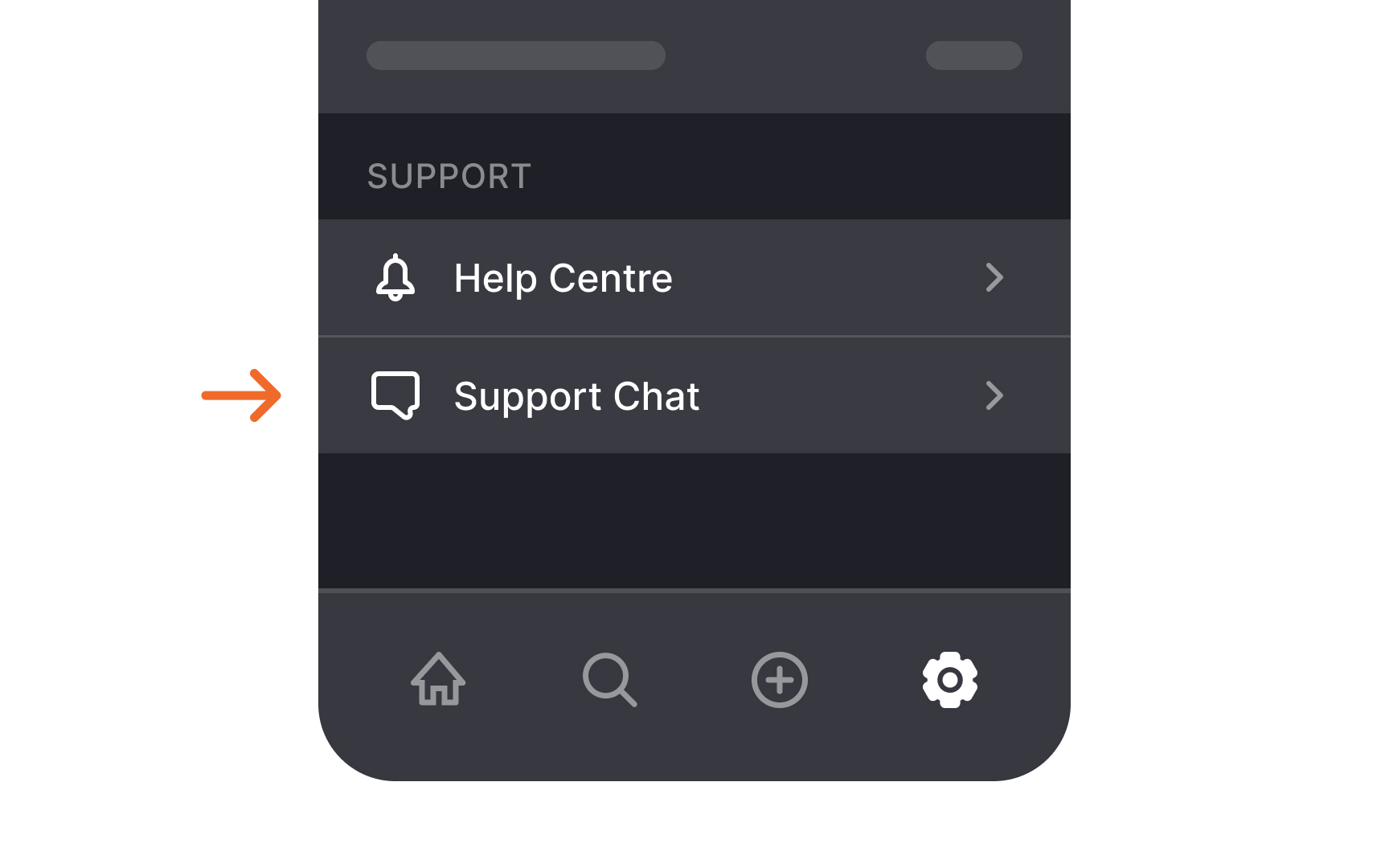
Better placements include the footer, settings page bottom, contact page, or navigation menu. Use clear labels to indicate the chat function.
Pro Tip: Include the message "Manager/agent is typing..." in the chat to reassure users and help them be more patient while waiting for a response.
References
- The User Experience of Customer-Service Chat: 20 Guidelines | Nielsen Norman Group