The Main Challenges of Implementing the Design System
Identify when a design system is truly needed and learn how to overcome the challenges of building, maintaining, and scaling it.
Creating a design system can transform how teams design and build products, but only if it’s done for the right reasons and with clear expectations. While the promise of speed, consistency, and shared language is appealing, the path to achieving it is rarely straightforward.
Before diving in, it’s essential to evaluate whether a design system fits your team’s maturity, resources, and workflow. A practical first step is to conduct a design audit, which helps reveal inconsistencies, redundancies, and inefficiencies across your product. By mapping every component, flow, and interaction, teams gain a clear picture of what’s working and what needs standardization.
Once a system is in motion, challenges emerge: maintaining it requires continuous attention, cross-functional alignment, and cultural change. Teams must balance initial investment against delayed results, secure leadership support, and prevent the system from becoming outdated or ignored.
This lesson unpacks these hurdles, showing how thoughtful preparation, collaboration, and gradual adoption turn a design system from a theoretical ideal into a lasting advantage for the entire organization.
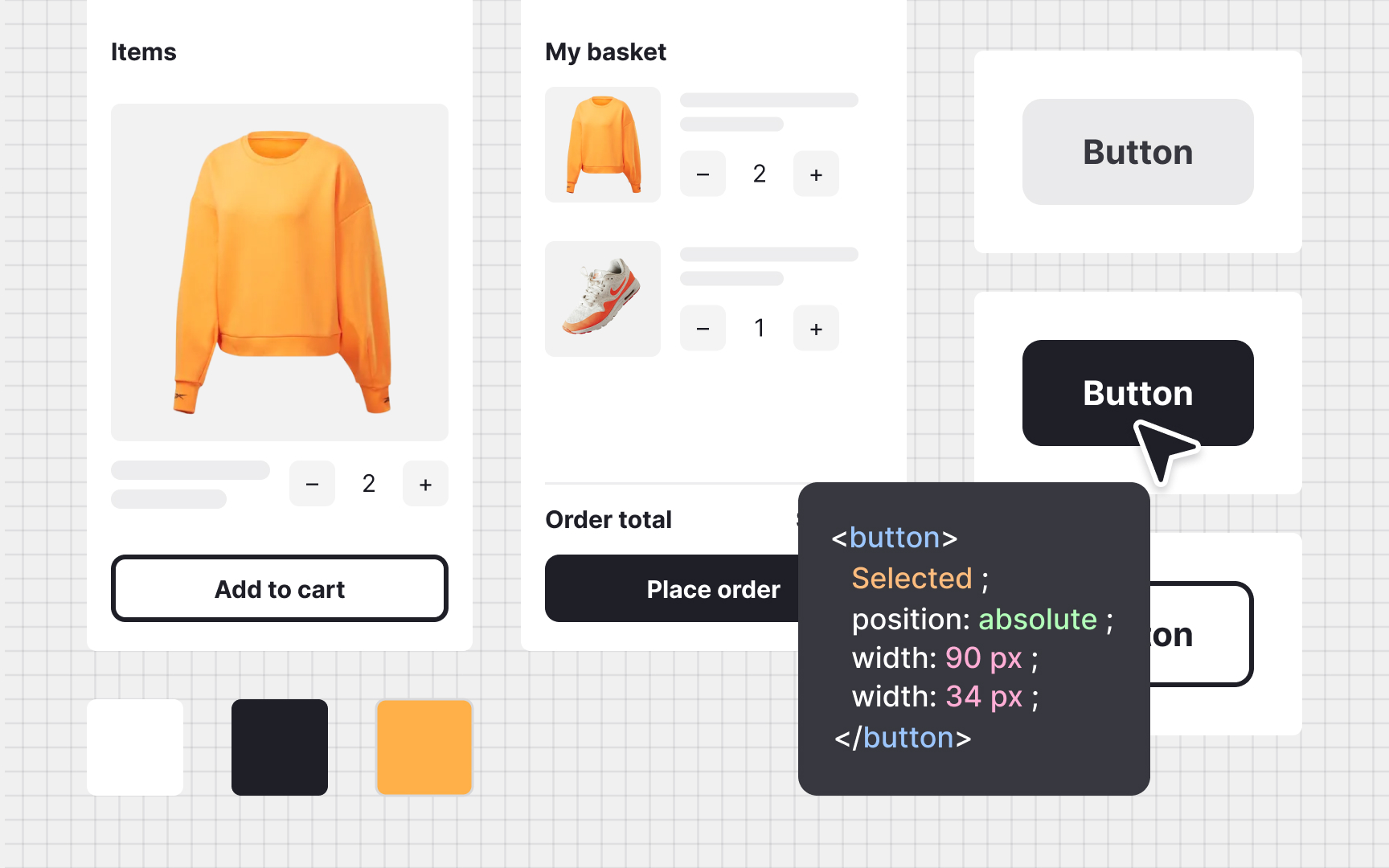
Before committing to a
A good audit follows a clear, step-by-step structure:
- Gather everything that exists. Collect all design assets, screens, and interface elements currently in use.
- Find collaborators. Involve cross-functional partners like developers or support specialists to capture overlooked details.
- Sort and categorize. Group similar items together and label them by purpose, such as forms, headings, or navigation patterns.
- Identify opportunities. Review your findings to spot redundant, inconsistent, or inaccessible elements that need improvement.
Observing how these elements appear across different pages or devices can uncover inconsistencies that affect both users and developers. Even if a design system is not created immediately, the audit alone provides valuable insight into usability issues, accessibility gaps, and redundant assets that slow down development.[1]
Building a
A typical journey includes:
- Approval. Gaining leadership buy-in to dedicate time and resources.
- Discovery. Researching existing workflows, running audits, and identifying key challenges.
- Definition. Outlining contributors, governance, and the overall structure of the system.
- Building. Designing, documenting, and developing the core components and patterns.
- Documentation. Explaining how to use each element clearly, keeping designers and developers aligned.
- Adoption: Supporting teams in using the system through onboarding, examples, and feedback loops.
- Maintenance. Updating the system as products and technologies evolve.
- Advocacy. Promoting awareness and adoption across teams to ensure the system becomes part of the company culture.
This process is not strictly linear. Teams often revisit earlier stages when new insights arise or when the system grows beyond its initial scope. Treating a design system as a living product helps it stay relevant, scalable, and valuable to everyone who uses it.
Pro Tip: Include system maintenance in the team’s regular planning, not as ad hoc work.
When products exist across multiple platforms such as web, mobile, and tablet, visual and functional inconsistencies can easily appear. Buttons may behave differently on Android and iOS, spacing might shift between screen sizes, or text styles may not match the brand’s voice. These differences often grow unnoticed over time, especially when teams work in isolation or reuse outdated
To make this review effective:
- Compare core components and user flows across all platforms and devices.
- Look at variations in
navigation , spacing, animation, andinteraction feedback. - Pay attention to details such as color contrast, typography size, and icon alignment.
- Test accessibility behavior like focus states, keyboard navigation, and touch targets.
- Document your findings in a shared space where everyone can see and comment.
This structured comparison reveals where design and code alignment is missing. With these insights, teams can prioritize fixes and make data-driven decisions about what should be unified through a
Pro Tip: Compare real screens side by side to spot hidden inconsistencies that no checklist alone will reveal.
A
Cross-functional input is essential during audits and documentation. Developers can highlight gaps between design files and implemented components. Product managers connect design decisions to business priorities, while content and accessibility specialists ensure that copy and
Securing leadership support is often one of the biggest hurdles in building a
To gain buy-in, start by showing evidence:
- Present audit findings that reveal duplicated components, inconsistent patterns, and inefficiencies.
- Connect these issues to business goals, such as faster release cycles, stronger
brand trust, or reduced QA costs. - Highlight team pain points that slow delivery, and show how a shared system can remove them.
- Start small by proposing a pilot system or limited component library to demonstrate early results.
- Show success metrics: time saved, fewer design–dev iterations, or improved user satisfaction.
Leaders are more likely to support a project when they see how it improves measurable outcomes and team collaboration. Building trust through transparency and data-backed storytelling helps position the design system as a strategic
Even the most advanced
To foster this culture:
- Encourage shared ownership. Involve different teams early in discussions, so they see the system as theirs, not as external rules.
- Promote documentation habits. Every new component or update should be clearly described to keep others aligned.
- Celebrate correct use. Recognize individuals and teams who apply the system effectively to reinforce its importance.
- Create learning loops. Regular reviews and feedback sessions help surface gaps and align decisions.
- Embed consistency in onboarding. Teach new team members how to use the system from their first day.
Building this culture ensures that consistency is no longer enforced but lived.
A strong
To maintain this balance:
- Define clear boundaries. Establish what must stay consistent, such as
colors ,typography , andinteraction rules. - Allow guided flexibility. Create variants and tokens that adapt to different products, themes, or platforms.
- Encourage experimentation. Designers can explore new patterns as long as they document and justify their use.
- Review before adoption. Evaluate new ideas collectively to decide if they should become part of the official system.
- Keep communication open. Regularly discuss custom work to prevent teams from diverging unnoticed.
Audits are not only a starting point but also a long-term health check for any
A productive system audit includes:
- Reviewing component usage. Identify which patterns are widely adopted and which are underused or duplicated.
- Comparing design and code. Ensure that visual and coded versions of each element match in behavior and appearance.
- Checking accessibility standards. Verify that updates meet current compliance and
usability expectations. - Gathering feedback. Interview or survey system users to understand what helps and what causes friction.
- Prioritizing improvements. Turn findings into actionable next steps with clear ownership.
Regular reviews strengthen trust, promote accountability, and make the system a dependable foundation rather than a static library.
Pro Tip: Treat every audit as a learning moment. The goal is not to judge what’s wrong, but to guide what comes next.


Similar lessons
Anatomy of UI Components
Atomic Design by Brad Frost