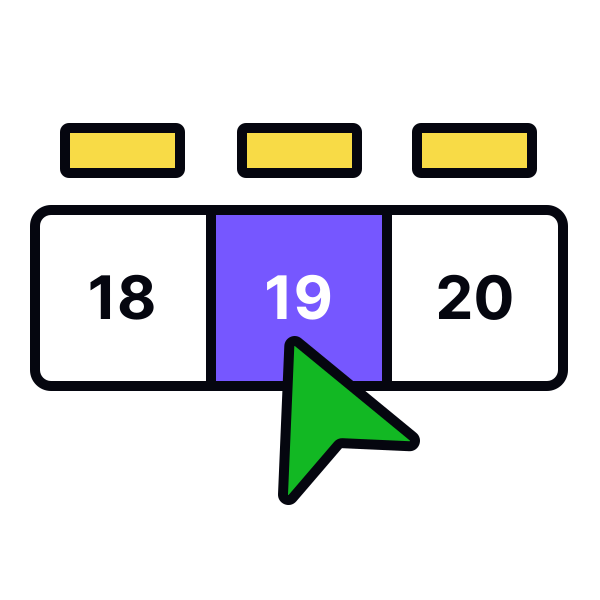
Modal date input
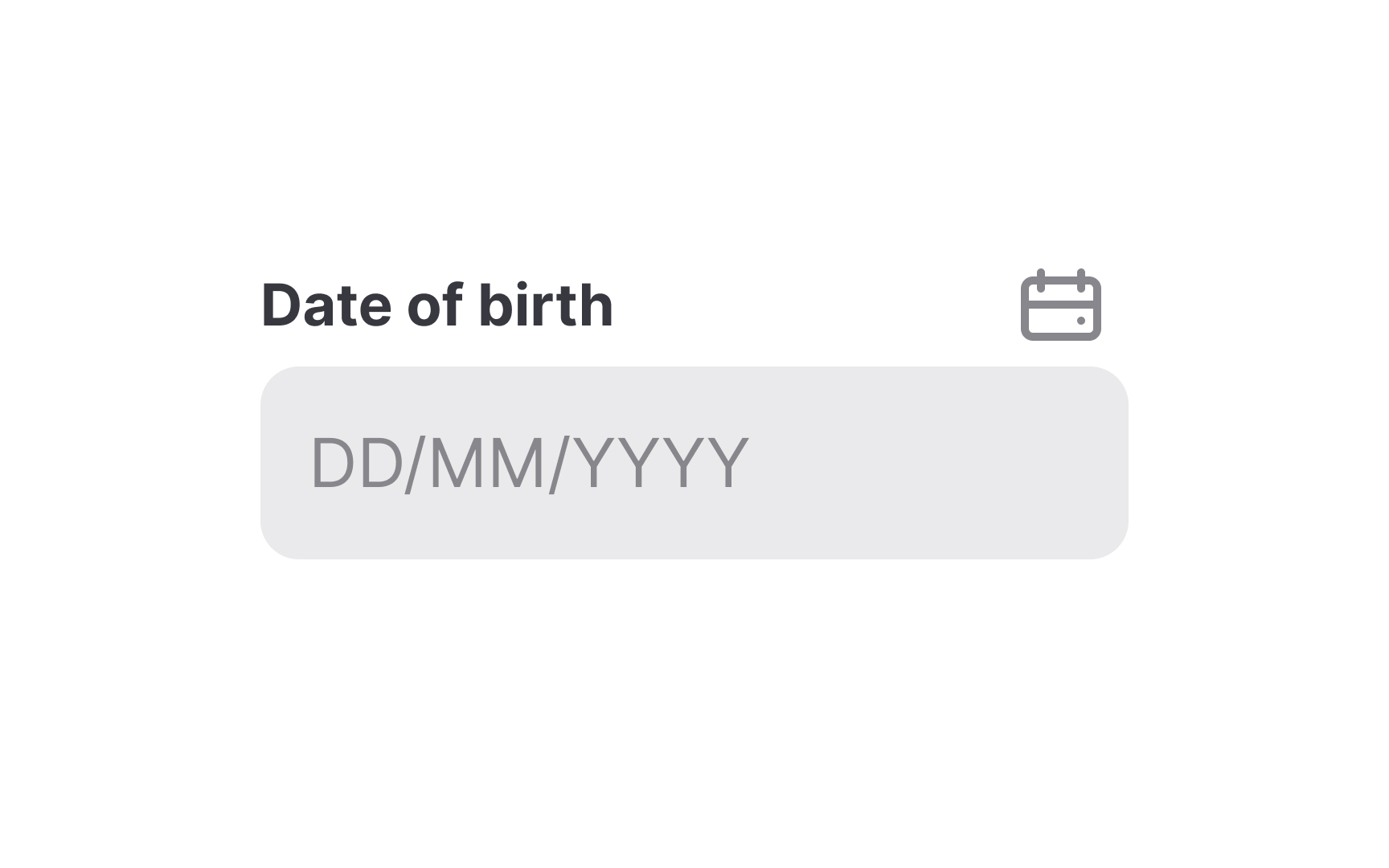
According to Material Design guidelines, modal date inputs refer to text inputs where users can type in the date manually.[1] This is the simplest type of date picker, and it works well if proper validation and input mask are provided. The input mask adjusts the text format while users are typing.
If your product caters to users internationally, make sure the date format is clear and understandable. Provide clear labels or placeholders that don't disappear once users activate the field.
Modal date inputs provide the best solution for selecting a date that is well in the past (e.g., birthdate or passport expiration date) or the future. Users should also be able to pick a date from the calendar icon, but the primary interaction should remain typing directly into the field.[2]
References
- Date pickers – Material Design 3 | Material Design
- Date-Input Form Fields: UX Design Guidelines | Nielsen Norman Group
Top contributors