Entering a Promo Code
Explore the best practices for promoting and applying promo codes to create a seamless and enjoyable experience for users
Whether promo codes come from a seasonal sale or a coupon, who doesn't love getting a discount? However, if you want your users to genuinely enjoy this reward, you should provide a smooth experience of noticing promotions and applying them. To avoid confused customers, make sure they understand how to use the coupon and what is happening with it — whether it works, is expired, or isn't applicable.
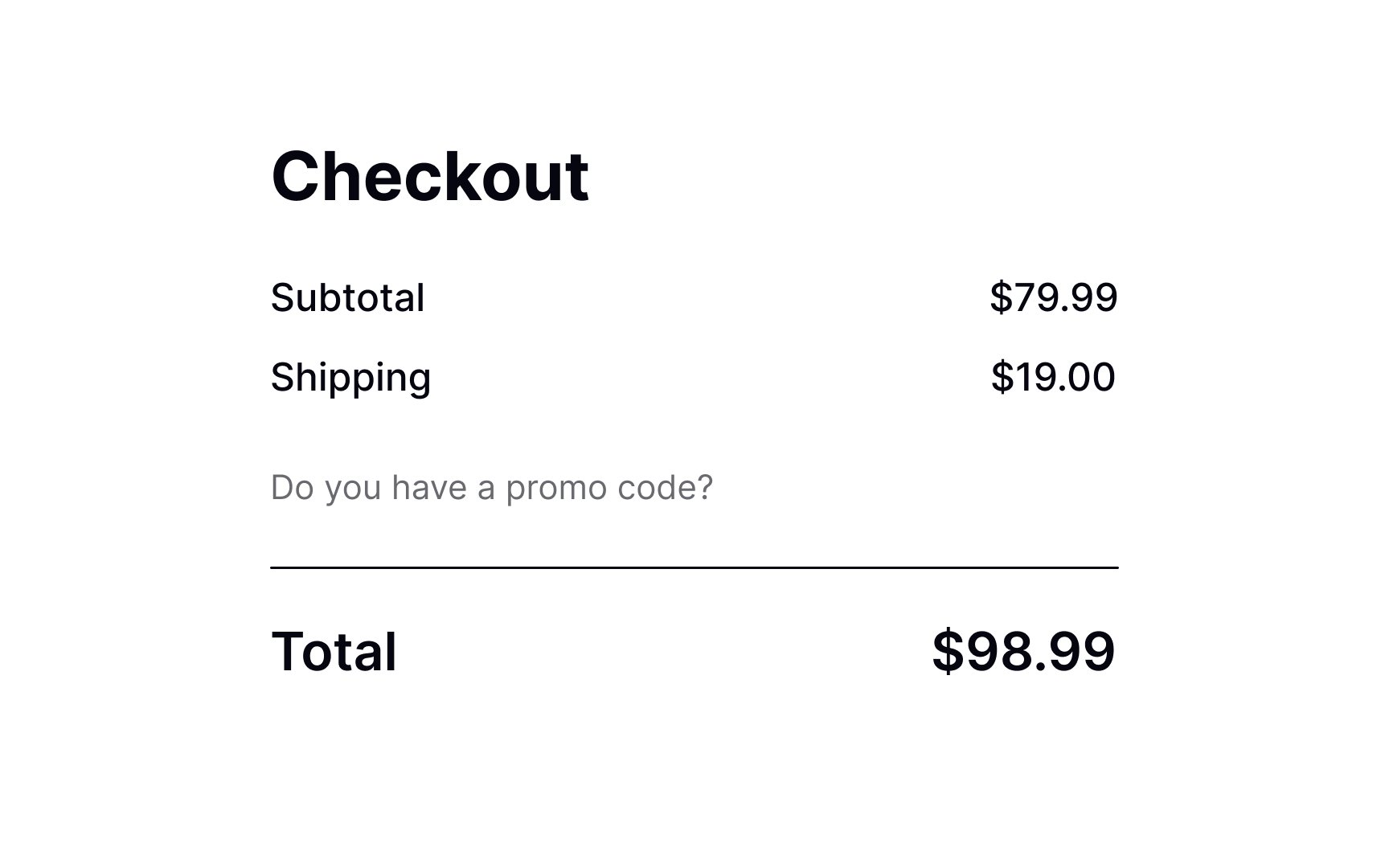
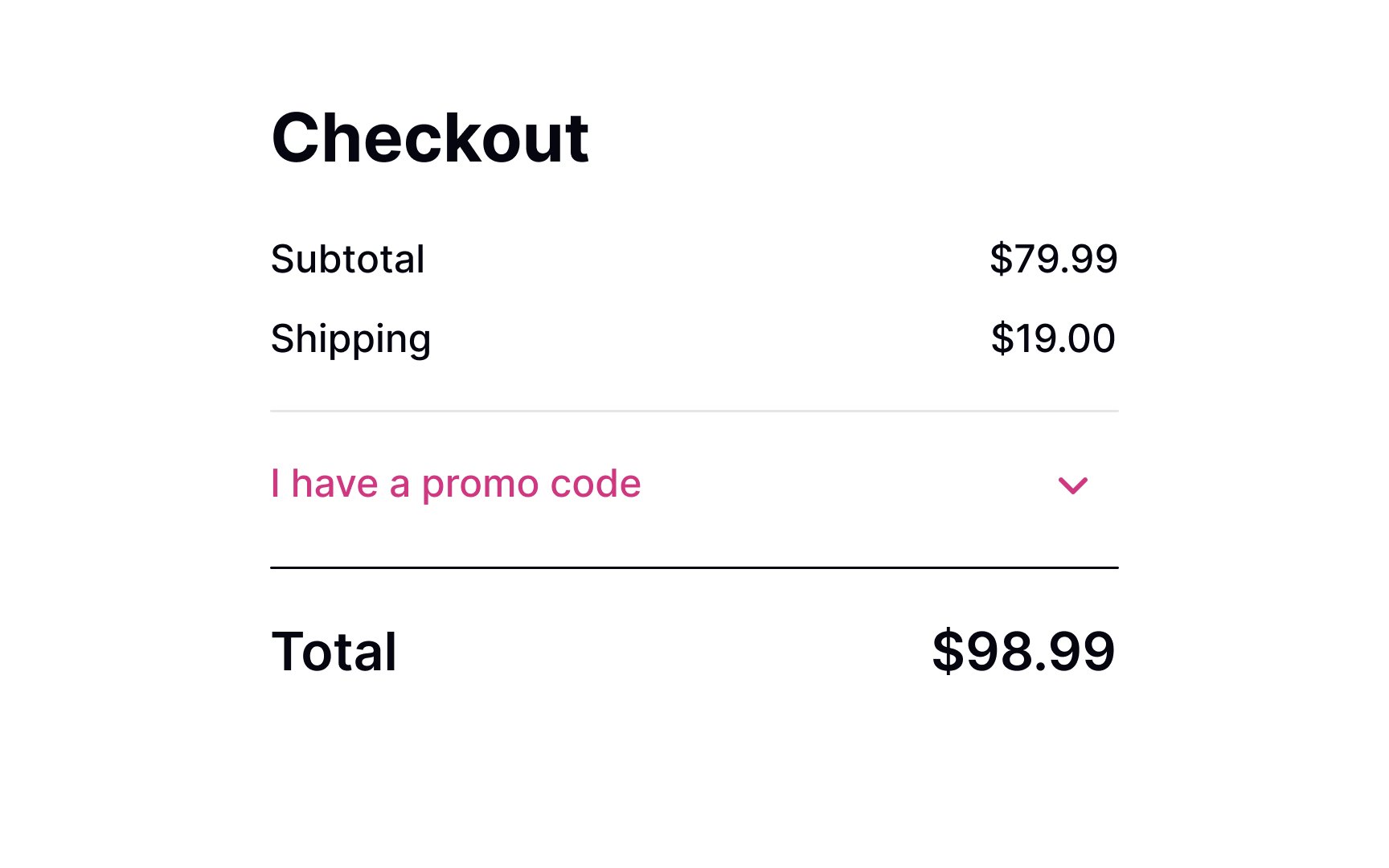
The cart or checkout pages are expected to have a promo code input.
A blank promo code/coupon box with a large Apply button can be quite confusing, making users wonder whether they should search for a code and potentially lead to lost conversions.[1]
However, users should notice this element without extra effort when scanning a page. Displaying a noticeable link allows designers to kill two birds with one stone. Firstly, it's easy to spot. Secondly, it only expands into an input on click and doesn't distract users who don't have a code or aren't interested in promotions.
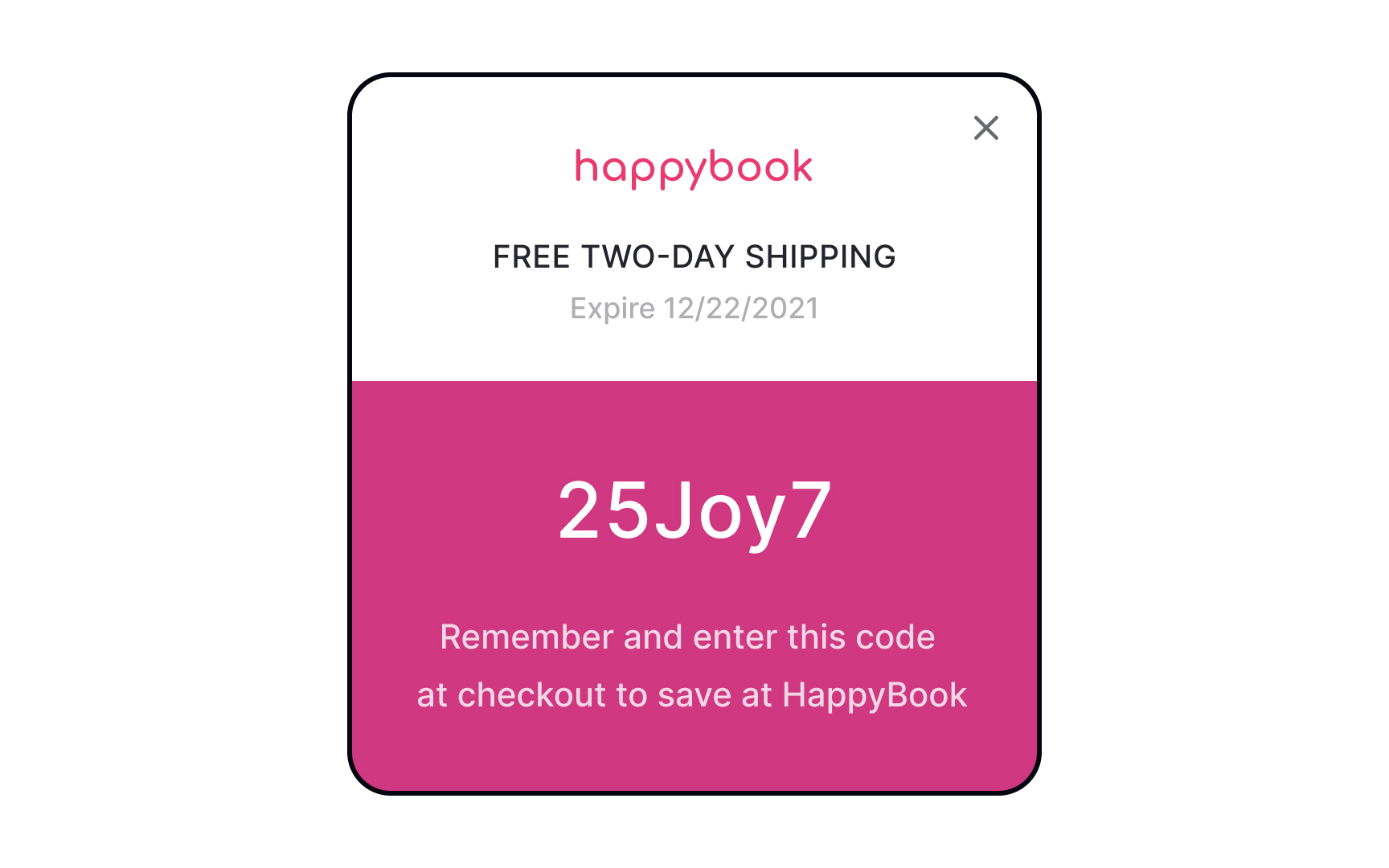
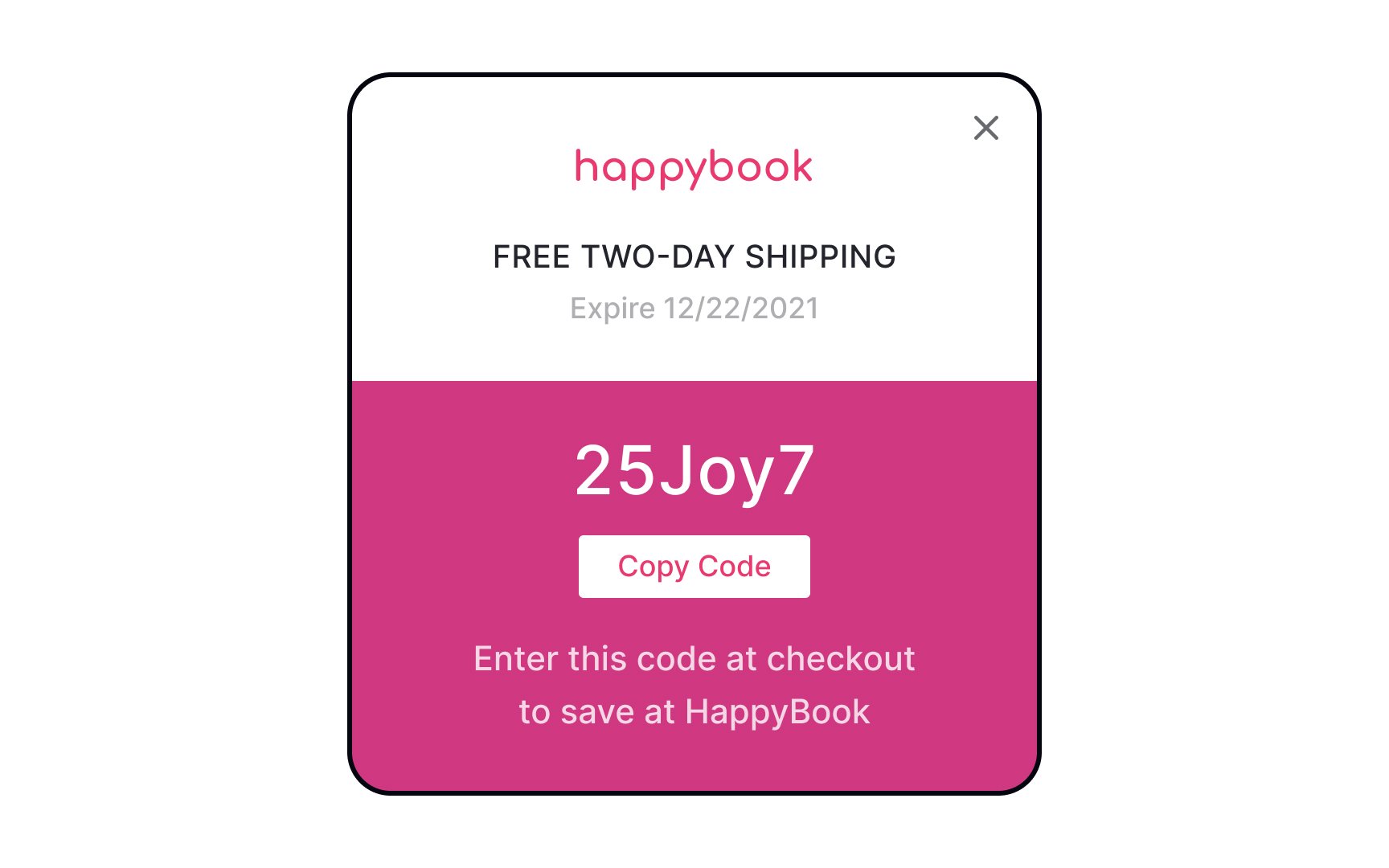
When you offer users a promo code on a website or advertisements, allow them to apply the promo with a click rather than having to enter the code manually. It'll notably reduce user efforts, as they won't need to strain their memory to remember the code if it's embedded into an image that can't be copied.
Another option is to offer a selection of available promo codes during
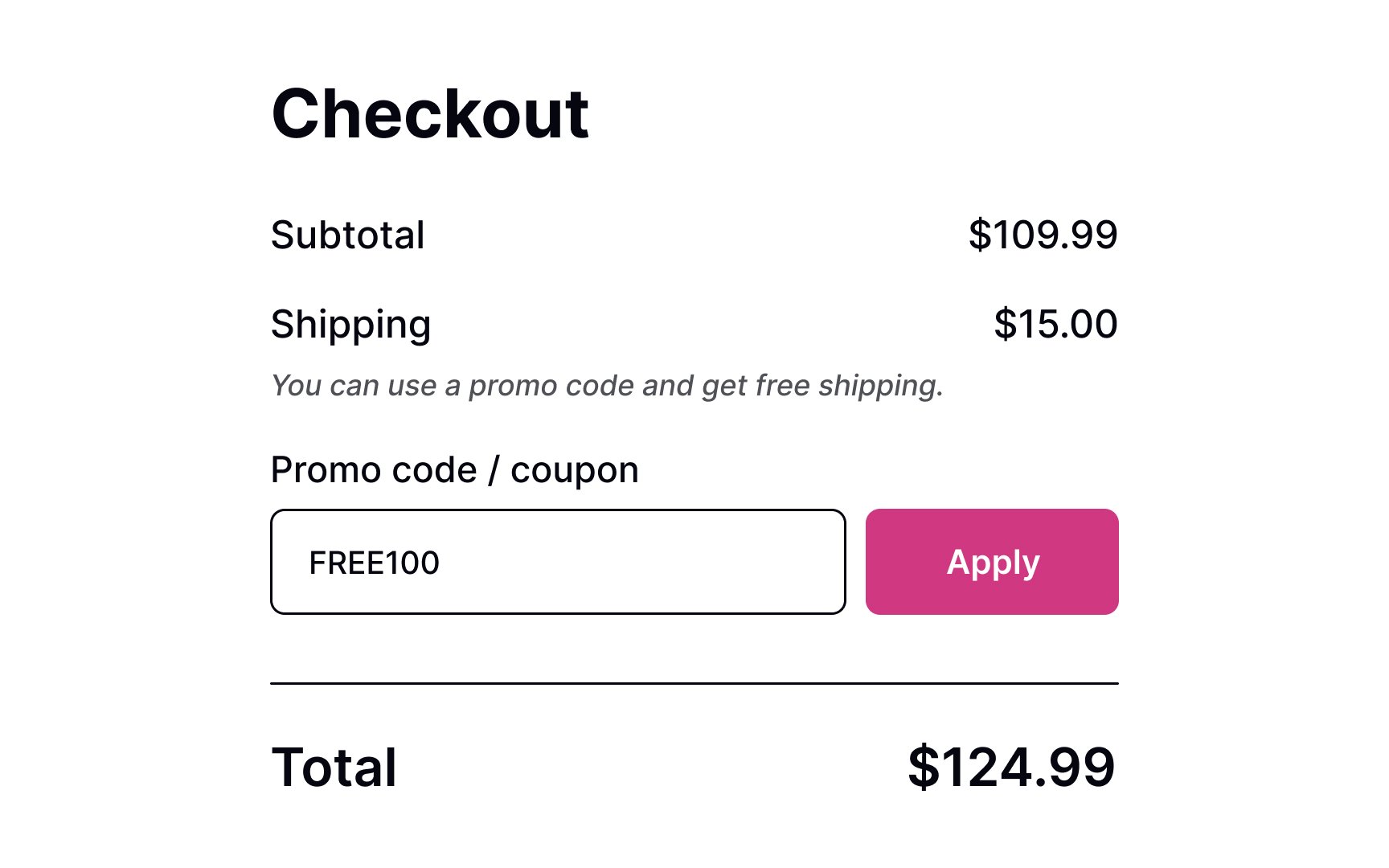
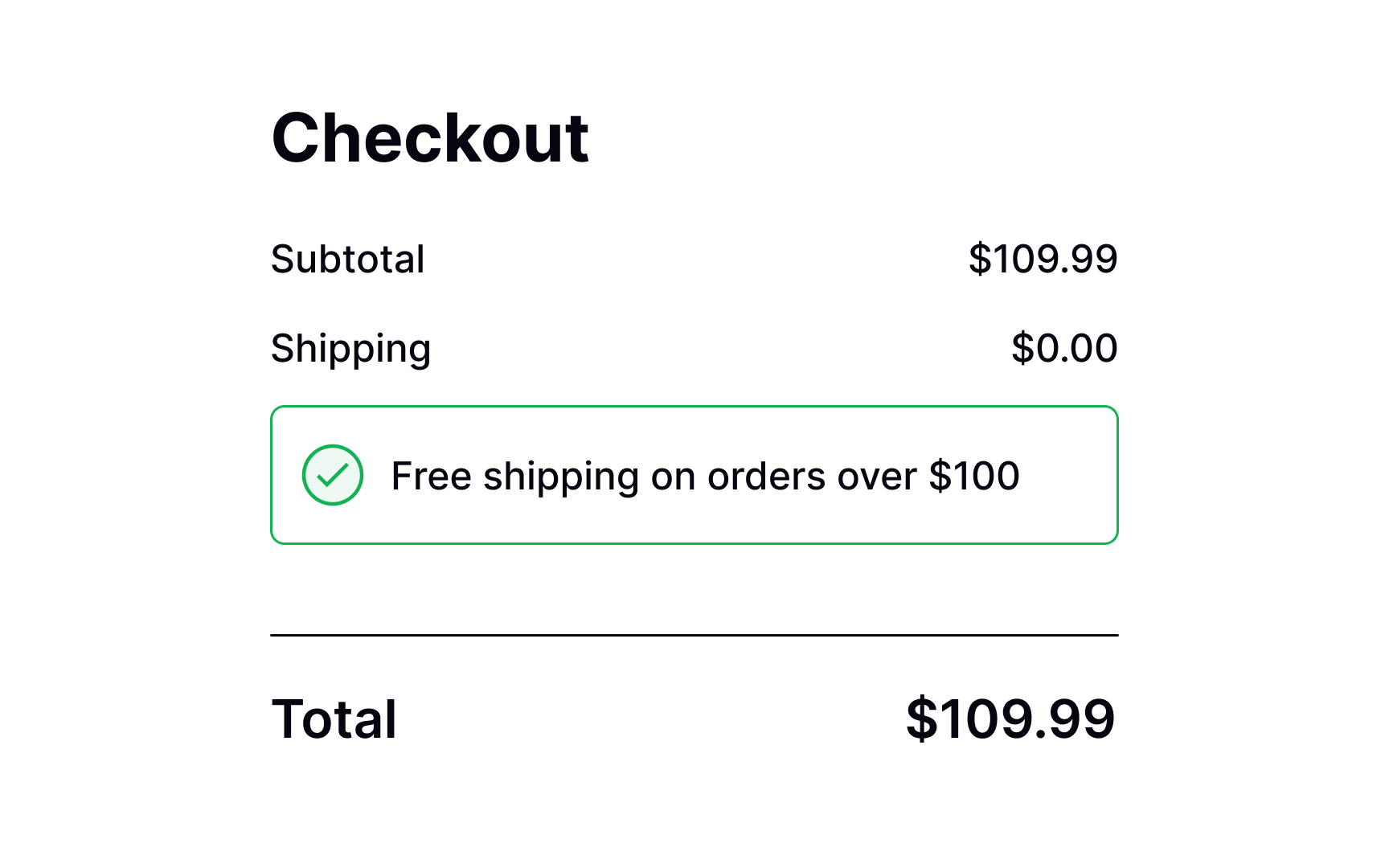
Sometimes, websites can offer promo codes for certain actions such as signing up for a mailing list or making an order for a specific price total. Don't ask users to make an extra effort – automatically apply such coupon codes to the shopping cart.
You can also send users an email notifying them that they've been granted a promo code. Make sure users can copy or apply the coupon directly from the email and are redirected to a
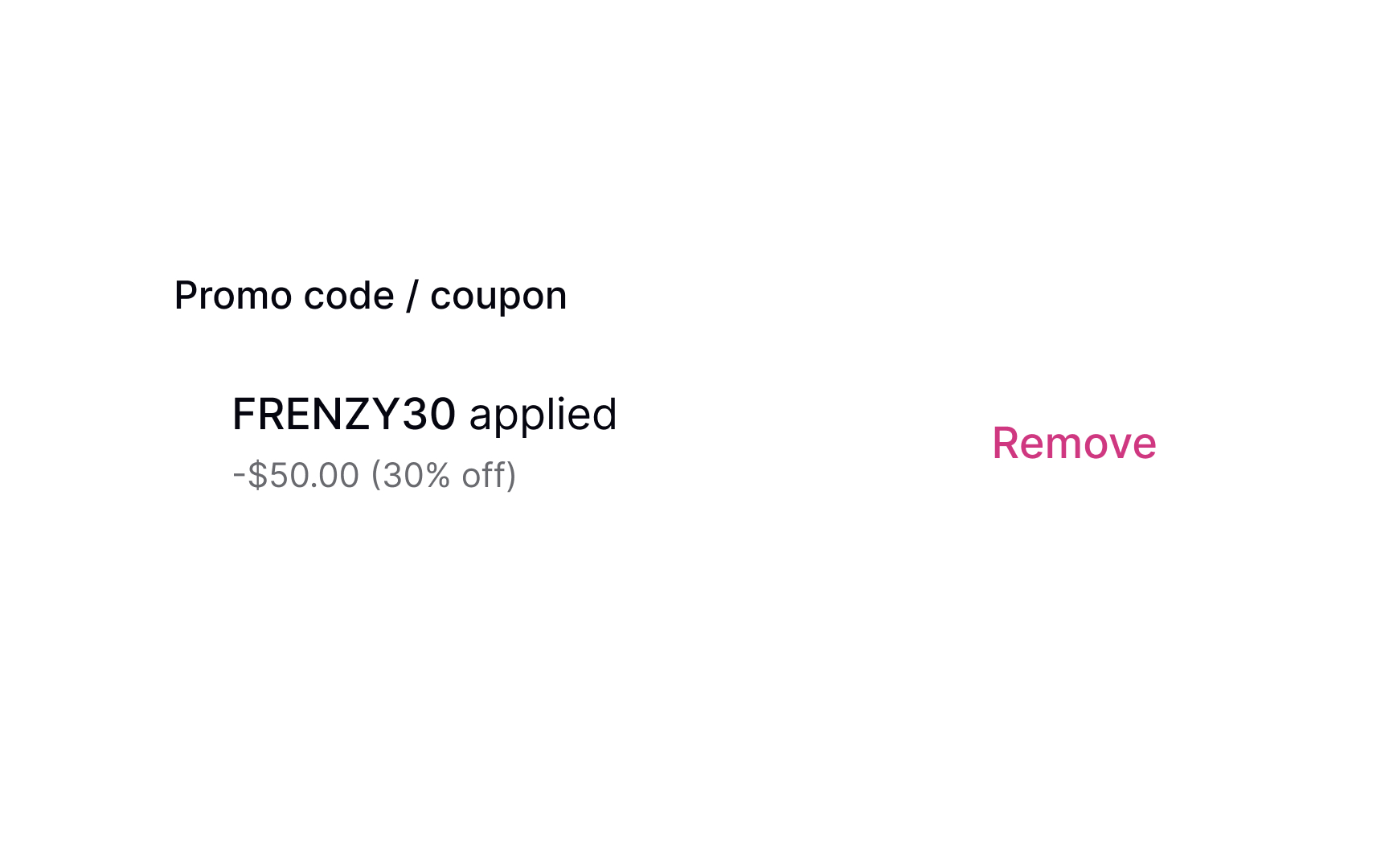
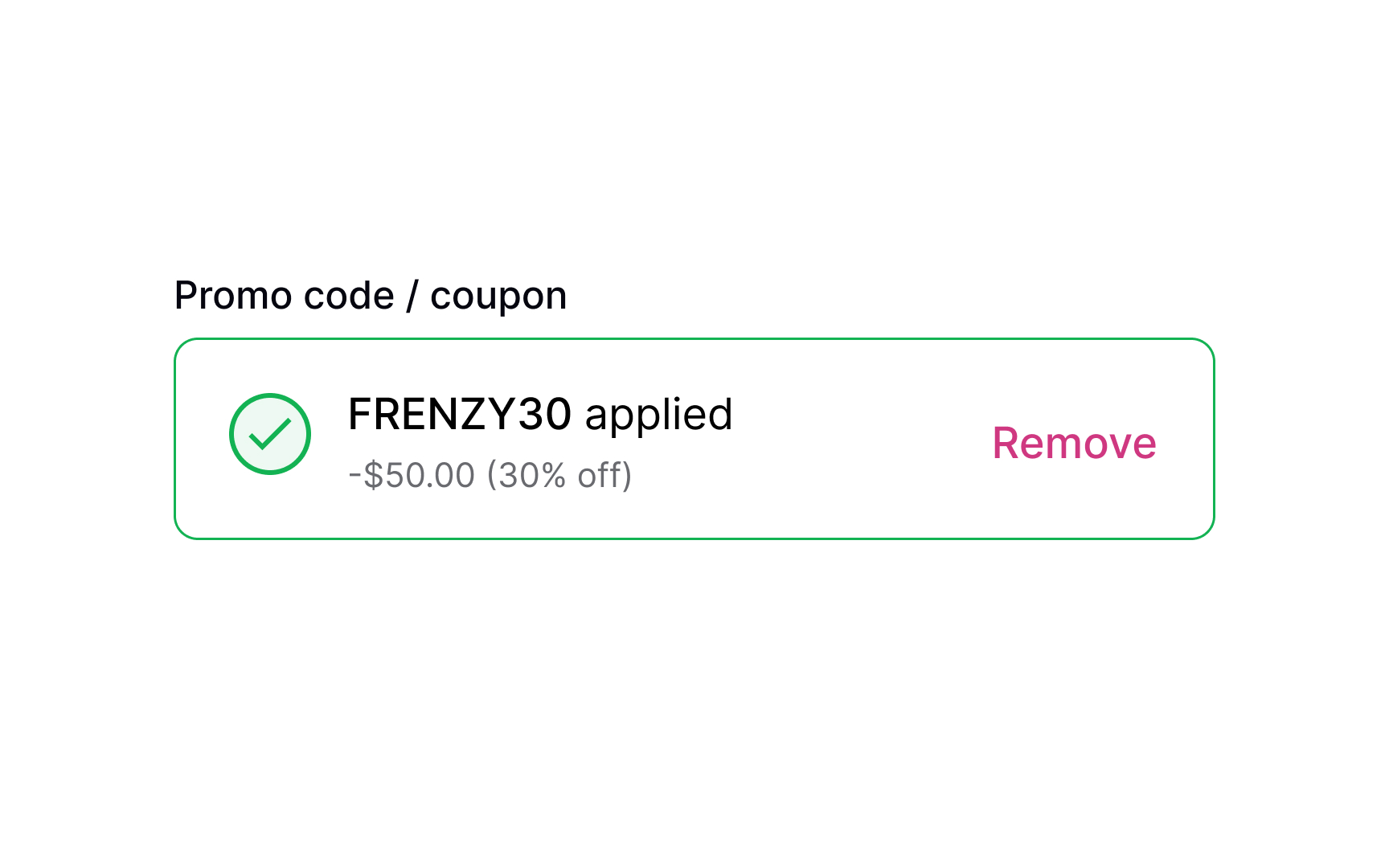
When a user successfully applies a promo code, it's important to confirm it immediately. This can be achieved by using success state colors (such as green), an icon, or explanatory text. These visual cues will help users feel assured that their coupon is valid and that a discount will be applied to their order.
By keeping users informed throughout the process, you can enhance their confidence in your website or app, and make them more likely to complete their purchase.
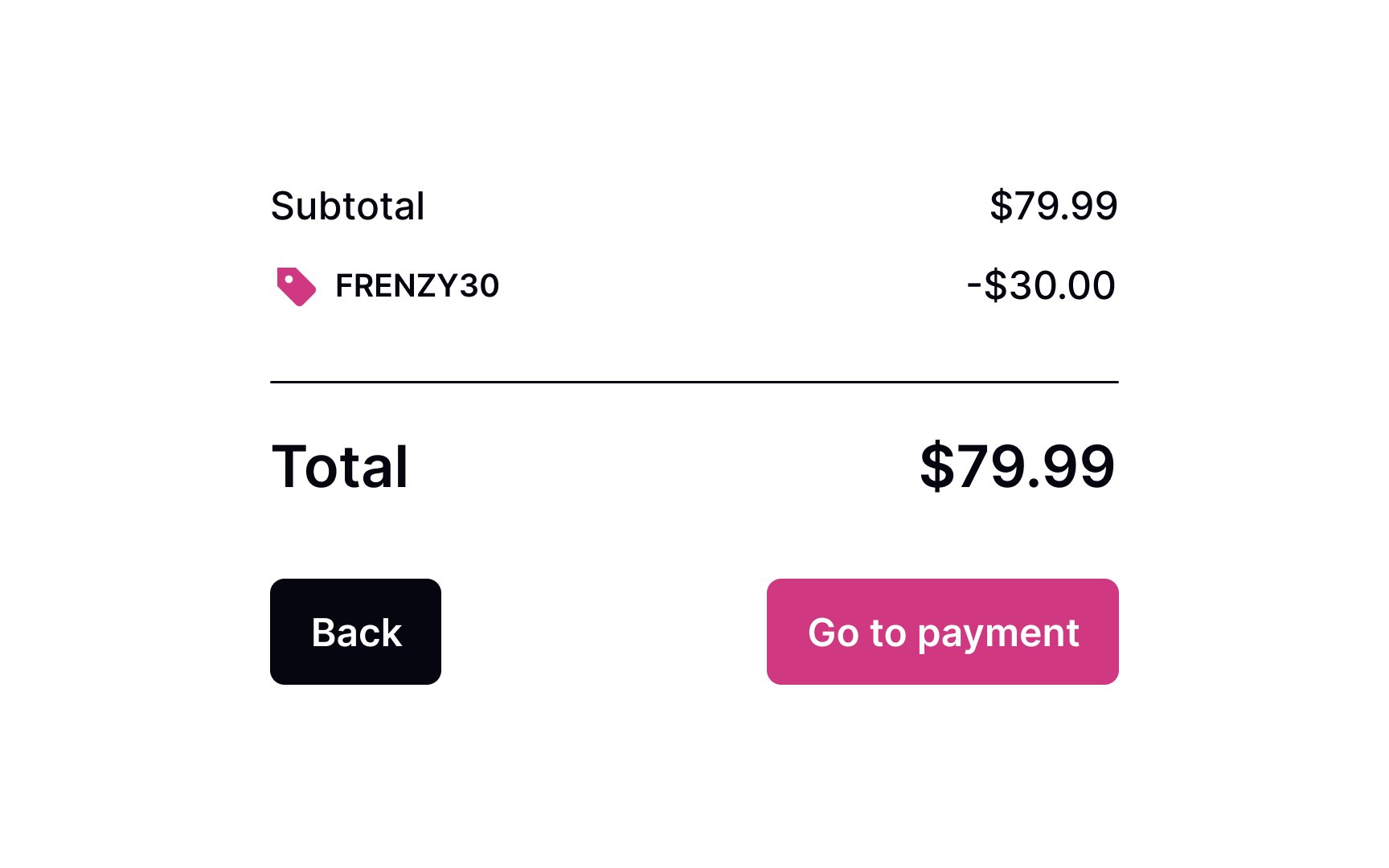
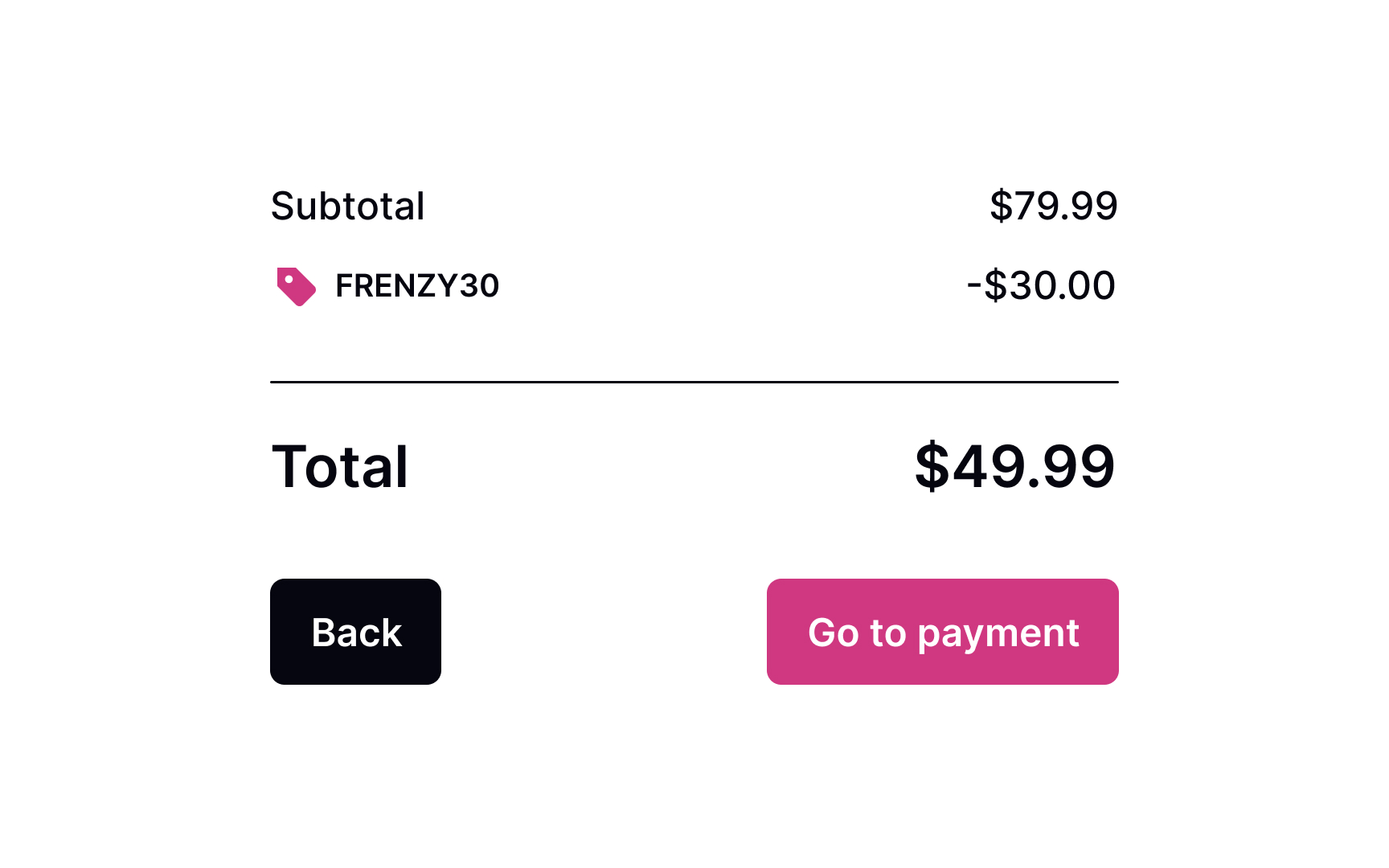
There's no point in promo codes if users don't see the discount applied and the
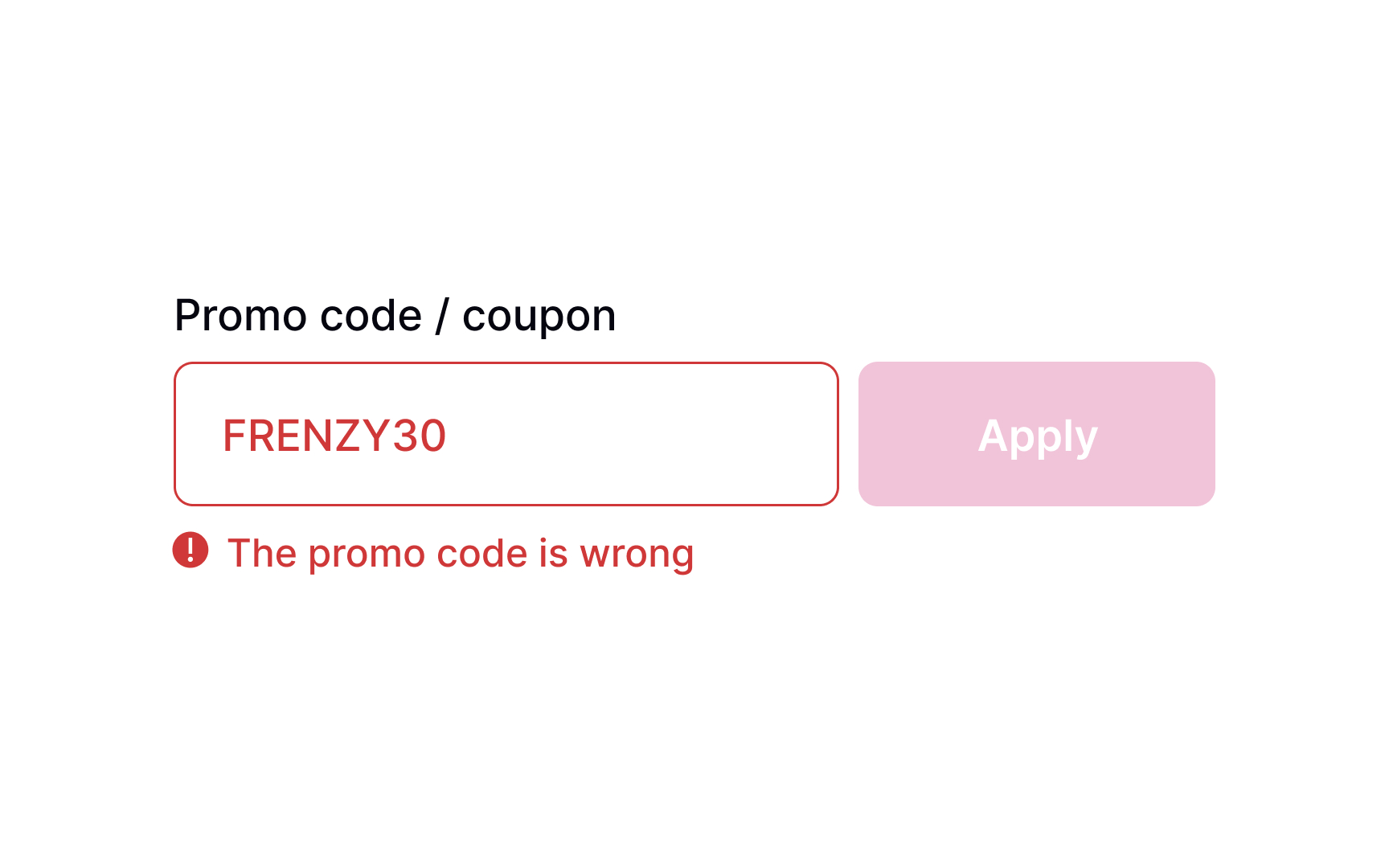
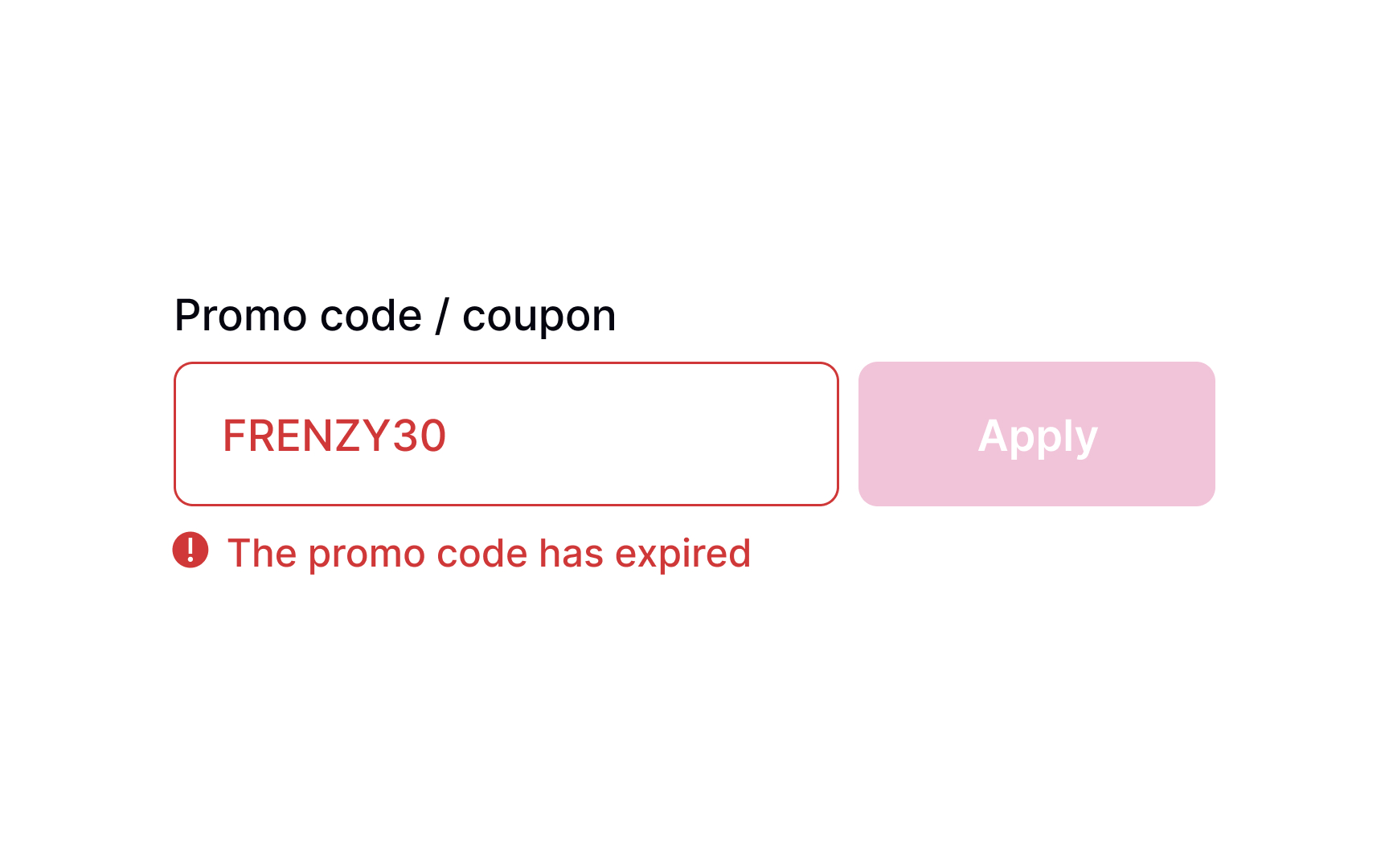
In some cases, the promo code may not be applicable. In other cases, it could have expired or have been entered incorrectly. Let users know about it by providing an explicit error message, including constructive advice on what users can do about it. If the promo code has expired, you can provide a
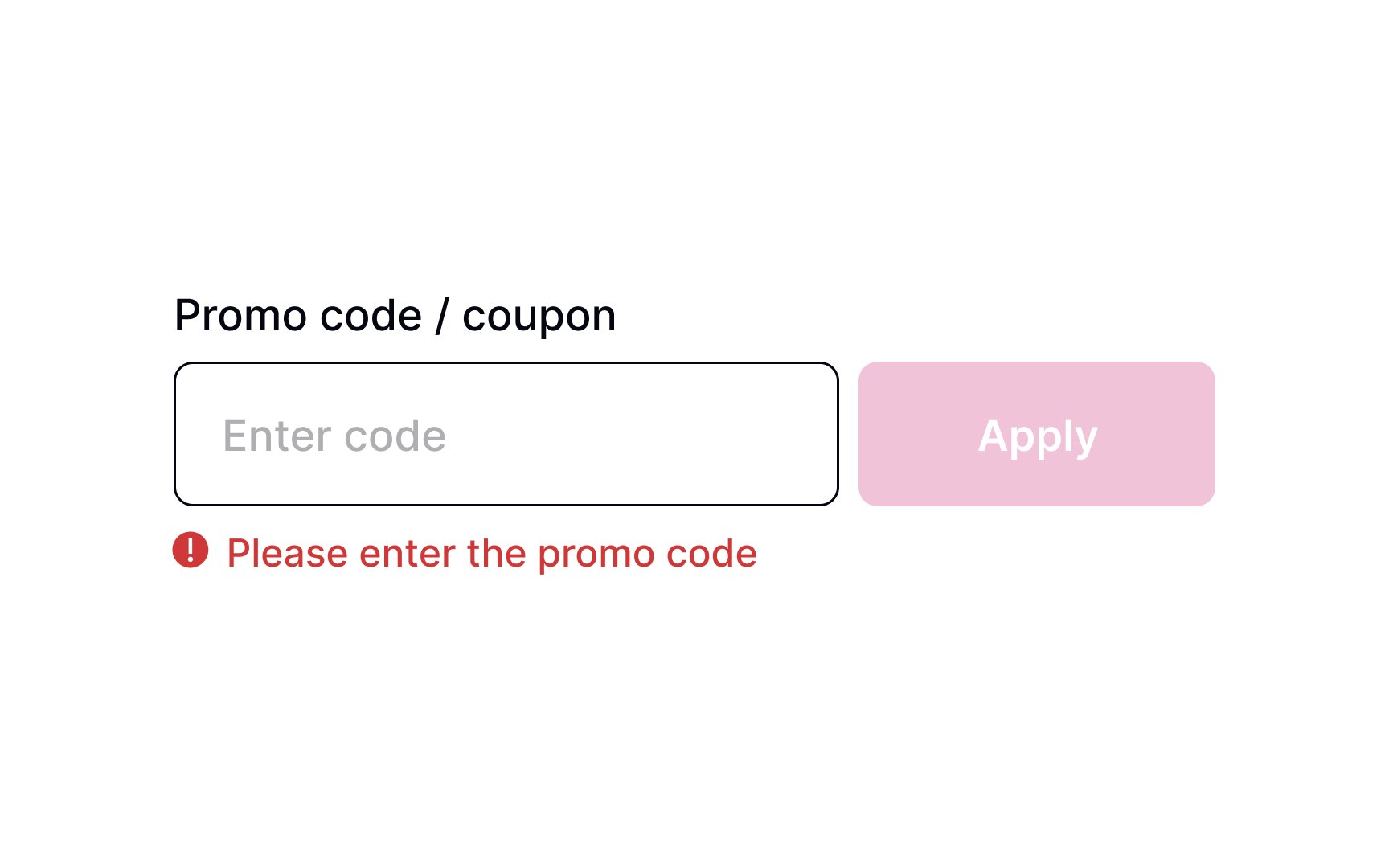
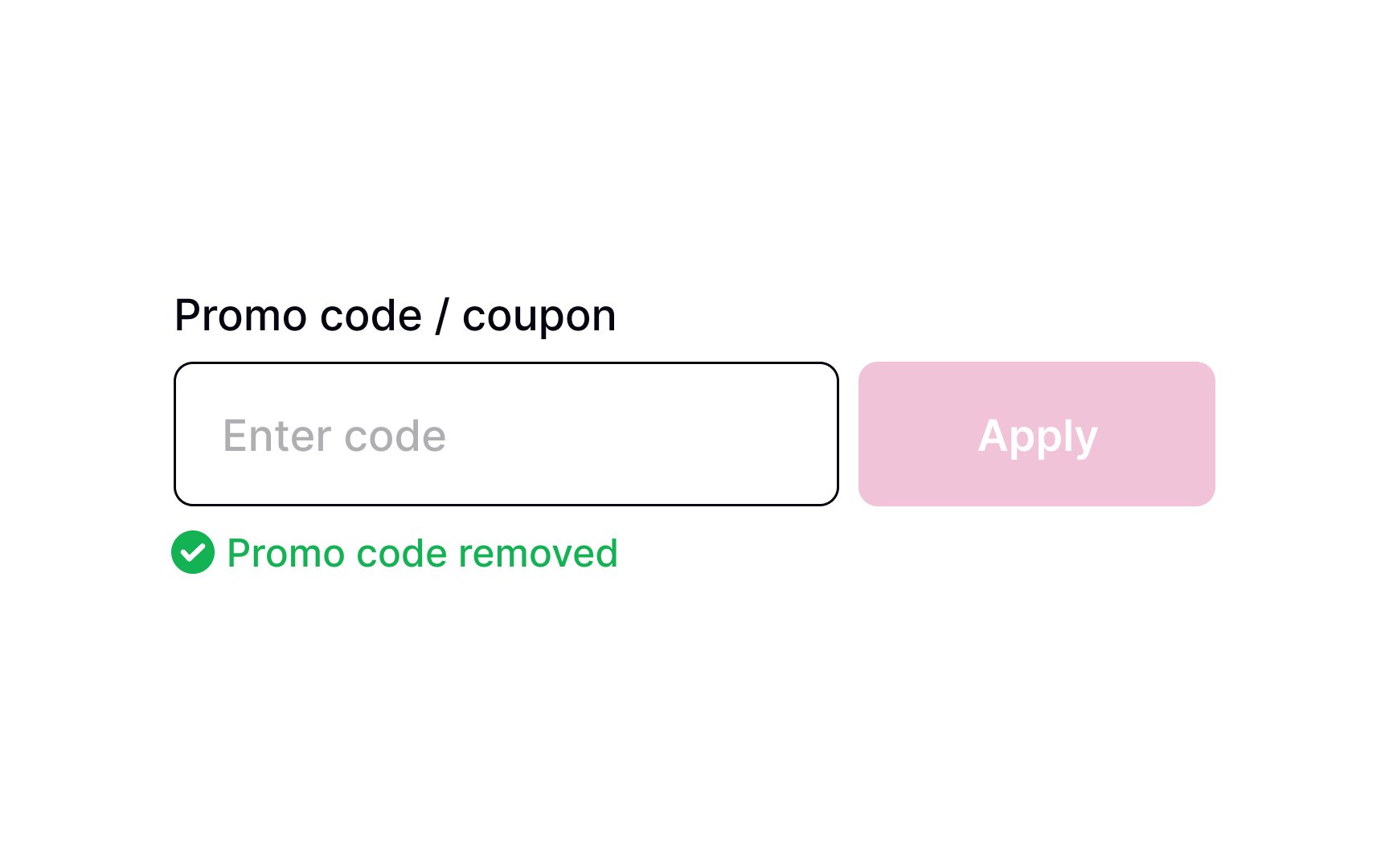
In some cases, users might not like the discount offered. They may prefer the original sale
References
- Applying Discounts and Promotions on Ecommerce Websites | Nielsen Norman Group
Top contributors


Topics
From Course
Share


Similar lessons
Login & Signup Flows
User Onboarding