Best Practices for User Onboarding Flow Design
Create onboarding sequences that activate users instead of overwhelming them with information
Most users who sign up never come back. They created an account, poked around, felt confused or underwhelmed, and left. Onboarding exists to change that outcome. But remember, users didn't sign up to be taught. They signed up to do something. Onboarding that feels like homework gets skipped. Walls of tooltips get clicked through without reading.
The goal isn't education for its own sake. It's getting users to their first moment of value as fast as possible. That might mean showing them one feature instead of ten. It might mean asking what they want to accomplish and skipping everything irrelevant. The best onboarding feels like the product just works, and somehow you already know what to do.
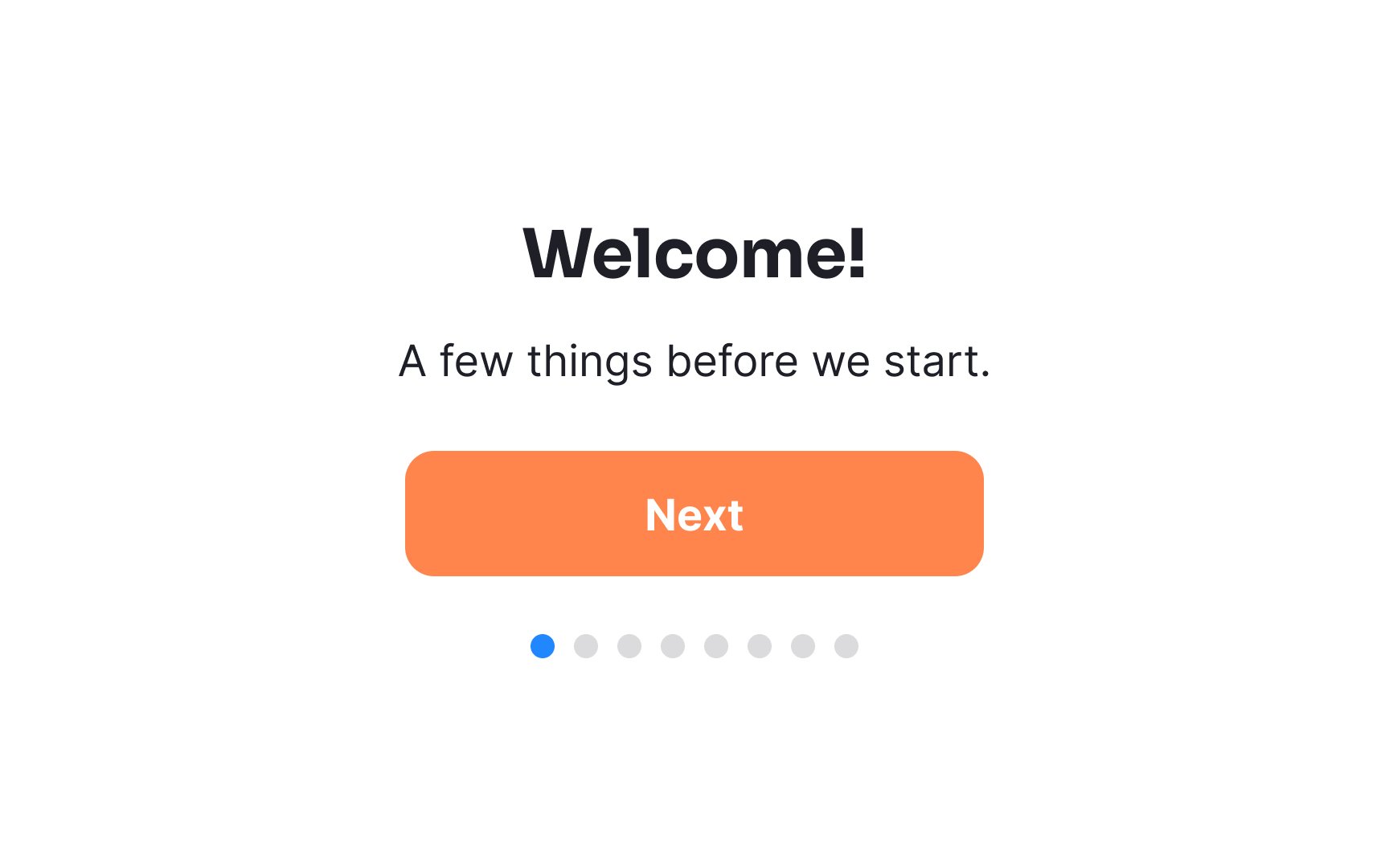
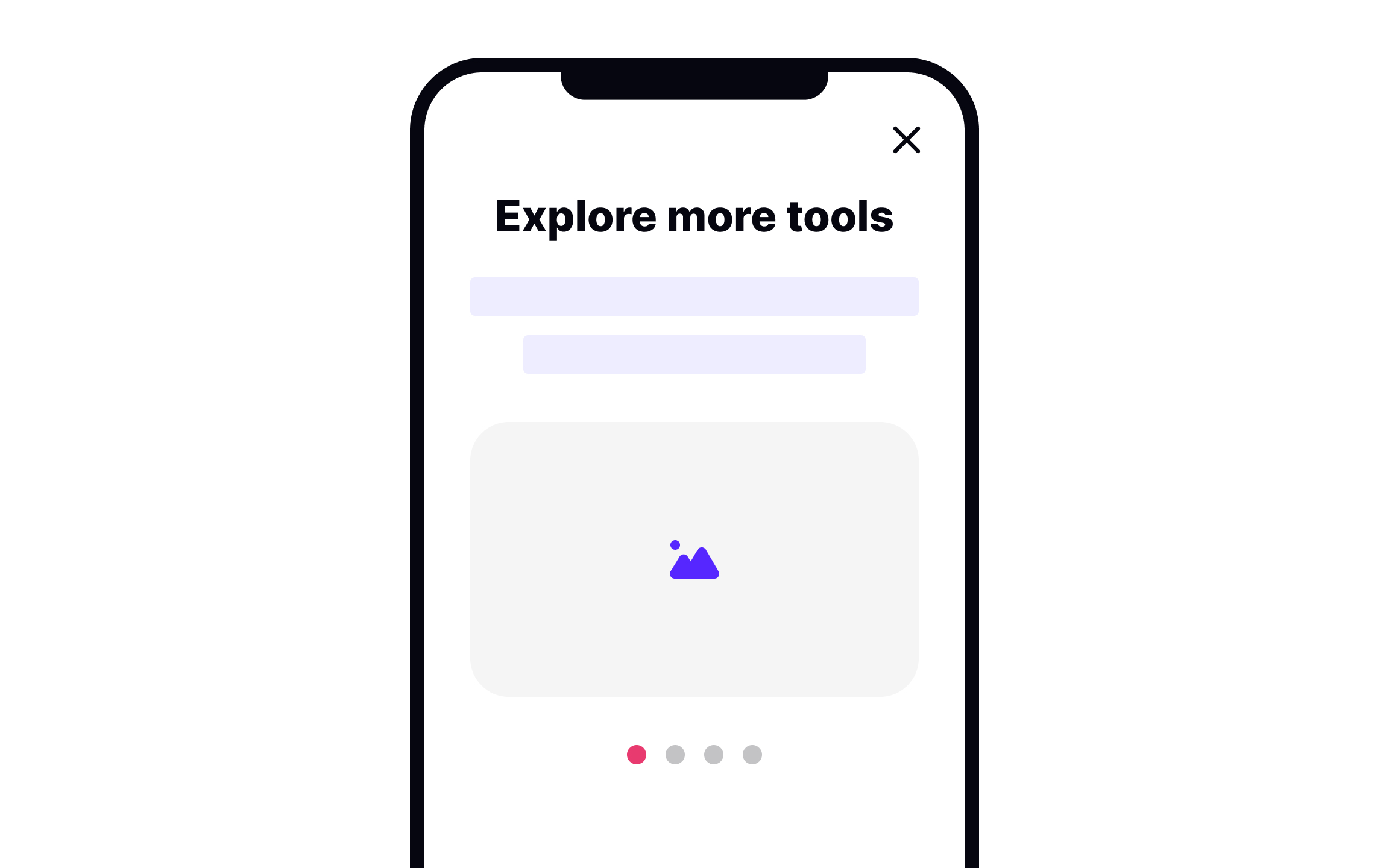
Walkthroughs are a standard way to introduce apps to new users, typically through swipeable static screens. But, they're not without their pitfalls. Primarily, they hinder immediate interaction with the app by presenting information upfront, which can overwhelm and soon be forgotten by users. This method, although common in every other app, blocks the real experience of using the product.
To enhance the effectiveness of walkthroughs, here are some key tips:
- Focus on necessity: Avoid using walkthroughs to explain the app's value proposition. Users downloading the app usually have a grasp of its benefits.
- Keep it brief: Ideally, use a maximum of three slides. This helps in retaining user attention without overloading them.
- Engage with animation: Introduce animation to make walkthroughs more dynamic and engaging.
- Empower user choice: Always include a 'Skip' button, allowing users to opt out and explore the app directly.
Pro Tip: If screens are visually appealing, users are more likely to complete the onboarding. Nevertheless, give users the option to skip it.
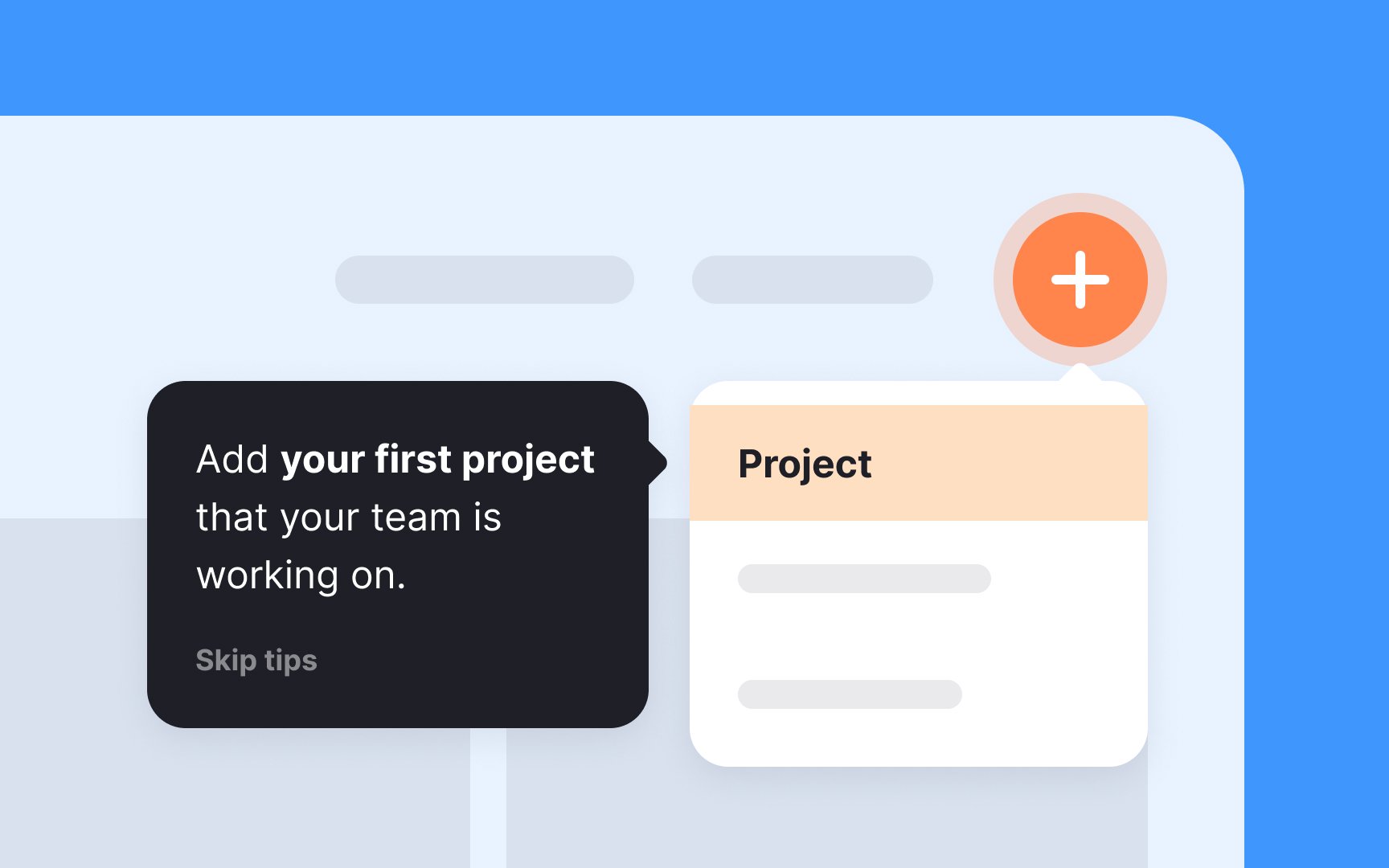
Interactive tours in user
Here are some tips for crafting interactive tours:
- Trigger contextually: Initiate tours at relevant points in the user journey for maximum relevance.
- Encourage active participation: Let users complete tasks themselves for better engagement and understanding.
- Mimic real tasks: Ensure the tasks in the tour reflect real actions users will perform, aligning the onboarding experience with practical use.
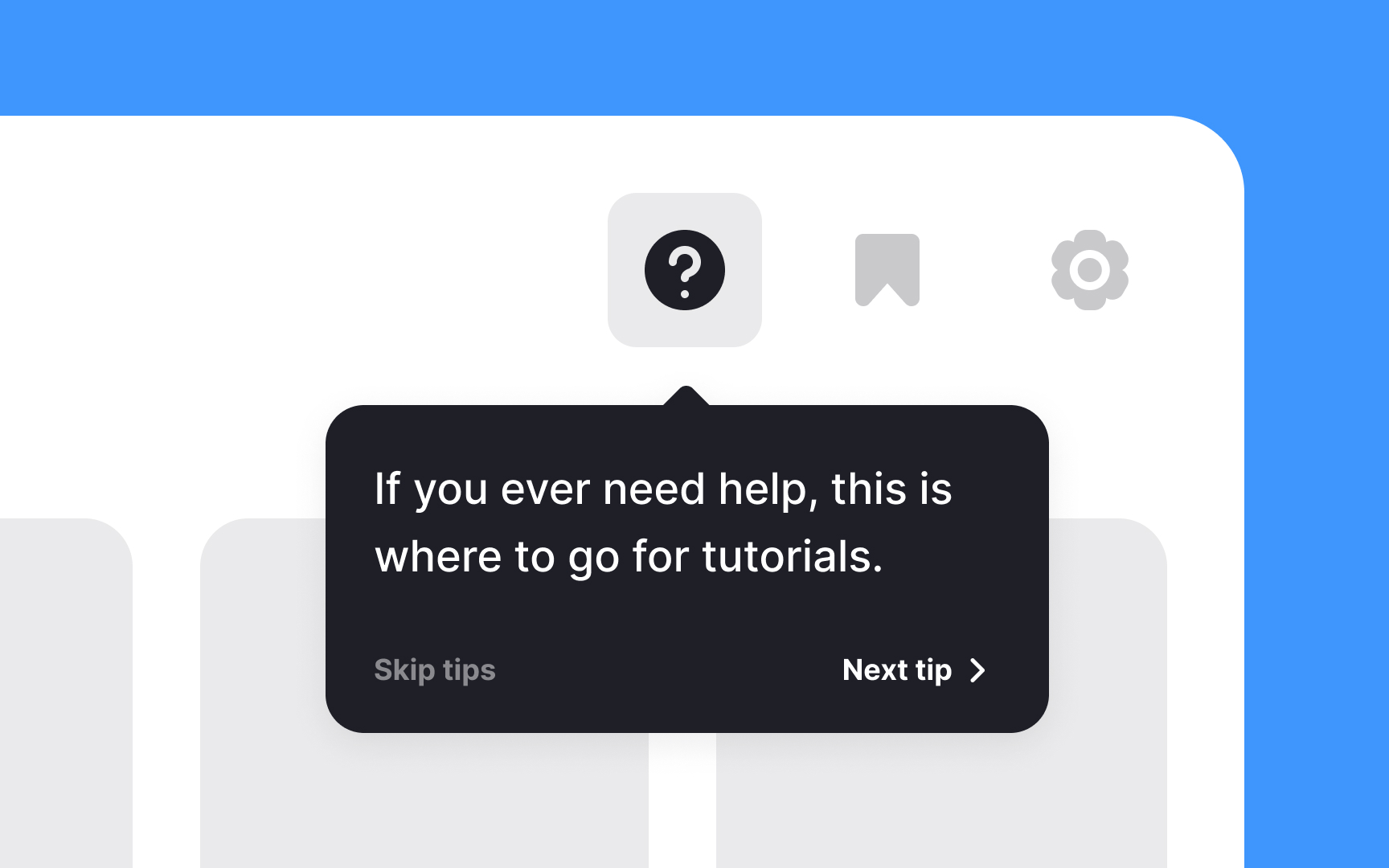
Contextual tips in user
Here are a few tips for effectively using contextual tips:
- Less is more: Avoid cluttering the screen with tips for every action. Too many tips can be counterproductive, distracting, and overwhelming.
- One at a time: Show only one tip at a time to keep the user focused and avoid information overload.
- Intuitive design first: If your product requires numerous tips, it might be time to reconsider the UI design. Aim for an intuitive interface that minimizes the need for explanatory tips.
- Make it relevant: Ensure that each tip is contextually relevant to the user's current action or screen. Irrelevant tips can confuse rather than help.
Pro Tip: Too many tips can overwhelm and annoy users, so avoid using them for obvious functions.
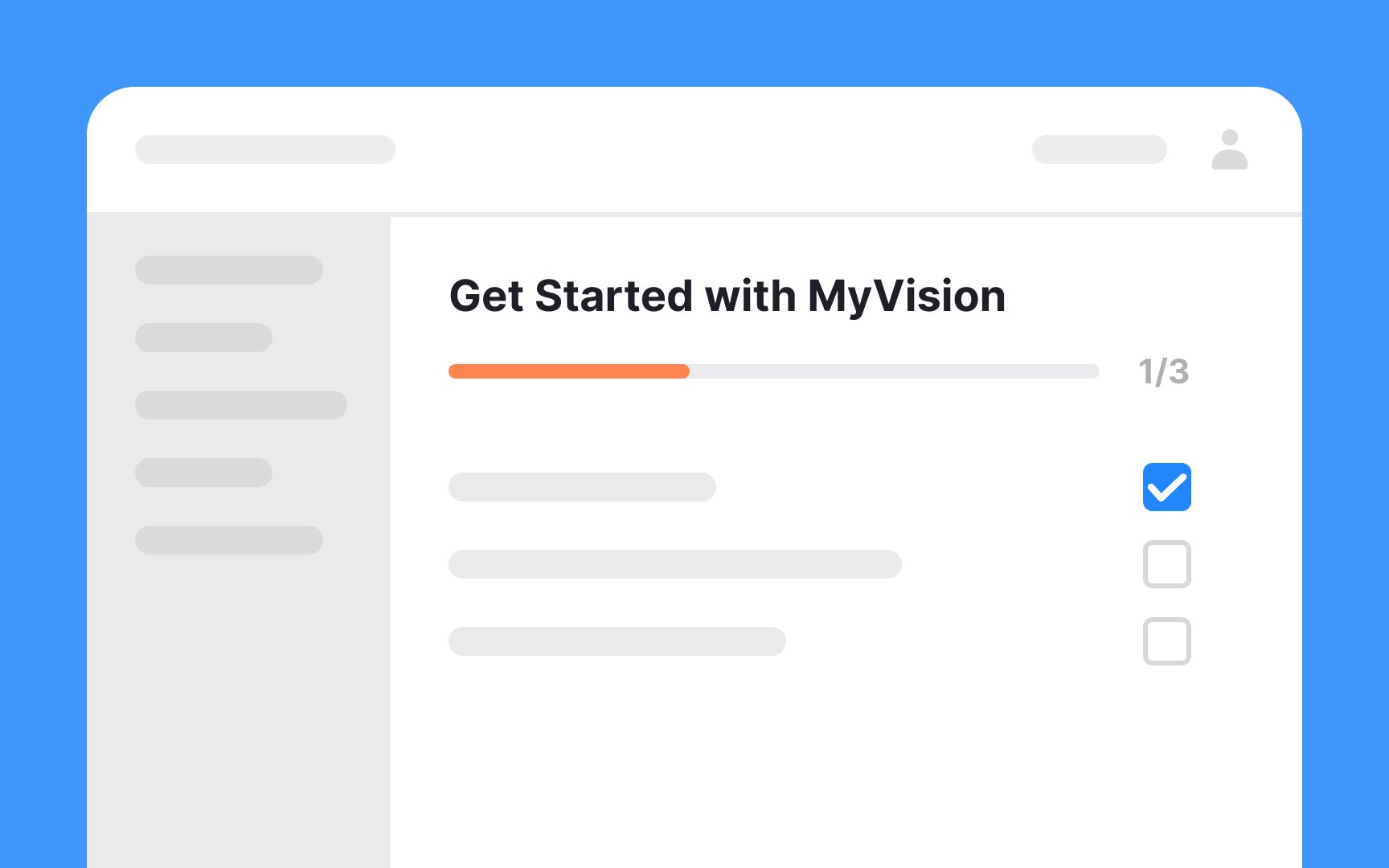
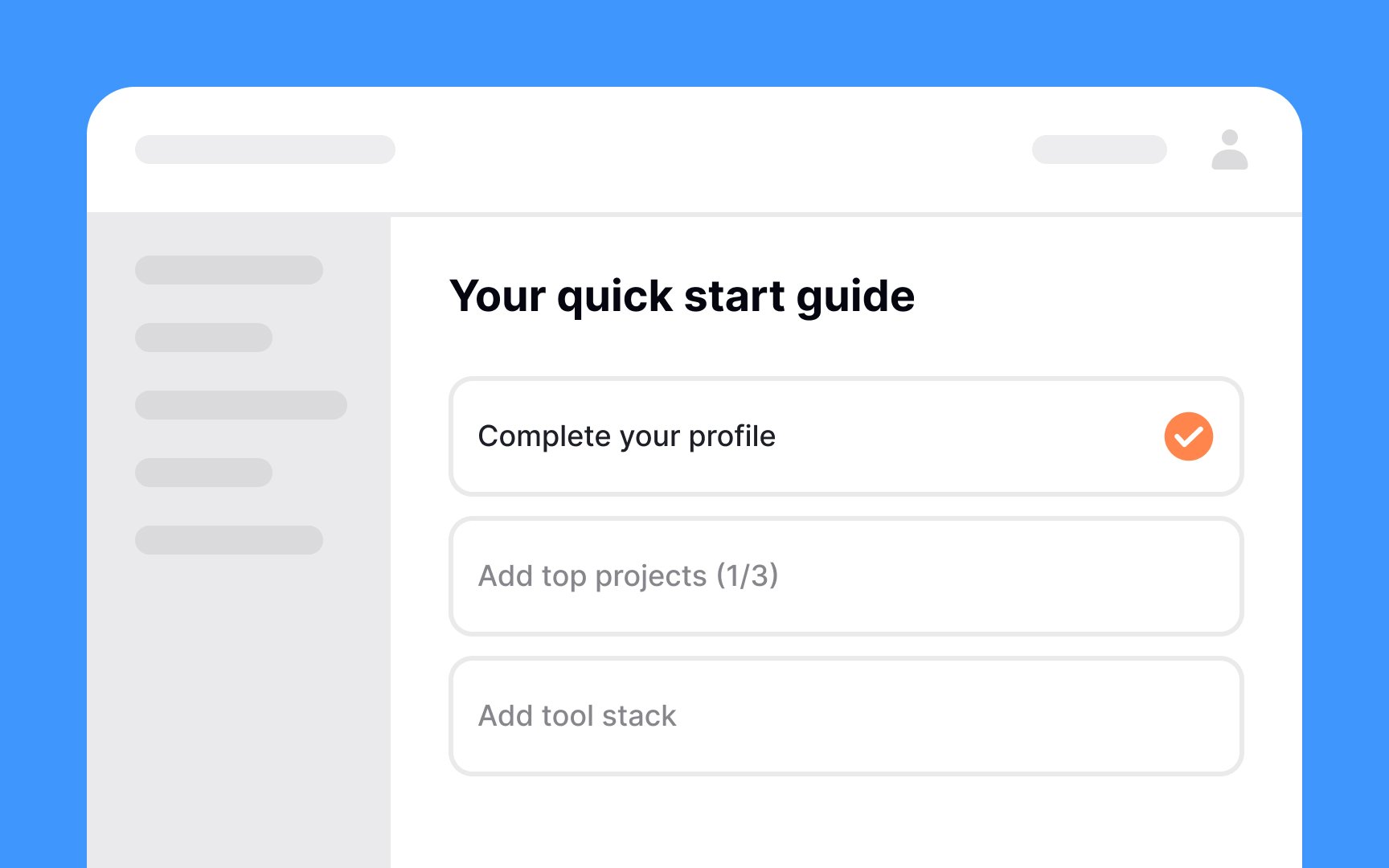
A checklist walkthrough is a user
It's best used when introducing users to essential features, guiding them through key functionalities, and ensuring they understand the product's
Pro Tip: Keep walkthrough checklists short as they can appear achievable and gently nudge users.
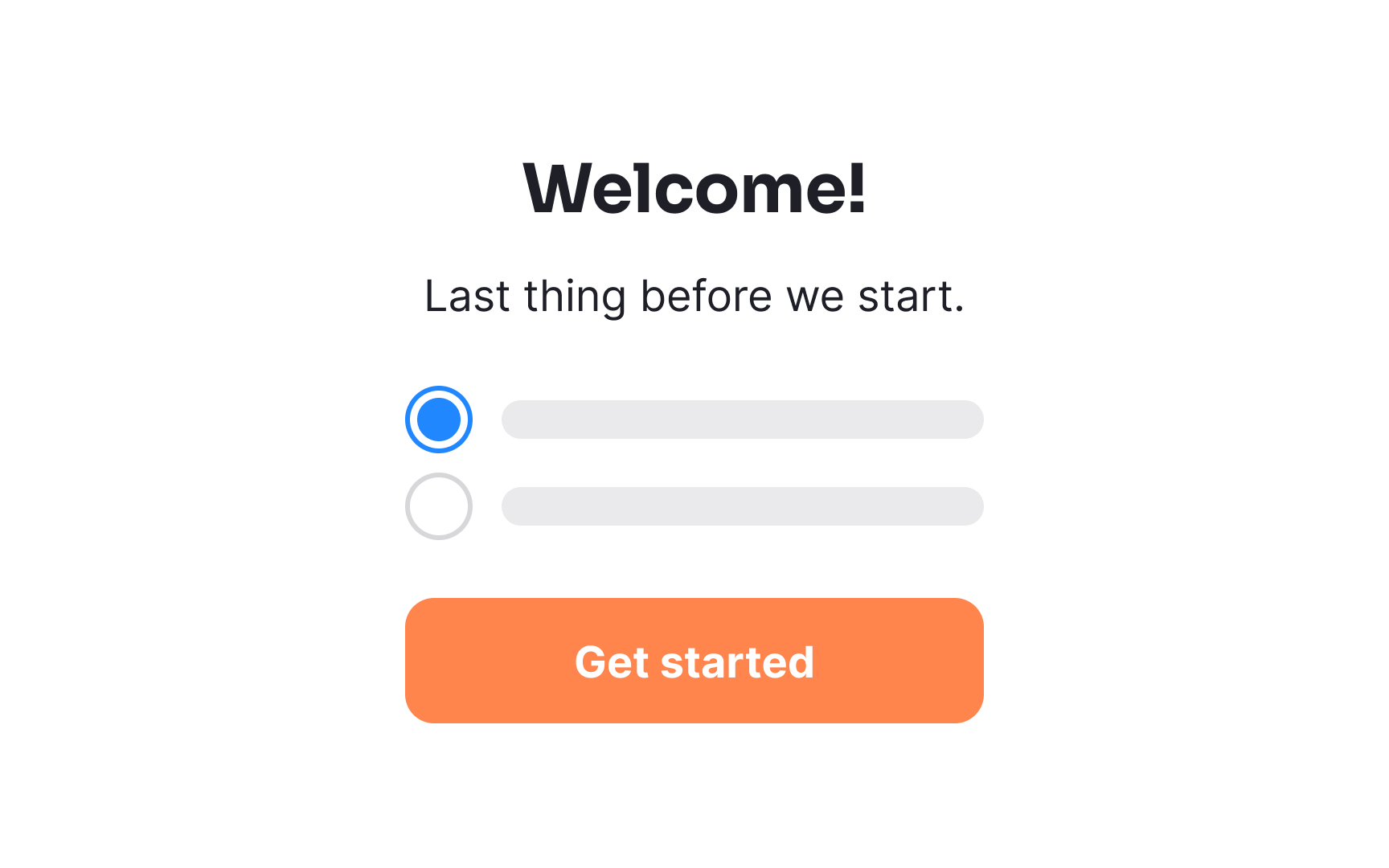
Don’t bombard new users with a ton of questions when you start
Pro Tip: Be sure to give users the option to close or skip onboarding questions.
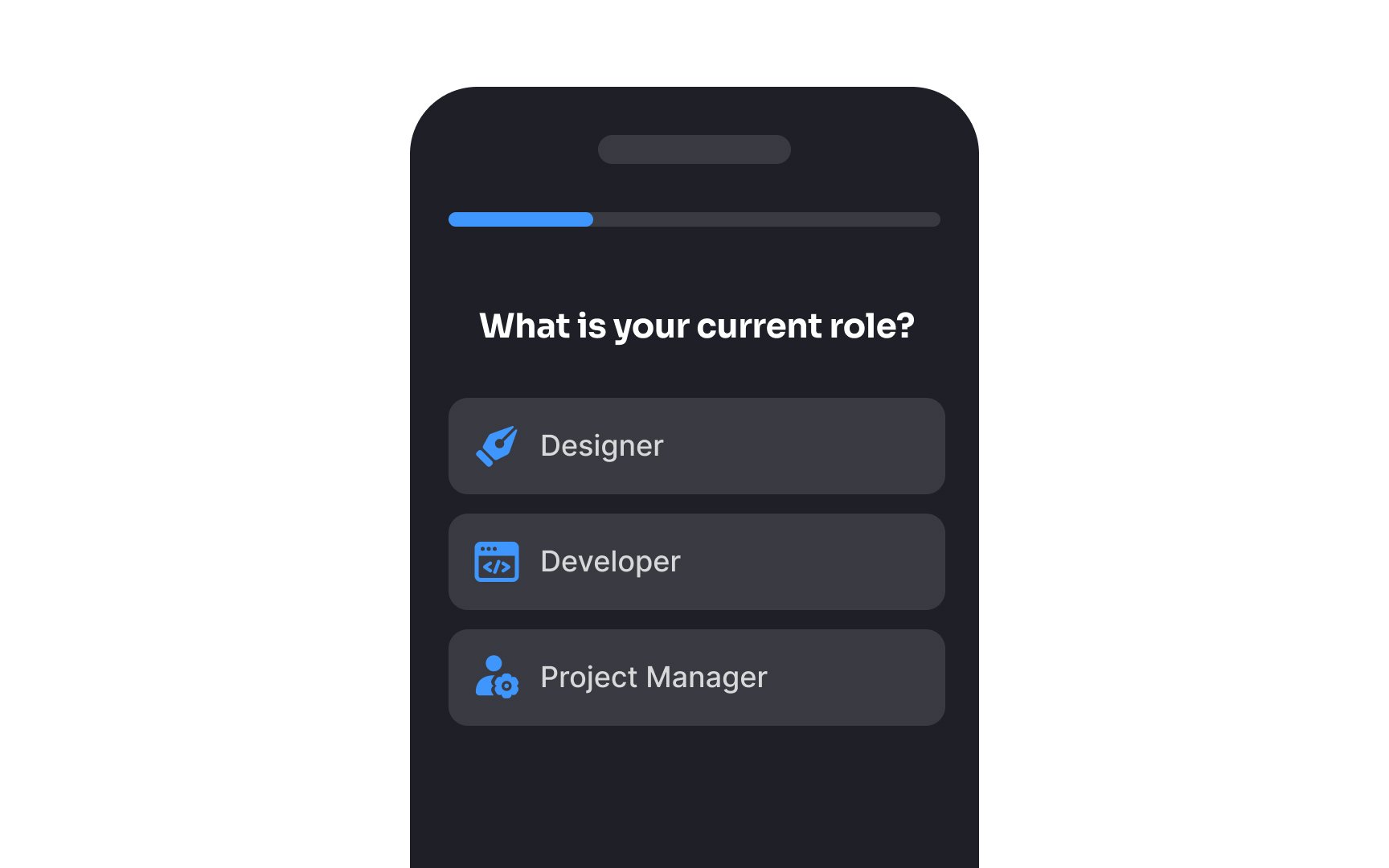
If you’ve created a product that could be used by different personas, it’s important to get an idea of which persona each of your users fits into. This allows you to optimize their experience, thereby turning them into more loyal users.[2]
For example, imagine you've created a project management tool that caters to both individual freelancers and large-scale enterprise teams. Through persona-based
What best describes your role or work setup?
A) Freelancer or solo contributor
B) Team member or manager in a company
What is the size of your typical project team?
A) 1-3 members
B) 4 or more members
Based on their responses, you can then tailor the onboarding process accordingly.
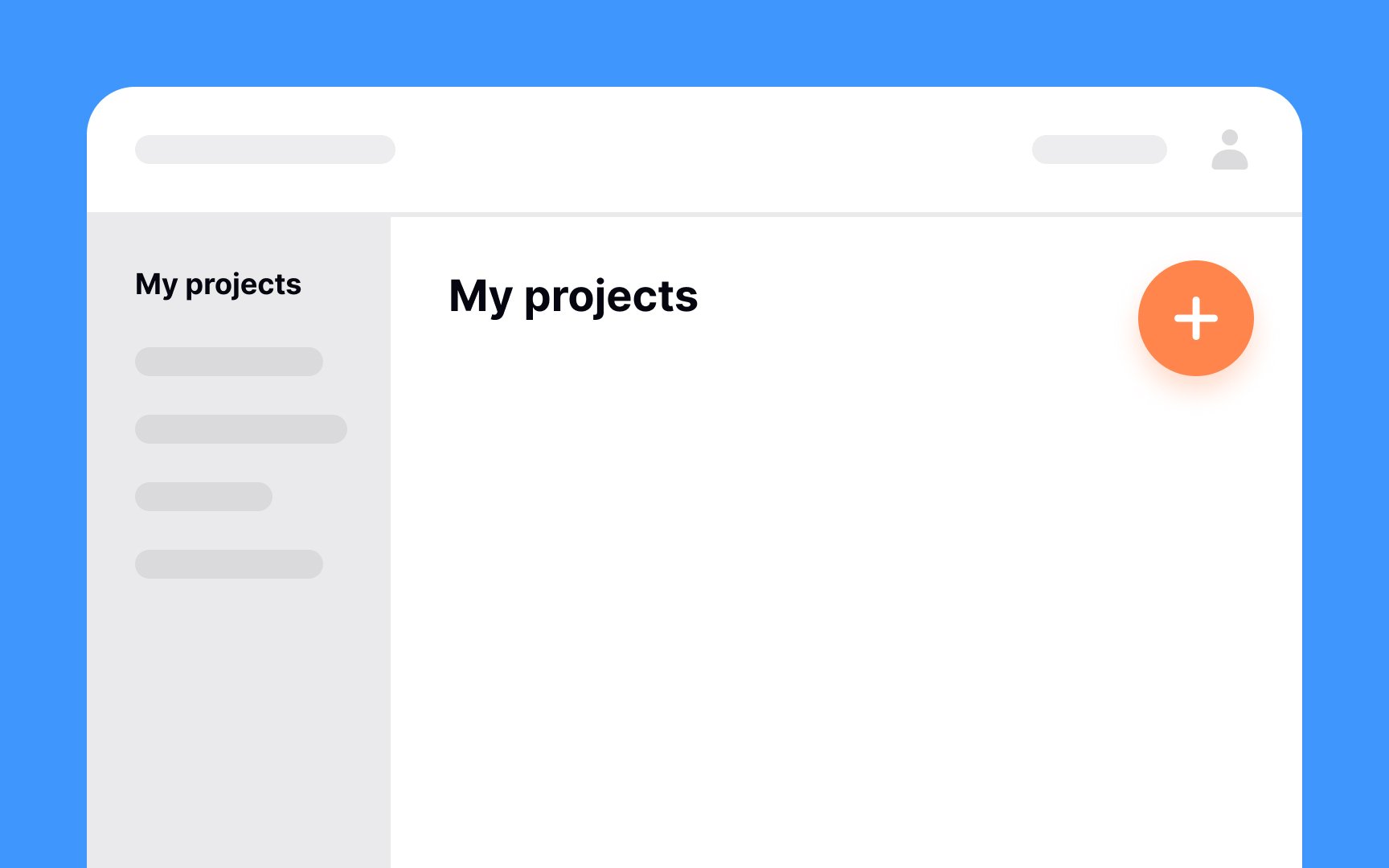
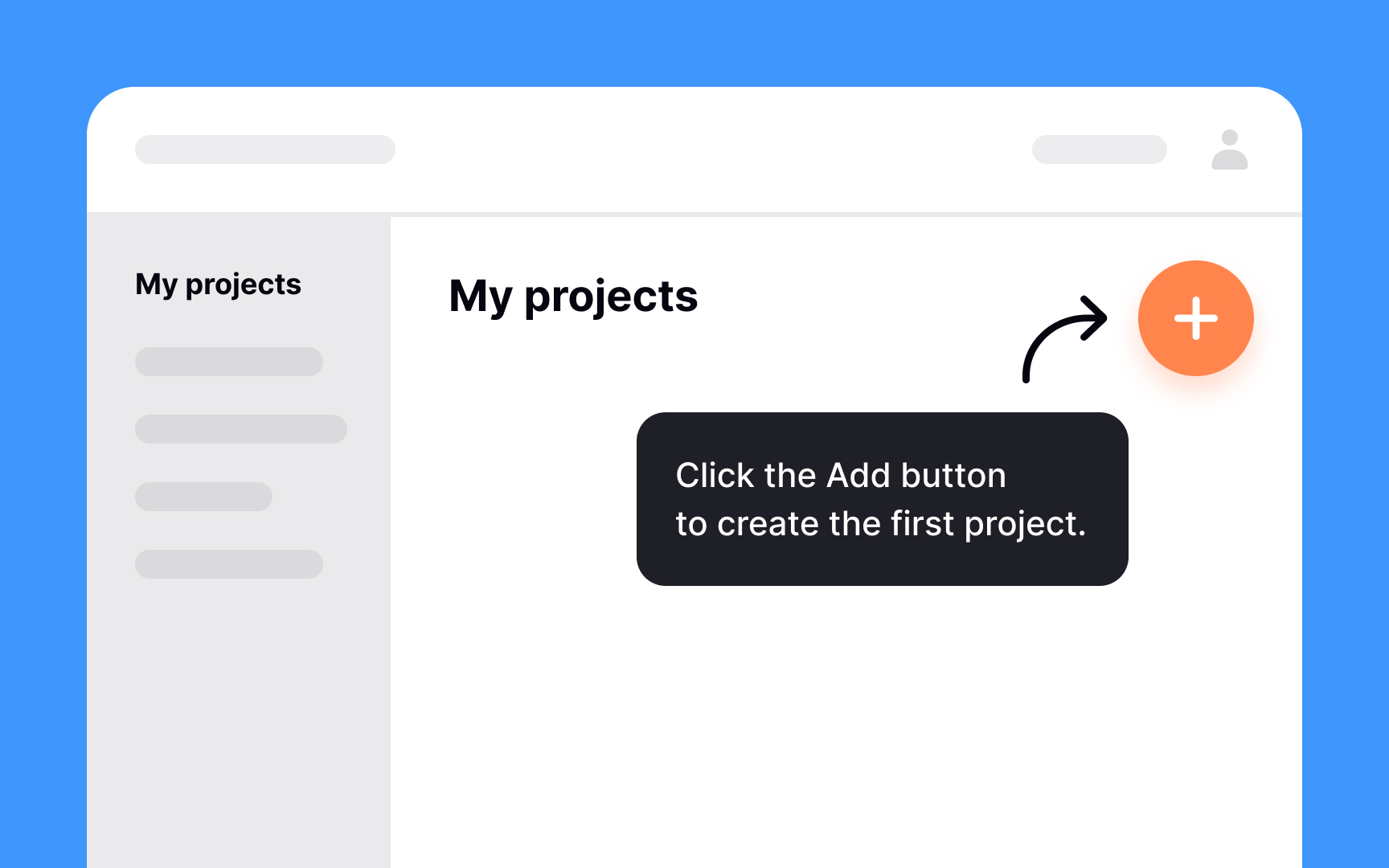
Empty states can be confusing to users, especially if there’s no indication of what they’re supposed to do to fill those screens. Use this opportunity to guide users and help them complete a task, such as setting up their first project. If this is the first time they’re using your product, adding a quick tutorial or a short video creates a better user experience.
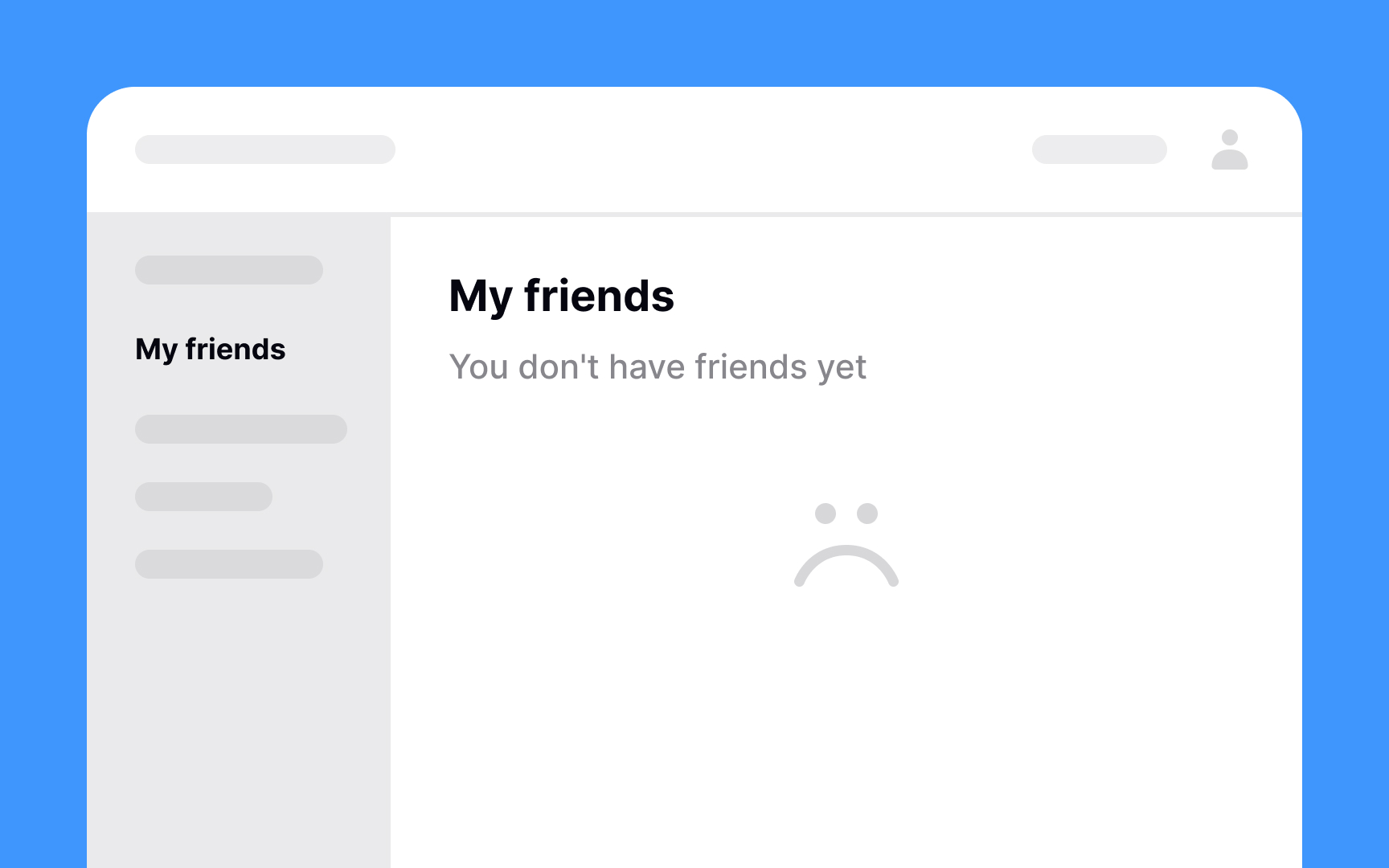
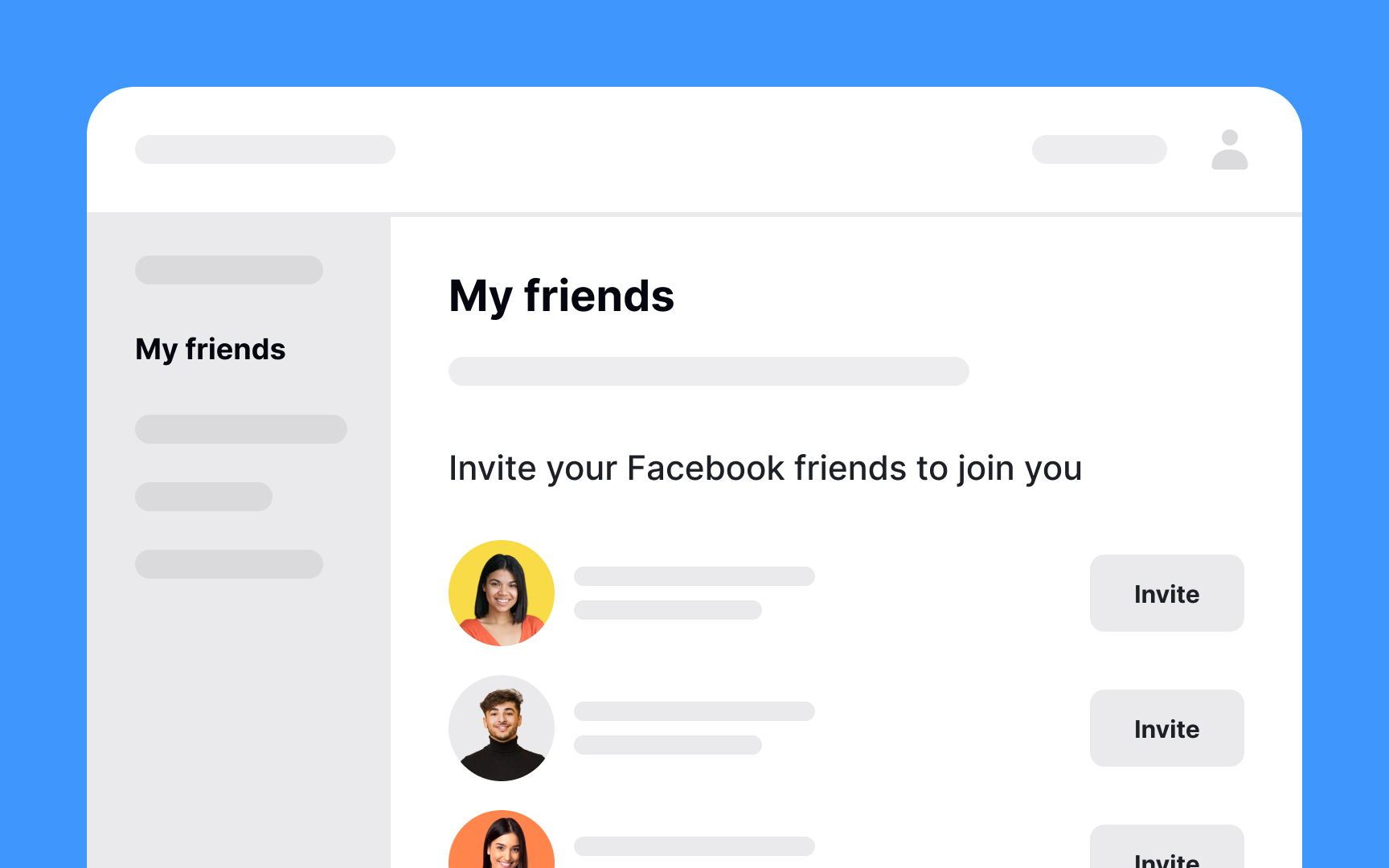
If you’ve ever tried to build a new habit like jogging daily or eating more vegetables, you know how much effort it can take. Occasionally nudging users to interact can turn using your product into a habit. Engage them to invite friends, reward them for daily usage, or notify them about updates and new content. These actions will reinforce the habit and keep them coming back.
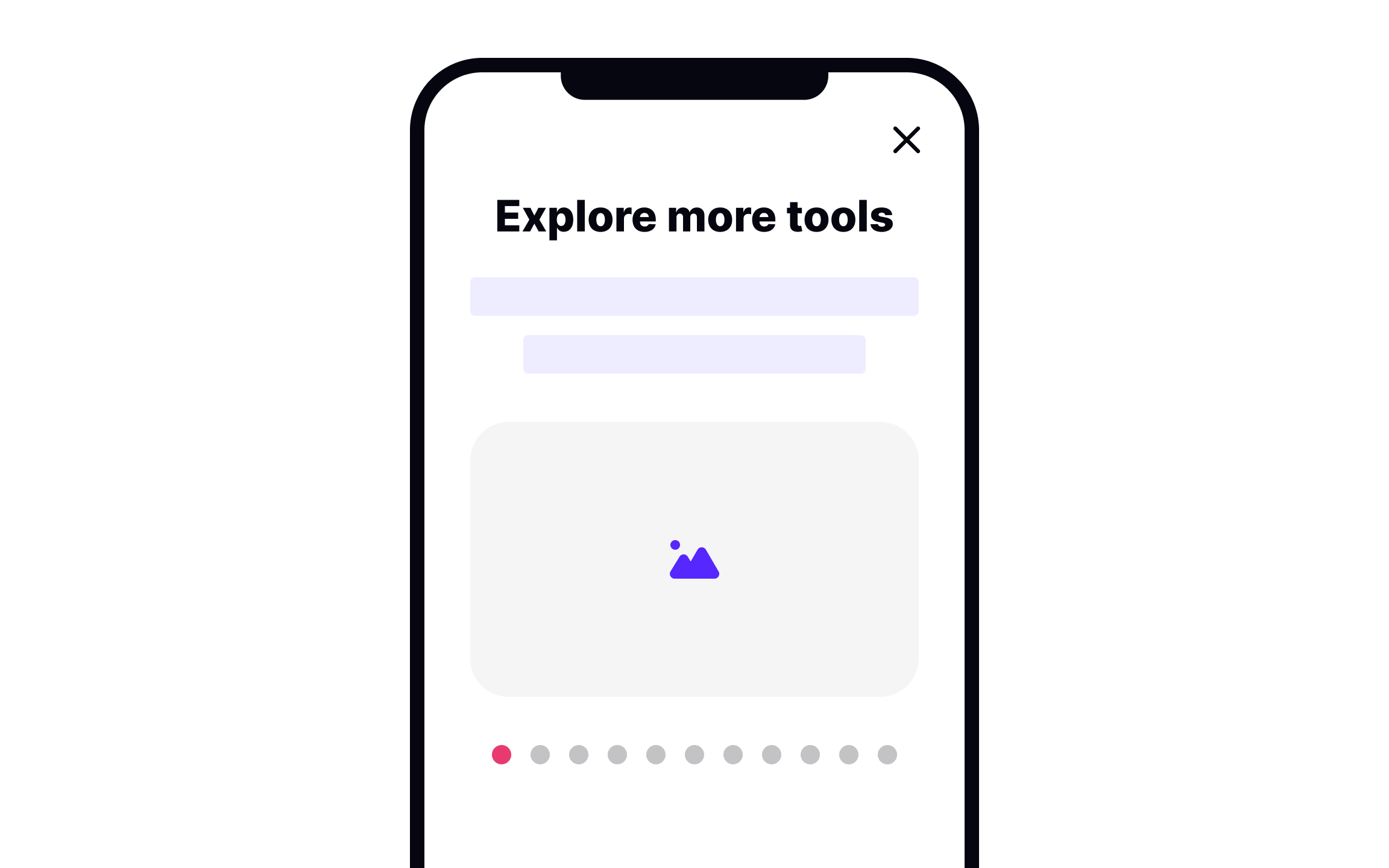
If your
According to a study, a majority of users believe that the onboarding process should take 60 seconds or less.[3] Otherwise, they get bored and tend to leave.
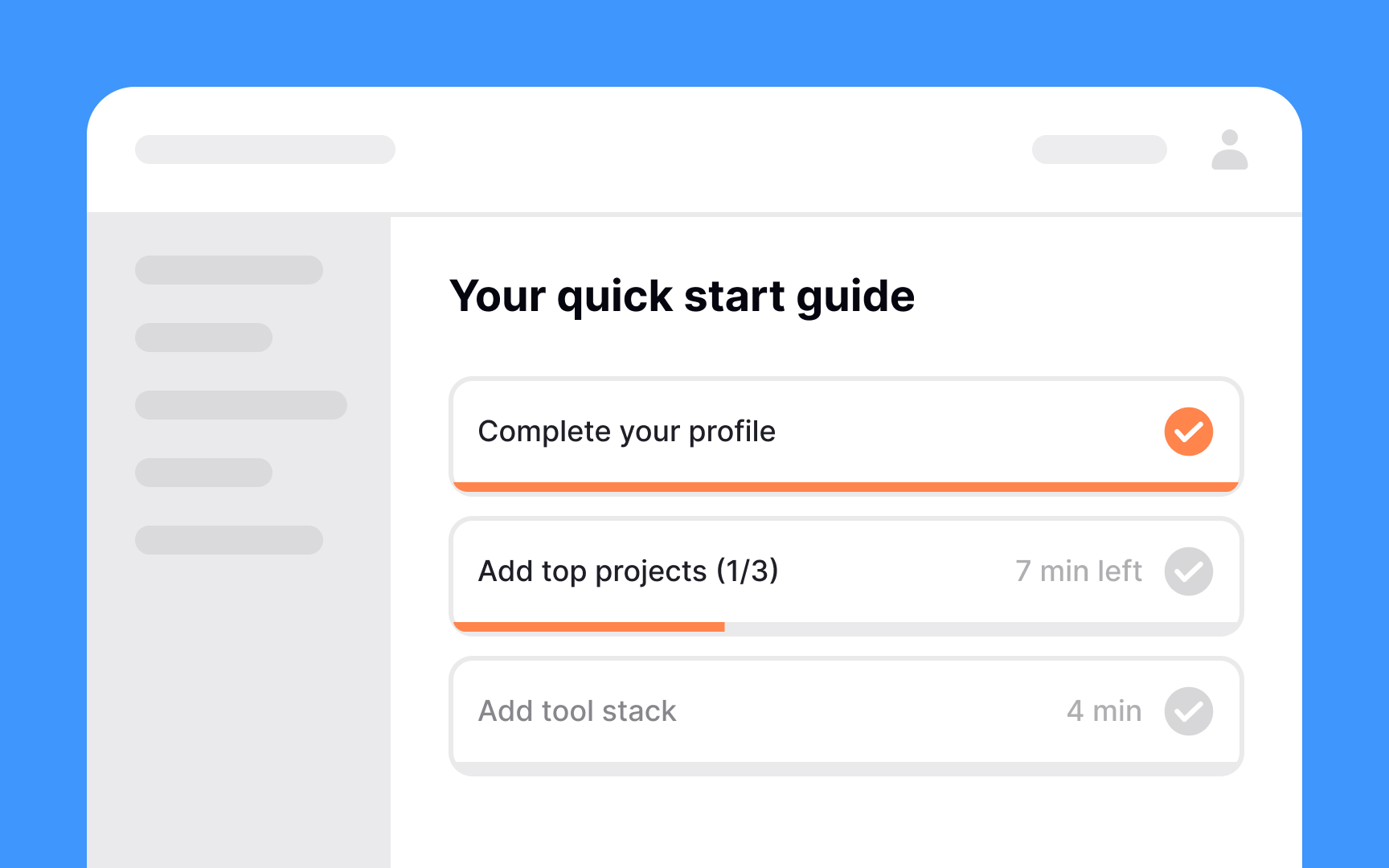
Let users know how many steps the
References
Top contributors

Topics
From Course

Share


Similar lessons
Best Practices for Designing Login & Signup Flows
Requesting User Permissions