Wireframe Fidelity
Understand how to effectively balance simplicity and detail to create wireframes that align with project goals
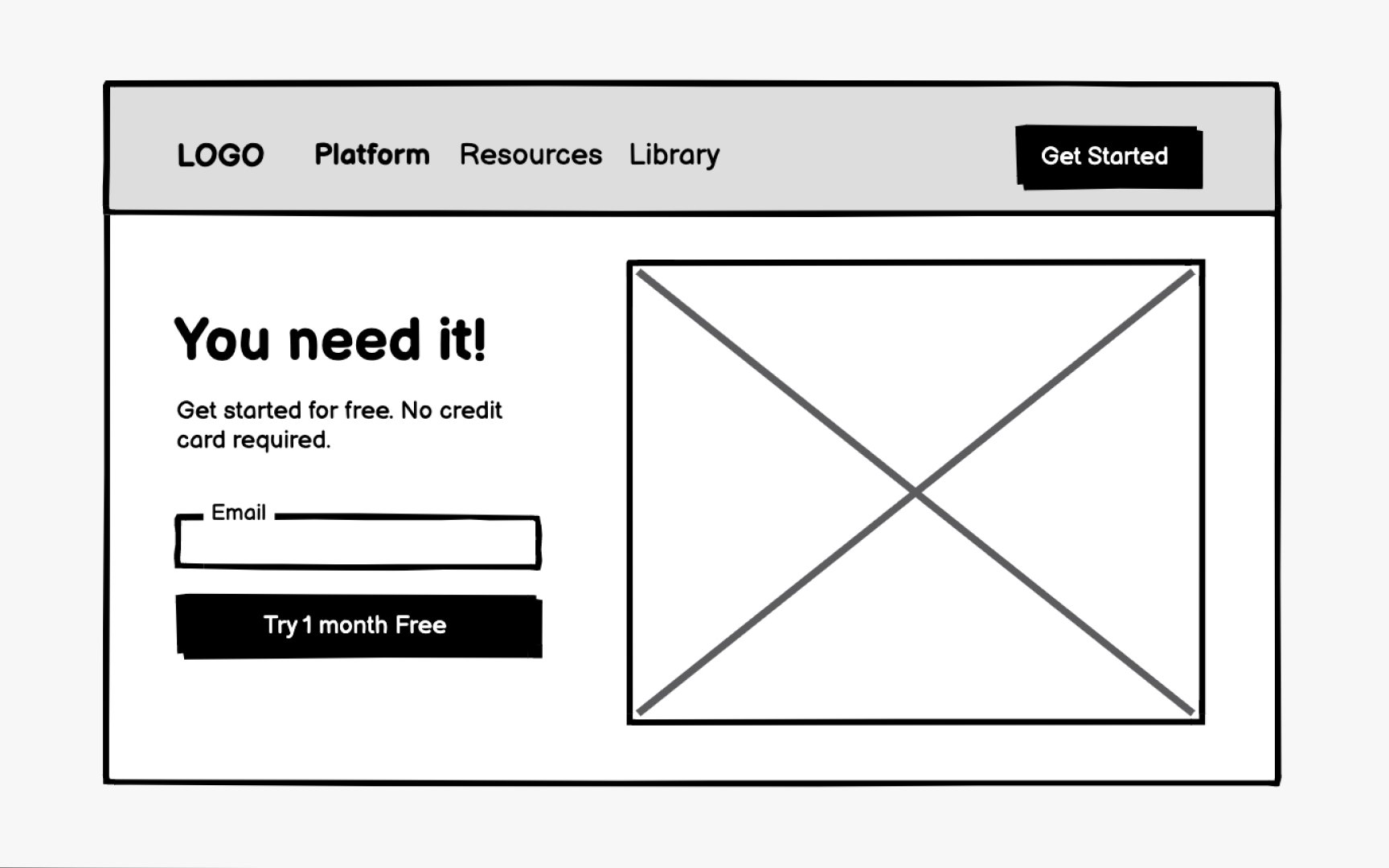
Wireframes exist along a spectrum, from low to high fidelity. In design, fidelity refers to the level of detail and functionality a wireframe contains. Low-fidelity wireframes are simple and often hand-drawn, using basic shapes and placeholders to represent content. High-fidelity wireframes are more polished and closely resemble the finished product, with realistic content, accurate spacing, and sometimes interactive elements.
Each type serves different purposes throughout the design process. Low-fidelity wireframes are ideal for early exploration when you need to quickly sketch ideas and gather initial feedback. High-fidelity wireframes work better for later stages when you need to communicate precise layouts to developers or test more detailed interactions with users. The type you choose depends on your project's needs, your audience, and how far along you are in the design process.
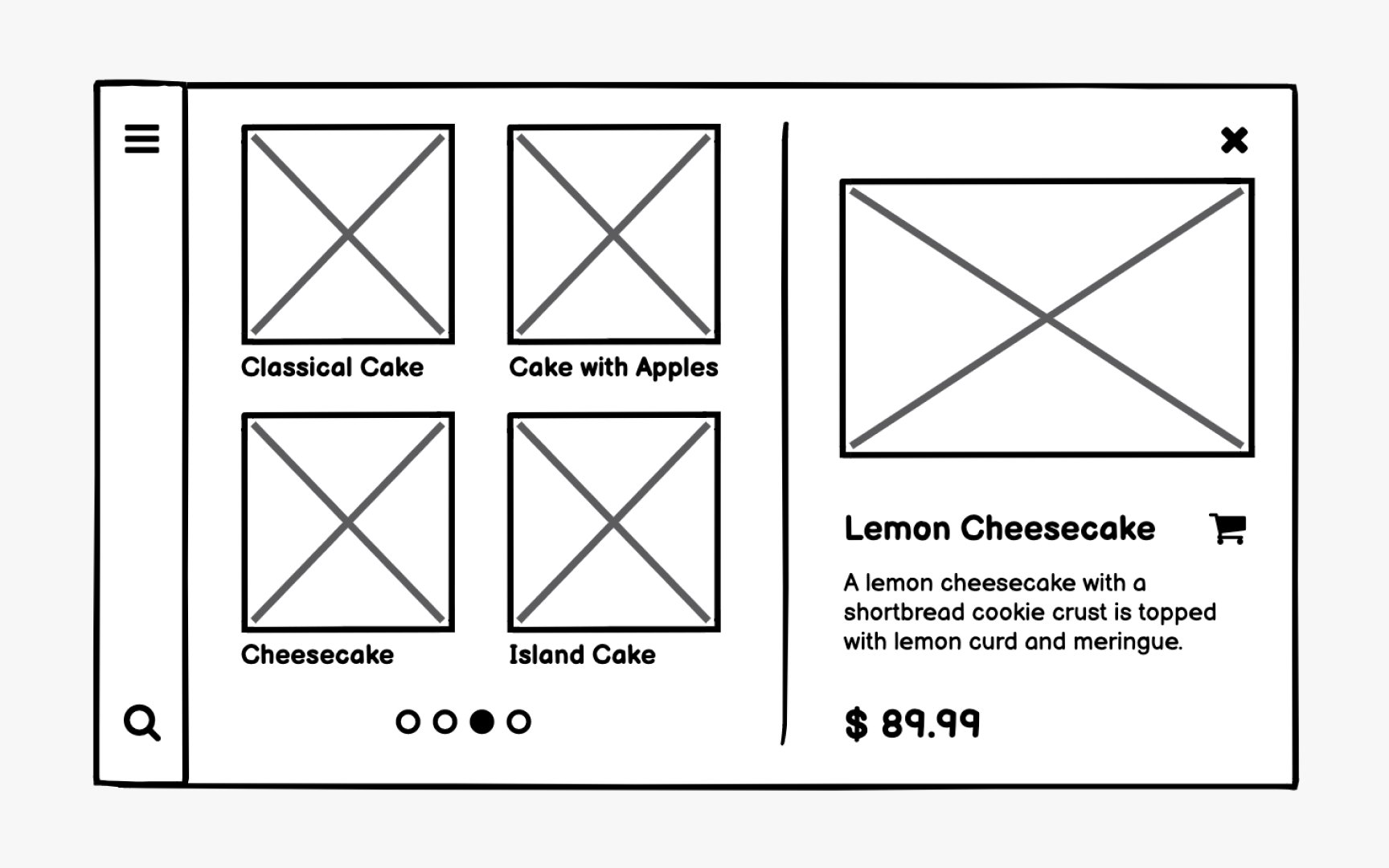
Low-fidelity
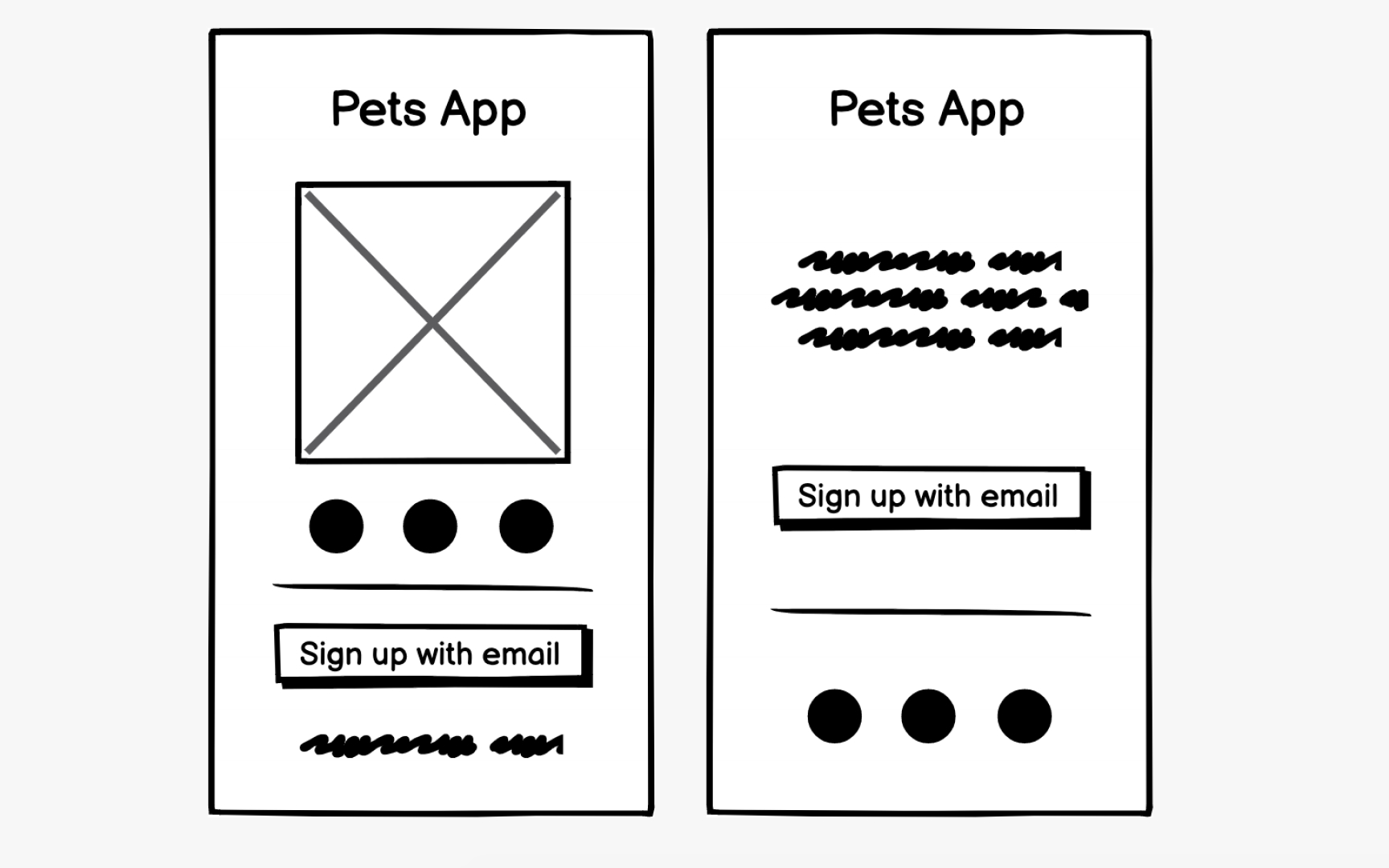
Think of low-fidelity wireframes as your rough draft. They're not the final product but a starting point for shaping the product in the early stages of development. Their purpose is to validate usability before investing further effort in design and development. While they don't take much time to create, they can spare you significant rework down the road.
Medium-fidelity
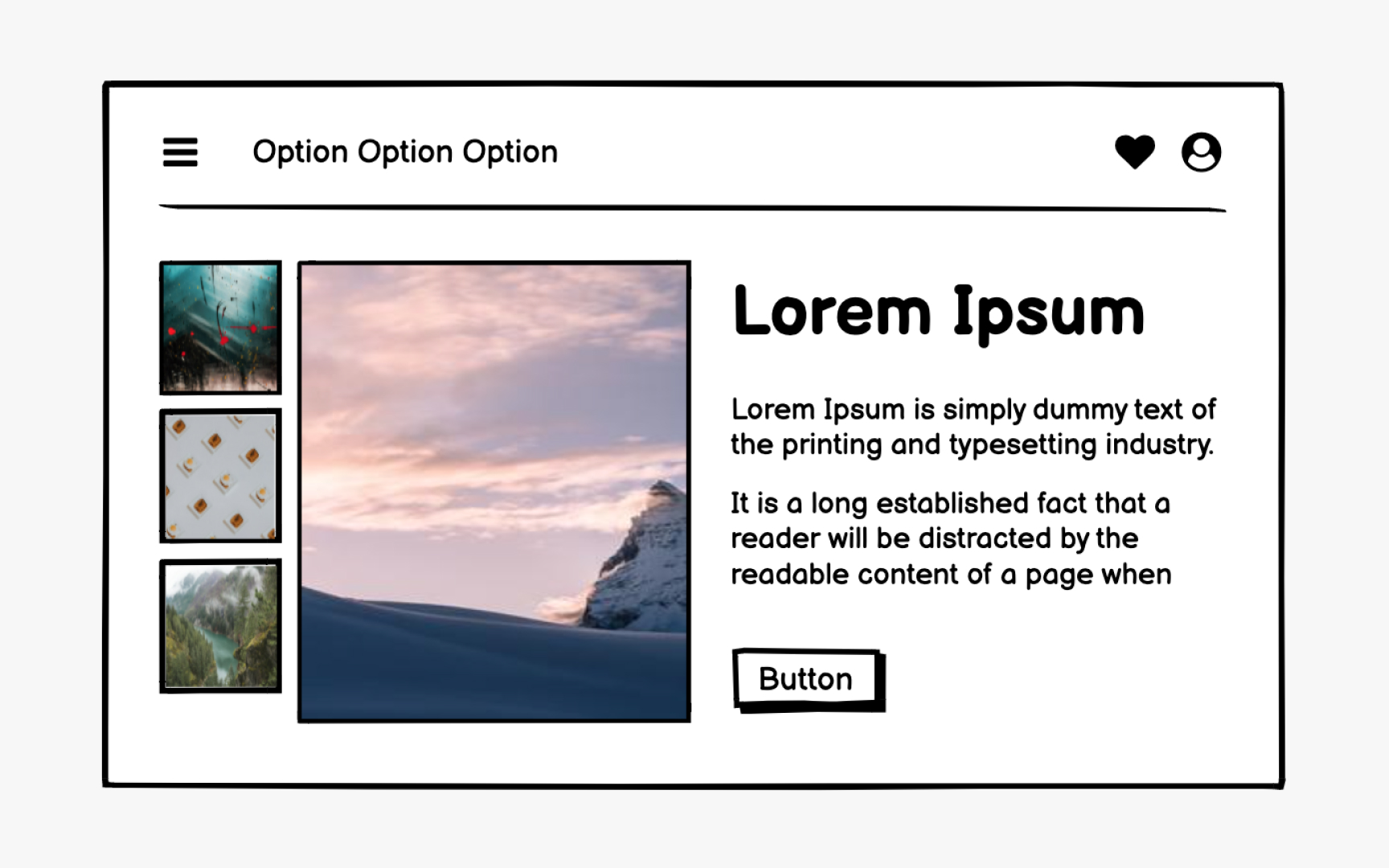
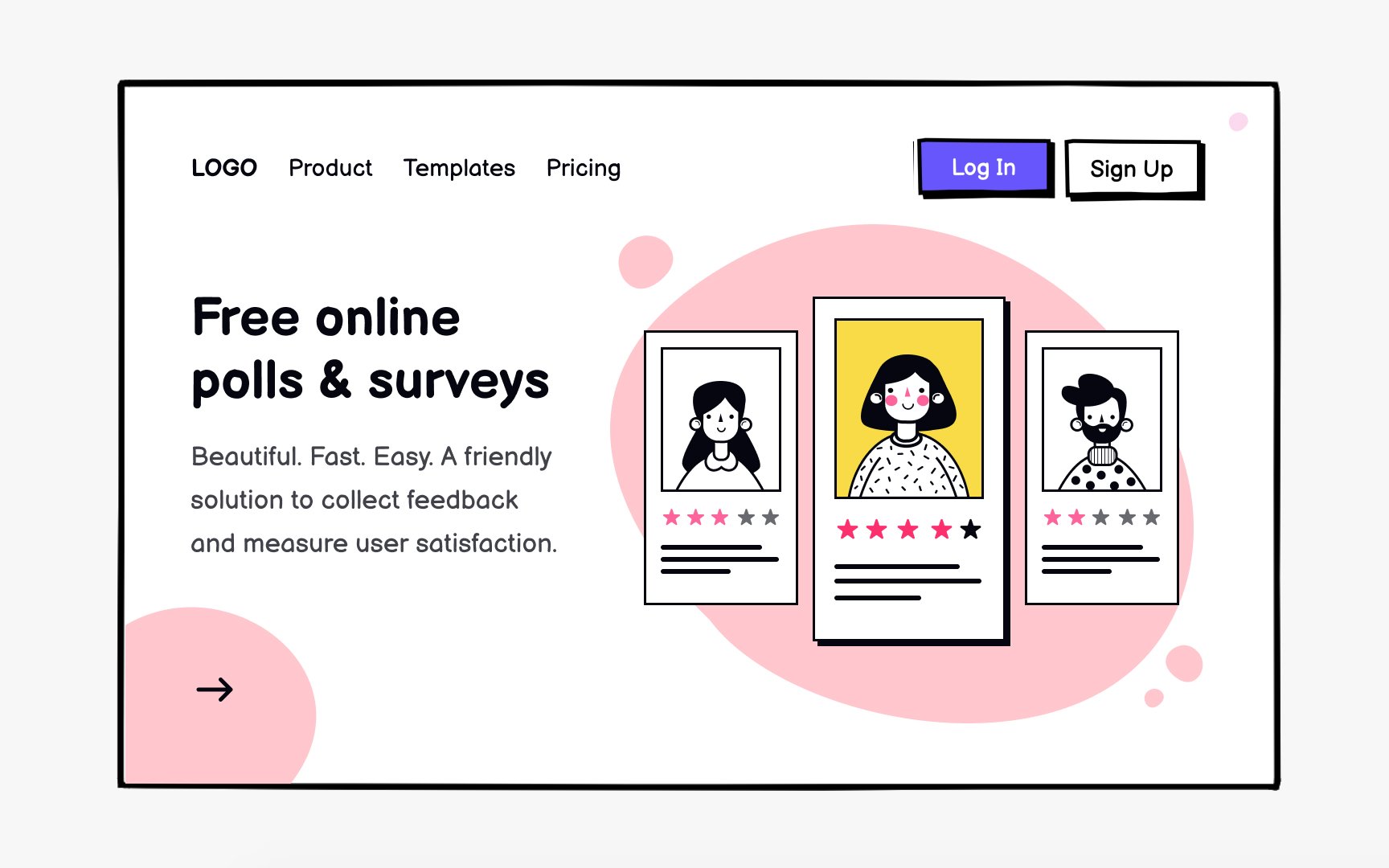
Medium-fidelity wireframes bridge the gap between rough sketches and polished designs. They're detailed enough to give stakeholders a clearer picture of how the product will work, while still being quick to create and easy to modify. This makes them useful for presenting to clients or conducting more focused usability testing where users can engage with realistic
Their purpose is to help communicate how aesthetic features can support essential functionality, allowing teams to refine the user experience before committing to high-fidelity designs.

High-fidelity
High-fidelity wireframes may look similar to prototypes, but they serve different purposes. Wireframes are static and focus on conveying page structure,
Dummy
On one hand, Lorem ipsum speeds up the
Pro Tip: AI tools like ChatGPT or Claude can quickly generate realistic placeholder content that mimics the tone, length, and structure of your final copy, giving you the speed of Lorem ipsum with the accuracy of real text.
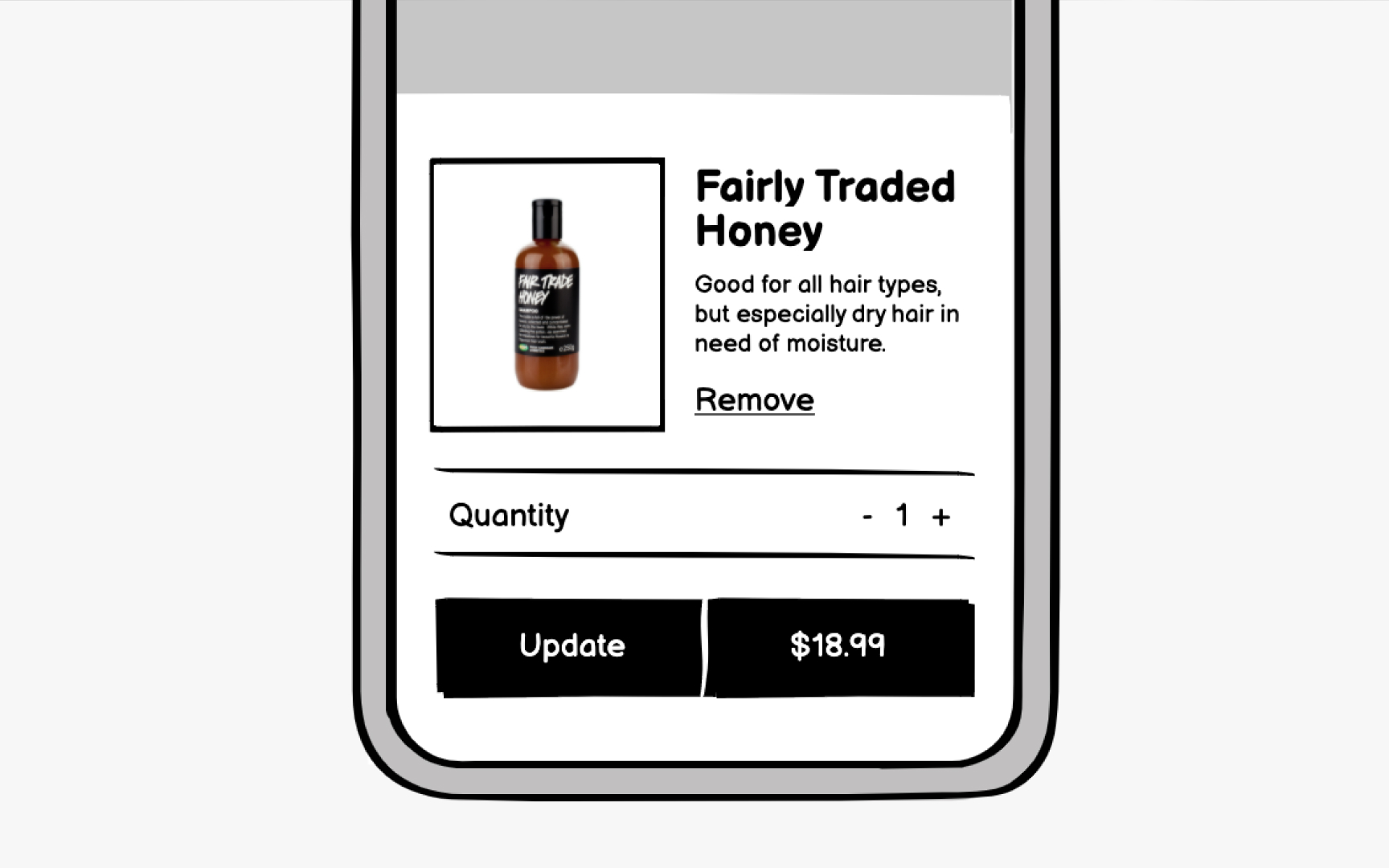
Using actual copy early in the
When designers and copywriters work in parallel rather than sequentially, the result is a more cohesive product. Copy can be written to fit the design, and the design can adapt to accommodate essential messaging. This collaboration also prevents last-minute surprises when
Low-fidelity
Consider using low-fidelity wireframes when:
- You're at the very beginning of the
design process . Start with low-fidelity wireframes as your first draft, then add more detail in subsequent iterations. - You have a large number of screens to create. For big projects, it often makes sense to start with low-fidelity wireframes across most
pages , then add detail only where more clarity is needed. - You're working under tight deadlines. Fewer details mean faster creation, allowing you to quickly explore ideas and gather feedback.
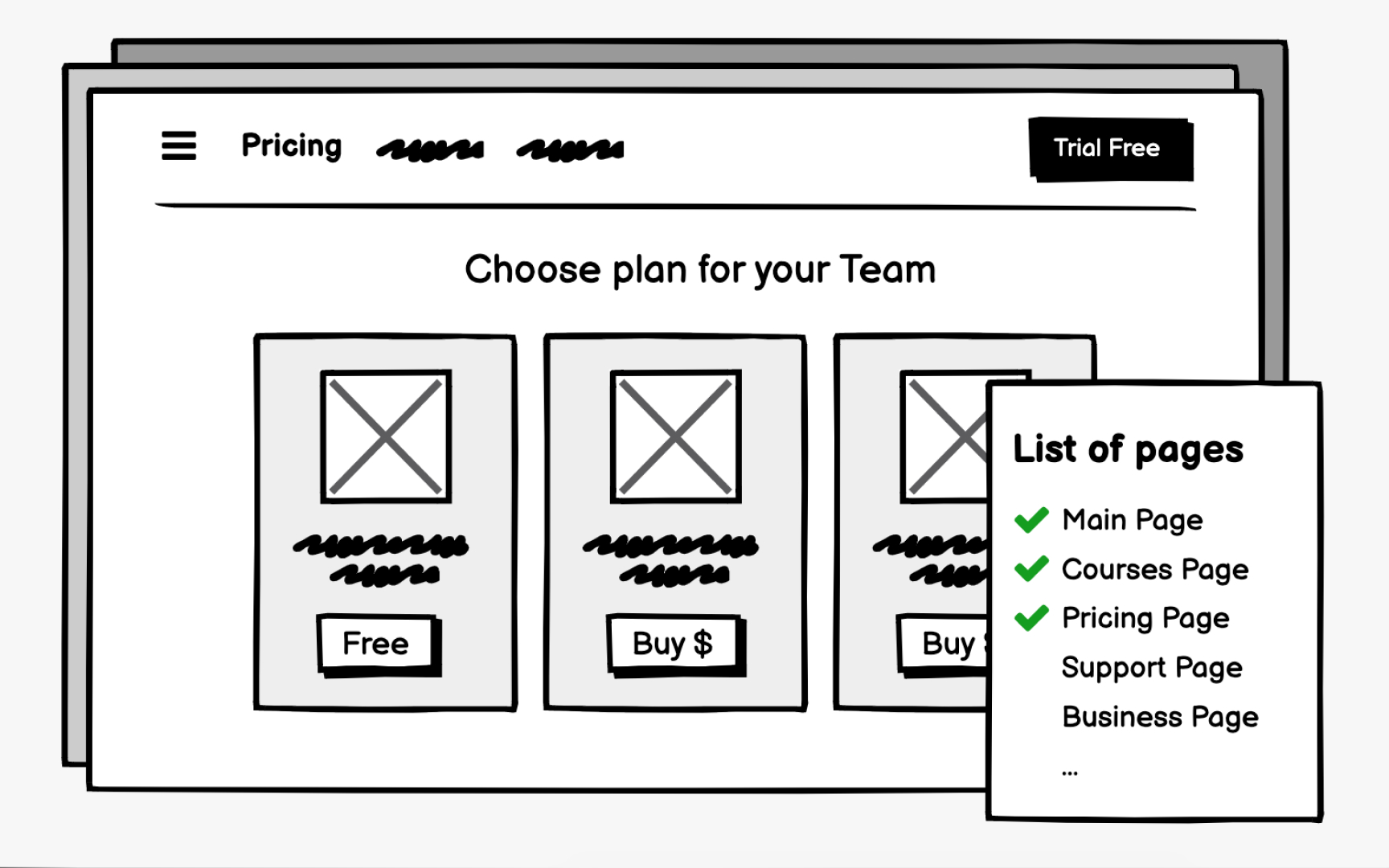
Medium-fidelity wireframes strike a balance between simplicity and detail. They're useful when low-fidelity wireframes aren't clear enough, but you're not ready to commit to high-fidelity designs.
Consider using medium-fidelity wireframes when:
- You're creating a
wireframe map or a visual sitemap with wireframes for eachpage . Low-fidelity wireframes often lack the detail needed for stakeholders or users to follow, especially when gathering feedback on the overall site structure.[2] - It's the next step in a comprehensive
design process . If your project has the time and budget, medium-fidelity wireframes are a natural progression after low-fidelity wireframes. Adding more detail helps flesh out your design ideas and gives a clearer picture of how the product will function.
High-fidelity
Consider using high-fidelity wireframes when:
- You're at the end of the
design process . The overall design direction is established, and functionality is now the focus of the conversation. - You need to test complex user
interactions . More detail allows for more accurate evaluation ofUI elements anduser flows . - You have the time and budget. High-fidelity wireframes require significant design effort and are more expensive to produce.
- You're presenting to a client or partner you want to impress. High-fidelity wireframes give stakeholders a clearer visualization of the final product and demonstrate professionalism.
- You're working on a personal project. When you control your own deadlines, you can decide how much time and effort to invest. High-fidelity wireframes are also great for communicating your product's potential to investors.
References
Top contributors


Topics
From Course
Share