Designing rich push notifications with media elements
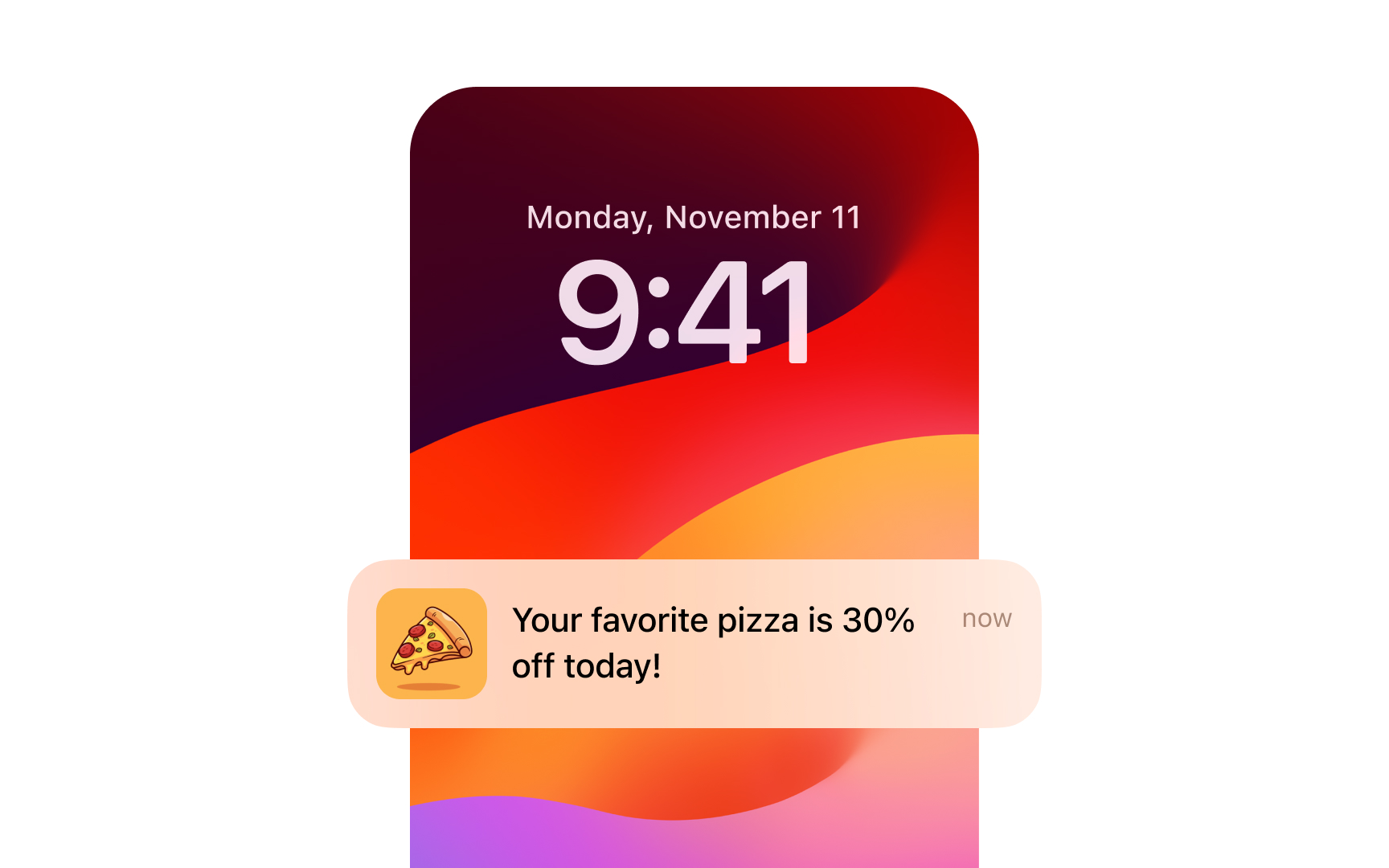
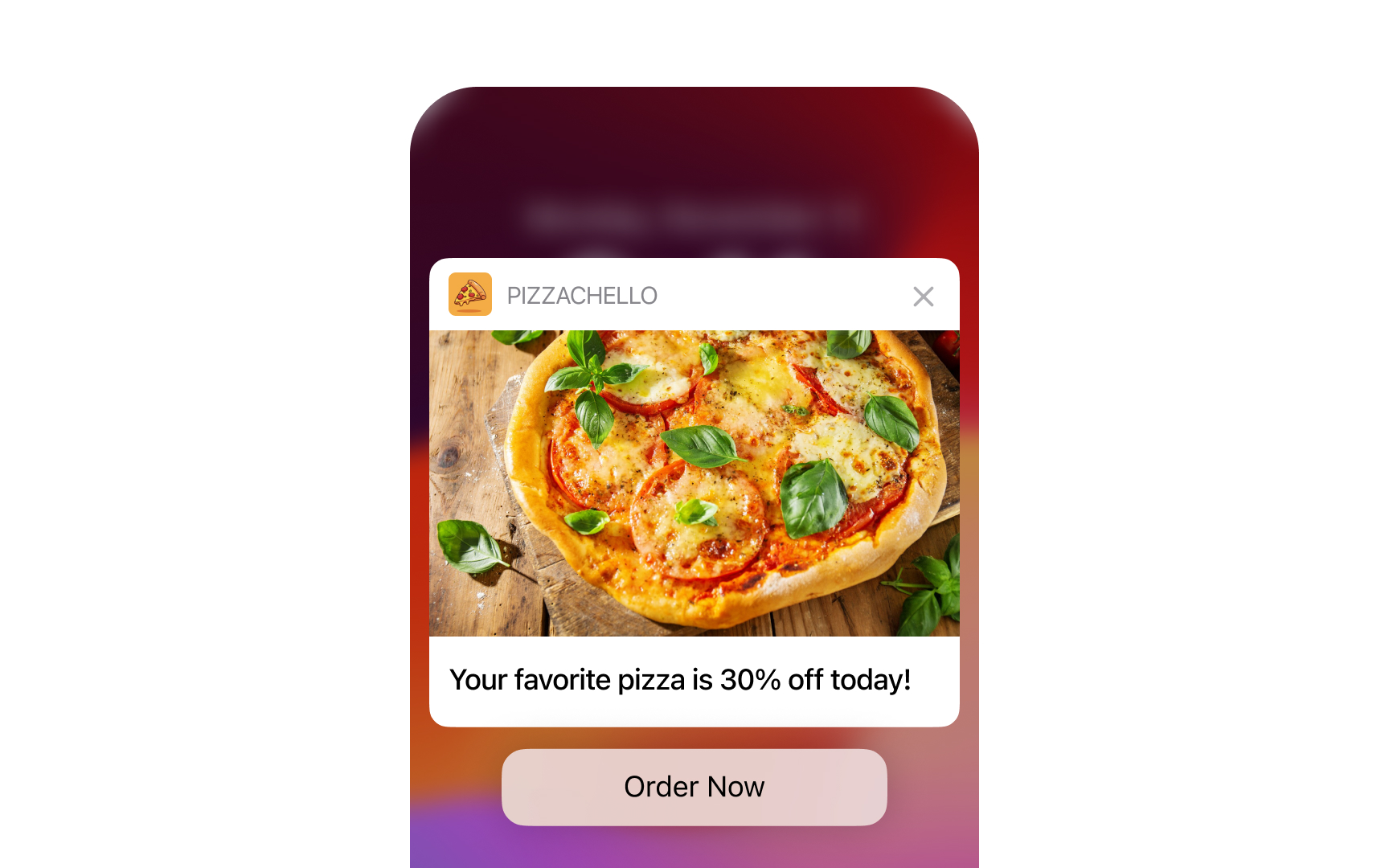
Rich push notifications incorporate visual elements such as images, GIFs, or videos to create more engaging and informative messages. These visually appealing notifications can significantly increase open rates and user engagement compared to text-only notifications.
Key aspects of rich push notifications include:
- Image selection: Choose relevant, high-quality images that complement the message. The correct push notification demonstrates effective visual design by combining an appetizing, professional photo of the product with a clear call-to-action button.
- Video snippets: Use short video clips to showcase products or features
- Animated GIFs: Create eye-catching motion to draw attention
- Emoji usage: Enhance text with relevant emojis for added visual interest
- Layout design: Structure content for easy scanning on small screens
- Brand consistency: Maintain visual identity across all rich notifications
Remember to optimize media for quick loading and ensure compatibility across different devices and operating systems.[1]