Understanding VoiceOver navigation
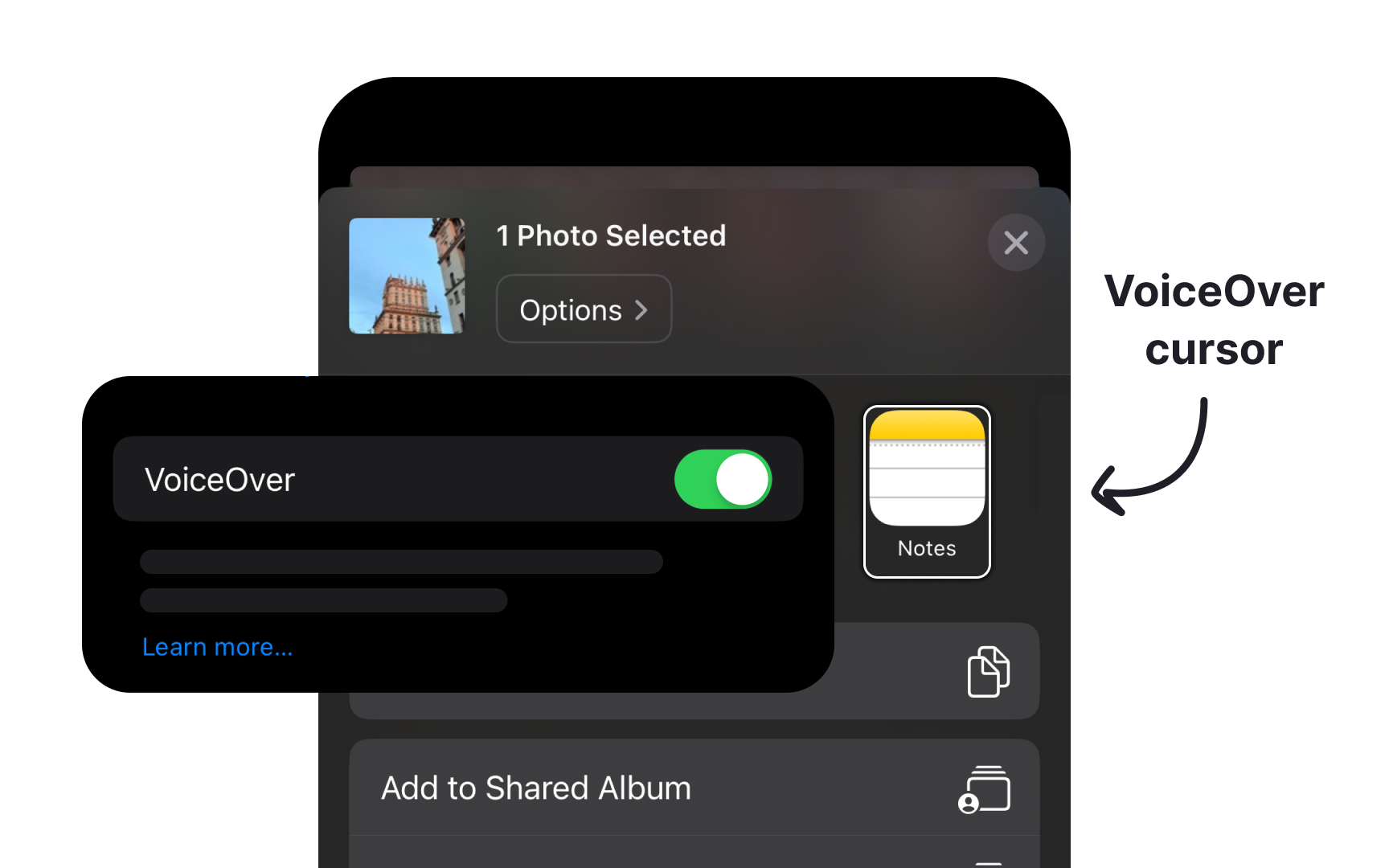
VoiceOver transforms visual interfaces into spoken descriptions, requiring proper content structure and accessibility properties. Clear navigation implementation ensures users can effectively interact with your app interface.
Follow the essential guidelines for VoiceOver support:
- Create concise labels that clearly identify each element's purpose, like "Add to cart" or "Search products"
- Provide enough context about interactions when needed, such as "Double tap to open shopping cart"
- Define element behaviors to indicate if it's a button, header, or another control type
- Communicate current states or data, like "3 of 5 stars" or "2 items selected"
- Provide clear navigation by arranging elements in a logical left-to-right, top-to-bottom pattern that matches the visual layout
- Group-related interface elements to help users build a clear mental model
- Announce error states and provide specific guidance for correction[1]
References
- Supporting VoiceOver in your app | Apple Developer Documentation | Apple Developer Documentation