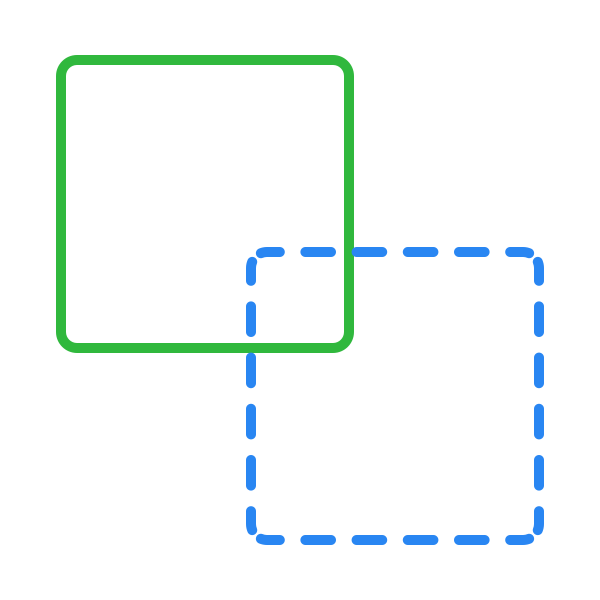
Stroke position
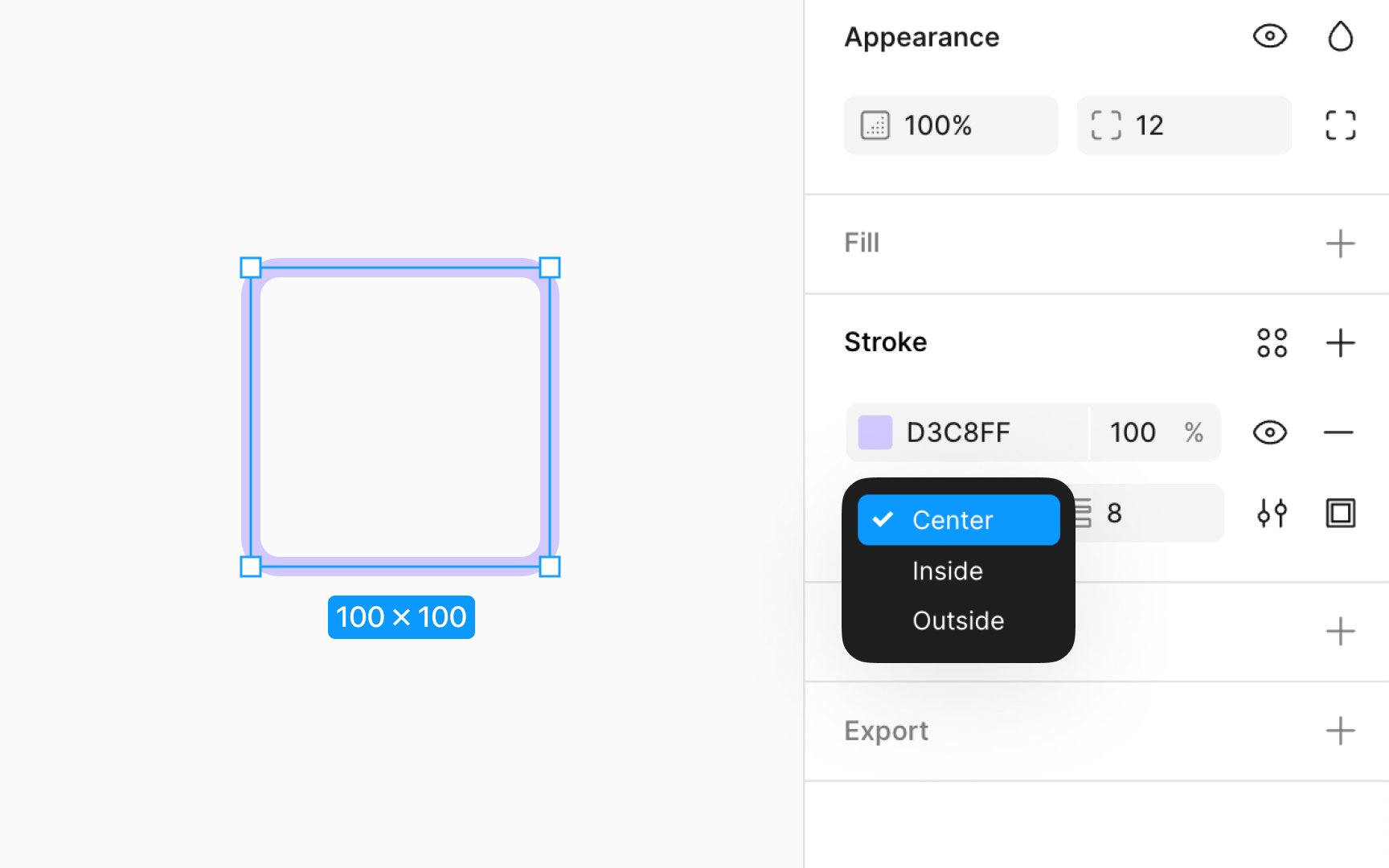
By default, shape layers have strokes set to inside, while lines default to center. However, you can position strokes inside, outside, or the center of a layer's path by using the dropdown Position menu in the Stroke section of the Design panel. This flexibility allows you to enhance the visual clarity and precision of your design elements according to their context and background.
Before finalizing your choice, Figma offers a preview feature. By hovering over each stroke position option in the dropdown menu, you can see a live preview on the canvas, helping you make informed decisions about the best stroke position for your design.