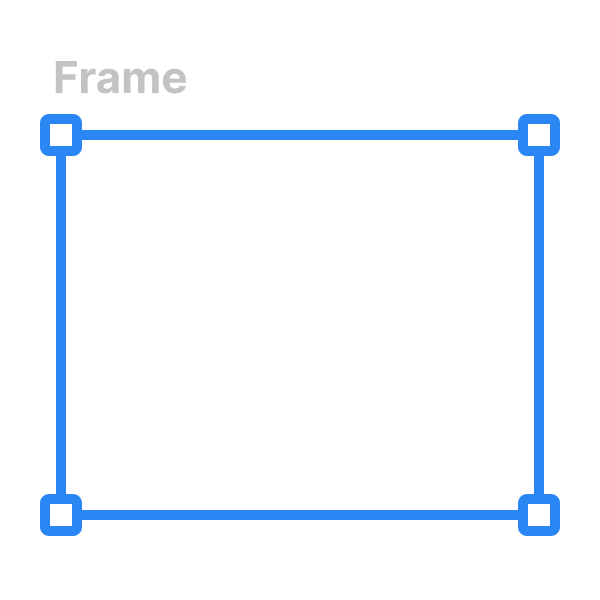
Nested frames
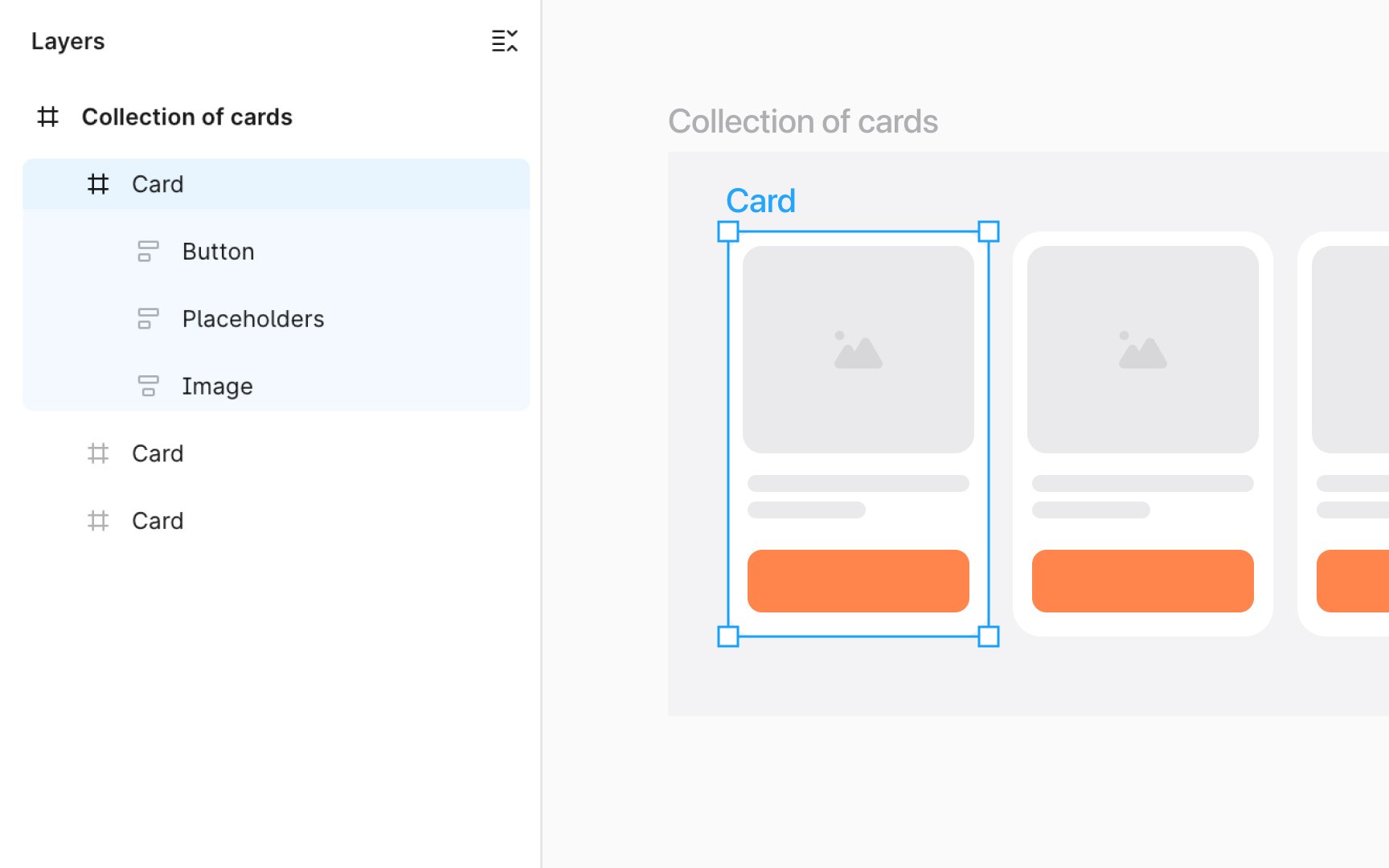
Nested frames in Figma are like boxes within boxes, each holding its part of your design. A frame becomes nested when you place it inside another, be it a top-level frame or another nested frame. This dual role of being a parent and a child adds depth and structure to your designs.
Imagine creating a website layout. Your top-level frame is the web page itself, while nested frames could be sections like the header, content area, and footer. Each of these sections (nested frames) can further contain more frames, like navigation links in the header or text blocks in the content area.
Nested frames help organize your design elements hierarchically, making complex projects more manageable and intuitive. They enable you to compartmentalize different parts of your design, ensuring each piece is neatly aligned within the overall structure.