Frames vs. groups
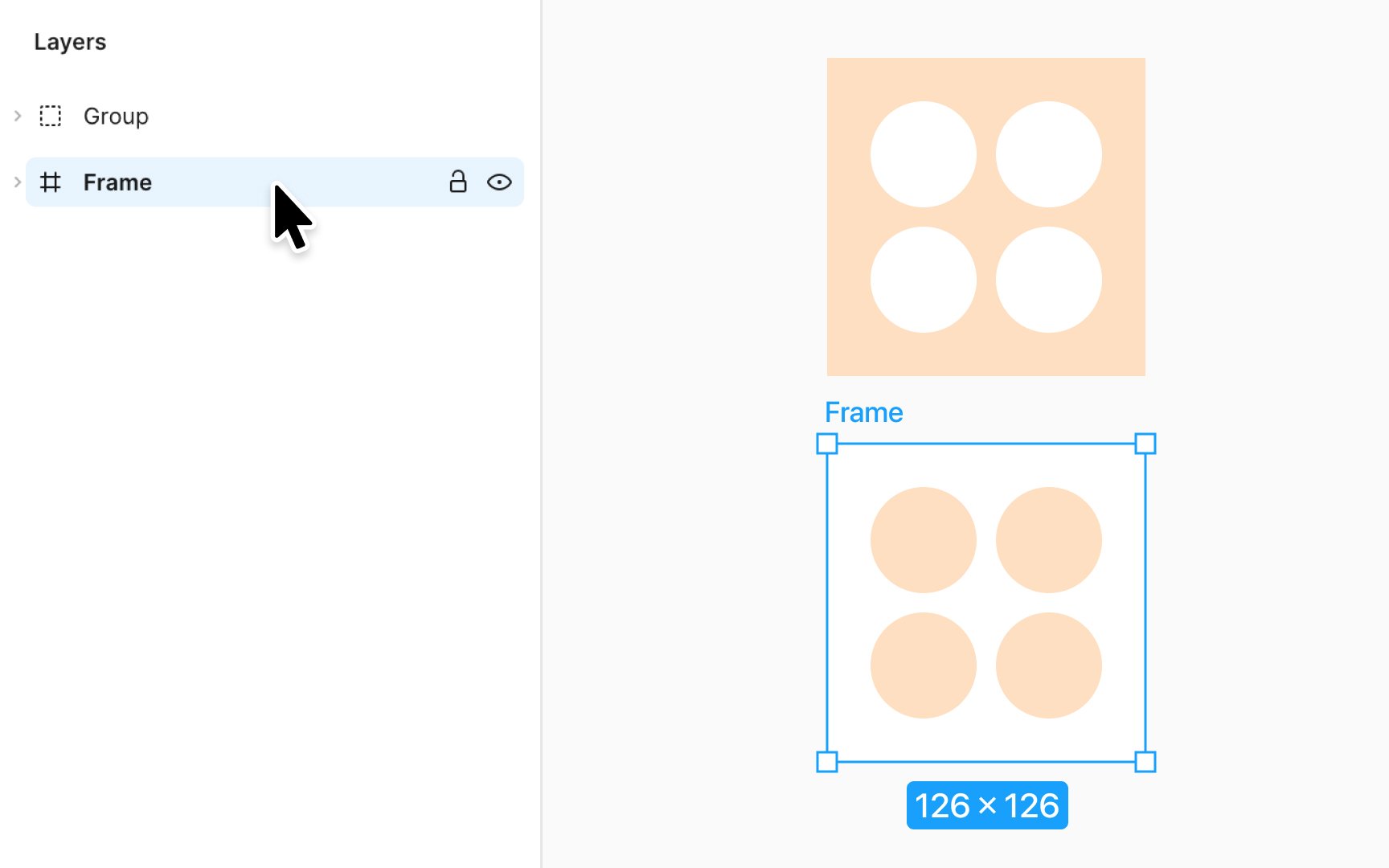
In Figma, frames and groups organize your design, but each serves its purpose distinctly. Think of groups as a way to bundle elements tightly together. They're like a family photo album, keeping related pictures (elements) in one place, their size and position locked in harmony. When you resize a group, its contents scale together, ideal for logos or icons where proportion is key.
Frames, on the other hand, are like dynamic canvases. They hold design elements but don't confine them. You set a frame's size independently, and it can hold elements that are larger or smaller than itself. Elements within a frame can have their own resizing rules, perfect for interfaces where components need to adapt to different screen sizes. Frames also support special features like layout grids and prototype behaviors, such as a scrollable product list or an interactive map.