Understanding the difference between spacing and sizing
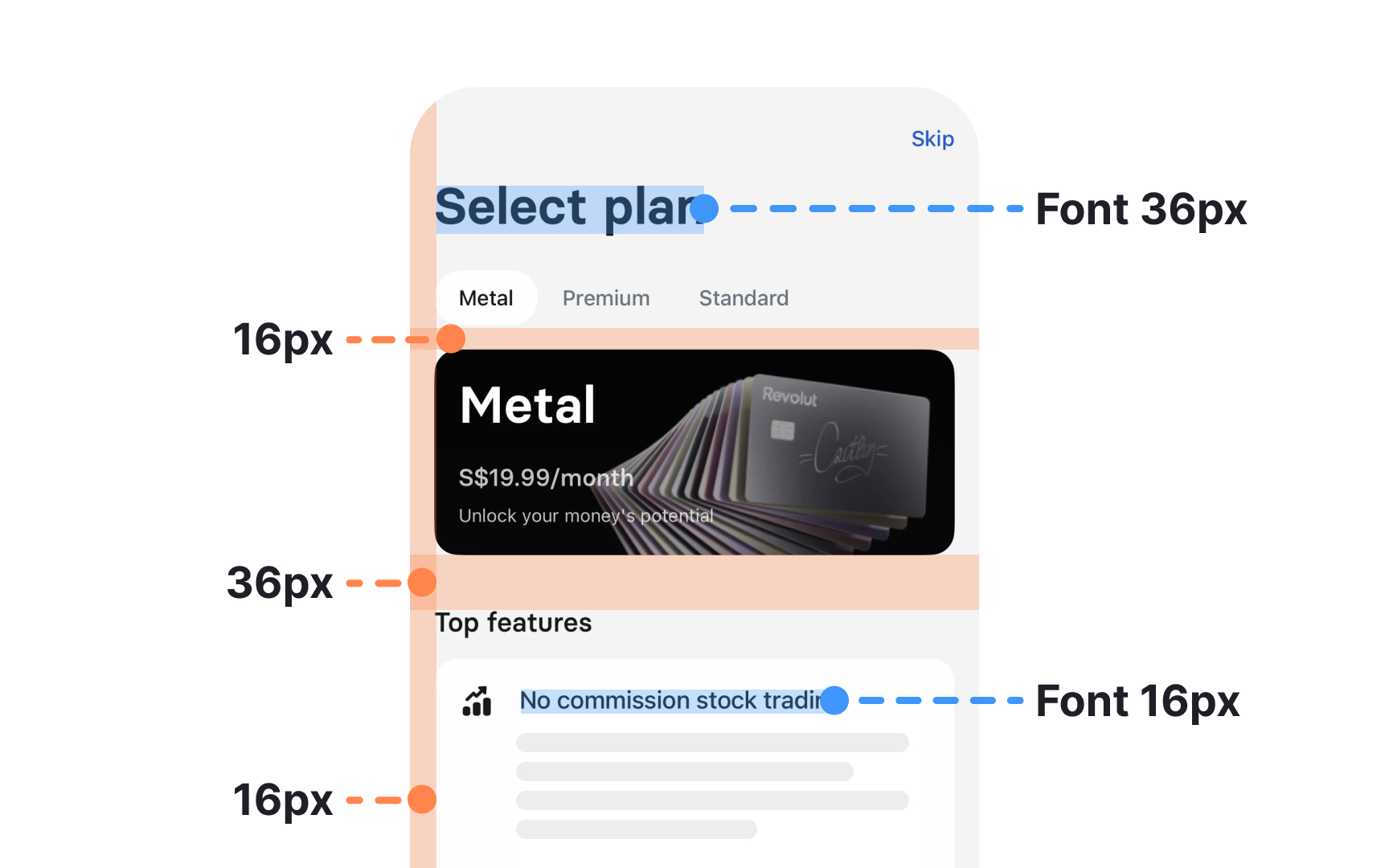
Spacing and sizing often look similar at first glance, yet they serve very different purposes in a design system. Sizing controls the dimensions of elements themselves, such as the width or height of buttons, icons, images, or containers. It defines how large or small an element appears in relation to others. A sizing scale benefits from stable increments because these values shape the visual weight of components and keep their proportions predictable.
Systems often use linear or geometric progressions like 4, 8, 12, 16, 24, and 32 …64px to build consistent sizes for components, media, and typographic primitives. These scales become even more reliable when aligned with a shared base unit.
Spacing deals with the empty space around and between elements. It controls margins, paddings, gaps, and the visual rhythm of layouts. Spacing values help group related content and separate different sections, which improves scanning and hierarchy. A spacing system built on a base unit keeps these distances consistent and makes it easier to judge proximity. Small ranges may support compact UI parts, medium ranges fit comfortable component padding, and large ranges structure full layouts. These patterns help interfaces feel balanced and intentional.[1]