Structuring and maintaining the icon library
Organizing an icon library starts with grouping icons by their purpose. Status, navigation, media, and action icons can each form their own sections in the file. This structure helps designers scan groups instead of searching through a single long list. Clear grouping also reduces duplication, since contributors can see whether an icon already exists before creating a new one.
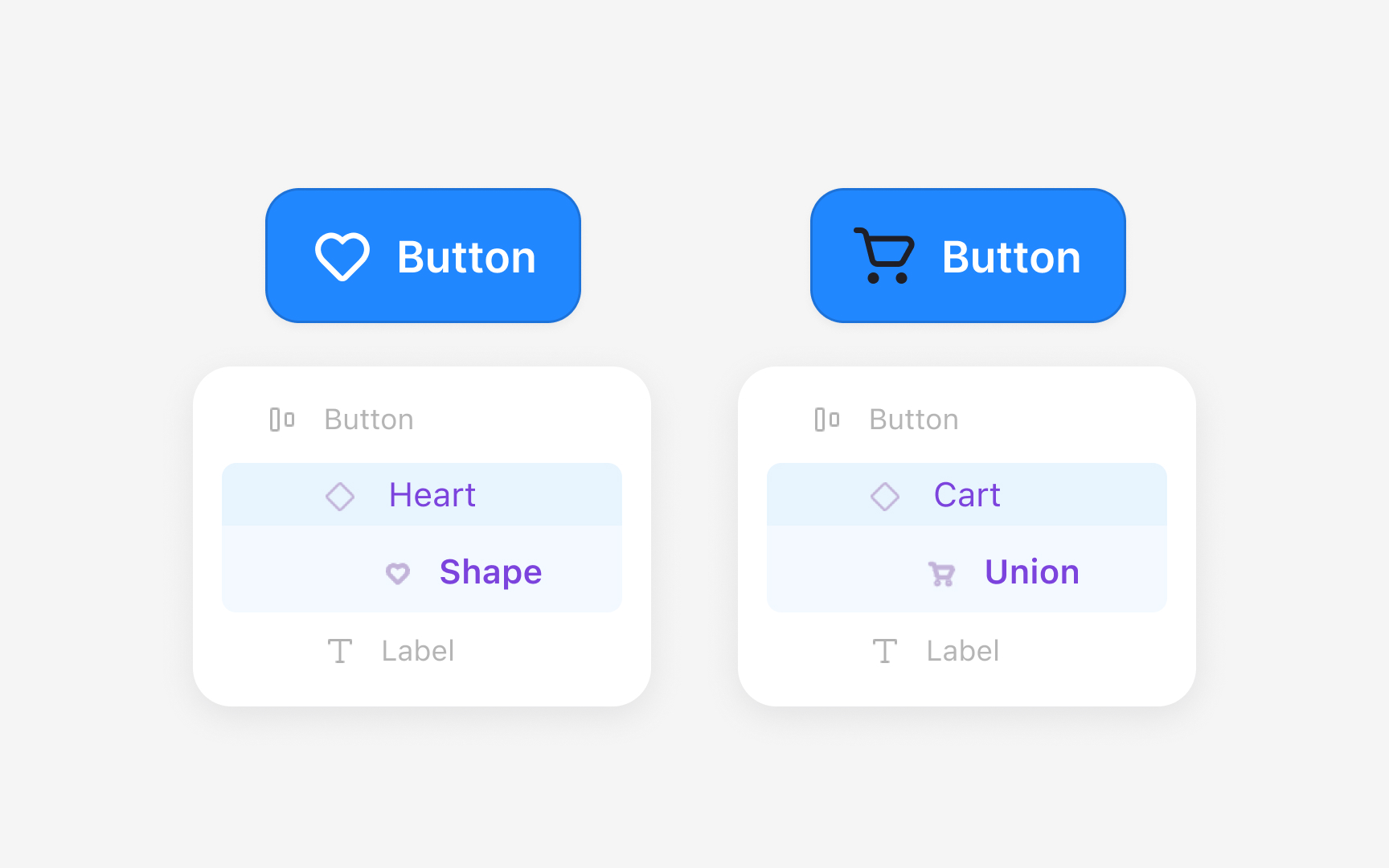
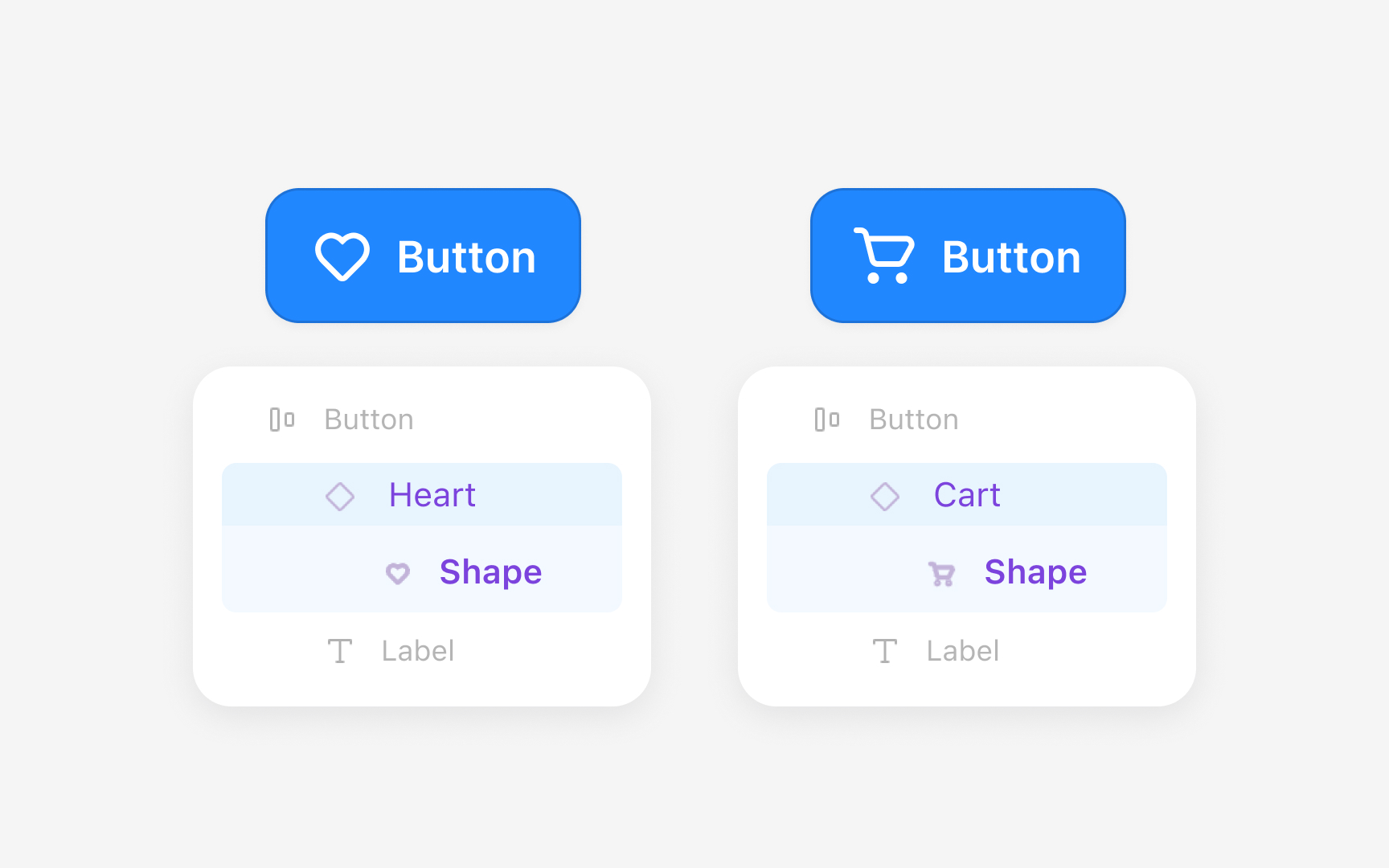
The internal structure of each icon is crucial for keeping overrides intact when swapping icons in layouts. Figma remembers applied color tokens by looking at the name, order, and number of layers inside a component. This means every icon must use the same internal setup. For example, if the “edit” icon contains one flattened vector layer named “icon,” but the “trash” icon contains two separate paths named “outline” and “fill,” Figma treats them as different structures. When a designer swaps the edit icon for the trash icon, the color override is lost because Figma cannot match “icon” to “outline” or “fill.” A single flattened vector layer with the same name in every icon prevents this issue.
Keeping identical layer names, order, and structure across all icons prevents this problem and keeps the library stable.
Pro Tip: Use one flattened vector named exactly the same across all icons. Even a difference in letter case causes overrides to reset.