Voice control interactions
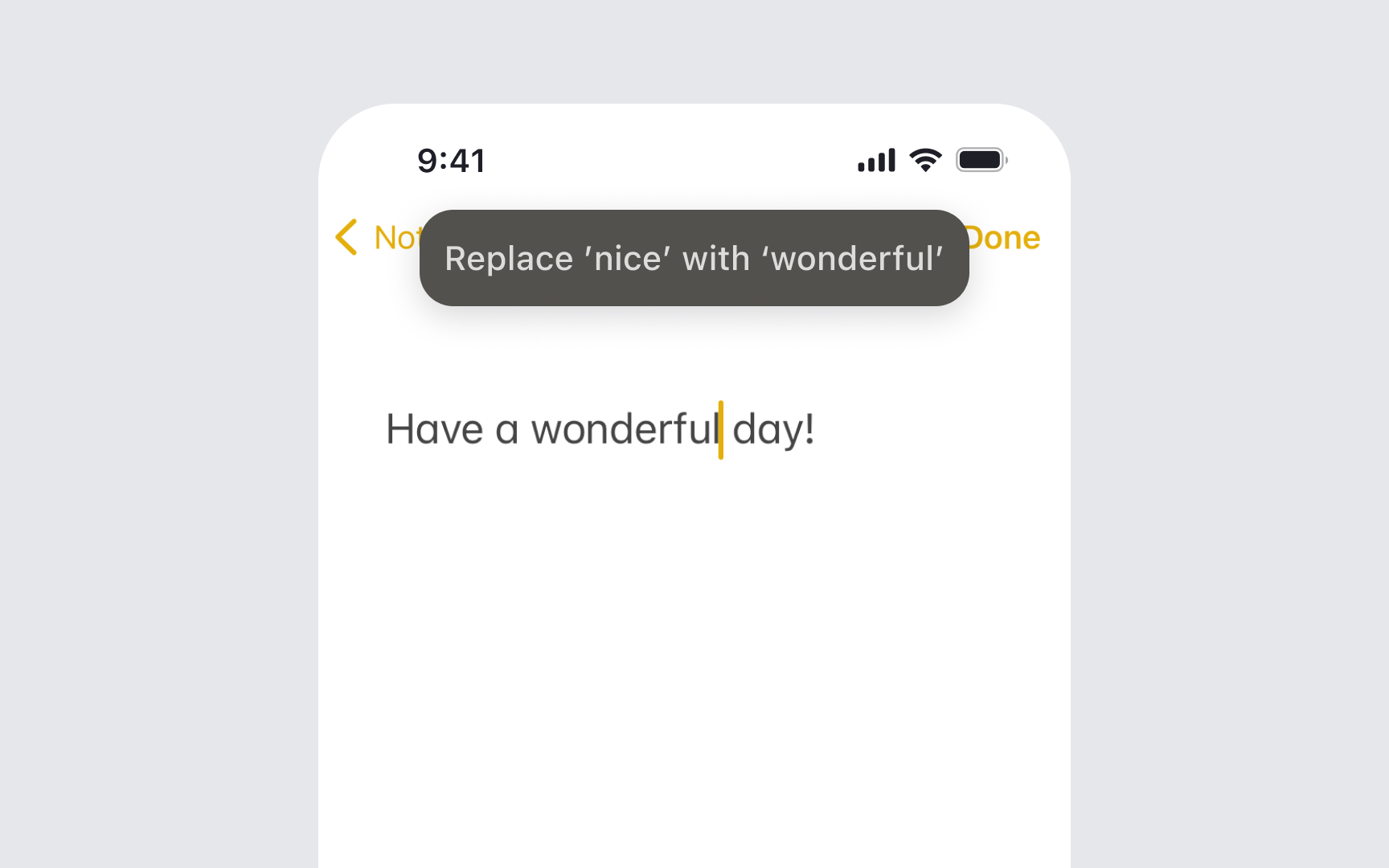
Voice Control transforms iOS devices into hands-free tools by allowing complete control through spoken commands. This feature benefits people with limited mobility and those who prefer voice interaction for convenience or accessibility.
Essential guidelines for Voice Control support:
- Label interface elements: Name buttons and controls with clear, pronounceable terms that make sense when spoken
- Avoid duplicate names: Give each interactive element a unique name to prevent confusion between similar commands
- Structure hierarchically: Organize content with proper headings and regions for easy navigation by voice
- Enable all actions: Ensure every tap, swipe, or gesture has a voice command alternative
- Provide feedback: Confirm voice commands through visual indicators or system sounds
- Test voice interactions: Verify that spoken commands match your interface labels
Remember that Voice Control should provide complete access to your app's functionality without requiring touch input.[1]
Pro Tip: Test your app using Voice Control to complete common tasks, noting which commands feel natural to speak.
References
- Voice Control | Apple Developer Documentation | Apple Developer Documentation