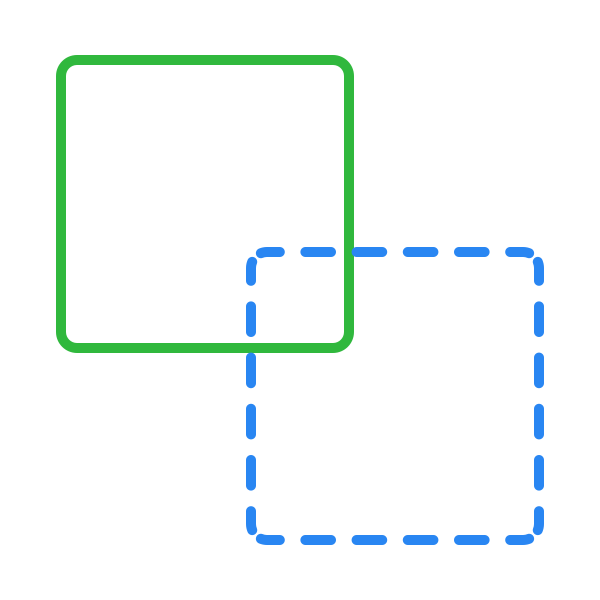
Dotted strokes
Dotted strokes, like dashed strokes, are particularly useful for guiding user attention, delineating sections subtly, or adding a decorative touch to designs without overwhelming the visual composition. They serve as a lighter alternative to solid lines, offering a nuanced way to organize content or embellish elements with a delicate, refined aesthetic.
To apply a dotted stroke:
- Head to the Stroke section in the Design panel and set the stroke position to Center.
- Click the Advanced stroke settings button.
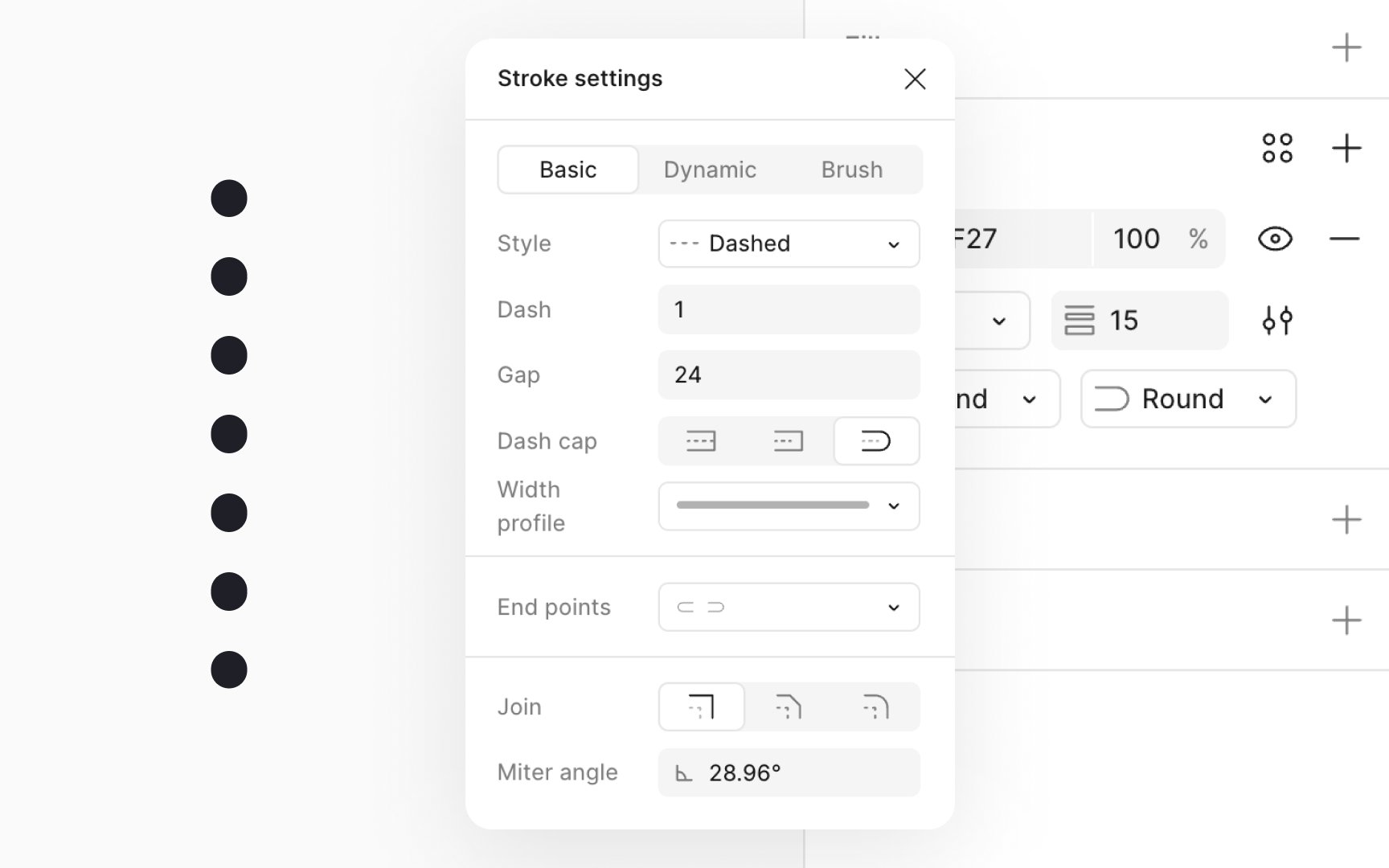
- From the modal that opens up, select the Dashed stroke style from the Stroke style dropdown.
- Set the Dash length to 1px or lower for small, discrete dots and increase the value to make them larger.
- Choose Round in the Dash cap setting to give each dot a perfect circular shape.
- Adjust the gap between dashes to control the spacing between dots, tailoring the pattern to your design's needs.