Keyboard types
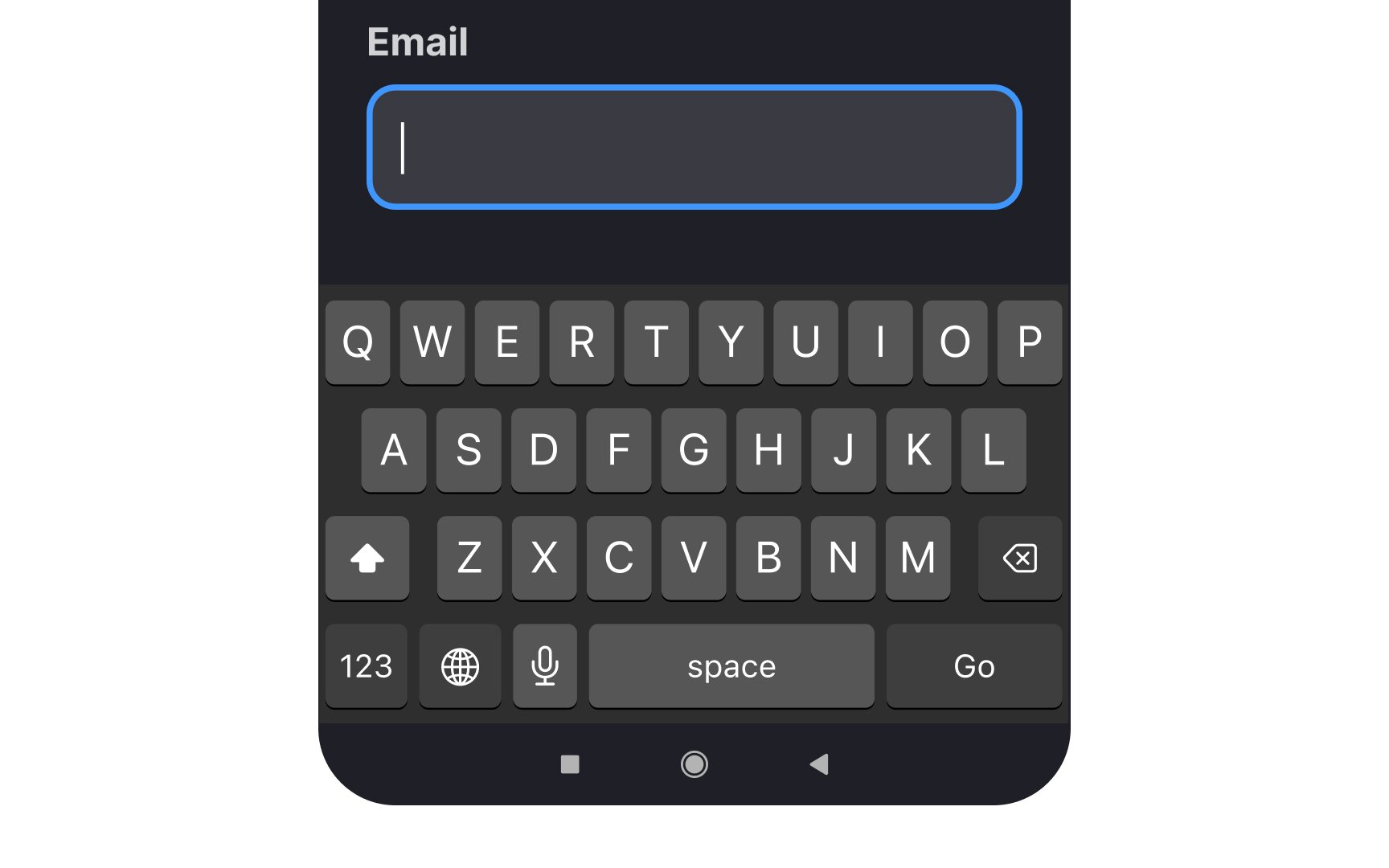
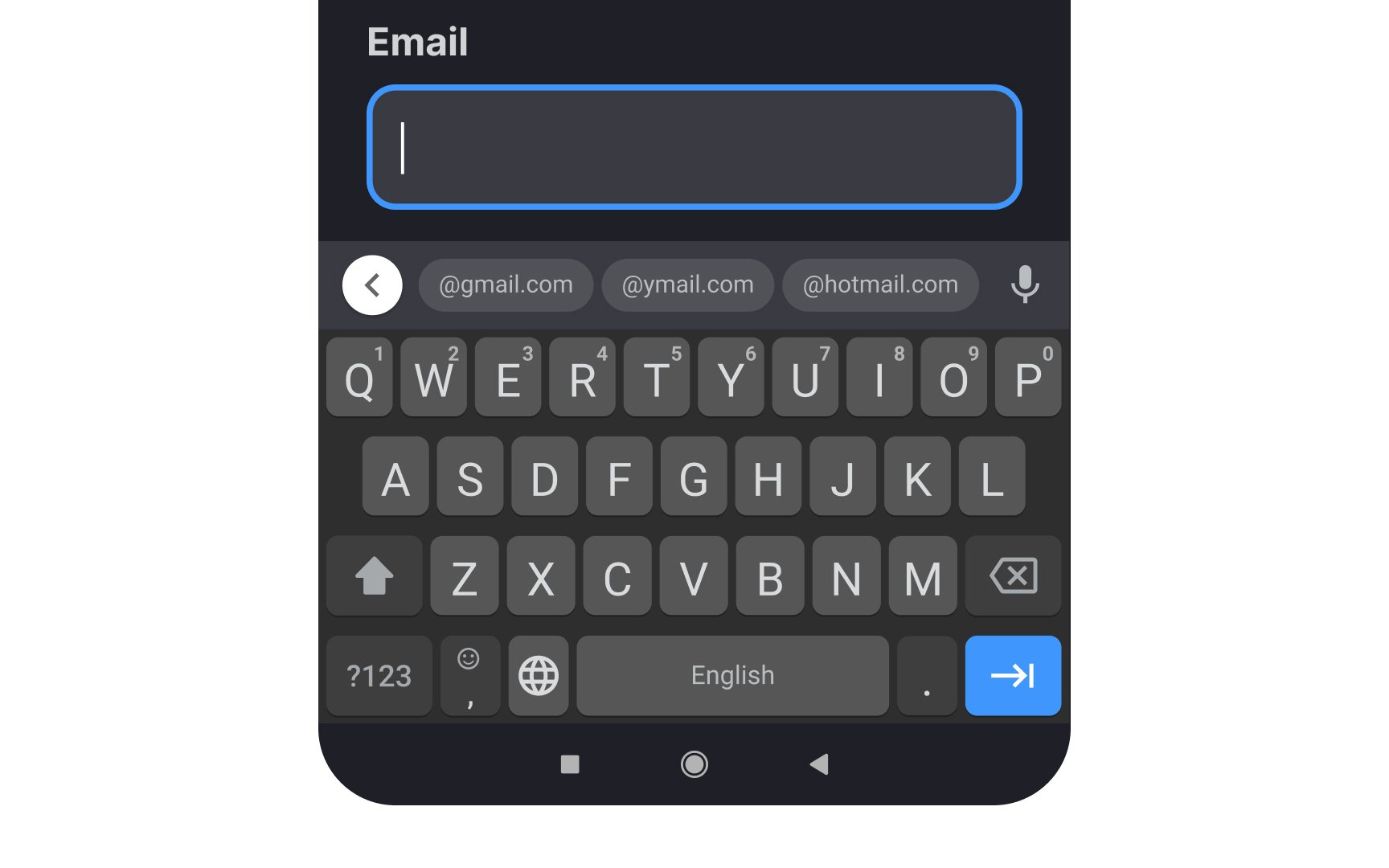
When designing mobile forms, choose appropriate keyboard types for different input fields to minimize user effort. Trigger numerical keypads for phone numbers, pin codes, and calculations. For email fields, present the email-optimized keyboard with an easily accessible (@) symbol and common domain suggestions. This significantly reduces the interaction cost, saves time, and prevents users from making accidental mistakes.[1]
Use search-optimized keyboards for search fields, showing the search icon instead of a return key. For password fields, include the password toggle to let users verify their input. URL fields should trigger keyboards with quick access to common top-level domains (.com, .org) and forward slash (/) for easier web address entry.
Also, support alternative input methods alongside traditional keyboard types. Voice input provides hands-free accessibility and is crucial for users with motor impairments. Enable swipe typing for faster text entry, where users can slide their finger across letters to form words. Include predictive text suggestions to speed up typing and reduce errors, but ensure users can easily disable these features if they prefer.
References
- Preventing User Errors: Avoiding Unconscious Slips | Nielsen Norman Group