Separate follow and share options
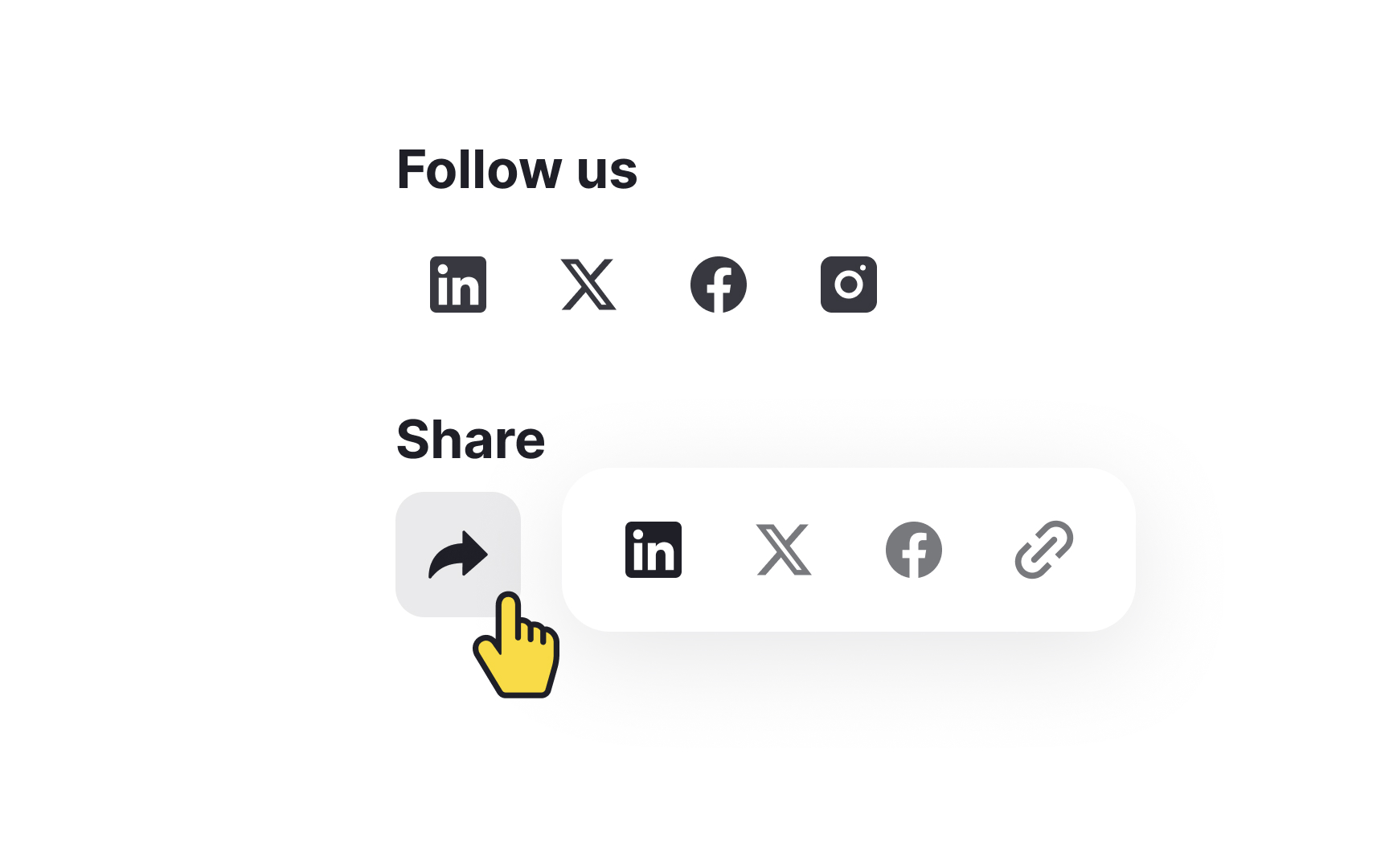
Follow icons let users connect with your brand's social media profiles, keeping them updated with your latest news and posts. Share icons allow users to share your content with their own social media networks, helping spread your content further. Since these icons often look similar, keeping them separate avoids confusion.
Here’s how to do it:
- Different sections: Place follow icons in the website header or footer, where users expect to find them. Share icons should be placed near the content, such as at the beginning or end of articles or product pages.
- Distinct labels: Clearly label the sections. Use headings like "Follow Us" for your social media profiles and "Share" for sharing options.
- Hide sharing options behind the share icon: Use a recognizable share icon (like an arrow) to reveal available sharing options. This helps users find the share feature quickly and easily without confusing it with follow options.