Resizing bounding box
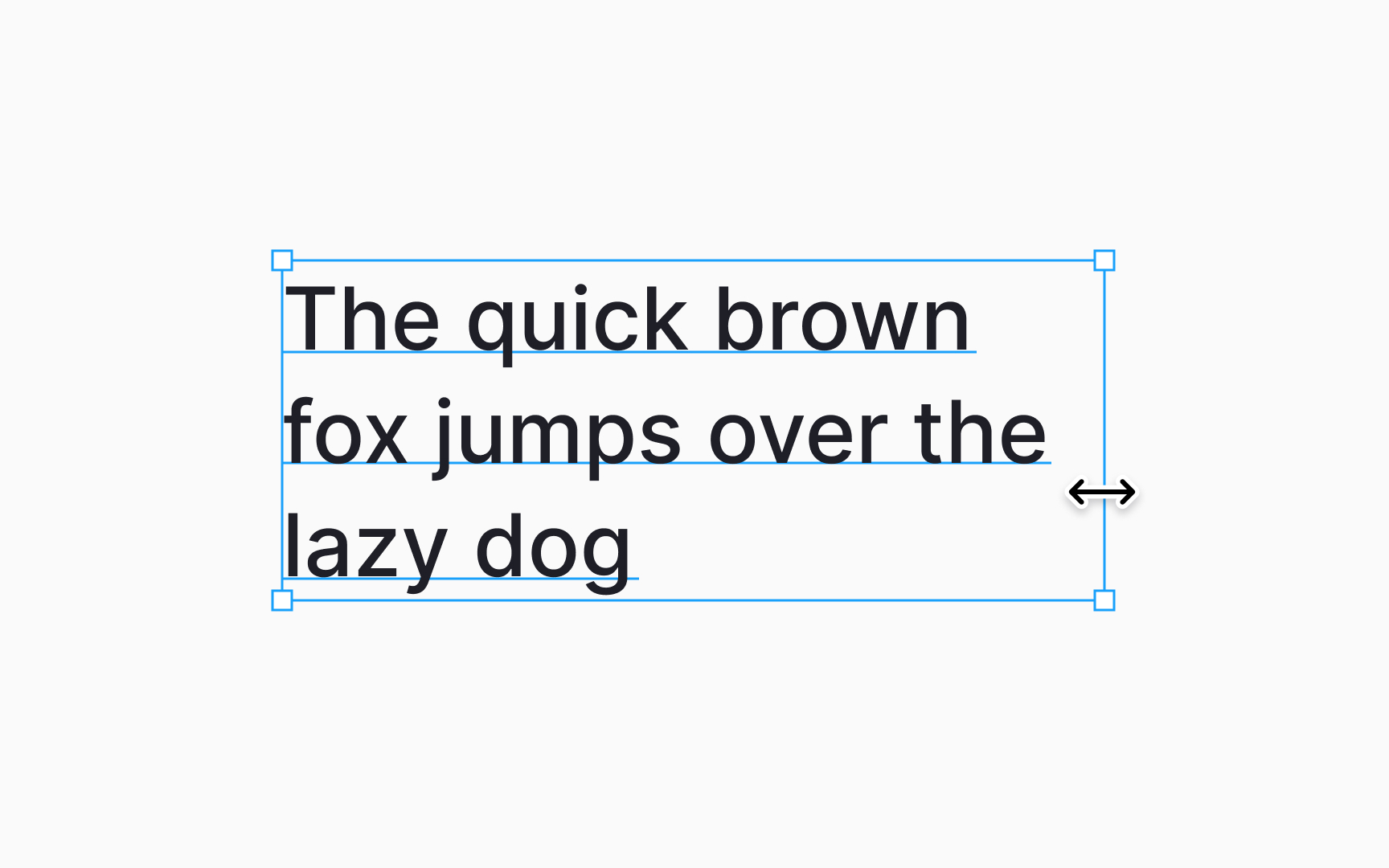
Editing text layers in Figma involves managing the bounding box which frames your text. It defines text position and how it occupies space on your canvas.
To adjust a text layer's bounding box:
- Choose the text layer you want to adjust.
- Hover your mouse over the bounding box's edge. Look for the cursor to switch to the Scale icon with arrows on both ends.
- Click and drag to resize the bounding box to your desired dimensions.
Figma recognizes these adjustments as manual changes, automatically setting the text layer's resizing property to Fixed size. As a result, your text adjusts to fit the new size while maintaining its original alignment settings.