Shadows and blurs
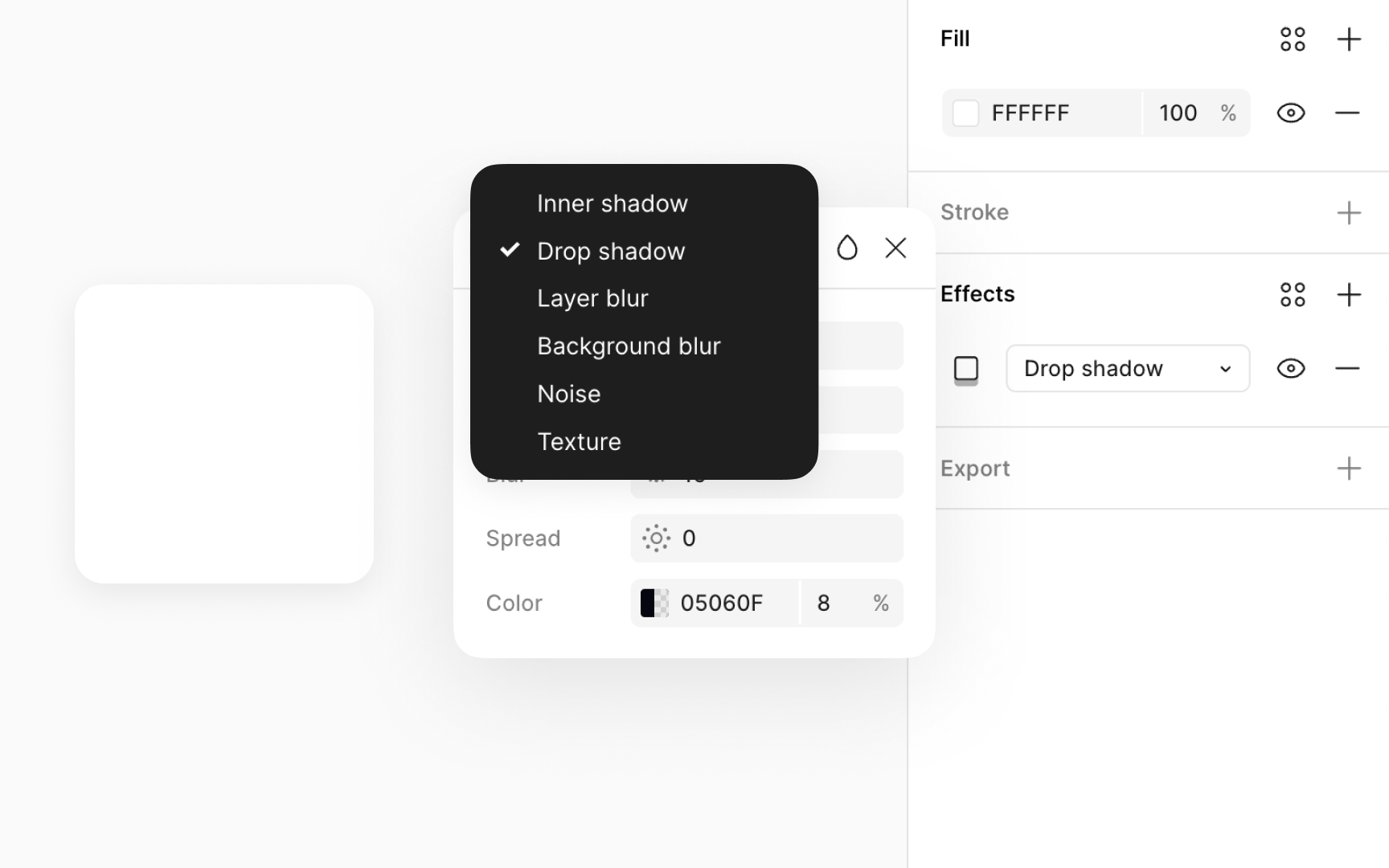
Shadows and blurs can enhance your design by adding depth or focus.[1] For instance, a shadow under a button can make it pop and show it's clickable.
Figma offers four effect types:
- Drop shadow
- Inner shadow
- Layer blur
- Background blur
These effects can be layered with blend modes and colors for diverse styles. To add these, go to the Design panel, click + under the Effects section, and pick your effect from the dropdown in the modal that appears. Be mindful, though, as too many blurs, especially background blurs, might slow down your file. This depends on your device and internet speed.