Step 9: Connect the screens to create a flow
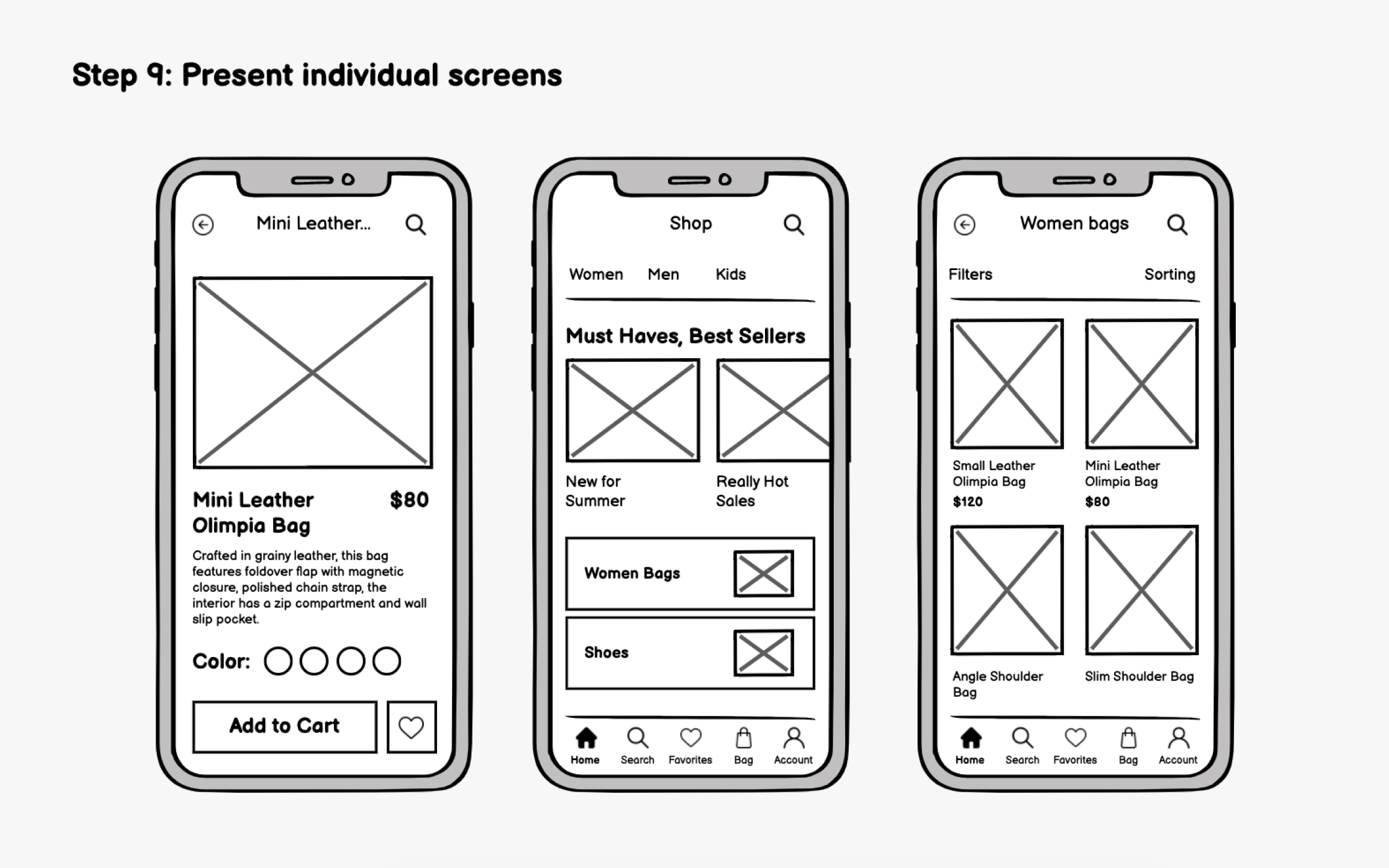
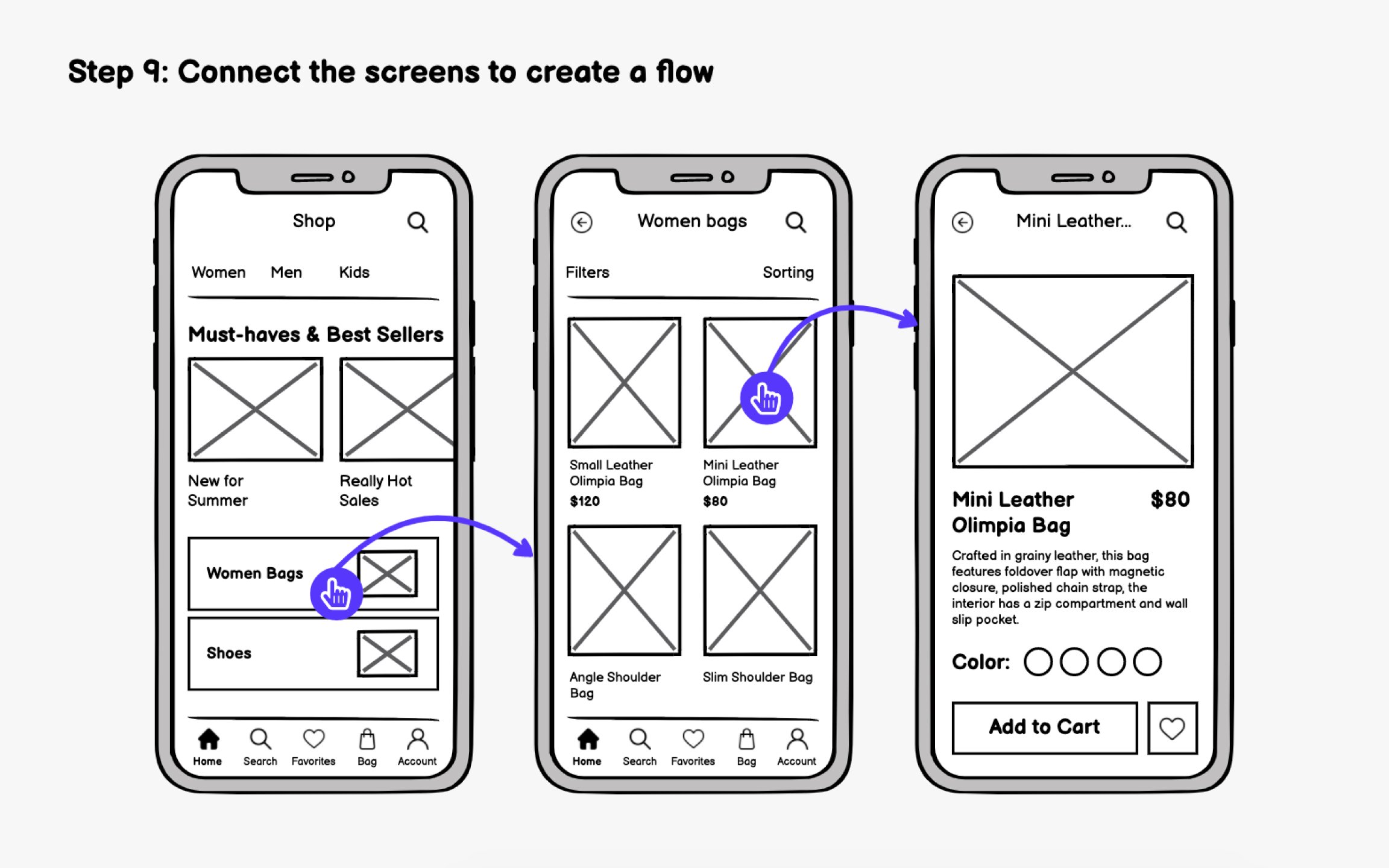
Individual screens tell part of the story. A wireflow, connecting your screens with arrows showing user paths, tells the complete narrative of how someone moves through your app.
Wireflows offer several advantages:
- Team alignment: Flows communicate interactions visually, reducing lengthy written explanations
- Gap identification: Connecting screens reveals missing states like loading screens, confirmation dialogs, or error handling
- Developer clarity: Engineers can see exactly how screens relate, speeding up implementation
When connecting screens, document the rules. What triggers the transition? Is it a tap, swipe, or automatic redirect? Does content persist or refresh when returning to a previous screen?
Tools like Figma, Protopie, and InVision let you create clickable flows directly from wireframes. Even basic click-through prototypes help stakeholders understand the experience better than static screens.
Pro Tip: Number each screen (e.g., 1.0, 1.1, 2.0) to make discussing specific flows easier.