Collecting UI screenshots
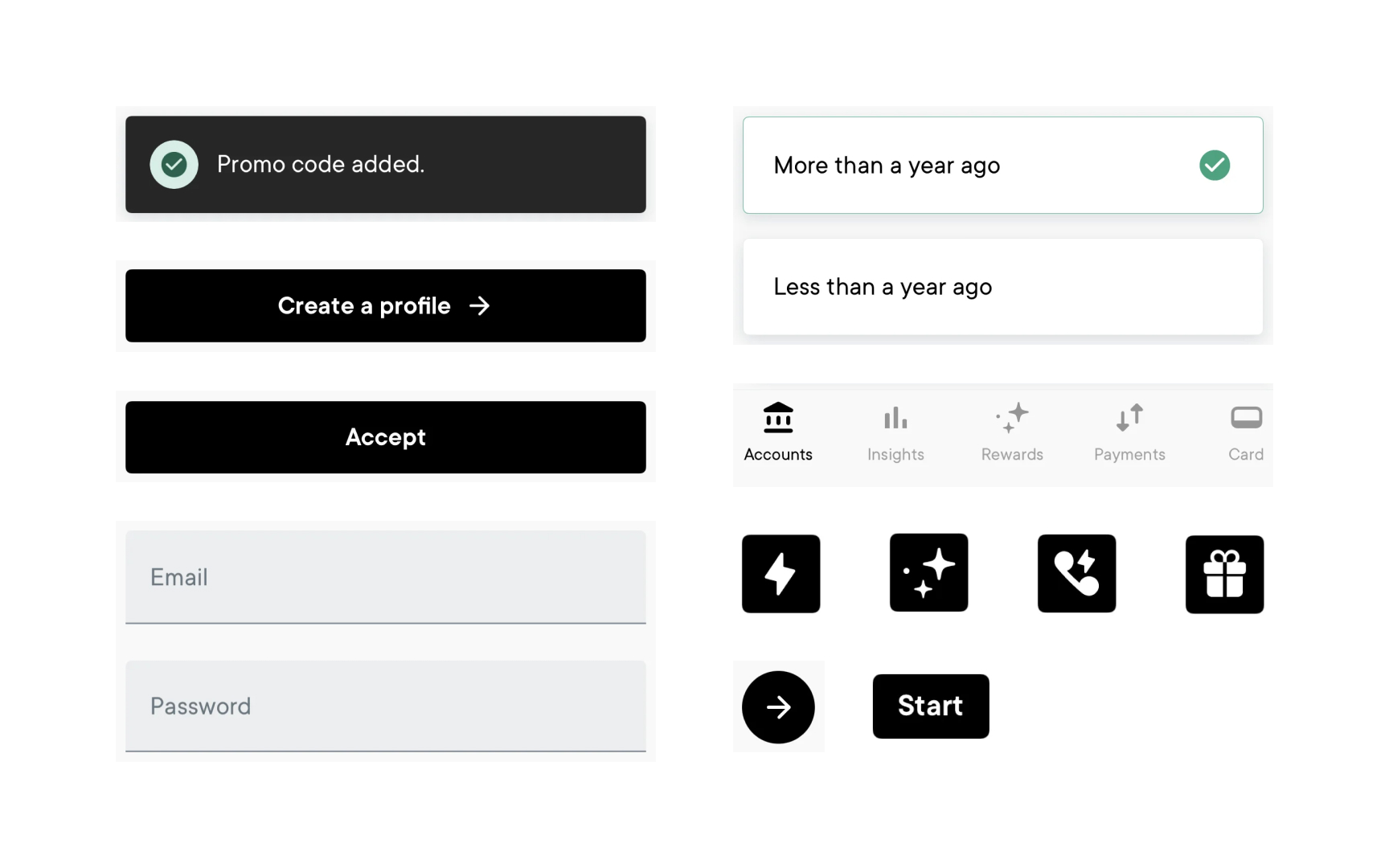
Gathering screenshots is a practical starting point for building an interface inventory. This step focuses on capturing distinct UI elements across the product, such as headings, fields, buttons, tabs, icons, and other repeated components. The goal is not to document every screen, but to collect each unique visual treatment so variations can be compared.
Screenshots are then placed into a simple template or workspace where they can be grouped and labeled. Viewing these elements together makes duplicated components, inconsistent styling, and small visual differences easier to spot. Because the evidence is visual, these issues become simpler to discuss and align on.
This step can be supported by tools and plugins that help extract interface elements directly from design files. For example, some Figma plugins can surface duplicate components, styles, or variables automatically, reducing manual work and making gaps more visible.
Once screenshots and supporting data are collected, teams can move into deeper analysis. At this stage, the inventory is ready to be categorized, cleaned up, and used to decide which patterns should form the foundations of the design system.