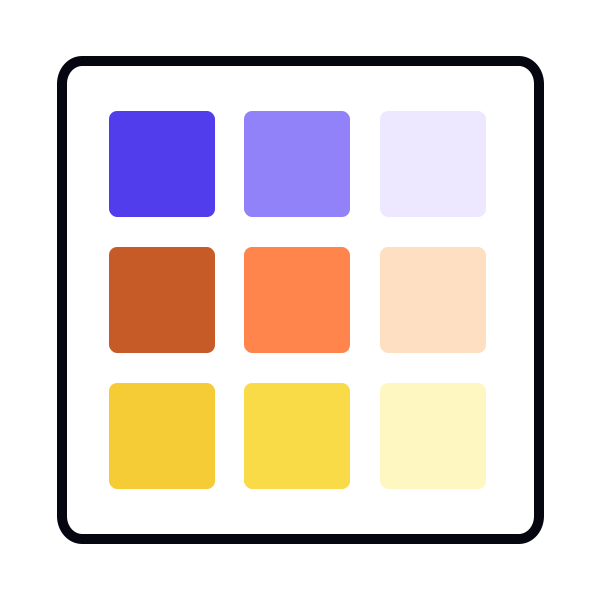
Defining primary colors through interface analysis
Another way to define primary colors for a color system is to look directly at the product interface. Instead of starting from predefined roles, teams begin by collecting all colors currently used across the UI. This review highlights which colors appear most often and which ones support important interactions. These recurring colors form the foundation of the primary palette because they already shape how the product looks and behaves.
This approach often reveals patterns that are not obvious at first glance. It helps identify the main brand color, the shades most commonly used for surfaces, and the specific hues that support key functions like success, warning, or error states. Colors that appear consistently across many components are added to the primary set so the design system represents the product as it is, not as a theoretical ideal. This prevents the palette from introducing unrelated colors and makes future updates smoother.
Once this primary set is established, each color is checked against the existing interface. If the UI contains similar colors that serve the same purpose, they can be merged or replaced with the defined primary values. This reduces visual noise caused by near-duplicates and creates a cleaner base for expanding the rest of the system. This method also supports accessibility work, since a stable, well-defined primary palette makes it easier to test contrast and maintain clarity across components.[1]
Pro Tip: When reviewing the UI, pay attention to colors used for feedback. These often define your functional palette long before you formalize it.