Context menus in iOS
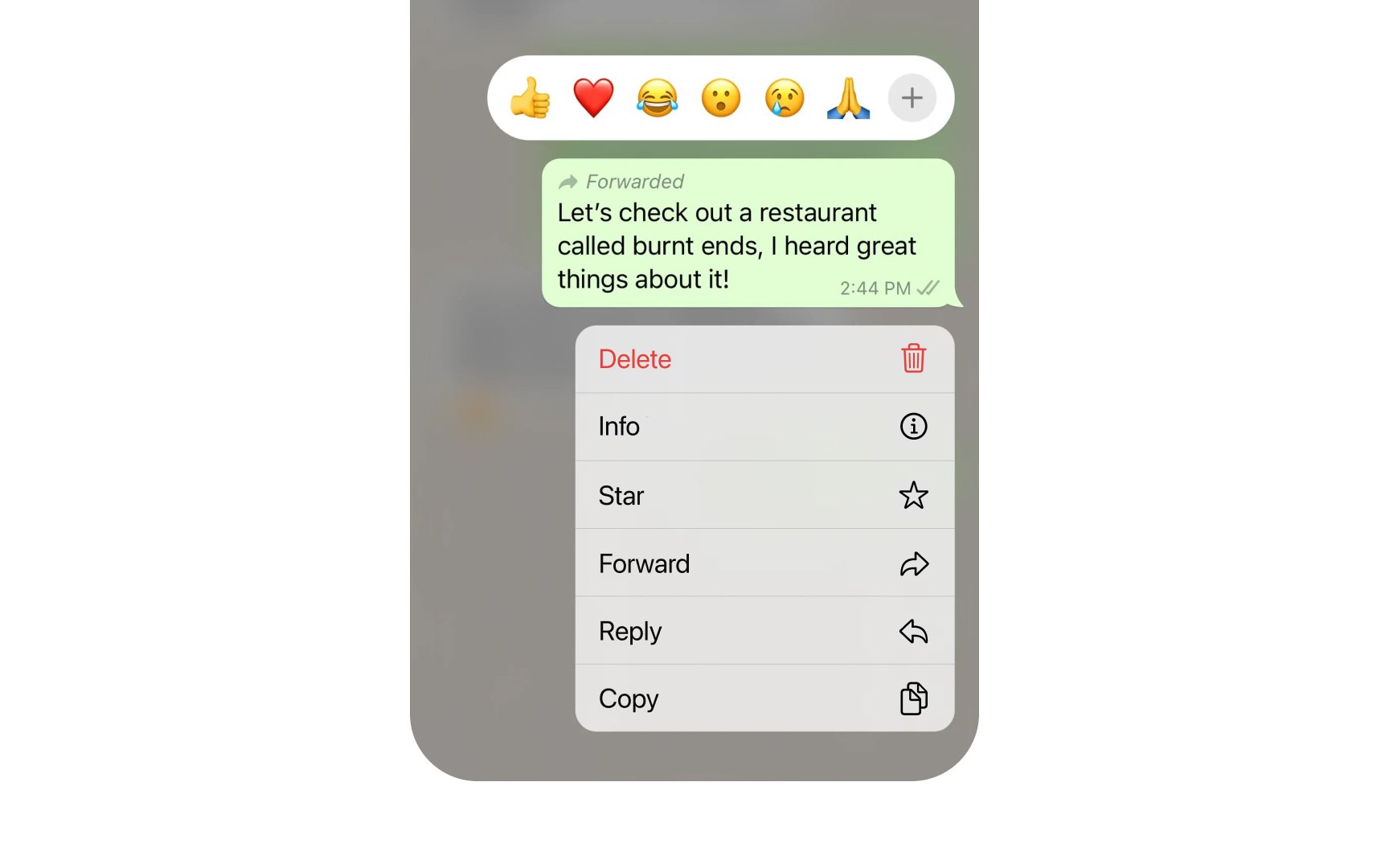
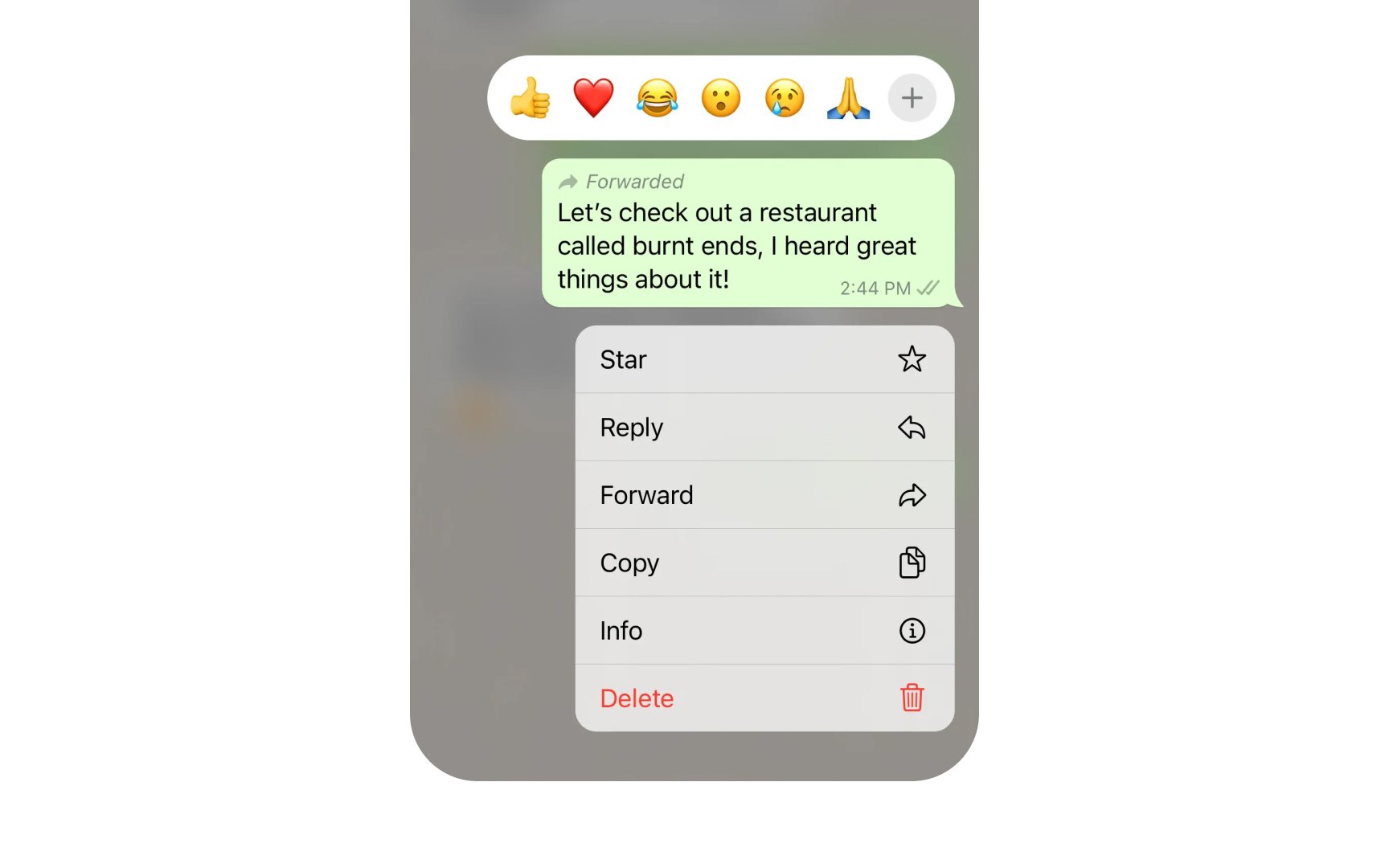
Context menus help users quickly access common actions. When users long-press an element, iOS displays a focused list of relevant commands for that item.
Every action in a context menu needs a clear icon and brief label. Actions should follow a consistent order — most used options are at the top, and destructive actions like Delete are at the bottom in red.
Menu content must reflect the item's current state. If a message is unread, the menu shows "Mark as Read." After users tap this action, the same menu will show "Mark as Unread" instead.
Common context menu patterns include:
- Preview options. Show content previews with additional swipe actions
- Basic actions. Common commands like Share, Copy, Move
- Toggles. State-changing actions like Pin, Flag, Mark as Read
- Destructive actions. Delete or Remove options appear in red[1]
Pro Tip: Use action verbs for menu items — "Share" instead of "Sharing" and "Copy" instead of "Copy to.”
References
- Context menus | Apple Developer Documentation | Apple Developer Documentation