Materials basics
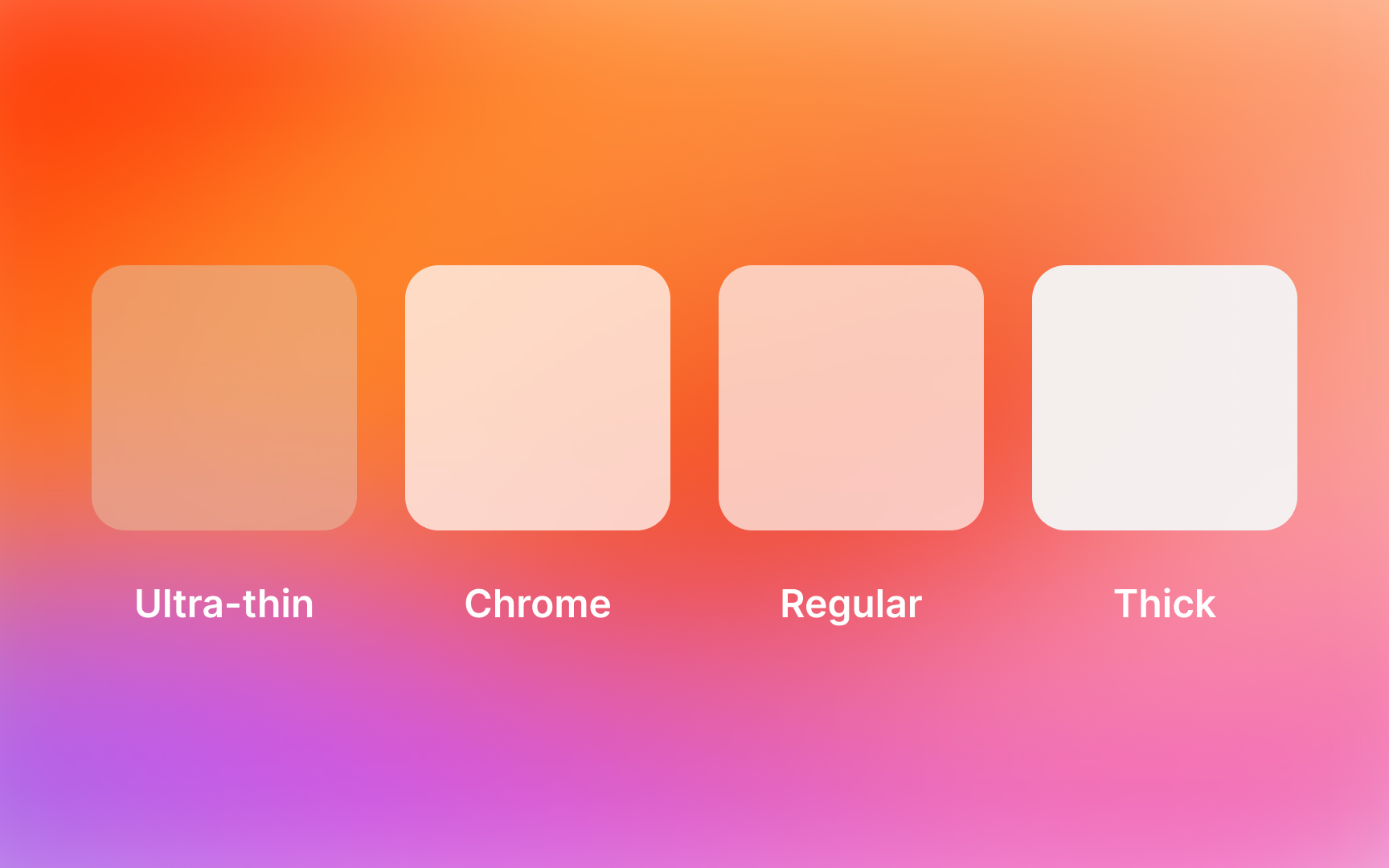
Interface materials in iOS create relationships between content layers through transparency and blur effects. Each material serves to establish a visual hierarchy and guide attention.
Materials work together to define how interface elements relate. From navigation bars to background elements, the careful use of different materials helps organize information and create intuitive depth.
Core materials work in harmony: regular material provides the foundation, thin and ultra-thin create transitions, while chrome materials maintain orientation in navigation elements.
Essential relationships include:
- Upper layers using thicker materials for prominence
- Background elements employing ultra-thin for depth
- Navigation utilizing chrome for consistent wayfinding
- Content areas balancing regular and thin materials[1]
References
- Materials | Apple Developer Documentation | Apple Developer Documentation