Wrike Colors System

I created a new color system for Wrike that still aligned with the brand's theme; calmness, trust, security, and confidence.
Not only did it compete with the competitors, but it also passed the WCAG contrast ratio guidelines.
The main considerations that I have in mind when brainstorming about the reimagined color palettes are:
- The text in the interface needs to be readable so the software can achieve its functional role and help teams organize their task efficiently using the different task tags.
- Choose colors that bring out positive emotions and are pleasing and soothing to make the app experience pleasurable.

Reviews
0 reviews
This project hasn’t been reviewed yet
Share your expertise with the Uxcel community by providing a review of this project. Not only will you help others, but you will also enhance your leadership skills.
0 Claps
Average 0.0 by 0 people
You might also like
Project
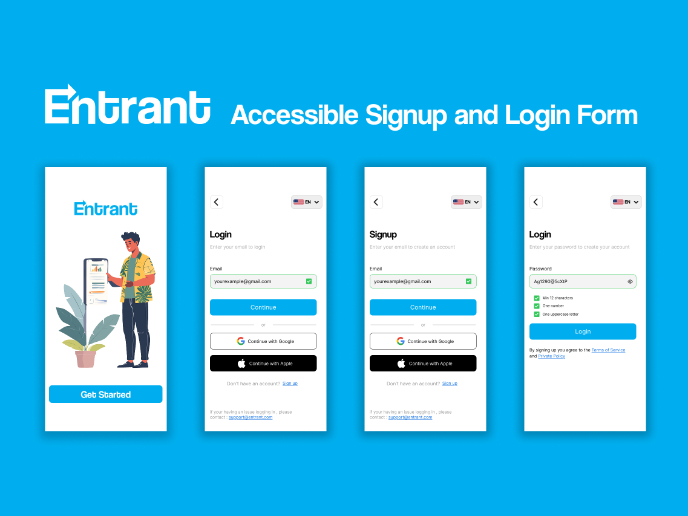
Entrant Accessible Signup and Login Forms

Entrant was the internship-focused job-seeking app for college students and fresh graduates — built around lowering friction, making opportu
Project
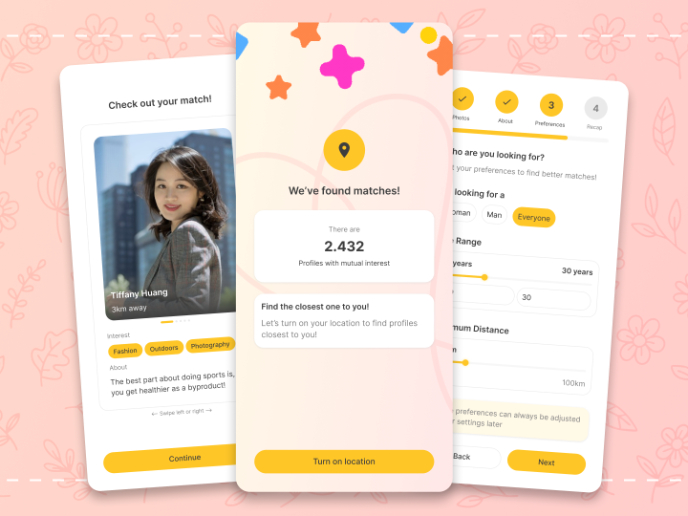
A/B Testing for Bumble's Onboarding Process

This hypothesis project is made with the purpose of improving Bumble's onboarding process with gamification, early reward system, and intere
Project
Dark mode Main page
light mode
Project
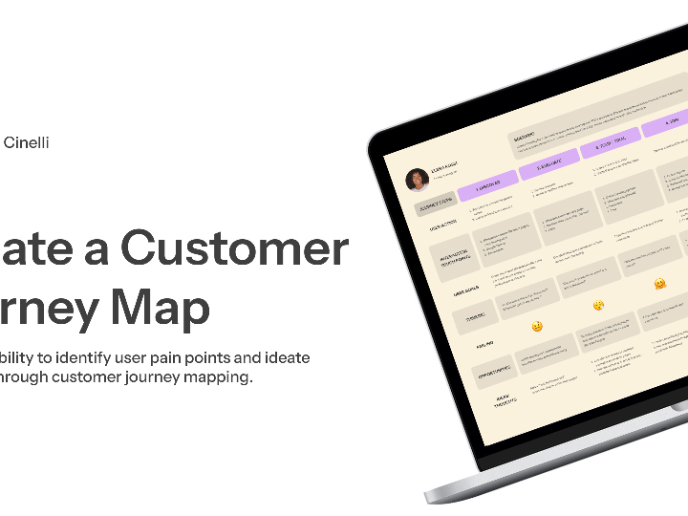
CJM x Mindspace case study - Ester Cinelli

Mindspace was chosen for this customer journey map because it offers a premium, design-focused co-working experience aimed at people who nee
Project
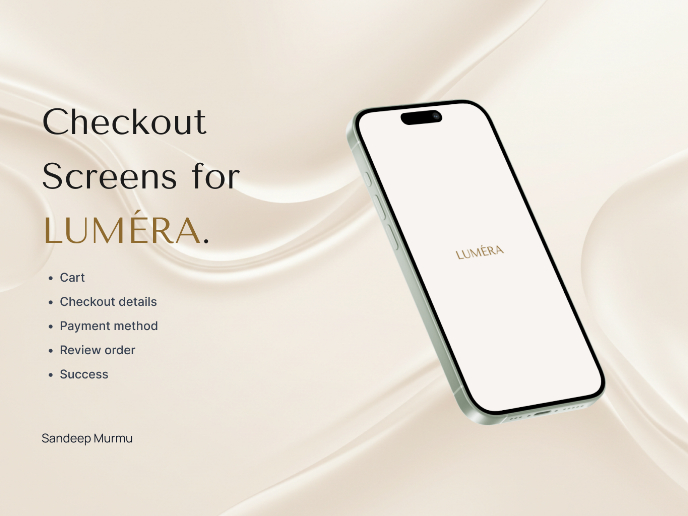
LUMÉRA - Checkout Flow

Cart abandonment is one of the biggest challenges for D2C brands, especially in categories like skincare, where trust and reassurance play a

Project
Tripit's Login and Sign Up Flow

Tripit is a travel planning and itinerary management app that I personally love using. For the most part Tripit's login and sign up flow are
Visual Design Courses

Course
UX Design Foundations

Learn the essentials of UX design to build a strong foundation in core principles. Gain practical skills to support product development and create better user experiences.

Course
Introduction to Figma
Learn essential Figma tools like layers, styling, typography, and images. Master the basics to create clean, user-friendly designs

Course
Design Terminology

Learn UX terminology and key UX/UI terms that boost collaboration between designers, developers, and stakeholders for smoother, clearer communication.