Trello Color System

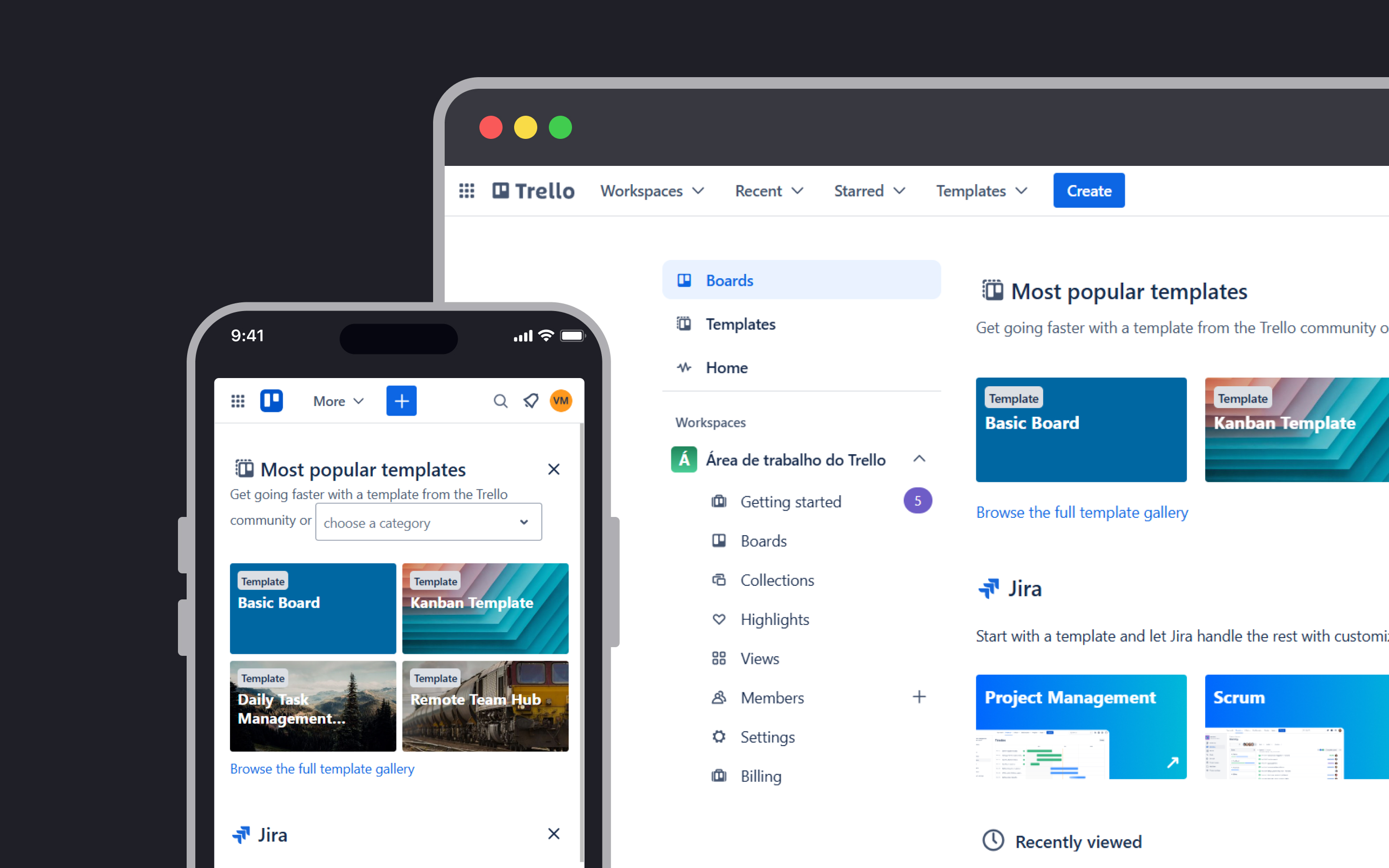
Project Description
This color system was created in Figma and developed to support Trello’s brand identity. The project was focused on clarity, accessibility, and emotional impact. Each color group was carefully designed to improve usability while maintaining a vibrant and engaging user experience.
Primary Colors
The blue palette has long been central to Trello’s brand, symbolizing trust, calmness, and balance. These core values help create a digital environment that feels both safe and productive, ideal for collaborative workflows.
Secondary Colors
Used to complement the primary palette, the secondary colors bring energy, creativity, and a touch of insight. They’re designed to elevate the user experience by adding vibrancy without overpowering the interface.
Tertiary Colors
These colors support finer visual elements and details, blending seamlessly with the rest of the palette. They contribute to the overall cohesion of the system and add liveliness in subtle, supportive ways.
System Colors
For communicating states like warnings, confirmations, and information, system colors follow universally recognized visual cues: red for alerts, green for success, and blue for informational messages. These ensure users can quickly interpret important feedback.
Accessibility & Contrast
Color contrast was a key consideration in this project. The system ensures that all text remains legible across various backgrounds and lighting conditions.
Application in UI
The system is flexible and expressive. For example, panels dominated by primary colors establish a sense of trust and structure, while those featuring secondary colors encourage creativity and innovation. In other areas, playful combinations of colors and backgrounds reflect Trello’s belief that work can—and should—be both productive and fun.
Tools used
From brief

Topics
Share
Reviews
1 review

You have a great and obvious understanding of the Trello color system, well done!
I’d also recommend checking how the second primary color (Cerulean) works in contrast, especially because you use it quite often, for example, in tertiary buttons. The same applies to other secondary colors.
To make the system stronger, I’d suggest testing how your primary and secondary colors look together on the same page. It will help ensure visual hierarchy and avoid situations where the primary color competes with the secondary ones.
Primary colors usually highlight the main actions, while secondary colors support them, but on your screens, it feels slightly more like selecting an alternative theme rather than establishing a hierarchy of actions. Showing how they work together in context will really help bring clarity.
You might also like

Improving Dating App Onboarding: A/B Test Design

FORM Checkout Flow - Mobile


A/B Test for Hinge's Onboarding Flow


Accessibility Asse


The Fitness Growth Engine


Uxcel Halloween Icon Pack

Visual Design Courses

UX Design Foundations


Introduction to Figma

Design Terminology
