Login/Sign up for Saas (E-learning)Platform

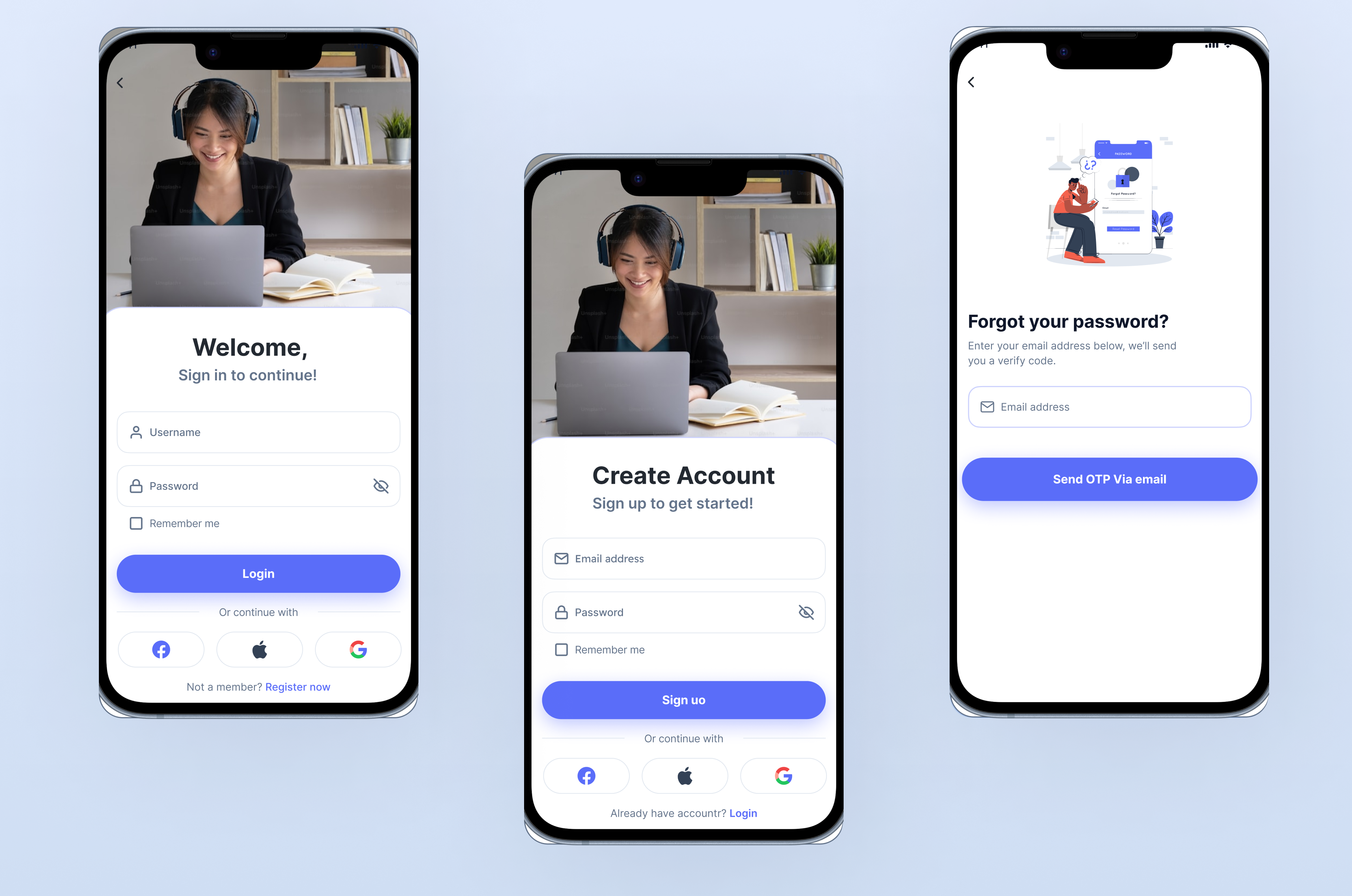
SaaS E-Learning Platform - User Authentication Flow
I designed the login/signup and password recovery processes for a SaaS-based e-learning platform that provides users seamless access to their educational resources. Here’s a breakdown of the key features:
1. Login/Signup
- Login:
- Users can log in using their email and password or using their social media accounts. A clean and user-friendly interface ensures quick access to the platform.
- Signup:
- New users can create an account by providing their email and a secure password or using their social media accounts . Validation ensures data accuracy and security.
2. Forgot Password
- Email Input:
- If a user forgets their password, they can click "Forgot Password" on the login screen and enter their registered email address.
- OTP Generation:
- An OTP (One-Time Password) is sent to their email for verification purposes.
3. OTP Verification
- Users are prompted to enter the received OTP within a secure form.
- Validation ensures the OTP is correct and not expired.
4. Password Reset
- After successful OTP verification, users are redirected to a secure form to set a new password.
- Password strength indicators help users create strong and secure passwords.
5. Back to Login
- Once the password is reset, users are redirected back to the login page with a confirmation message that their password has been updated.
From brief

Topics
Share
Reviews
0 reviews

Clean and well-organized design. My only suggestion would be to maintain consistency in alignment. For first-level screens, center alignment works well. However, for sub-screens or secondary screens, such as those displaying details or an OTP input, consider using left alignment consistently across all secondary screens. This will enhance visual cohesion and improve the overall user experience
thank you for your review .. I will modify it now
7 Claps
Average 2.3 by 3 people
You might also like
Project
Auction

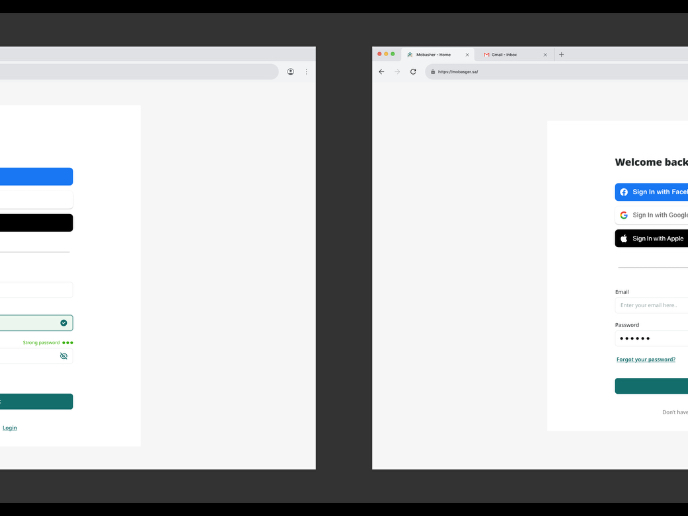
1. Clear visual hierarchySignup Screen: “Create a free account!”Login Screen: “Welcome back”Using clear H1 titles instantly orients the user
Project
Accessible Signup Form

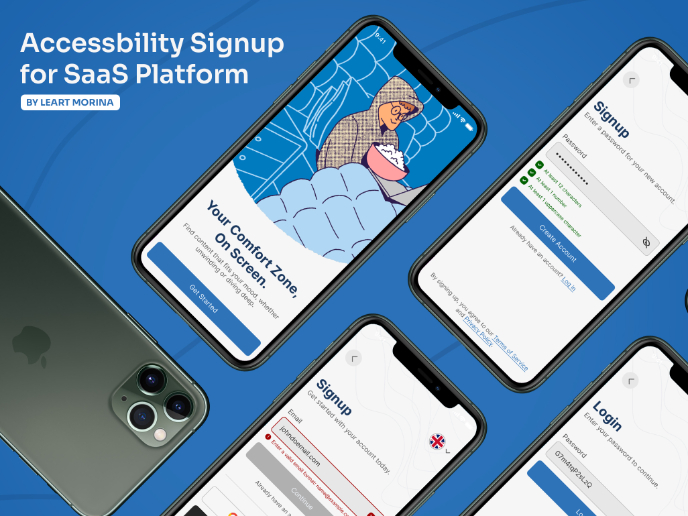
This project is an app which helps users to consume content based on their mood and it explores the design of an accessible, inclusive signu
Project
Entrant - Analytical Dashboard

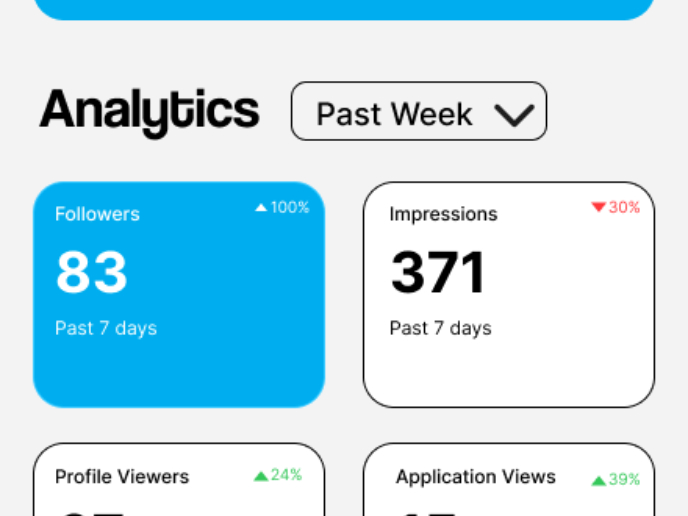
Entrant is a job-seeking platform built specifically for students and fresh graduates, helping them connect with internship and entry-level
Project
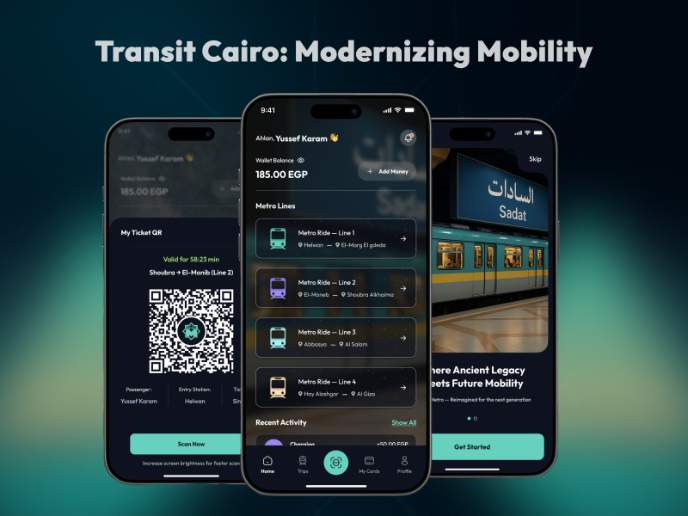
Transit Cairo — Digital Mobility Redefined

Transit Cairo is a mobile-first digital ticketing experience designed to reduce congestion and improve daily commuting across Cairo’s metro
Project
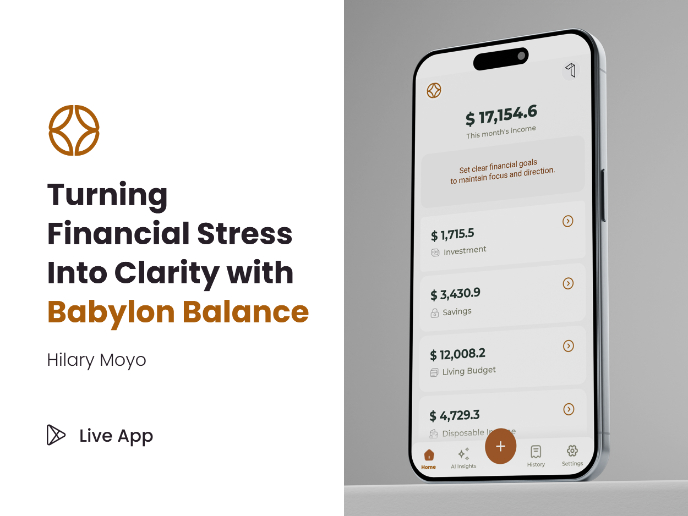
Babylon Balance - Designing Financial Clarity Through Constraint

OverviewBabylon Balance is a personal finance app designed to help users manage their income with clarity, discipline, and minimal cognitive
Project
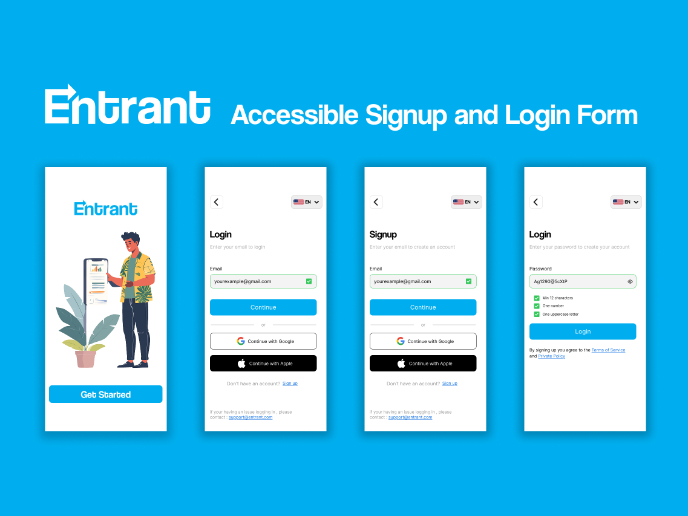
Entrant Accessible Signup and Login Forms
Entrant was the internship-focused job-seeking app for college students and fresh graduates — built around lowering friction, making opportu
Visual Design Courses

Course
UX Design Foundations

Learn the essentials of UX design to build a strong foundation in core principles. Gain practical skills to support product development and create better user experiences.

Course
Introduction to Figma
Learn essential Figma tools like layers, styling, typography, and images. Master the basics to create clean, user-friendly designs

Course
Design Terminology

Learn UX terminology and key UX/UI terms that boost collaboration between designers, developers, and stakeholders for smoother, clearer communication.