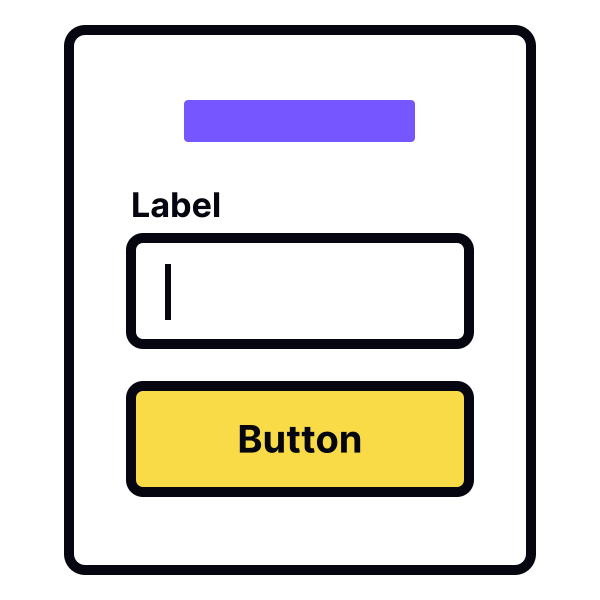
Use visual markers to indicate an active input
Nielsen's heuristic on the visibility of the system's status states that a good system should inform users about what's happening and provide immediate feedback on their interaction with the interface (like clicking or tapping).[1]
When users fill in a form, it's crucial to add a visual indication for all input states (active, focused, disabled, error) or even use a microinteraction to do so.
This provides feedback on users' actions, indicating that the input is active and users can enter information. Moreover, some forms contain lots of inputs, so this helps make active ones stand out.
References
- Visibility of System Status | Nielsen Norman Group
Top contributors