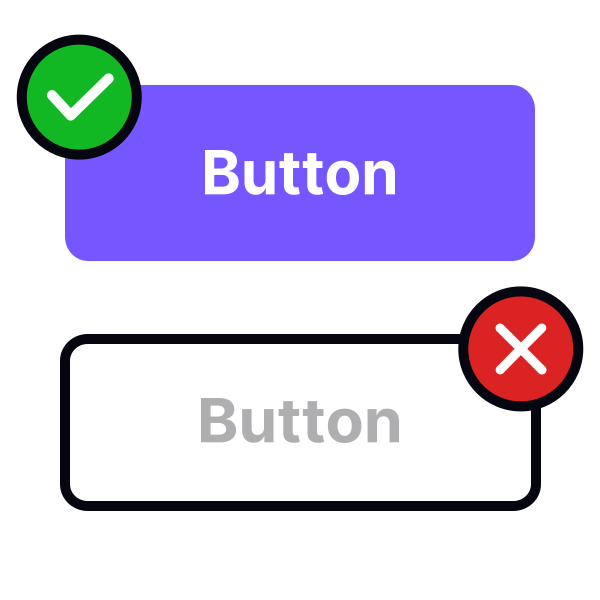
Add enough padding to buttons


Carefully consider the padding you use around a button’s label. Leave enough room so that the text won’t look like sardines in a can.
A good rule of thumb is to make the padding on the width twice as much as the padding on the height of the button. At minimum, an uppercase “W” should fit between the label and the edge of the button.[1]
On the web, a button's width usually adjusts according to its label.
Pro Tip: For buttons, we recommend a minimum horizontal padding of 16px.