Allow users to customize tables
Tables often occupy considerable space and hold diverse information. To improve users' interaction with tables, allowing customization is a wise choice. Here are some effective methods:
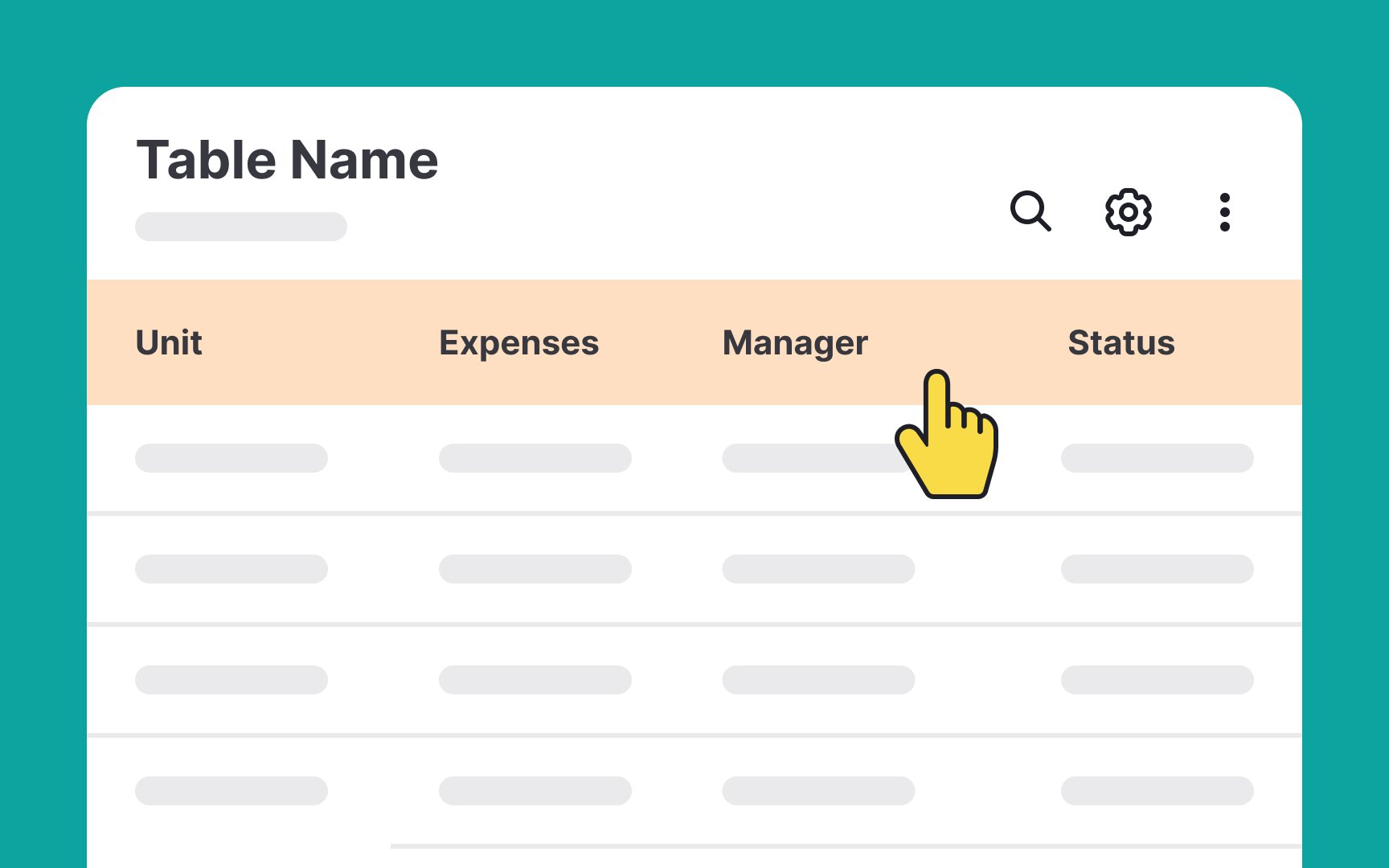
- Resizable columns: Enabling users to resize columns enhances their ability to view complete, relevant information without constant scrolling. Use a cursor icon that indicates the columns are resizable, making this feature intuitive and user-friendly.
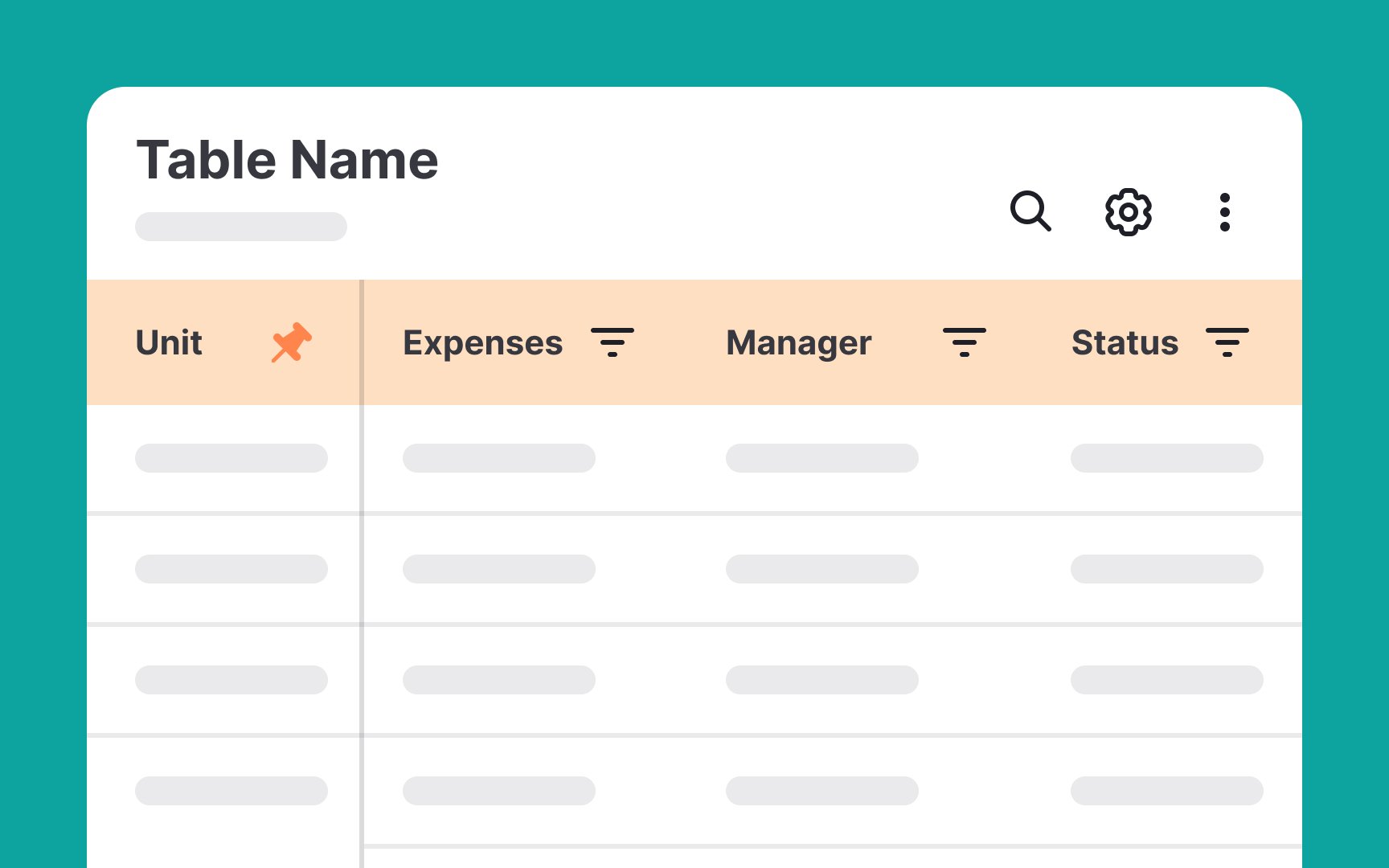
- Sorting capabilities: Permit users to sort content in various ways, like alphabetically or chronologically, either in ascending or descending order. Indicate sortable columns with upward or downward arrow icons, signaling this functionality.[1]
- Pinning columns: Some columns might contain crucial data frequently referenced by users. Introducing an option to pin or fix these columns in place with a 'sticky' feature ensures they remain visible, no matter the horizontal scroll extent.
Pro Tip: Adding an option to reorder the columns gives users the power to arrange content as they see fit.