Keep navigation consistent
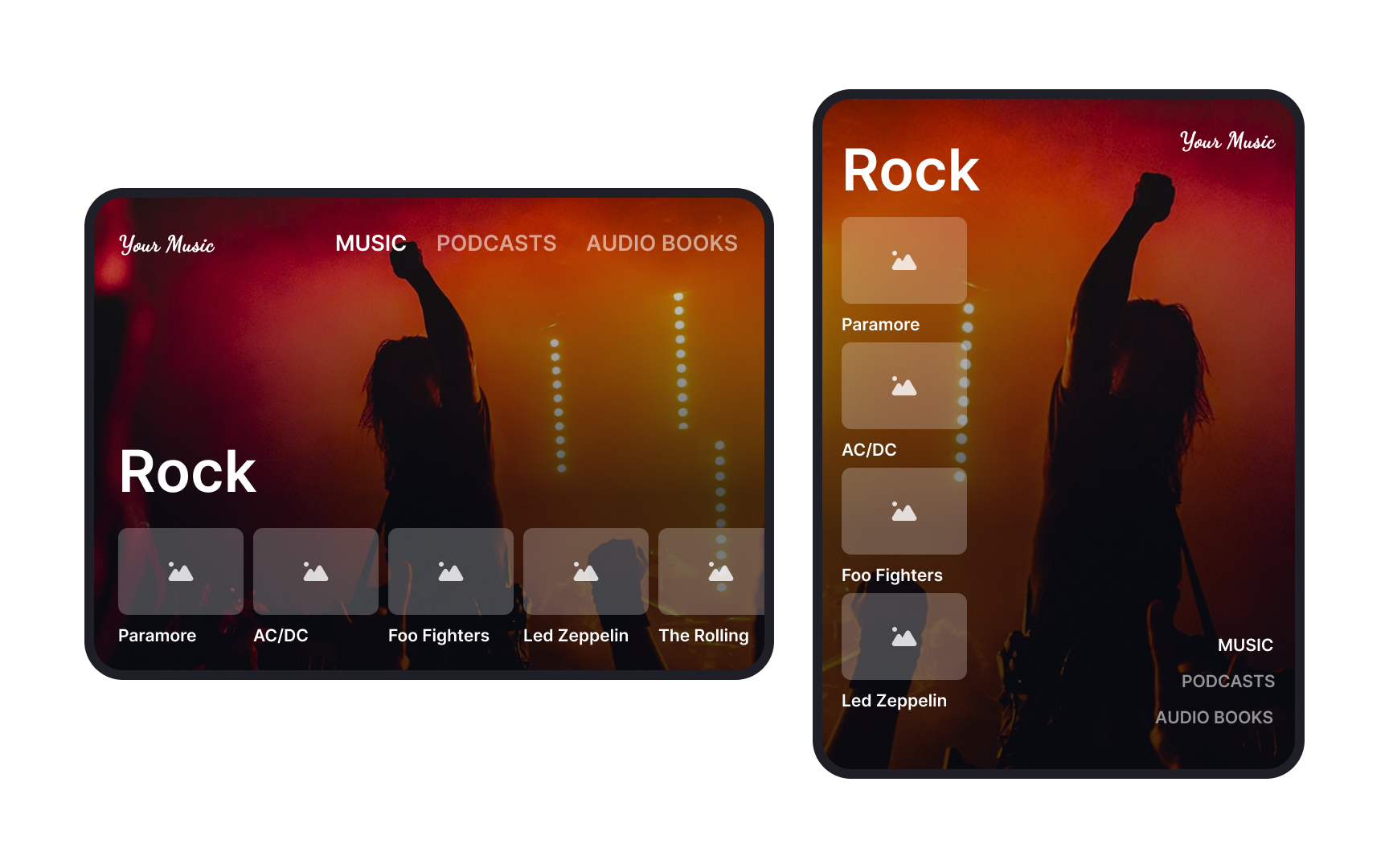
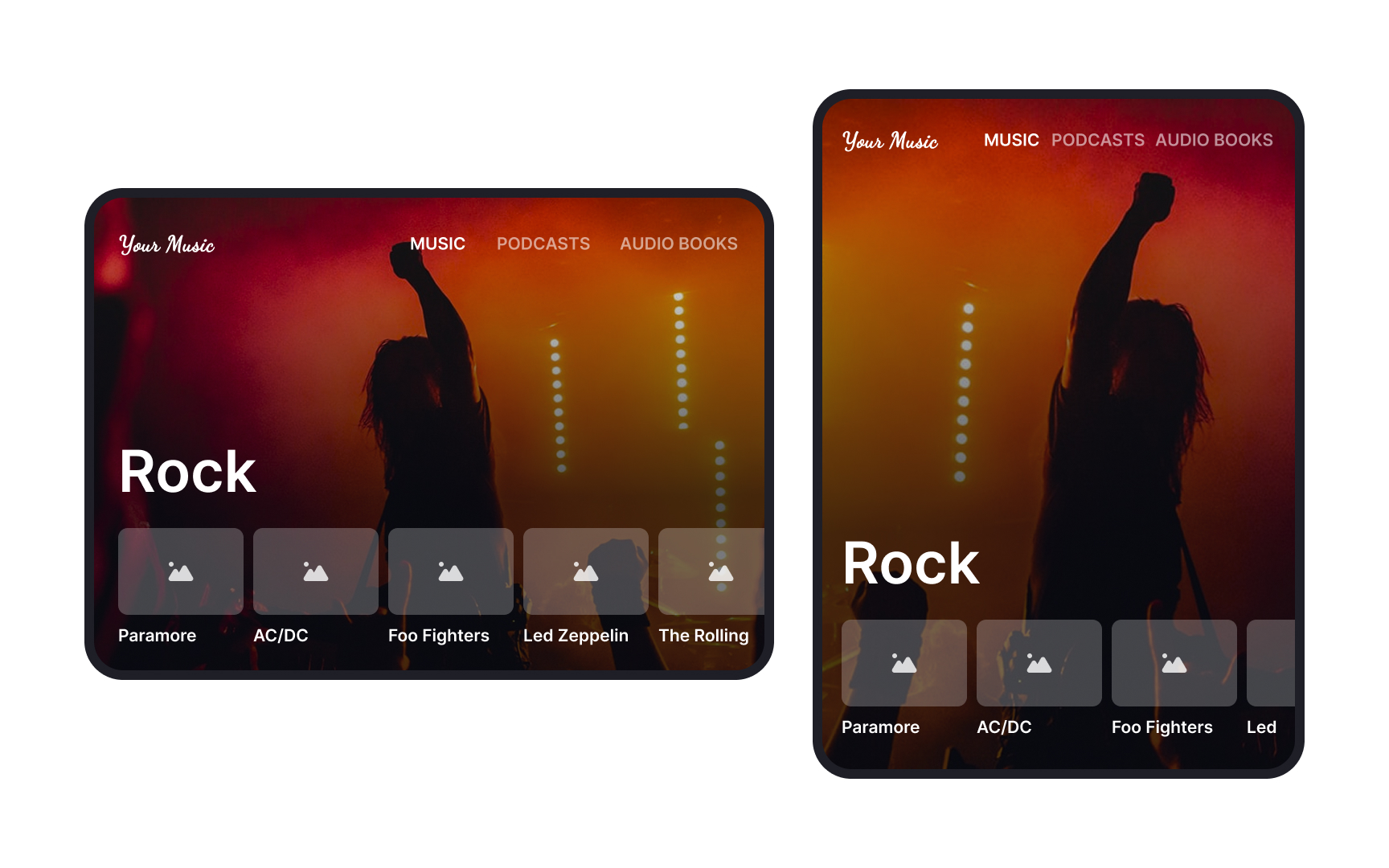
Users switch between portrait and landscape modes depending on their needs. For example, someone reading an article might hold their tablet vertically, but if they start watching a video, they might rotate it sideways for a better view.
If navigation elements change between orientations — like a menu moving from the bottom in portrait to the side in landscape — it forces users to relearn controls. This adds extra effort and slows them down. Instead, keeping navigation consistent — like keeping a Back button, menu, or key actions in the same spot — helps users switch orientations without confusion. Whether they hold their device upright or sideways, they should always find important features where they expect them. This makes the app easier to use in any situation