Placing media files in a bulk
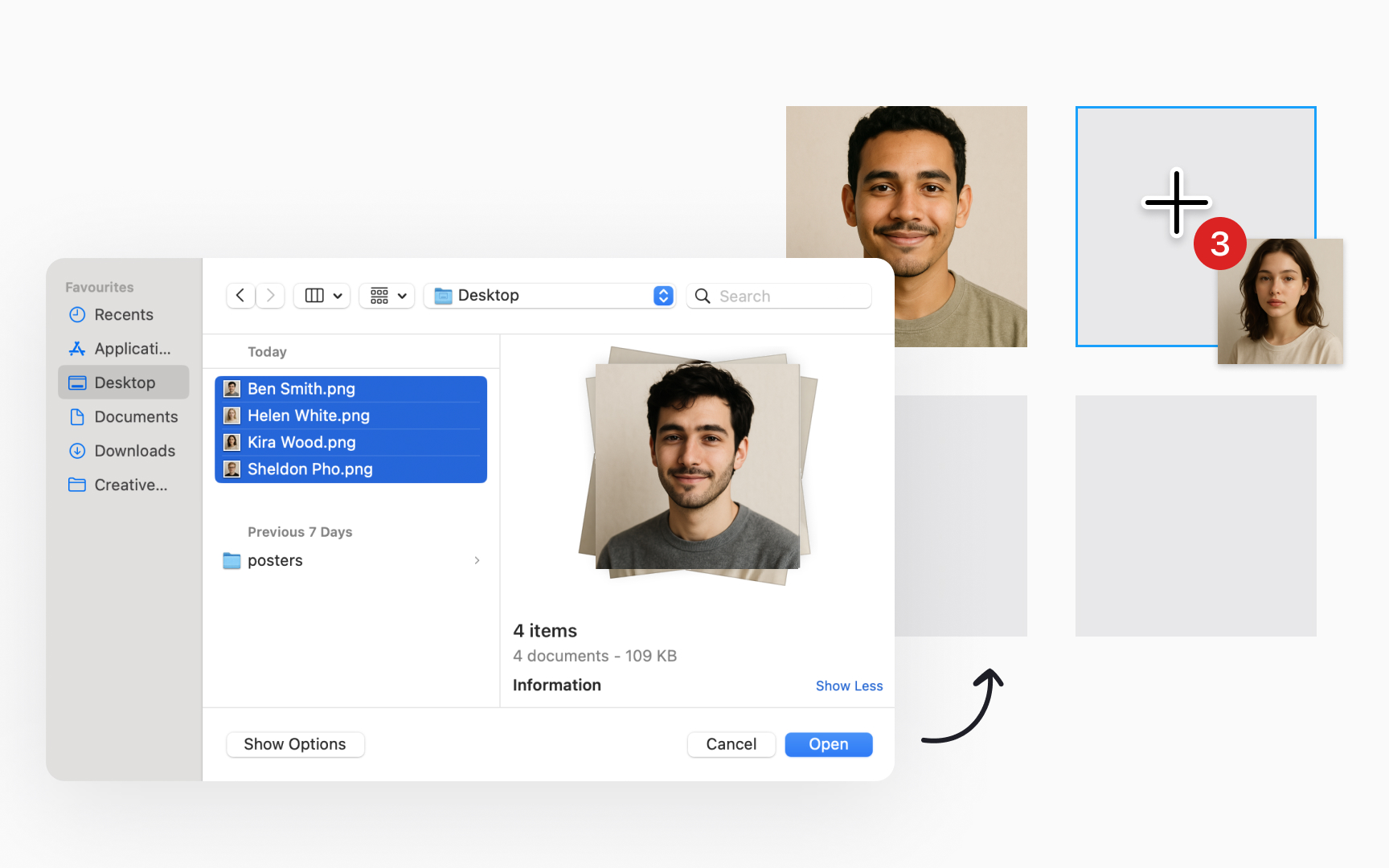
If you want to add multiple images to multiple objects, Figma supports bulk actions. Start by accessing the Place image setting from the Main menu → File , the Shape tools menu in the bottom toolbar, or using a shortcut Shift Command K.
Figma then opens an upload window, allowing you to select your images. Once you click Open, Figma displays a + cursor and a thumbnail of the first file.
If you've selected multiple files, a badge indicates the number of files left to place, and you can:
- Click on an area in the canvas to add an image. Figma adds the file at its original dimensions.
- Click and drag to define the image's dimensions if you want different dimensions than the original.
- Select an existing object on the canvas to apply the image as a fill, with the Fill mode set to Fill.