Join and miter angle
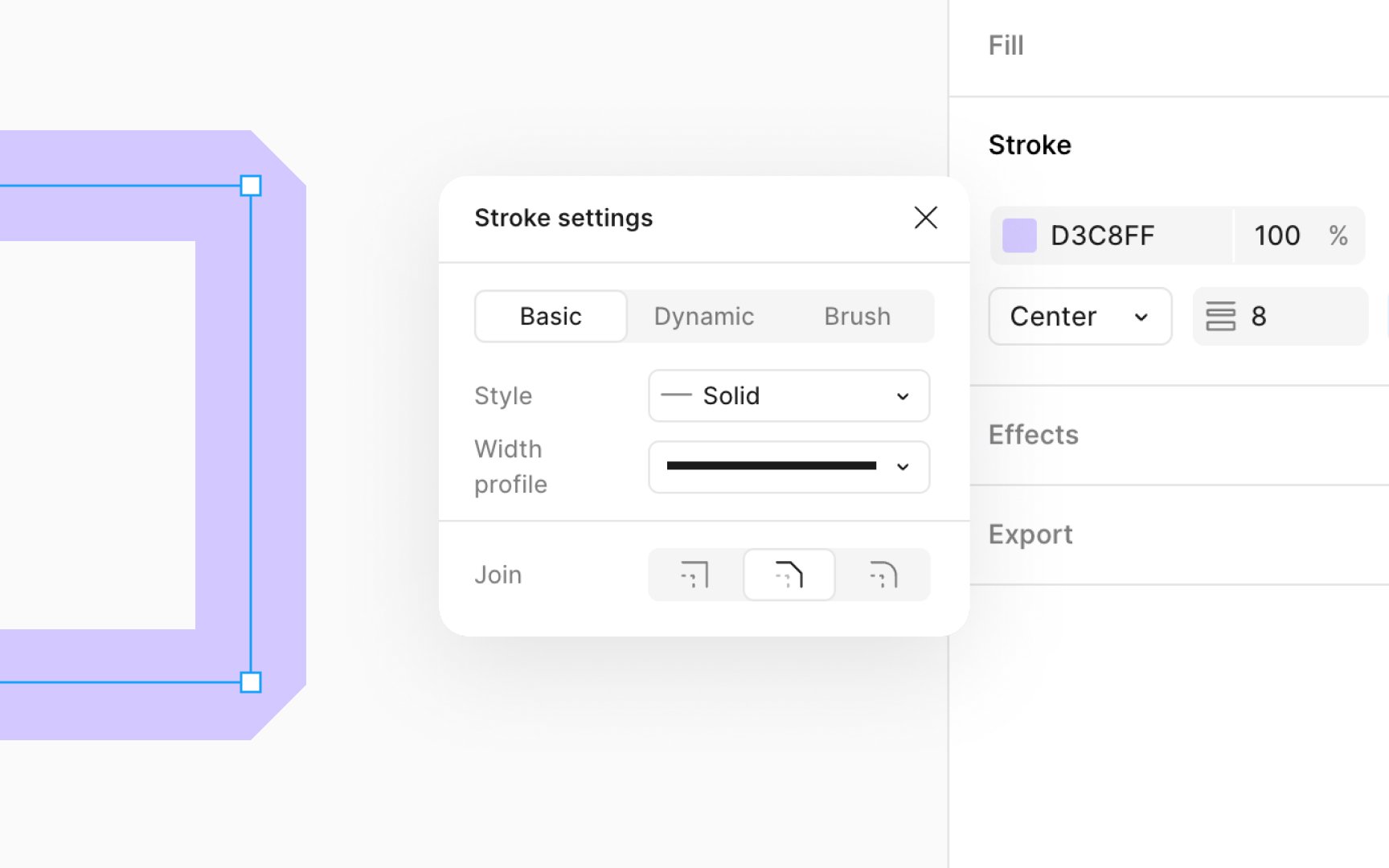
Join and miter angles are tools used to define how lines connect within a path or vector network. These settings are especially important when working on detailed design elements where the precision of line connections impacts the overall look.
To use join and miter angles:
- To adjust joins for an entire path, navigate to the Advanced stroke settings in the Design panel.
- For specific adjustments, enter vector edit mode by pressing Return (Mac) or Enter (Windows). Select a single anchor point and then navigate to the Advanced stroke settings.
- Next, choose the type of join:
- Miter: Creates a sharp point where two paths meet, ideal for geometric designs or to emphasize angles. You can adjust the angle to control the sharpness of the join.
- Bevel: Cuts off the sharp point for a flat edge, useful for a more modern and clean look.
- Rounded: Rounds the point where paths meet, softening the connection for a friendlier appearance.