Using the color picker
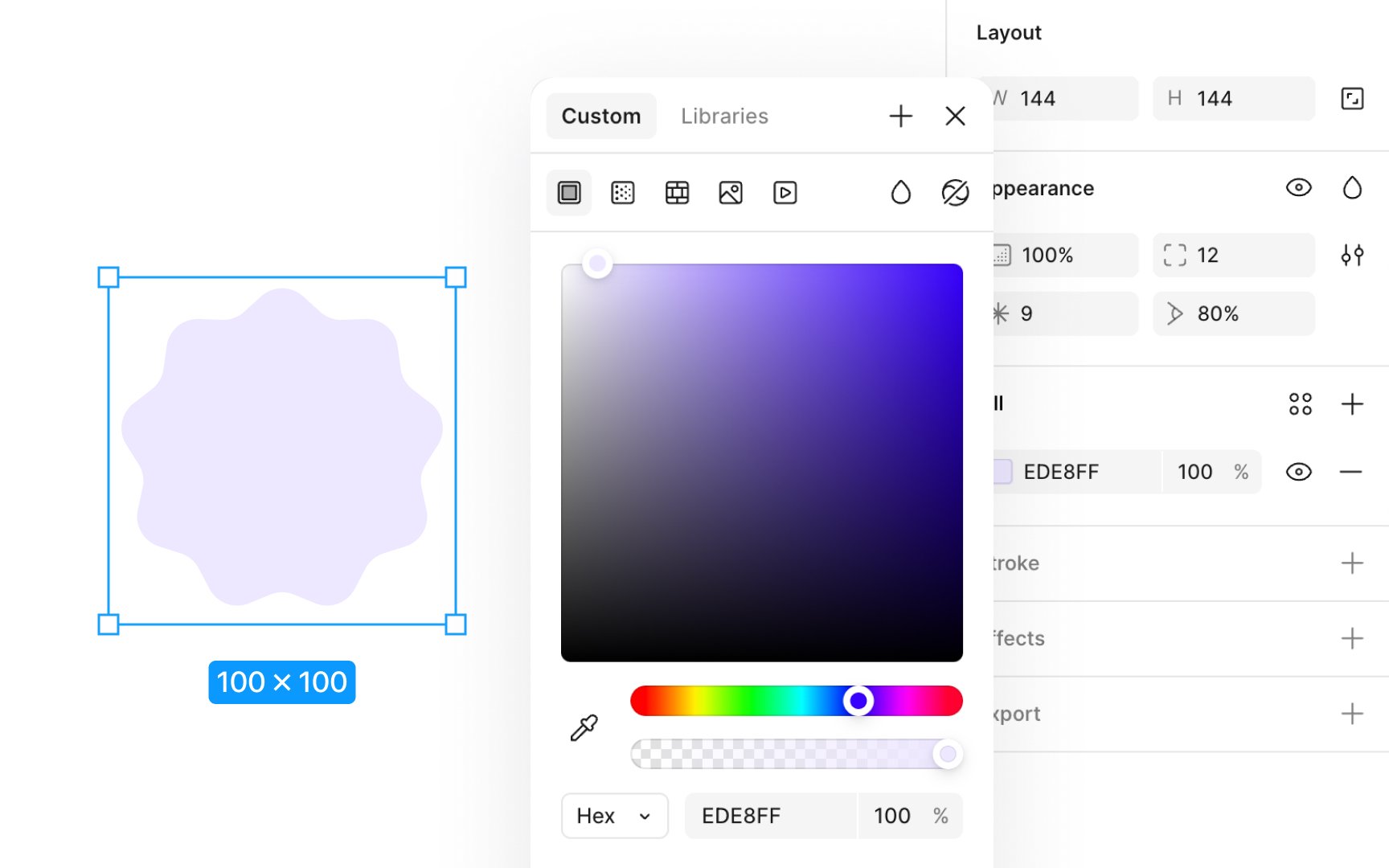
You have the option to use colors, gradients, or even image fills for your layers. First, make sure a fill or stroke is applied to your layer to access the color picker.
Here's how to use the color picker:
- Click on the current color swatch in the Fill section of the Design panel to open the color picker.
- Within the color picker, you can either create a custom color or select from predefined color styles and variables from your libraries.
- Choose your fill type from Solid, Gradient, Pattern, Image, or Video.
- Use the hue slider to fine-tune your color. Dragging left or right adjusts the hue.
- The second slider controls the color's opacity, enabling subtle transparency effects.
The color picker also provides options to preview and apply blend modes, allowing you to customize how your color interacts with layers beneath it.
Top contributors