Rectangle
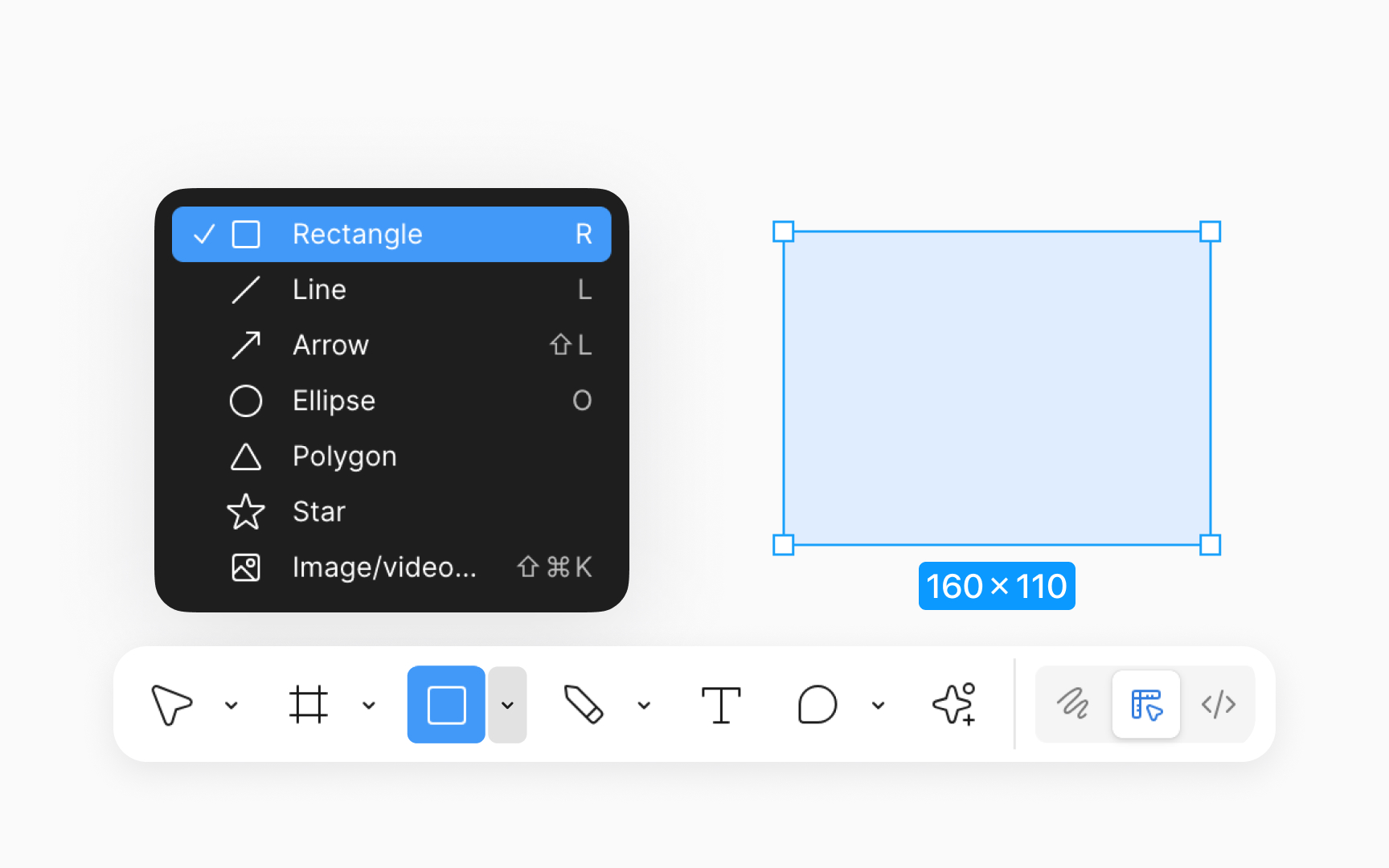
Rectangles are one of the most fundamental shapes used in design. To create a rectangle in Figma, select the rectangle tool under the Shape tool in the bottom toolbar (or press R on your keyboard), then click and drag on the canvas to draw the shape. Once drawn, you can resize the rectangle by clicking and dragging its edges or corners. You can customize them to create various design elements by changing their color, adding a border, adjusting the corner radius for rounded edges, or applying shadows for depth using the Design panel. Furthermore, rectangles can be used in creating complex shapes by combining, subtracting, or using them as masks.
Top contributors