Adjusting corner radius
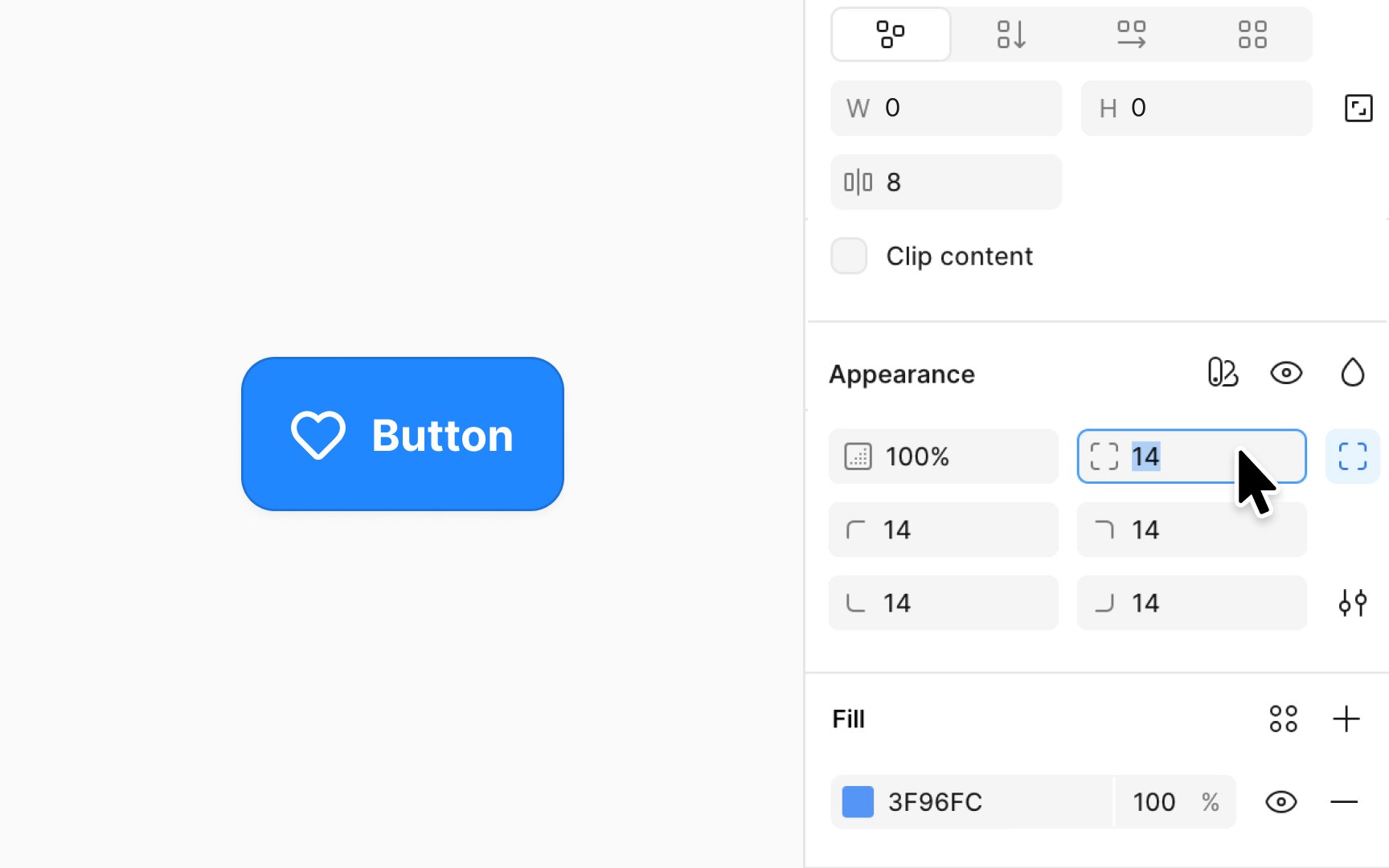
Adjusting the corner radius softens the edges of shapes, creating a more visually appealing and modern aesthetic. It enhances user experience by conveying a friendlier and more approachable interface, often used to improve readability and comfort in digital environments.
To adjust the corner radius of basic shapes in Figma, select your shape and look for the corner radius option in the Design panel on the right side. You can directly input a value to uniformly round the corners or click on the independent corners icon to adjust each corner separately by entering values.
To manually adjust the radius, you can simply manipulate the small circular radius handle that appears over the shape.
Pro Tip: Keep in mind that you cannot apply corner radius to lines, arrows, or vector designs with only a single stroke.