Ethics in User Testing
Dive into user research and testing practices that respect participants and generate trustworthy insights
User research and testing reveal insights that shape products, but the methods used to gather that information carry real ethical weight. Research participants trust you with their time, attention, and often personal information. How you design studies, collect data, and treat participants reflects your values as a product professional. Ethical research isn't just about following regulations like GDPR or IRB requirements; it's about respecting human dignity throughout the process. From obtaining genuine informed consent to compensating participants fairly, every research decision affects real people.
Deceptive practices, inadequate privacy protections, or exploitative testing methods can cause harm that extends far beyond a single study. Understanding these ethical dimensions helps you conduct research that generates valuable insights while maintaining the trust and safety of everyone involved. Strong ethical practices in research also lead to better data quality, as participants who feel respected and protected provide more honest, thoughtful responses.

Testing prototypes versus live products requires different consent approaches because the stakes and impacts vary significantly. When participants test prototypes, they need to understand they're interacting with an incomplete simulation where buttons might not work and data won't be saved. Without this clarity, participants may feel frustrated or confused when features don't respond as expected, affecting the quality of feedback you receive.
Live product testing carries higher risks because participant actions can have real consequences. If someone is testing a payment feature, posting content publicly, or managing actual account settings, they must know upfront whether these actions will execute for real or stay contained in a sandbox environment. So, testing with real account data requires explicit disclosure about what information participants will access and whether their test activities could affect other users or trigger actual notifications.
Clear consent about the test environment helps participants provide honest, contextually appropriate feedback while protecting them from unintended consequences.
Pro Tip: State "This is a prototype" or "This uses your real account" at the session start, even if it's in the consent form.
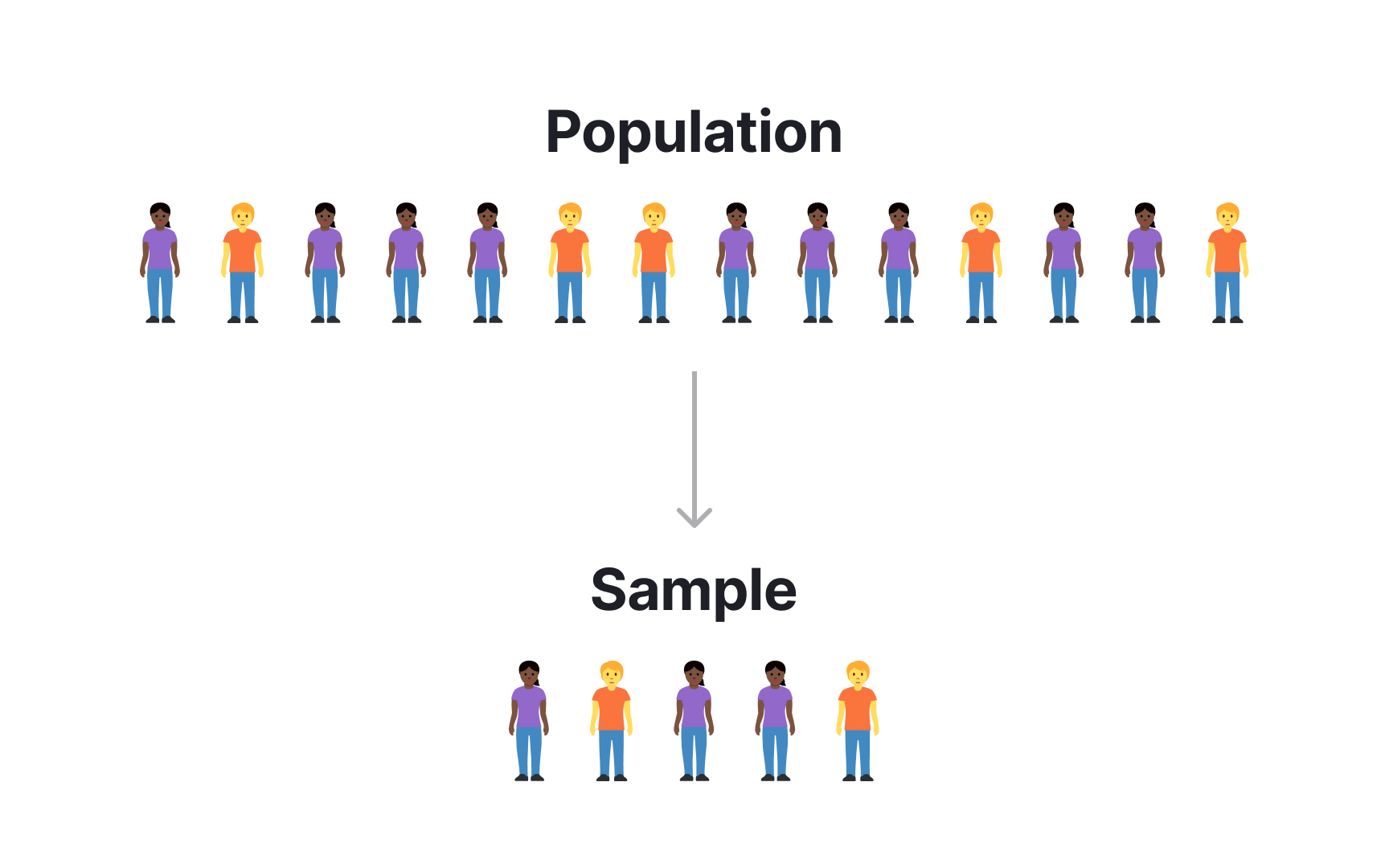
Recruiting test participants fairly means ensuring your sample represents the actual diversity of people who will use your product.[1] Selecting only participants who match your own demographics, work in tech, or have high digital literacy creates blind spots that lead to products failing entire user segments.
Compensation practices reveal fairness issues that many teams overlook. Offering lower incentives for populations you assume have more free time, like students or retirees, undervalues their expertise and creates economic barriers to participation. Geographic pay disparities can exclude international users whose perspectives matter for global products. Payment method choices also affect fairness when you only offer digital gift cards to populations with limited banking access or prefer cash.
Accessibility requirements in recruitment determine who can participate at all. If your testing location lacks wheelchair access, uses platforms incompatible with screen readers, or schedules sessions only during business hours, you're systematically excluding disabled users and working parents. Fair recruitment actively removes these barriers rather than passively accepting whoever can overcome them.
Recording methods in user testing range from simple screen capture to eye tracking, facial recognition, and biometric monitoring. Each method requires separate, explicit consent because participants may feel comfortable with screen recording but uncomfortable having their face or emotional reactions analyzed.
Keep in mind that observer presence changes participant behavior whether observers watch through one-way mirrors, video feeds, or sit quietly in the room. Participants deserve to know who's watching, why they're watching, and whether observers include stakeholders who might recognize them. Internal testing with company employees creates special concerns when observers might be their colleagues or managers, potentially affecting honest feedback about workplace tools.
Retention policies for recordings determine long-term privacy risks. Video files containing faces, voices, and personal information become more sensitive over time as facial recognition technology advances and data breaches become more sophisticated. Ethical teams specify exactly how long recordings will be kept, who can access them, where they're stored, and when they'll be permanently deleted rather than leaving these decisions vague or indefinite.
Remote testing brings cameras into participants' homes, creating privacy challenges that in-person lab testing avoids. Background visibility in video calls can reveal personal details participants didn't intend to share like family photos, religious items, financial documents on desks, or household conditions they consider private. Offer virtual backgrounds or blur options before sessions start and explicitly tell participants they can enable these features anytime. Some participants may not realize these controls exist or feel awkward asking to use them mid-session.
Household members appearing in frame creates consent complications because they never agreed to participate in
Device access permissions for remote testing tools can be more invasive than participants realize. Screen sharing might capture
Physical safety in usability testing extends beyond obvious hazards to include ergonomic considerations that affect participant comfort and well-being. Extended testing sessions without breaks can cause eye strain, back pain, or repetitive stress when participants use unfamiliar devices or interfaces. Schedule natural breaks every 20-30 minutes for long sessions and explicitly tell participants they can request additional breaks anytime without explanation. For VR and AR testing, limit initial sessions to 15-20 minutes, watch for signs of motion sickness like pallor or sweating, and keep a clear path to seating if participants need to remove headsets quickly.
Cognitive load limits matter ethically because pushing participants beyond their processing capacity creates unnecessary stress rather than useful insights. Break complex testing sessions into multiple shorter appointments rather than cramming everything into one exhausting marathon. Provide task previews so participants know what to expect and can mentally prepare. When testing enterprise software or complex workflows, start withsimpler tasks to build confidence before progressing to challenging scenarios.
Emotional distress triggers appear in unexpected places during testing. A participant testing a budgeting app might encounter financial reminders that cause shame or anxiety. Someone testing social media features could see
Testing with disabled users requires moving beyond compliance checklists to genuine respect for participant expertise and experience. Disabled users are experts in their own
Session logistics should adapt to participant needs rather than forcing participants to adapt to your preferences. Offer remote testing as the default since many disabled users find traveling to unfamiliar locations with uncertain accessibility more stressful than testing from their own adapted environments. Send detailed information about the session structure, task types, and any tools they'll use at least 48 hours in advance so participants can prepare mentally and practically. Allow extra time for sessions because rushing creates unnecessary pressure and may require participants to skip their usual assistive technology routines.
Language and framing matter significantly in how you discuss accessibility testing. Avoid inspiration narratives or expressions that frame disability as tragedy to overcome. Evaluate accessibility features the same way you test any other functionality by asking whether they work effectively, not whether participants feel grateful they exist.[2]
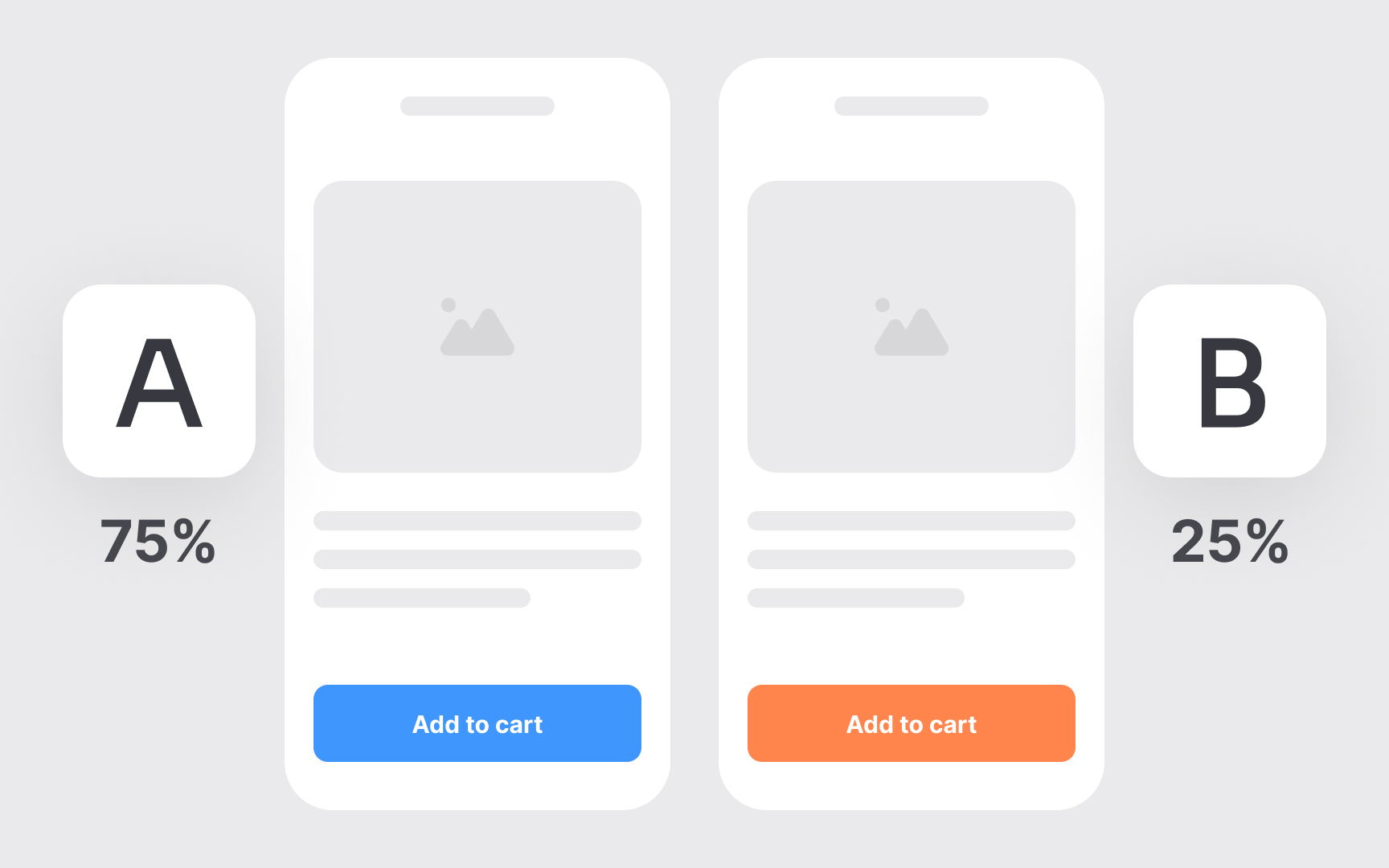
A/B testing manipulates user experiences to measure behavioral differences, raising consent questions that simple
Establish clear boundaries for what manipulation is acceptable in your testing practice. Document a policy that defines low-risk tests (cosmetic changes, layout variations) versus high-risk tests (pricing experiments, emotional manipulation, features affecting opportunities or resources). High-risk tests should undergo ethics review before launch and include monitoring for negative impacts that would trigger early test termination. Set success metrics that include participant well-being indicators alongside business metrics, so you're measuring harm as actively as you measure conversion.
When testing with vulnerable populations like children, people in crisis, or users making high-stakes decisions, either obtain explicit consent or don't run experimental tests at all. For features involving high-pressure purchasing flows or emotionally charged content, test with informed volunteers rather than unsuspecting users.
Data
Implement automated deletion systems that remove data when retention periods expire rather than relying on manual processes that get forgotten. Set calendar reminders or use data management tools that flag files approaching their deletion dates.
Anonymization should happen as early as possible in your research process. Convert video recordings to written insights and delete identifiable footage within weeks rather than months. Strip participant names from transcripts and replace them with generic identifiers like "Participant 7" as soon as initial analysis completes. Store the linkage between real identities and anonymous identifiers in a separate, encrypted file with stricter access controls and shorter retention periods than the research data itself.



Similar lessons

User Research Basics

UX Research Strategy & Methodology