Annotate links and buttons
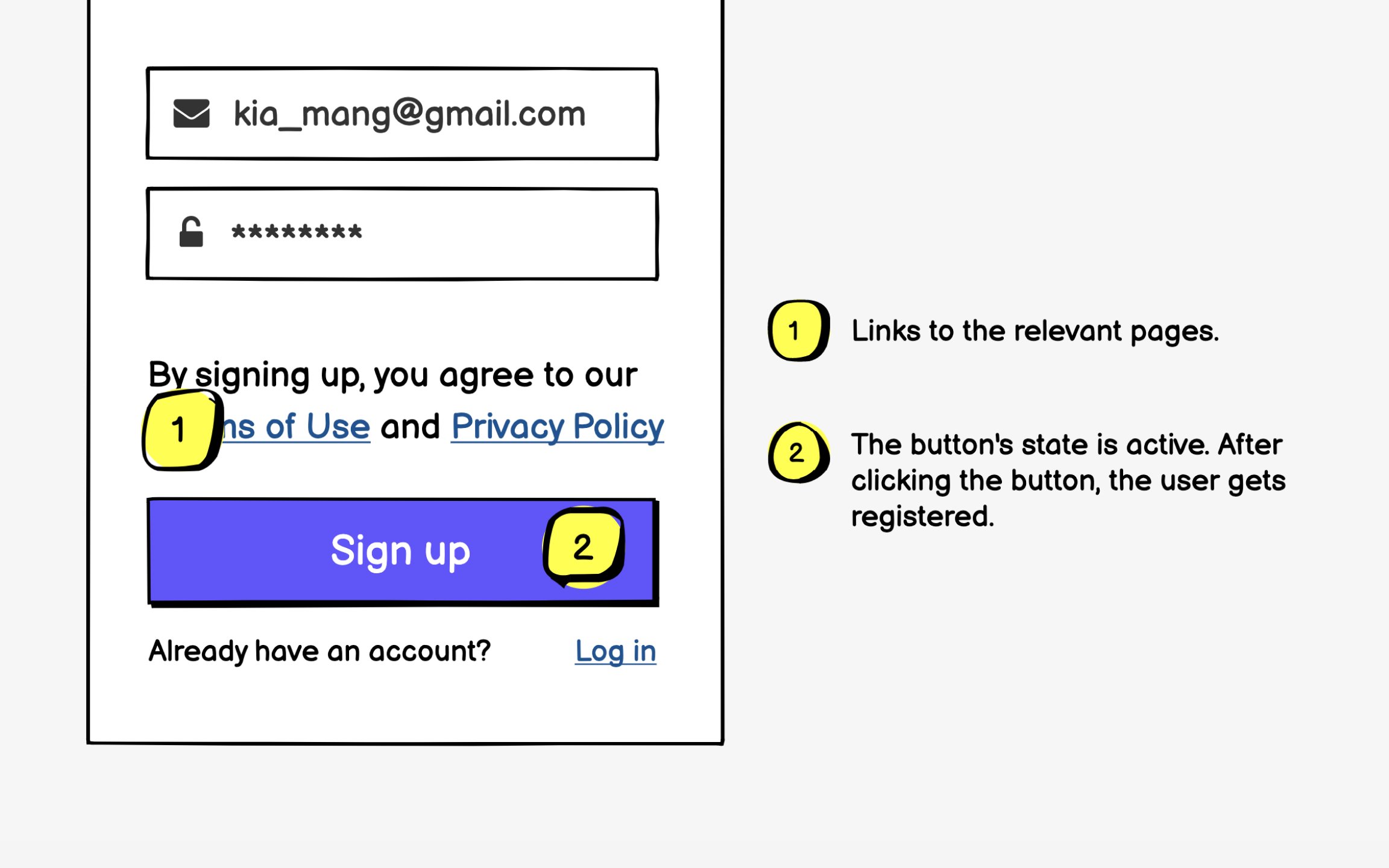
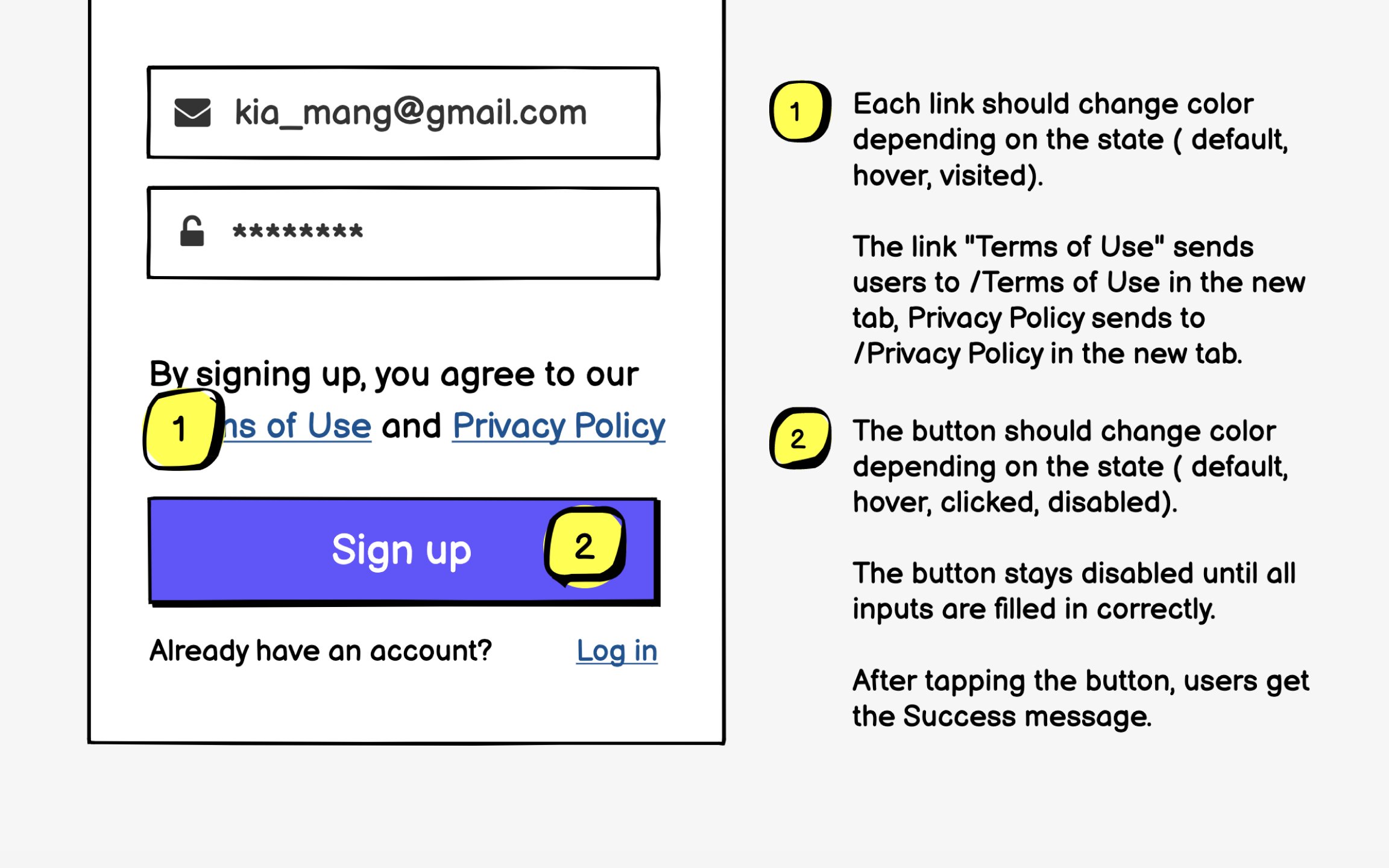
Interactive elements demand comprehensive annotations because their behavior often extends beyond simple clicks. A button might have hover states, loading states, disabled states, and success states. Each state needs clear documentation to ensure consistent implementation across platforms.
Answer critical questions in your annotations:
- Where do links navigate?
- Do they open in new windows?
- What happens during loading?
- How are errors handled?
- What feedback confirms success?
For complex interactions, describe the complete flow from initial click to final outcome.
Consider accessibility in your interaction annotations. Note keyboard navigation behavior, screen reader announcements, and touch target sizes. These details ensure your wireframes support all users, not just those using a mouse on a desktop.