Define user flows
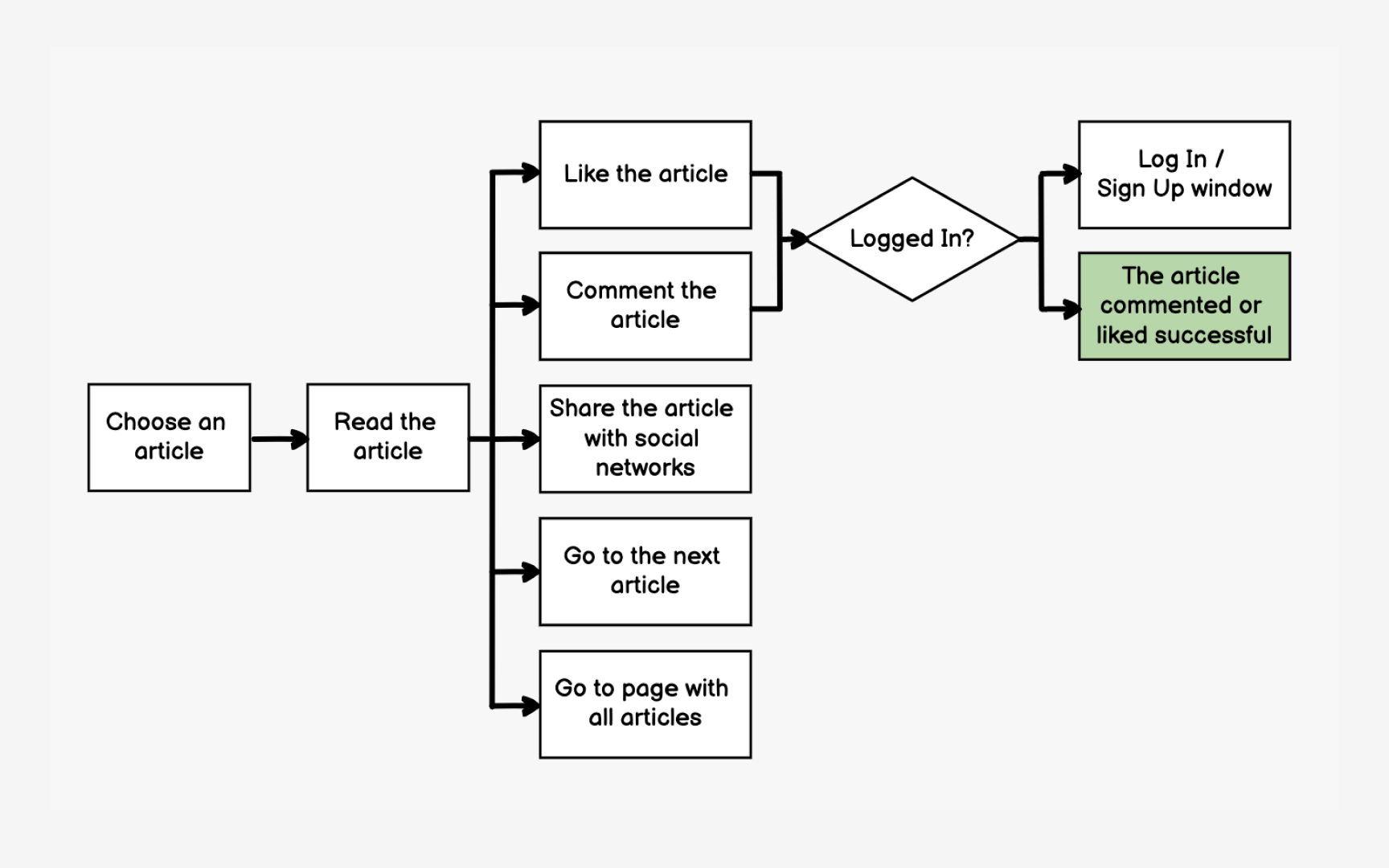
User flows reveal which screens matter most and how they connect. By mapping the paths users take to complete tasks, you identify critical screens that need responsive wireframes and understand how layout changes might affect navigation between them.
Start with primary user goals: finding products, making purchases, getting support. Map each step from entry point to goal completion. A purchase flow might include: homepage → category page → product list → product detail → cart → checkout → confirmation.
This flow shows you need 7 responsive wireframe templates.
Understanding flows helps prioritize mobile optimization efforts. If analytics show 80% of users complete purchases on mobile, your checkout flow needs flawless responsive behavior. Flows also reveal reusable components like headers, navigation, and footers that appear across multiple screens, saving design and development time.[1]
References
Top contributors