Organizing components into categories
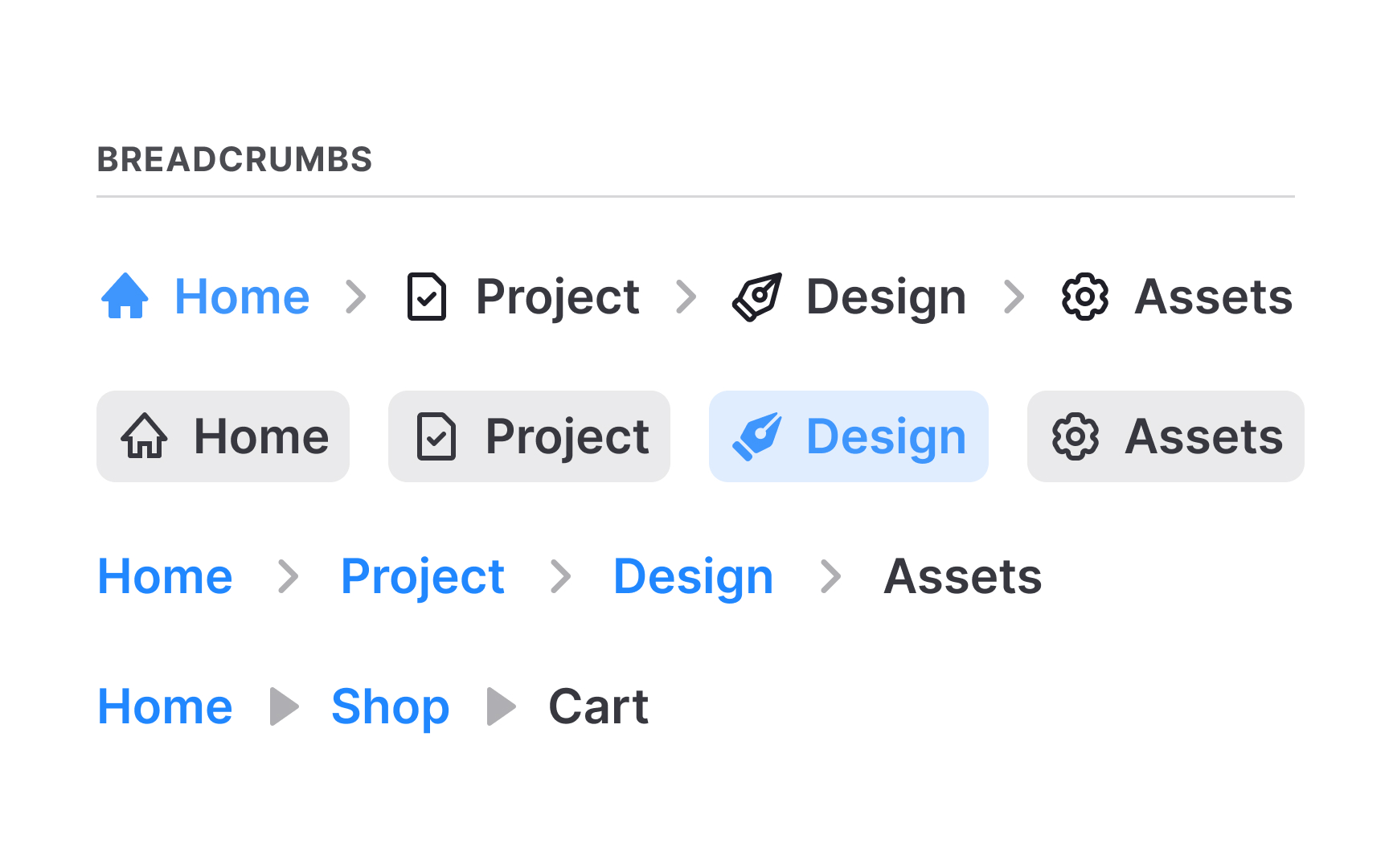
Once UI elements are collected, grouping them into categories makes the inventory easier to understand. Categories can reflect natural groups such as buttons, fields, icons, or text styles. They can also follow the structure used in the codebase, which often divides elements into building blocks, components, modules, and layouts. Sorting items this way helps teams see connections and understand how these pieces relate to one another.
Clear categories make repeated patterns and inconsistencies easier to spot. When elements are organized side by side, visual differences stand out quickly, and duplicate components become obvious. This structure also sets the base for deciding which items will become part of the future design system and which ones need to be removed or merged.
Good categorization supports collaboration across teams. Designers and developers can discuss elements more easily when everything is labeled and logically grouped.
Pro Tip: Keep category names simple and aligned with the code or naming teams already use. This reduces confusion later when the design system begins to form.