Naming and tagging icons for efficient search
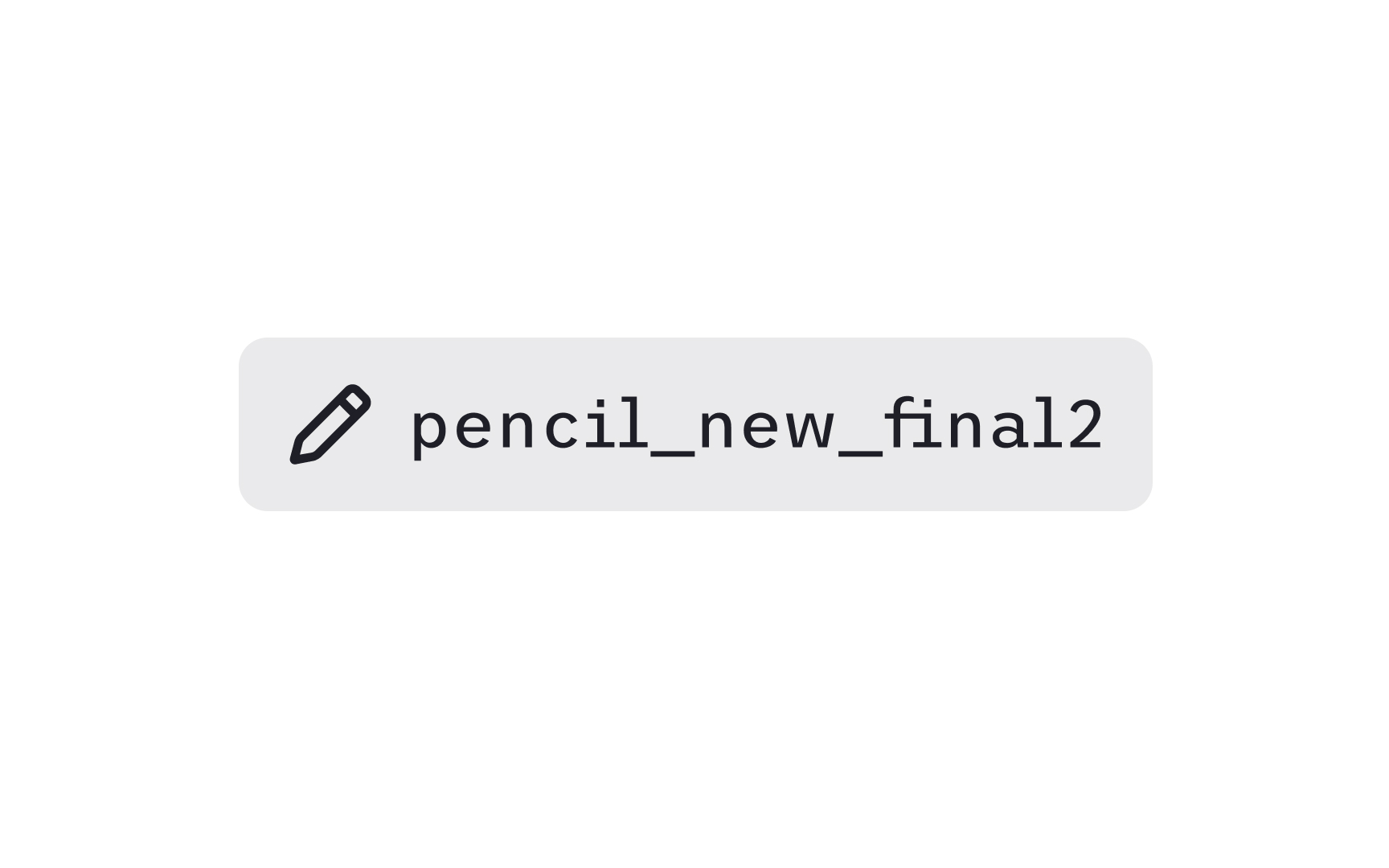
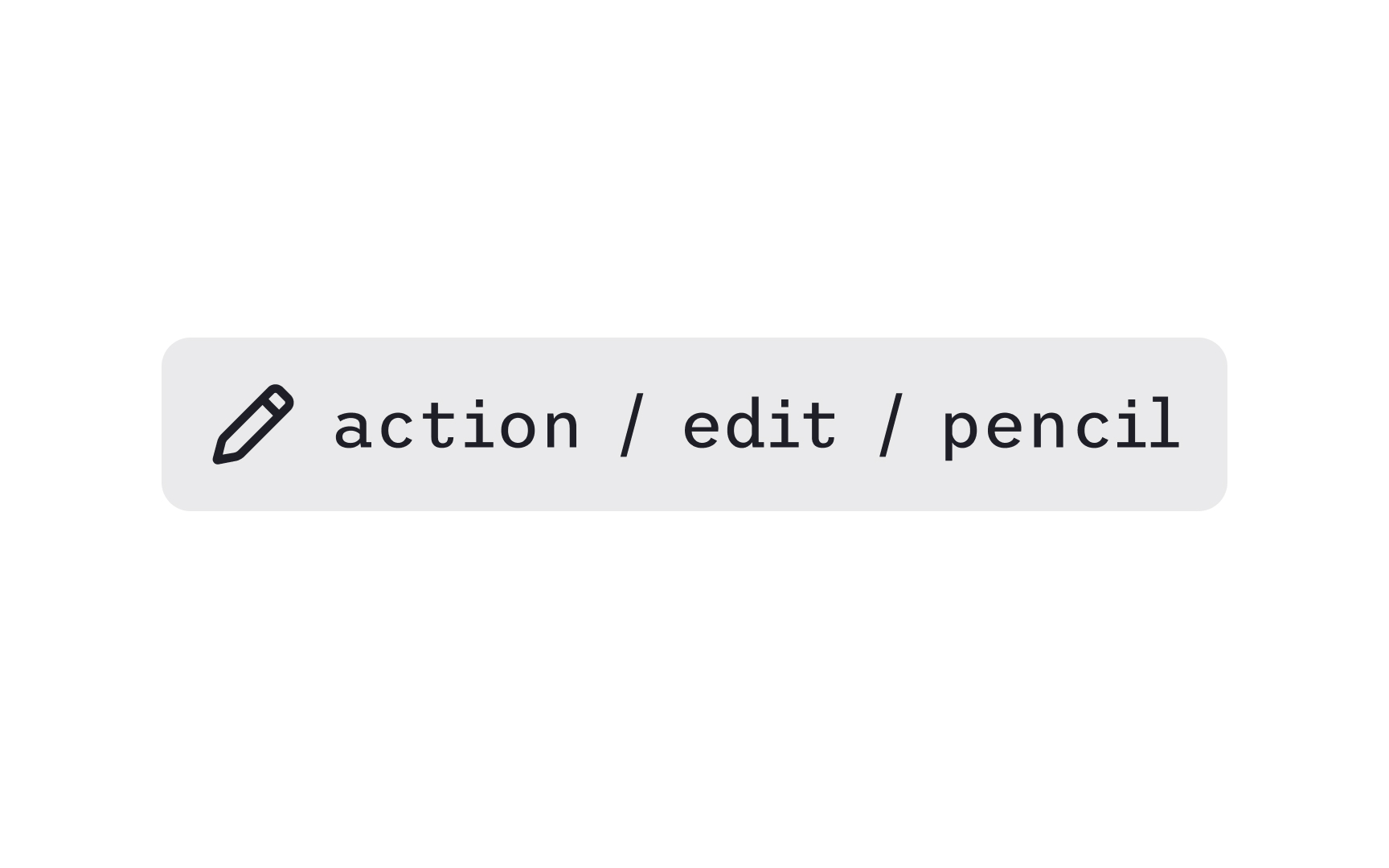
Clear naming helps teams find icons quickly and reuse them consistently. A practical naming pattern describes the icon’s category, the object it represents, and the action it performs. Systems often follow a structure such as category / object / modifier. For example, learn / video / add or file / image / remove. This pattern groups related icons together and makes the library easier to scan.
Tagging adds another layer of findability. Tags capture all the different terms designers might use to locate an icon. A single icon can include tags like draw, pen, vector, or write, so any of these search terms lead to the same result. This approach aligns with how people actually search, since some think in verbs, others in nouns, and others in visual appearance. A set of well-chosen tags increases accuracy and reduces the time spent hunting through the library.
Consistent naming and tagging also prevent duplicates. When teams follow the same patterns, they avoid creating multiple icons that represent the same concept. This reduces maintenance work and keeps the visual language aligned across products.
Pro Tip: Tag icons with both the action and the object, for example “edit,” “pencil,” and “write.”