Technical standards and inclusive design working together
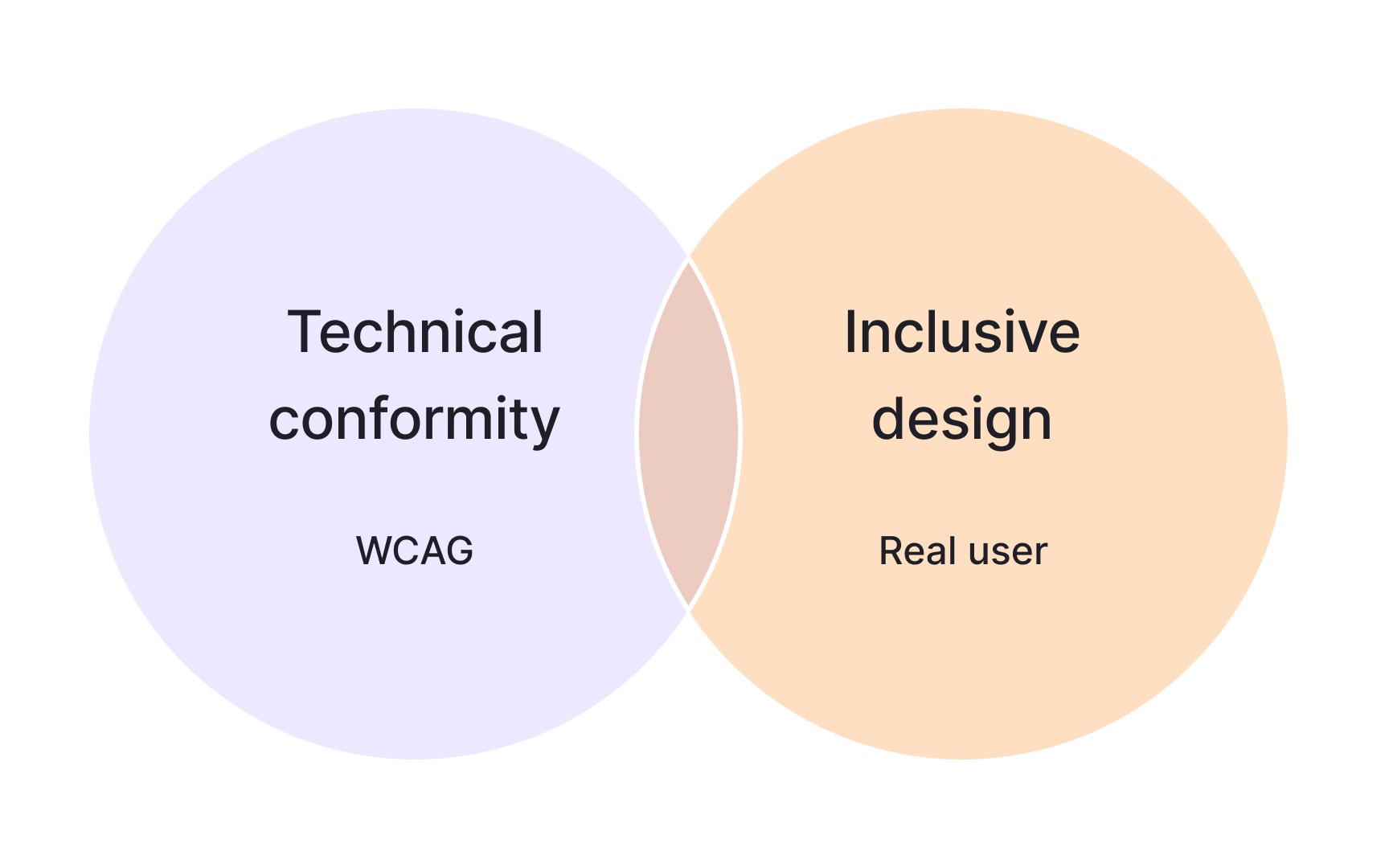
Accessibility in a design system starts with clear technical rules that help teams check contrast, structure, and interaction. These rules create a shared baseline so designers and engineers know what makes a component accessible at a minimum. They keep work consistent across products and make testing more predictable.
Standards alone are not enough to create experiences that feel usable. Even if each component meets individual criteria, the experience can still break when users move through an interface. A common example is focus order. A button might be fully compliant on its own, but if it appears in a confusing sequence, keyboard navigation becomes difficult. This shows why design systems must support both correct component behavior and smooth, understandable flows.
Design system documentation helps connect these two layers. It explains how components should be arranged, how labels should be written, and how interactions stay predictable for different audiences. Inclusive language guidance and clear usage examples make it easier for teams to design interfaces that feel supportive in real situations, not just technically correct.[1]
Pro Tip: Check how components work together in real flows, not only how they pass individual rules.