Modal design best practices
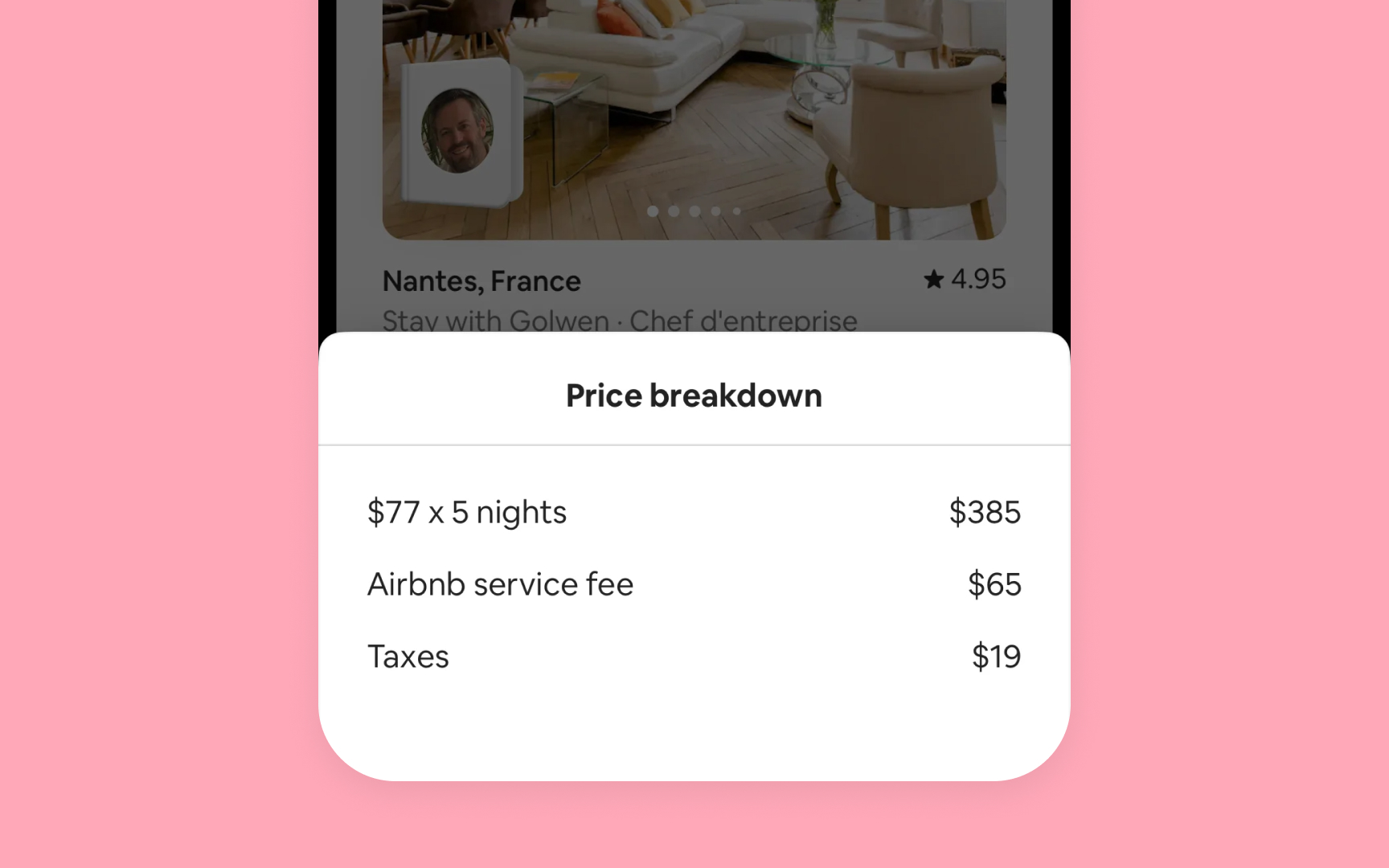

Effective modal design maintains clarity and prevents user confusion while supporting task completion.
Best practices for modal implementation focus on key areas:
- Simple task managing. Design each modal for a single focused task. For instance, in Mail, composing a message is a single task modal, while adding attachments uses a separate modal to keep each step clear. Complex tasks should be split into smaller parts that users can easily understand and complete. Avoid creating deep navigation within modals – they shouldn't feel like separate apps.
- Visual clarity. Every modal needs a clear title that shows its purpose. Size modals based on their content – sheets for forms, full-screen for immersive tasks. Keep dismissal methods consistent and show only one modal at a time.
- User control. Make it obvious how to exit modals through buttons or familiar gestures. If users might lose their work, ask before closing. When users dismiss by accident, save their progress and let them continue.