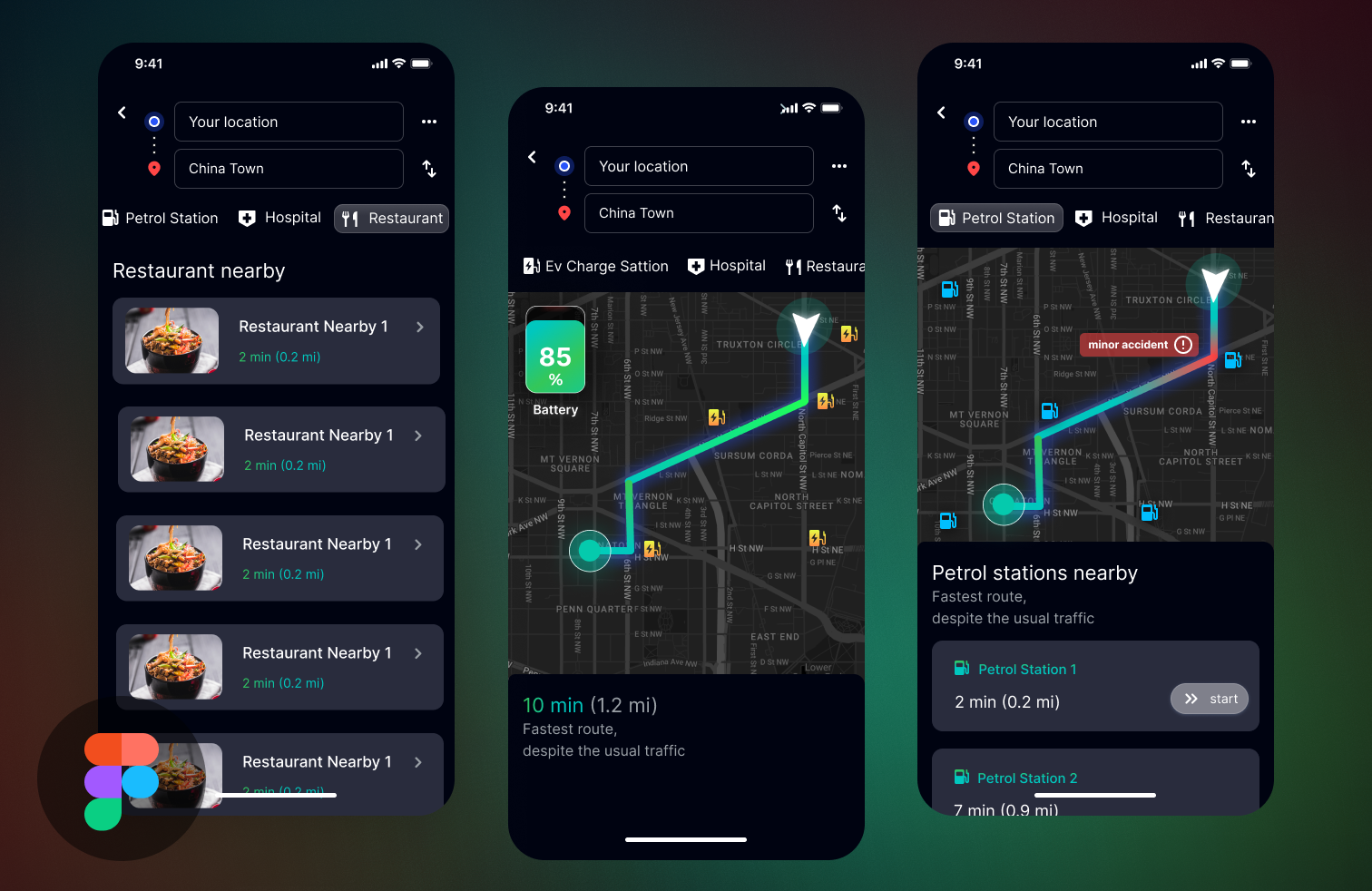
Google map redesigned

Reviews
1 review
Nice start! There are a few areas where you can enhance both your work and its presentation to make a stronger impact.
To elevate your wireframes, focus on creating a more polished and cohesive look. For instance, consider using varied images in your first screen to add visual interest and demonstrate versatility. Additionally, double-check for typos to ensure your designs look professional and refined.
It would also be helpful to include minimal descriptions or annotations to guide your viewers through your thought process and explain your design decisions. This added context can make your work more engaging and provide a clearer narrative for your audience.
Overall, you’re off to a great start!
7 Claps
Average 3.5 by 2 people
You might also like

Project
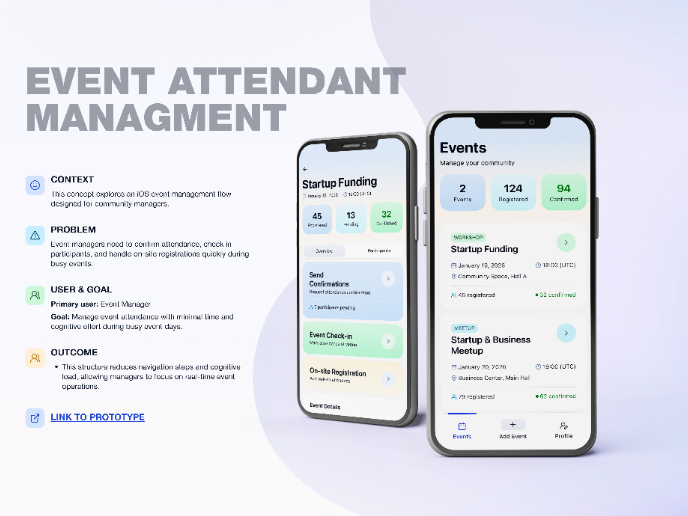
Events Managment App
🔹 Project OverviewEvent Management Tool (iOS) UX/UI concept for business community event managers This project focuses on designing functio

Project
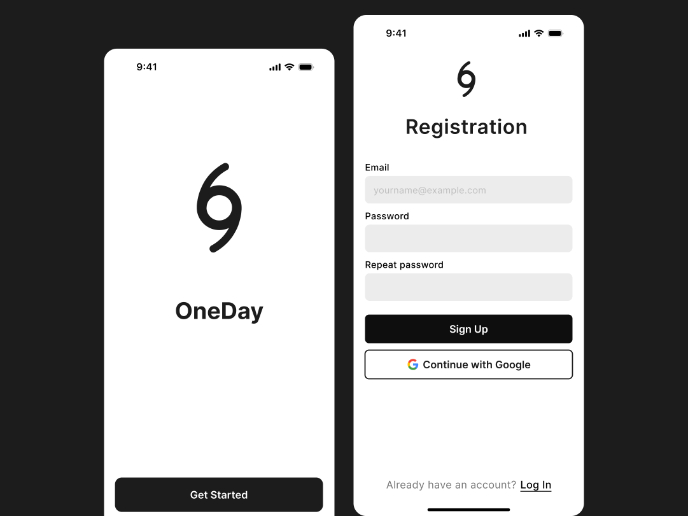
Accessible Signup Form
Accessible Sign-up Form for Mobile Apps ✔️ State-based Form Validation Primary actions remain disabled until all required fields are comple

Project
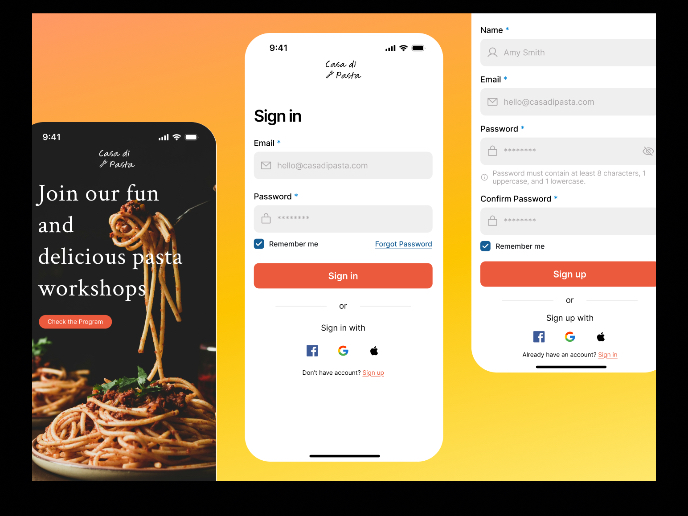
Mobile Onboarding: Casa di Pasta
🍝 Project Overview: Casa di PastaThis project is a mobile registration and login flow for a pasta workshop app. My goal was to create a fri

Project
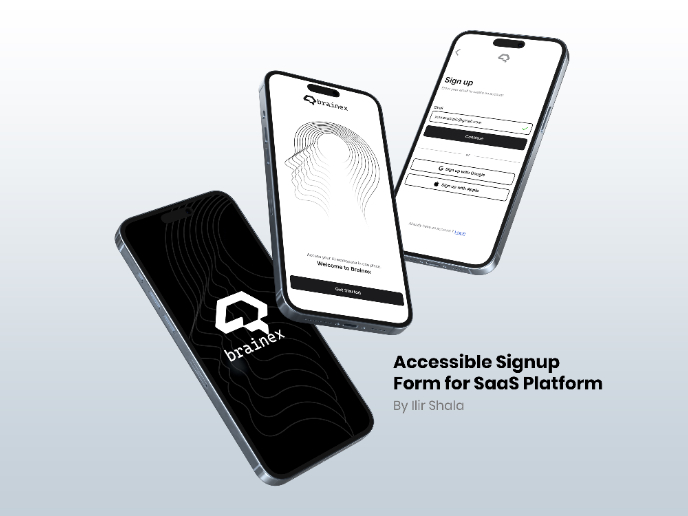
Accessible Signup & Login Experience — Brainex

Accessible Signup & Login Experience — Brainex Brainex is a modern and accessible authentication experience designed for a SaaS platform. T
Project
Accessible Signup Form
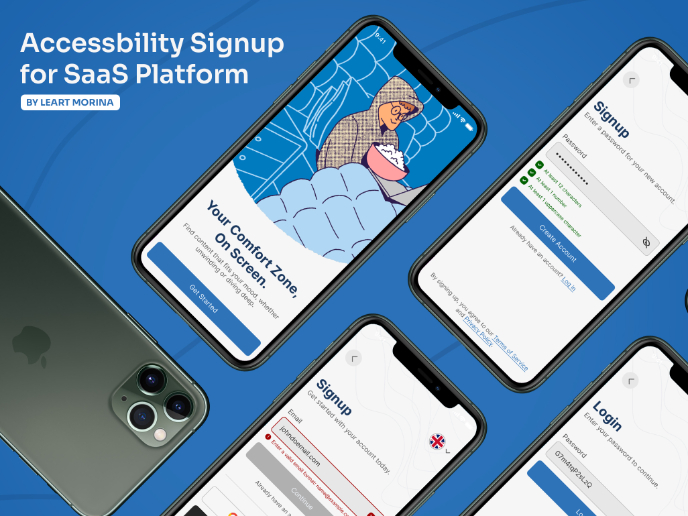
This project is an app which helps users to consume content based on their mood and it explores the design of an accessible, inclusive signu

Project
WellNest
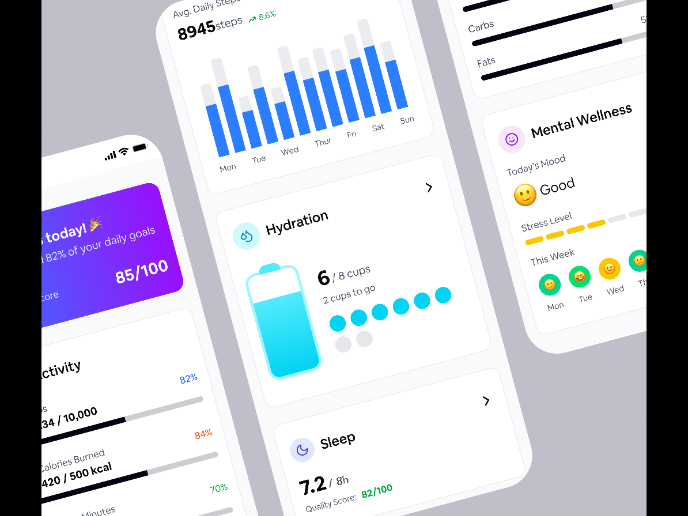
The WellNest dashboard is designed to give users a clear, encouraging overview of their health at a glance. A high-level wellness score and
Popular Courses
Course
UX Design Foundations
Learn the essentials of UX design to build a strong foundation in core principles. Gain practical skills to support product development and create better user experiences.
Course
Introduction to Figma
Learn essential Figma tools like layers, styling, typography, and images. Master the basics to create clean, user-friendly designs
Course
Design Terminology
Learn UX terminology and key UX/UI terms that boost collaboration between designers, developers, and stakeholders for smoother, clearer communication.