Array for HR

Behind the Design of Array
When I started working on Array, I wanted to build something that felt genuinely useful for HR teams — not just another PM tool with a different logo. HR teams deal with very different workflows than product or marketing teams, and yet most tools treat them the same. That disconnect was the first thing I wanted to fix.
Starting with Conversations
The first thing I did was talk to real HR professionals. Most of them said the same thing: planning internal projects is messy, time-consuming, and usually starts too late. Tools were either too generic or way too complex for their needs.
That gave me the north star — cut setup time, keep things flexible, and design for clarity.
Why We Used AI
The biggest time-sink was setting up the project structure itself. So I built an onboarding flow that asks a few simple questions (team size, type of project, goals) and uses AI to generate a full project plan: milestones, tasks, subtasks — even a Gantt chart.
But we didn’t want to lock people in. Everything the AI creates can be edited or scrapped. The goal was to give people a smart starting point, not to take over the work.
“Arrays” Instead “Projects”
We called projects “Arrays” to make it clear this tool was built for HR — not product or dev teams. Each Array is a pre-built project template for things like onboarding programs, DEI initiatives, or internal policy rollouts.
It’s a small naming decision, but it helped frame the experience as something custom, not generic.
Arrays and Planner
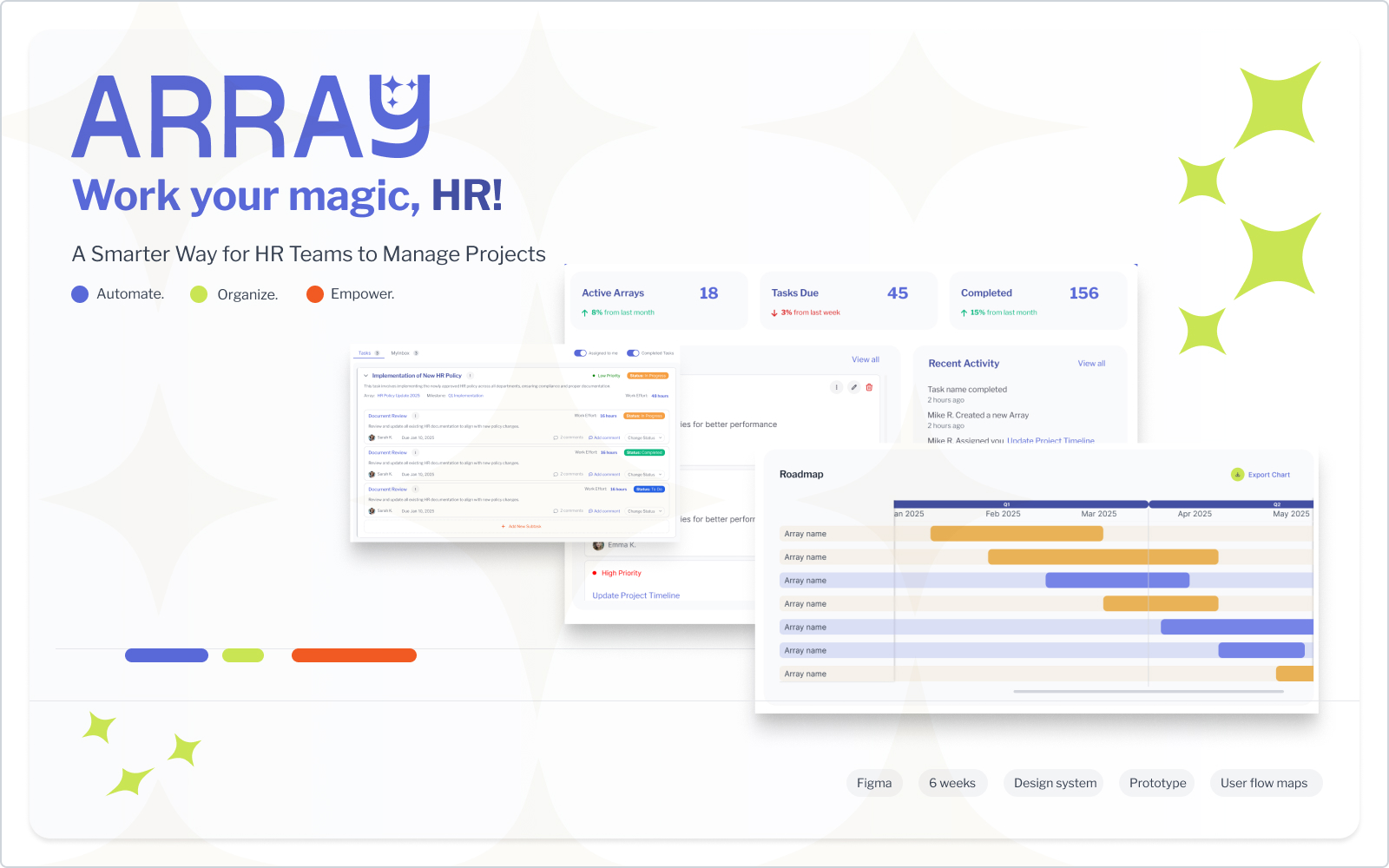
We separated long-term planning - Arrays, from day-to-day task management - Planner. The Arrays give you a high-level view of progress and upcoming deadlines. The Planner is where you organize your week, update tasks, and move things forward.
This dual-view setup gives structure without crowding everything into one screen.
Gantt Chart, Simplified
Most Gantt charts are a mess. We designed ours to be visual and intuitive — just the essentials. Tasks and milestones are color-coded, subtasks can be collapsed, and timelines are editable via drag-and-drop. It’s clean and doesn’t require a manual to use.
Keeping the UI Quiet
The UI is deliberately calm. Soft colors, plenty of white space, and a clean layout help HR teams focus on what matters. The design system was built to support attention, not steal it.
Iteration, Always
We tested early and often. Some users wanted to skip onboarding entirely, while others needed more control over the AI-generated tasks. We adjusted as we went — adding flexibility, improving the Planner, and simplifying the flow.
Every round made the product feel more natural and less like “just another app.”
The Big Picture
At the end of the day, Array is all about helping HR teams work smarter - not harder. It gives them structure when they need it, automation when it helps, and space to make it their own.
No fluff. Just useful tools, built with real users in mind.
Tools used
Share
Reviews
0 reviews
You might also like

Pulse — Music Streaming App with Accessible Light & Dark Mode


Islamic E-Learning Platfrom Dashboard


SiteScope - Progress Tracking App


FlexPay


Mobile Button System


CJM for Co-Working Space - WeWork

Popular Courses

UX Design Foundations


Introduction to Figma

Design Terminology
