Stroke weight
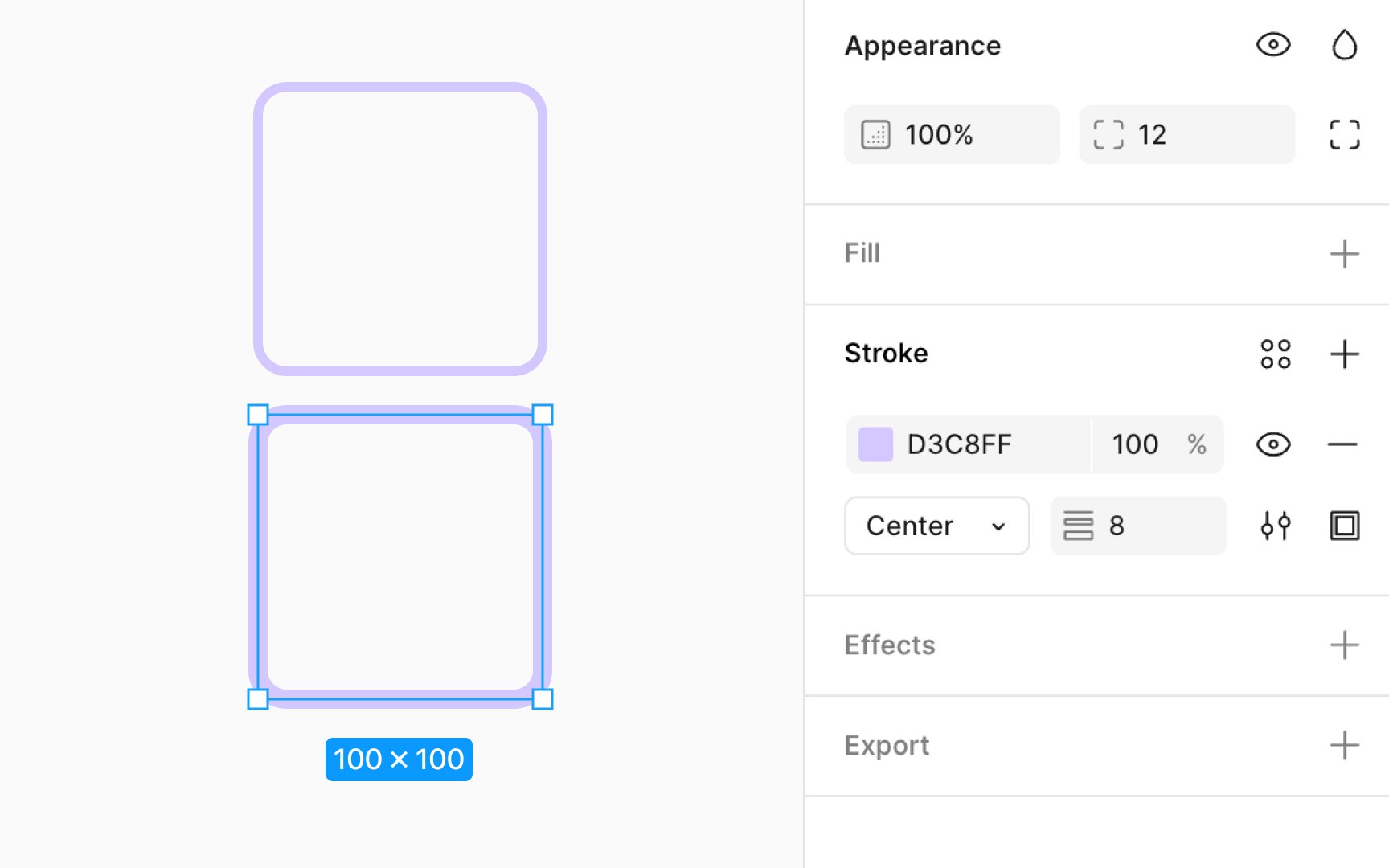
Adjusting stroke weight allows you to modify the thickness of strokes. This adjustment can dramatically impact the visual appeal and readability of your design, enabling fine control over how bold or subtle you want the outlines or borders of your elements to be.
To change the stroke weight:
- Select the layer you wish to modify.
- Navigate to the Design panel’s Stroke section.
- Here, you'll find a numeric input field labeled with an icon that looks like a stack of lines. You can either type in a specific value for the stroke weight or use the up and down arrows on your keyboard within the input field to incrementally adjust the thickness.
- Alternatively, you can click on the Apply variable button next to the numerical input to select an existing stroke variable from your libraries.